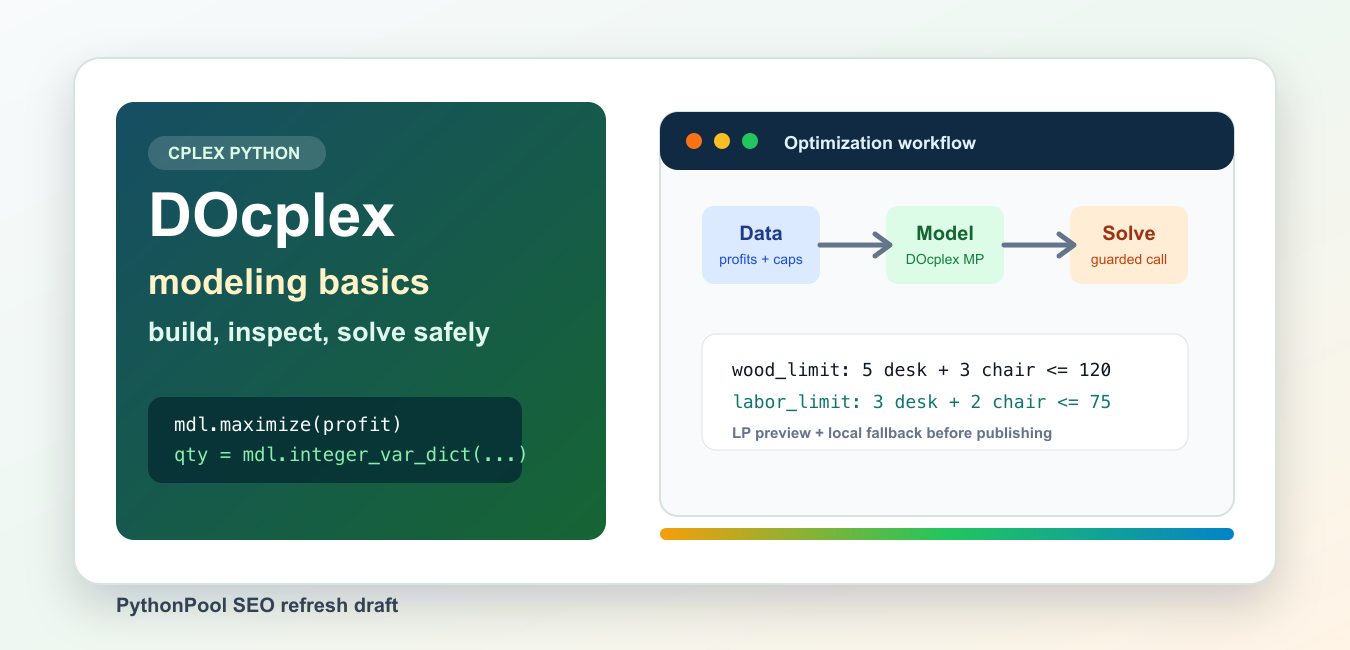
Quick answer: CPLEX provides a Python solver API, while DOcplex offers a higher-level modeling interface for mathematical and constraint programming. Keep the Python environment, CPLEX runtime, model construction, solve status, and solution inspection as separate steps so compatibility or infeasibility is easy to diagnose.
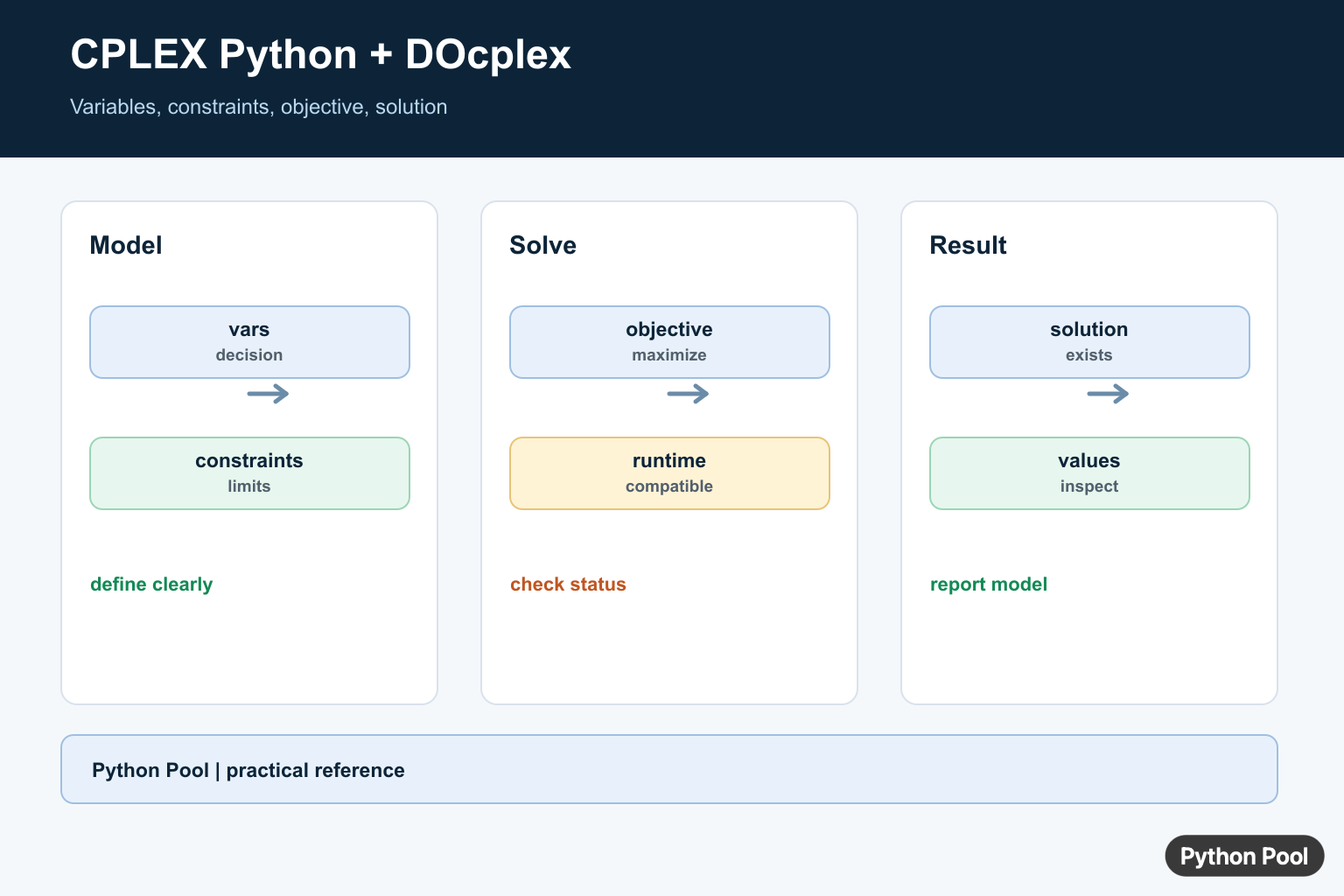
CPLEX Python work usually means one of two layers. The low-level cplex package exposes the CPLEX engine API directly. The higher-level docplex package, especially docplex.mp, gives Python code a cleaner algebraic modeling layer for linear, integer, and mixed-integer optimization models.
For most beginners, DOcplex is the better starting point because a model can be expressed close to the math: create decision quantities, add constraints, set an objective, and solve only when the runtime is ready. The official IBM DOcplex documentation describes Mathematical Programming Modeling for Python through docplex.mp and Constraint Programming through docplex.cp. The DOcplex Model reference documents the central Model class used to create optimization objects, constraints, objectives, and solve operations.
The separate CPLEX Python API reference is useful when you need direct access to engine objects, parameters, or lower-level model data. The docplex PyPI page notes that local solving needs IBM ILOG CPLEX Optimization Studio, while the package itself can still be imported and used for model construction. The cplex PyPI page covers the Python interface to the CPLEX Callable Library and the community package path.
This guide keeps every example safe for a local machine that does not have a CPLEX license. Each optional import is guarded. Code that would solve with DOcplex runs only behind an explicit RUN_CPLEX_DEMO flag, and every example has a pure-Python fallback that still demonstrates the same modeling idea.
Check Package Visibility First
Start by checking the active interpreter. Many CPLEX Python problems are environment problems: a package was installed into another interpreter, a notebook kernel was not restarted, or a local runtime is missing even though the modeling package is present.
from importlib.metadata import PackageNotFoundError, version
from importlib.util import find_spec

def package_status(distribution, module_name):
    try:
        installed = version(distribution)
    except PackageNotFoundError:
        installed = None

    return {
        "distribution": distribution,
        "module_visible": find_spec(module_name) is not None,
        "version": installed or "not installed",
    }

for distribution, module_name in [("docplex", "docplex"), ("cplex", "cplex")]:
    print(package_status(distribution, module_name))
Use python -m pip install docplex for the modeling package and python -m pip install cplex when you need the engine package from PyPI. Keep the command tied to the same interpreter that runs your script. If your organization uses the full Optimization Studio runtime, follow IBM’s setup notes for that installation instead of mixing several package sources at random.
Keep Data Separate From The Model
A clean optimization script separates input data from modeling logic. That makes the model easier to test without a solver and easier to reuse when data comes from CSV files, APIs, or databases.
products = {
    "desk": {"profit": 90, "wood": 5, "labor": 3},
    "chair": {"profit": 55, "wood": 3, "labor": 2},
}
limits = {"wood": 120, "labor": 75}

def validate_plan_inputs(items, caps):
    missing = [name for name, row in items.items() if set(caps) - set(row)]
    if missing:
        raise ValueError(f"missing resource data for: {missing}")
    if any(cap < 0 for cap in caps.values()):
        raise ValueError("resource limits must be non-negative")
    return sorted(items)

print(validate_plan_inputs(products, limits))
print(sum(row["profit"] for row in products.values()))
The small product table is enough for a tutorial. In production, use named records, typed objects, or validated dictionaries so units are clear. A resource limit such as labor hours should not be mixed with minutes or shifts unless the conversion is explicit.
Build A DOcplex Model Without Solving
You can build a DOcplex model and inspect its shape without asking CPLEX to solve it. That is useful for unit tests, code review, and machines that do not have a licensed runtime.
def best_plan_bruteforce(items, caps):
    best = {"profit": -1, "plan": {}}
    for desks in range(0, 50):
        for chairs in range(0, 50):
            plan = {"desk": desks, "chair": chairs}
            wood = sum(items[name]["wood"] * count for name, count in plan.items())
            labor = sum(items[name]["labor"] * count for name, count in plan.items())
            if wood <= caps["wood"] and labor <= caps["labor"]:
                profit = sum(items[name]["profit"] * count for name, count in plan.items())
                if profit > best["profit"]:
                    best = {"profit": profit, "plan": plan}
    return best

products = {
    "desk": {"profit": 90, "wood": 5, "labor": 3},
    "chair": {"profit": 55, "wood": 3, "labor": 2},
}
limits = {"wood": 120, "labor": 75}

try:
    from docplex.mp.model import Model
except ModuleNotFoundError:
    model_summary = "DOcplex not installed; fallback used."
else:
    mdl = Model(name="furniture_plan", checker="numeric")
    qty = mdl.integer_var_dict(products, lb=0, name="qty")
    mdl.maximize(sum(products[name]["profit"] * qty[name] for name in products))
    for resource, cap in limits.items():
        mdl.add_constraint(
            sum(products[name][resource] * qty[name] for name in products) <= cap,
            ctname=f"{resource}_limit",
        )
    model_summary = f"{mdl.name}: {len(list(mdl.iter_constraints()))} constraints"

print(model_summary)
print(best_plan_bruteforce(products, limits))
The fallback enumerates a small integer plan so the example is executable anywhere. The DOcplex part mirrors the same business rules but stops before solve(). That boundary matters: building a model is local Python work, while solving depends on the configured engine, license, community limits, and problem size.
Export A Simple LP Text Preview
When reviewing a model, a plain LP-style preview can reveal naming mistakes and coefficient errors. DOcplex can export richer model text, but a small pure-Python preview is enough to explain the structure without requiring any package.
products = {
    "desk": {"profit": 90, "wood": 5, "labor": 3},
    "chair": {"profit": 55, "wood": 3, "labor": 2},
}
limits = {"wood": 120, "labor": 75}

def linear_terms(items, key):
    return " + ".join(f"{row[key]} qty_{name}" for name, row in items.items())

def lp_preview(items, caps):
    lines = [
        "Maximize",
        "  profit: " + linear_terms(items, "profit"),
        "Subject To",
    ]
    for resource, cap in caps.items():
        lines.append(f"  {resource}_limit: {linear_terms(items, resource)} <= {cap}")
    lines.extend(["Bounds", "  qty_desk >= 0", "  qty_chair >= 0", "Generals", "  qty_desk qty_chair", "End"])
    return "\n".join(lines)

print(lp_preview(products, limits))
LP text is not a replacement for tests, but it is a strong sanity check. If a coefficient is missing, a constraint has the wrong direction, or a name is misspelled, the exported form often makes the issue obvious before the solver is involved.
Guard Real Solve Calls
Keep solve calls behind a deliberate switch in tutorials, CI jobs, and shared examples. A guard prevents accidental license checks and avoids confusing readers who only want to learn model construction.
import os

def fallback_plan():
    return {"desk": 15, "chair": 15, "profit": 2175}

def solve_with_docplex_when_enabled():
    if os.environ.get("RUN_CPLEX_DEMO") != "1":
        return None, "real solve skipped; set RUN_CPLEX_DEMO=1 to opt in"

    try:
        from docplex.mp.model import Model
    except ModuleNotFoundError:
        return None, "DOcplex is not installed"

    products = {
        "desk": {"profit": 90, "wood": 5, "labor": 3},
        "chair": {"profit": 55, "wood": 3, "labor": 2},
    }
    limits = {"wood": 120, "labor": 75}

    mdl = Model(name="guarded_furniture_plan", checker="numeric")
    qty = mdl.integer_var_dict(products, lb=0, name="qty")
    mdl.maximize(sum(products[name]["profit"] * qty[name] for name in products))
    for resource, cap in limits.items():
        mdl.add_constraint(sum(products[name][resource] * qty[name] for name in products) <= cap)

    answer = mdl.solve(log_output=False)
    if answer is None:
        return None, "no feasible answer returned"
    return {name: int(answer.get_value(qty[name])) for name in products}, "solved with DOcplex"

plan, status = solve_with_docplex_when_enabled()
print(status)
print(plan or fallback_plan())
The example prints a fallback plan unless the opt-in flag is set. In your own project, keep the guard close to the solve call and log enough context to identify the model, data version, and parameter choices. Do not hide solver configuration in a large helper with surprising defaults.
Know When To Use The Low-Level API
The low-level cplex package is appropriate when you need direct engine control, advanced callbacks, or compatibility with older CPLEX-oriented code. For normal business modeling, DOcplex is usually easier to read and maintain.
from importlib.util import find_spec

def cplex_runtime_summary():
    if find_spec("cplex") is None:
        return {"cplex": "not installed", "mode": "fallback only"}

    import cplex

    details = {"cplex": getattr(cplex, "__version__", "installed")}
    try:
        handle = cplex.Cplex()
        handle.set_problem_name("empty_check")
        details["status"] = "empty Cplex object created"
        handle.end()
    except Exception as exc:
        details["status"] = f"not ready for local use: {exc.__class__.__name__}"
    return details

print(cplex_runtime_summary())
This check intentionally avoids adding model columns or solving. It only tells you whether Python can import the package and create a minimal engine object. If that fails, fix the environment before debugging the model.
The practical workflow is straightforward. Use DOcplex for most modeling code, keep input data validated, export or inspect the model before solving, and guard real solve calls in examples. Reach for the low-level CPLEX Python API only when you need engine-specific control that the modeling layer does not expose cleanly.
Install And Verify The Environment
Install compatible cplex and docplex packages in the interpreter that will run the model. Verify imports and versions before writing a large model; a package installed into a different virtual environment can look like a modeling failure.
import sys

print(sys.executable)
try:
    import cplex
    import docplex
except ImportError as error:
    raise RuntimeError("install CPLEX and DOcplex in this interpreter") from error

print(cplex.__version__)
print(docplex.__version__)
Build A DOcplex Model
A DOcplex model makes variables, constraints, and an objective explicit. The example below chooses how many units to produce under a resource limit; keep units and coefficient meanings documented in real models.
from docplex.mp.model import Model

model = Model(name="production")
x = model.continuous_var(lb=0, name="units")
model.add_constraint(2 * x <= 10, ctname="resource")
model.maximize(5 * x)
solution = model.solve(log_output=False)
if solution is None:
    raise RuntimeError("model has no available solution")
print(solution.objective_value, x.solution_value)
Check Feasibility And Status
A solver returning no solution does not prove the code is wrong. The model may be infeasible, the runtime may be unavailable, or a license and size limit may apply. Report status and inspect constraints before reading variable values.
from docplex.mp.model import Model

model = Model(name="bounded")
x = model.integer_var(lb=0, ub=10, name="x")
model.add_constraint(x >= 3)
model.maximize(x)
solution = model.solve()
print(model.solve_details.status)
if solution:
    print(solution.get_value(x))
Separate Model And Runtime Concerns
Use DOcplex for readable model construction when it fits the workflow, and use the lower-level CPLEX API when fine-grained solver control is required. Pin compatible versions, keep data loading separate, and write a small smoke model before deploying a large optimization job.
from docplex.mp.model import Model

model = Model(name="smoke")
y = model.binary_var(name="y")
model.add_constraint(y <= 1)
model.maximize(y)
assert model.solve() is not None
print(model.objective_value)
IBM’s CPLEX Python setup guide distinguishes the CPLEX API from the object-oriented DOcplex modeling API. Install and test the runtime before interpreting a model result.
For related numerical modeling, compare NumPy means, SciPy solvers, and optimization algorithms when deciding how a model should be solved and validated.
Frequently Asked Questions
What is the difference between CPLEX and DOcplex?
The CPLEX Python API is a lower-level interface to the solver, while DOcplex provides a higher-level object-oriented modeling API.
How do I install CPLEX for Python?
Install compatible cplex and docplex packages in the active environment, then verify imports and the available runtime before building a model.
Why does a CPLEX Python model fail to solve?
Check package and Python compatibility, license or runtime availability, model feasibility, and the solver status rather than assuming the model is optimal.
How do I inspect a DOcplex solution?
Check solve() returned a solution, then read objective_value and variable values while handling infeasible or interrupted statuses explicitly.
