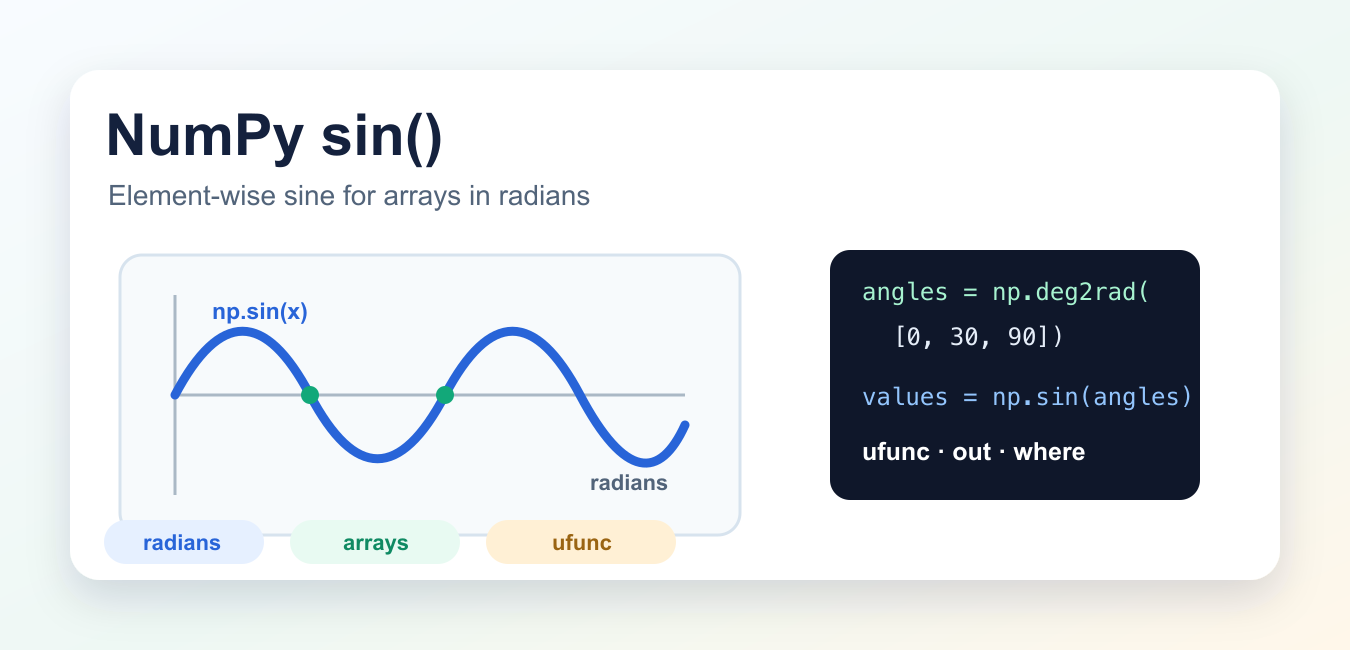
numpy.sin() calculates the trigonometric sine element by element. It accepts a scalar, a Python sequence, or an array and returns a NumPy result with the same broadcasted shape. The most important detail is the unit: np.sin() expects angles in radians, not degrees.
Quick answer
Call np.sin(x) for scalar or array inputs in radians. Convert degree data with np.deg2rad(degrees) first. Use out to reuse an output array and where for a masked calculation. The official NumPy sin reference documents the ufunc signature and broadcasting behavior.
Calculate sine for one value
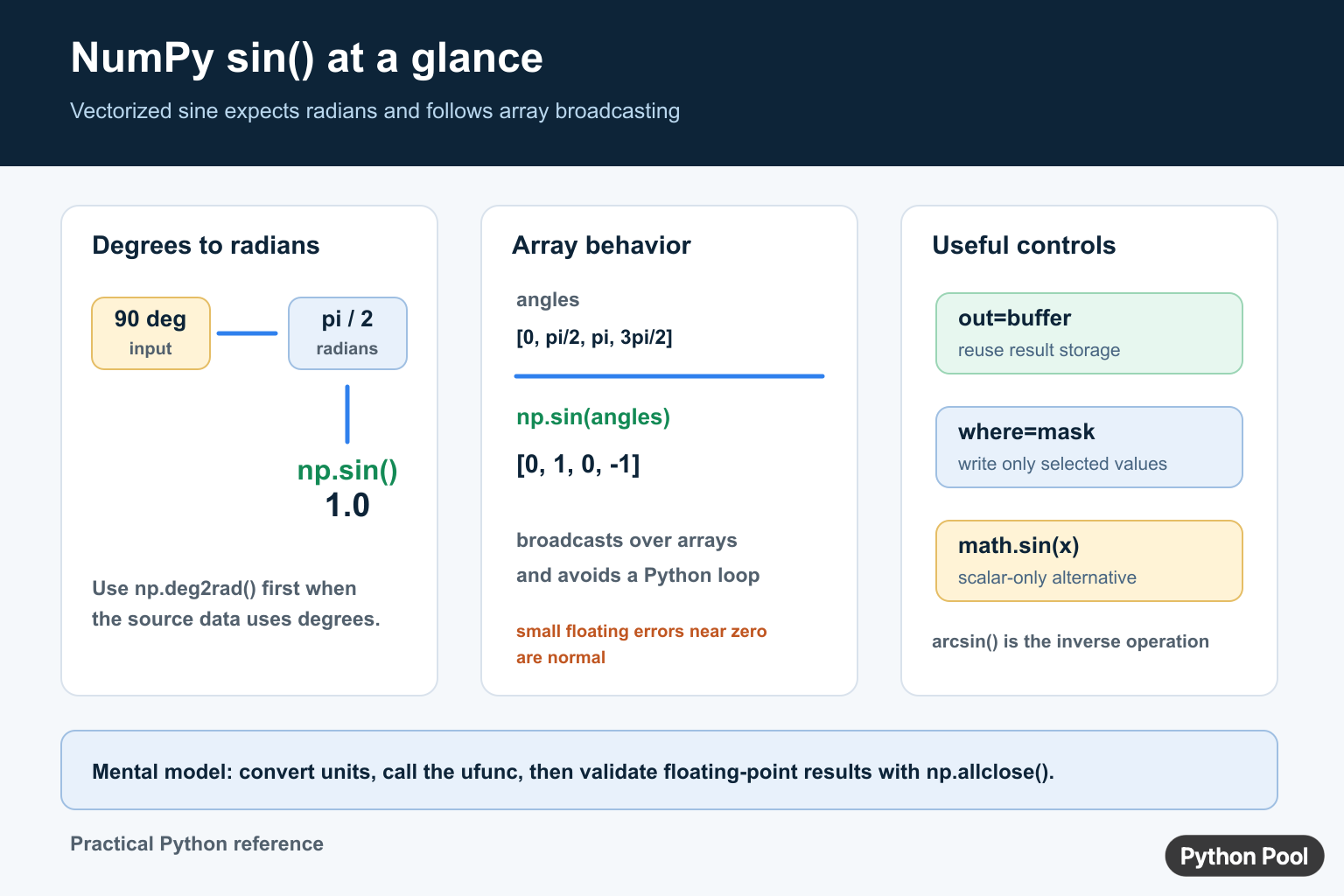
NumPy stores common angle constants such as np.pi. Since 90 degrees equals pi / 2 radians, its sine is approximately 1.
import numpy as np

value = np.sin(np.pi / 2)
print(value)
Floating-point arithmetic can produce a tiny value such as 1.2246468e-16 where the mathematical answer is zero. Compare calculated values with a tolerance instead of using exact equality.
Apply sin to an array
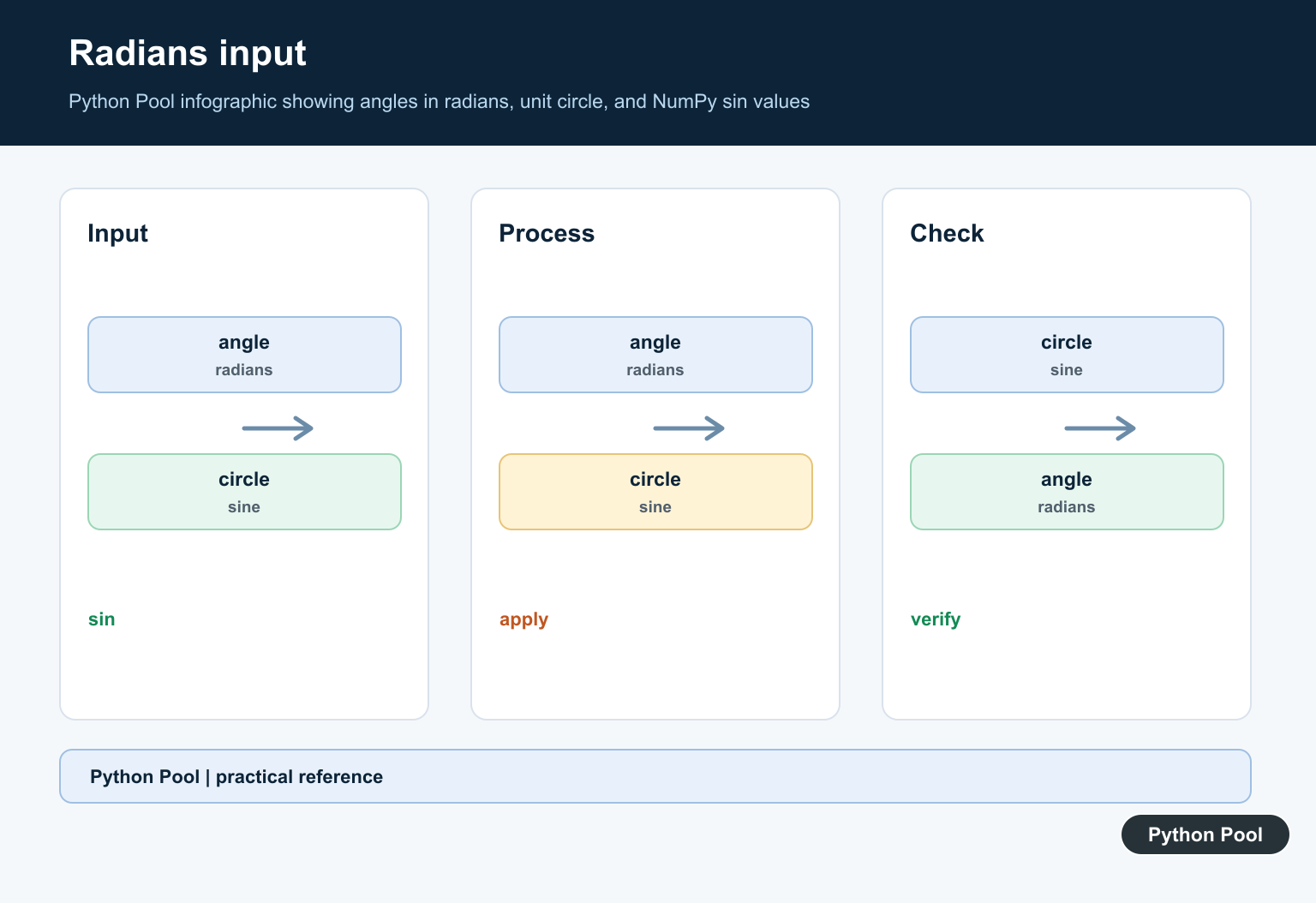
np.sin() is a universal function, so it applies the operation element by element and follows NumPy broadcasting rules.
import numpy as np

angles = np.array([0, np.pi / 2, np.pi, 3 * np.pi / 2])
values = np.sin(angles)

print(values)
The output shape follows the input shape. For multidimensional arrays, the sine is still calculated element by element. If two arrays are combined before the call, make sure their shapes are broadcast-compatible.
Convert degrees before calling np.sin
Passing degrees directly produces the sine of those numbers interpreted as radians. Convert explicitly so the unit is visible to the next reader.
import numpy as np

degrees = np.array([0, 30, 45, 60, 90])
radians = np.deg2rad(degrees)
values = np.sin(radians)

print(values)
np.deg2rad() is equivalent to multiplying by np.pi / 180, but the named function makes the unit conversion self-documenting. Use the same unit policy for every angle in a calculation.
Reuse storage with out
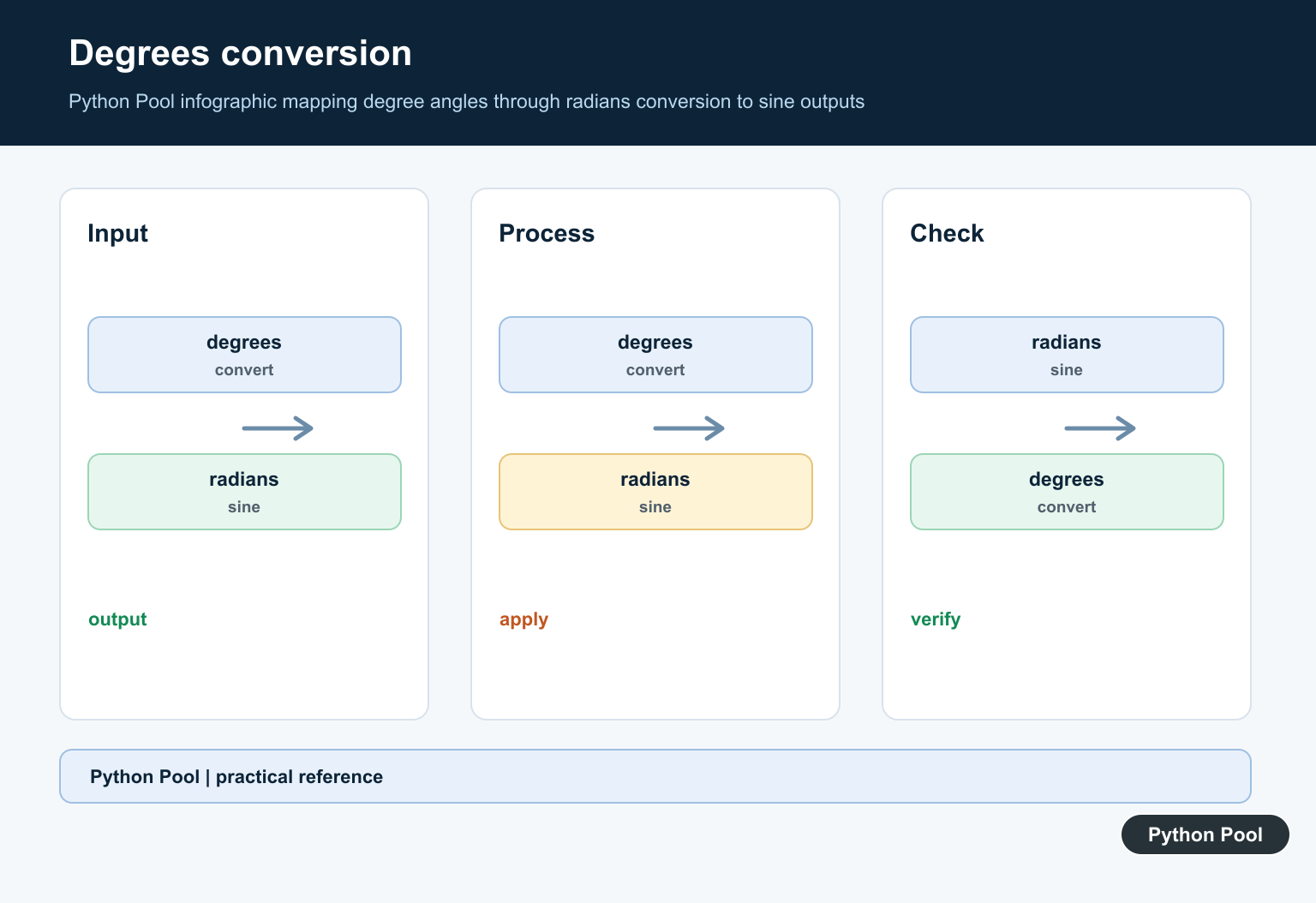
The optional out argument stores results in an existing array. This can reduce temporary allocations in a repeated numerical pipeline, but the buffer must have a compatible shape and dtype.
import numpy as np

angles = np.array([0.0, np.pi / 2, np.pi])
result = np.empty_like(angles)
np.sin(angles, out=result)

print(result)
When an output array is reused, treat it as mutable state. Document who owns it and whether later code is allowed to change it.
Use where for a mask
where controls the positions at which the ufunc writes. If no output array is supplied, positions excluded by the mask may remain uninitialized. Initialize the output first when those positions need a defined value.
import numpy as np

angles = np.array([0.0, np.pi / 2, np.pi])
valid = np.array([True, True, False])
result = np.full(angles.shape, np.nan)
np.sin(angles, out=result, where=valid)

print(result)
Compare np.sin with related functions
Use math.sin() for a scalar Python number when NumPy is not otherwise needed. Use np.arcsin() for the inverse sine, whose input must be in the function’s valid domain for real-valued results. Use np.allclose() when checking expected floating-point output.
Understand dtype and broadcasting
NumPy chooses an output dtype appropriate for the input and operation. Integer angles are converted to a floating result, while floating inputs retain a compatible floating representation. For large arrays, be explicit about the dtype when memory usage or downstream precision is part of the contract.
Broadcasting lets a scalar or lower-dimensional angle array participate in an element-wise operation with a larger array when their shapes are compatible. Broadcasting does not mean that unrelated shapes are accepted. Inspect angles.shape and the shape of any companion data before relying on an implicit expansion.
import numpy as np

phase = np.array([0.0, np.pi / 2])
offset = np.pi / 4
values = np.sin(phase + offset)
print(values.shape)
Generate a sine wave
A common use is producing a smooth set of samples for a plot or simulation. Use np.linspace() to choose the sample interval in radians, then apply the ufunc to the complete array. The sampling density should reflect the frequency and the visual or numerical accuracy required by the application.
import numpy as np

angles = np.linspace(0, 2 * np.pi, 200)
wave = np.sin(angles)
print(wave.min(), wave.max())
For a time-based signal, keep the unit conversion separate from the frequency calculation. A clear variable name such as angular_radians prevents a later refactor from mixing cycles, degrees, and radians.
Handle masked results deliberately
The where parameter is useful for avoiding invalid or unwanted positions, but it does not automatically fill skipped positions when no initialized output is supplied. Initialize the output with a sentinel such as np.nan, or copy the original values into the buffer before applying the mask.
For arrays containing missing data, compare np.sin() with a mask or use a separate validity array that documents which result positions are meaningful. Do not confuse a masked computation with a mathematical statement that the excluded sine values are zero.
Test floating-point results
Trigonometric functions are evaluated with finite-precision numbers. Values at angles such as pi can be very close to zero without being bit-for-bit zero. Use np.isclose() for a scalar comparison and np.allclose() for an array comparison, choosing tolerances that match the scale and error budget of the application.
For complex inputs, NumPy returns a complex result rather than silently discarding the imaginary part. If your code expects real data, validate the input domain and dtype before the call. Clear input contracts make a numerical pipeline much easier to audit.
When input values come from a file or a user interface, record the unit beside the field rather than assuming that a column named angle is self-explanatory. A short conversion at the boundary is safer than scattering degree-to-radian multiplication throughout a project. It also makes tests easier to write because the conversion and the trigonometric operation can be checked independently.
That unit contract should be part of a function’s documentation and test fixtures, not just a comment near one call site.
For related numerical patterns, see the guides to NumPy standard deviation, NumPy asarray(), and NumPy clip().
Frequently Asked Questions
Does NumPy sin use degrees or radians?
NumPy sin expects radians, so convert degree values with np.deg2rad() before calling np.sin().
How do I apply np.sin to an array?
Pass a NumPy array to np.sin(); the ufunc computes the sine element by element and follows broadcasting rules.
What does the out argument do in np.sin()?
out stores the result in an existing compatible array, which can reduce temporary allocations in repeated calculations.
Why is np.sin(pi) not exactly zero?
Floating-point trigonometry can produce a tiny rounding value, so use np.allclose() instead of exact equality.
