Quick answer: Use zipfile.ZipFile to inspect and extract ZIP members, but treat archives as untrusted input. Validate member paths against the intended destination, extract only what the application needs, and handle bad archives, passwords, and oversized files explicitly.
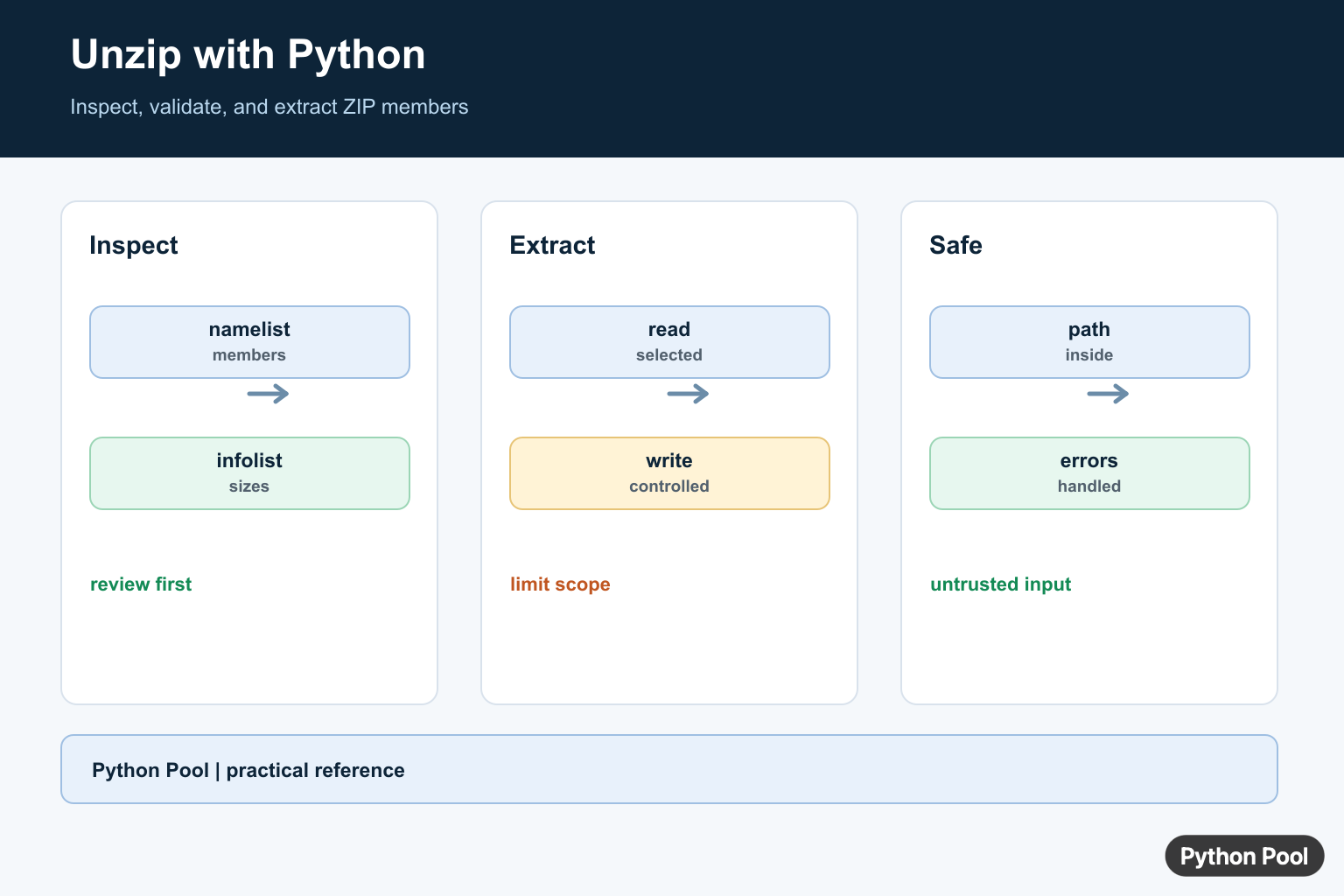
Python can unzip files with the standard-library zipfile module. The usual workflow is to open a ZIP archive with ZipFile, inspect the members, choose an output directory, and extract only after the destination paths are checked.
The official references are the Python documentation for zipfile, pathlib, and tempfile.
A ZIP file is just a container of named members. Those names can include folders, and they can also come from outside your program. Treat member names as input, not as trusted local paths. Before extracting, resolve the final path under a known output directory and reject anything that would land elsewhere.
The examples below create ZIP files inside temporary directories before reading or extracting them. That keeps the examples safe to run, repeatable, and independent of files on your computer.
For day-to-day scripts, prefer pathlib.Path for path joins and checks. It keeps the archive path, output path, parent folders, and resolved safety checks in one readable style.
Unzip A File To A Folder
extractall() extracts every member from an archive. Check the resolved destination for every member first, then extract into a folder you created for that job.
from pathlib import Path
from tempfile import TemporaryDirectory
from zipfile import ZipFile

def is_safe_member(root, name):
    target = (root / name).resolve()
    return target == root or root in target.parents

with TemporaryDirectory() as folder:
    work = Path(folder)
    zip_path = work / "reports.zip"
    extract_to = work / "extracted"

    with ZipFile(zip_path, "w") as archive:
        archive.writestr("reports/january.txt", "sales\n")
        archive.writestr("reports/february.txt", "costs\n")

    extract_to.mkdir()
    with ZipFile(zip_path) as archive:
        root = extract_to.resolve()
        for name in archive.namelist():
            if not is_safe_member(root, name):
                raise ValueError(f"Unsafe ZIP member: {name}")
        archive.extractall(extract_to)

    extracted = sorted(
        path.relative_to(extract_to).as_posix()
        for path in extract_to.rglob("*")
        if path.is_file()
    )
    print(extracted)
The safety helper resolves the final destination before extraction. A normal member such as reports/january.txt stays under the output folder, so it is allowed.
This pattern is a practical default when the archive comes from a user upload, an email attachment, a build system, or a remote service. It is a few extra lines, but those lines make the extraction boundary explicit.
List ZIP Members Before Extracting
Sometimes you need to inspect an archive before writing anything to disk. infolist() returns metadata such as member names, compressed sizes, and original file sizes.
from pathlib import Path
from tempfile import TemporaryDirectory
from zipfile import ZipFile

with TemporaryDirectory() as folder:
    zip_path = Path(folder) / "dataset.zip"

    with ZipFile(zip_path, "w") as archive:
        archive.writestr("docs/readme.txt", "Read me\n")
        archive.writestr("data/counts.csv", "name,count\nred,3\n")

    with ZipFile(zip_path) as archive:
        for info in archive.infolist():
            member = Path(info.filename)
            if member.is_absolute() or ".." in member.parts:
                raise ValueError(f"Unsafe member name: {info.filename}")
            print(info.filename, info.file_size)
Listing first is useful for logging, validation, progress displays, and allow-list rules. You might accept only text files, only one top-level folder, or only names that match a known export format.
Do not use the member name as a local path without checking it. The name is archive data. It should become a filesystem path only after your code has decided that the resolved target belongs under the extraction root.
Reject Unsafe Archive Paths
A member name such as ../outside.txt should not be extracted. The safest response is to detect it before any member is written, then stop the extraction.
from pathlib import Path
from tempfile import TemporaryDirectory
from zipfile import ZipFile

def safe_zip_target(root, member_name):
    root = root.resolve()
    target = (root / member_name).resolve()
    if target != root and root not in target.parents:
        raise ValueError(f"Blocked ZIP member: {member_name}")
    return target

with TemporaryDirectory() as folder:
    work = Path(folder)
    zip_path = work / "mixed.zip"
    destination = work / "safe-output"
    destination.mkdir()

    with ZipFile(zip_path, "w") as archive:
        archive.writestr("good/data.txt", "ok\n")
        archive.writestr("../outside.txt", "no\n")

    try:
        with ZipFile(zip_path) as archive:
            for name in archive.namelist():
                safe_zip_target(destination, name)
            archive.extractall(destination)
    except ValueError as exc:
        print(exc)

    print((work / "outside.txt").exists())
The example deliberately creates a risky member name inside a temporary ZIP file, then refuses it. The final print shows that the outside path was not created.
Checking the whole archive before extraction is better than extracting member by member and discovering a problem halfway through. It leaves the output folder in a clearer state when validation fails.
Read A File Without Extracting
You do not always need to unzip everything. ZipFile.open() reads one member as a file-like object, which is useful for config files, manifests, small text files, or quick inspections.
from pathlib import Path
from tempfile import TemporaryDirectory
from zipfile import ZipFile

with TemporaryDirectory() as folder:
    zip_path = Path(folder) / "notes.zip"

    with ZipFile(zip_path, "w") as archive:
        archive.writestr("notes/todo.txt", "check paths\nextract later\n")

    member_name = "notes/todo.txt"
    member = Path(member_name)
    if member.is_absolute() or ".." in member.parts:
        raise ValueError(f"Unsafe member name: {member_name}")

    with ZipFile(zip_path) as archive:
        with archive.open(member_name) as handle:
            text = handle.read().decode("utf-8")

    print(text.splitlines()[0])
Reading directly avoids unnecessary files on disk. It also gives you a chance to inspect the archive contents before deciding whether extraction is needed at all.
When reading text from a ZIP member, decode bytes with the encoding your data uses. UTF-8 is a common default for modern text exports, but older systems may use another encoding.
Extract Only Selected Files
For larger archives, extract only the members your program needs. You can filter names, check paths, create parent folders, and copy bytes from the archive member to the final file.
from pathlib import Path
from tempfile import TemporaryDirectory
from zipfile import ZipFile

def safe_output_path(root, member_name):
    root = root.resolve()
    target = (root / member_name).resolve()
    if target != root and root not in target.parents:
        raise ValueError(f"Unsafe ZIP member: {member_name}")
    return target

with TemporaryDirectory() as folder:
    work = Path(folder)
    zip_path = work / "logs.zip"
    output = work / "selected"
    output.mkdir()

    with ZipFile(zip_path, "w") as archive:
        archive.writestr("logs/app.txt", "started\n")
        archive.writestr("logs/debug.tmp", "skip\n")
        archive.writestr("charts/summary.svg", "skip\n")

    with ZipFile(zip_path) as archive:
        for info in archive.infolist():
            if not info.filename.endswith(".txt"):
                continue
            target = safe_output_path(output, info.filename)
            target.parent.mkdir(parents=True, exist_ok=True)
            with archive.open(info) as source, target.open("wb") as target_file:
                target_file.write(source.read())

    print(sorted(path.name for path in output.rglob("*") if path.is_file()))
This approach is useful when a ZIP contains logs, generated artifacts, and metadata but your program needs only one category. It also makes the overwrite policy easy to place near the write step.
For very large files, stream in chunks instead of reading the whole member at once. The path check remains the same; only the copy loop changes.
Handle Bad ZIP Files
A file with a .zip suffix may still be corrupt or not be a ZIP archive at all. Use is_zipfile() for a quick check, and catch BadZipFile around the real open step.
from pathlib import Path
from tempfile import TemporaryDirectory
from zipfile import BadZipFile, ZipFile, is_zipfile

with TemporaryDirectory() as folder:
    bad_path = Path(folder) / "broken.zip"
    bad_path.write_text("not a zip archive\n", encoding="utf-8")

    print(is_zipfile(bad_path))
    try:
        with ZipFile(bad_path) as archive:
            print(archive.namelist())
    except BadZipFile:
        print("bad zip file")
Validation should happen before extraction, but it should not replace error handling. Between the check and the open call, the file might change, be truncated, or fail because of permissions.
The practical rule is to create a known output directory, inspect member names, resolve every target path under that directory, and extract only after those checks pass. Use ZipFile.open() when you only need to read one member, and catch BadZipFile when the archive might be invalid.
List ZIP Members
namelist() gives names, while infolist() adds metadata such as compressed and uncompressed sizes. Inspect the archive before extraction so an application can reject unexpected entries or resource costs.
from zipfile import ZipFile

with ZipFile("bundle.zip") as archive:
    for info in archive.infolist():
        print(info.filename, info.file_size, info.compress_size)
Extract Selected Files
extract() or read() lets a workflow select known members instead of unpacking an entire archive. Create a controlled destination and check the returned path or content before passing it to downstream code.
from pathlib import Path
from zipfile import ZipFile

out = Path("unpacked")
out.mkdir(exist_ok=True)
with ZipFile("bundle.zip") as archive:
    data = archive.read("config.json")
    (out / "config.json").write_bytes(data)
print((out / "config.json").exists())
Prevent Path Traversal
Archive names can contain parent-directory components or absolute paths. Resolve the target and confirm it remains inside the extraction directory before writing, especially when the archive is supplied by a user.
from pathlib import Path
from zipfile import ZipFile

def safe_target(root, member):
    root = root.resolve()
    target = (root / member).resolve()
    if target != root and root not in target.parents:
        raise ValueError(f"unsafe archive member: {member}")
    return target

root = Path("unpacked")
root.mkdir(exist_ok=True)
with ZipFile("bundle.zip") as archive:
    for info in archive.infolist():
        target = safe_target(root, info.filename)
        if info.is_dir():
            target.mkdir(parents=True, exist_ok=True)
        else:
            target.parent.mkdir(parents=True, exist_ok=True)
            target.write_bytes(archive.read(info))
Handle Errors And Passwords
BadZipFile identifies malformed input, while RuntimeError can indicate a password is required or incorrect. Passwords should come from a protected secret source and should not be logged with archive names or errors.
from zipfile import BadZipFile, ZipFile

try:
    with ZipFile("bundle.zip") as archive:
        data = archive.read("private.txt", pwd=b"secret")
except BadZipFile:
    print("invalid ZIP archive")
except RuntimeError:
    print("password or ZIP encryption problem")
The official zipfile documentation covers ZipFile, member metadata, extraction, passwords, and exceptions. Validate untrusted paths before writing them to disk.
For related archive and file operations, compare gzip compression, renaming files, and directory iteration when the extraction workflow must continue into filesystem processing.
Frequently Asked Questions
How do I unzip a file in Python?
Open the archive with zipfile.ZipFile and call extractall() or extract() for selected members.
How do I list files inside a ZIP archive?
Call namelist() or use infolist() when sizes, timestamps, and metadata are needed before extraction.
Is zipfile.extractall() safe for untrusted archives?
Not without validation; archive members can contain paths that escape the intended directory, so validate names and extract to a controlled location.
How do I handle a password-protected ZIP?
Pass the password as bytes through the pwd argument when the archive uses supported ZIP encryption, and treat bad passwords as an expected error.
