
Quick answer: A responsible Python web crawler has an explicit URL scope, robots.txt handling, timeouts, rate limits, retries with backoff, caching, robust parsing, structured output, and a policy for personal data and failures. It should stop predictably instead of crawling without bounds.
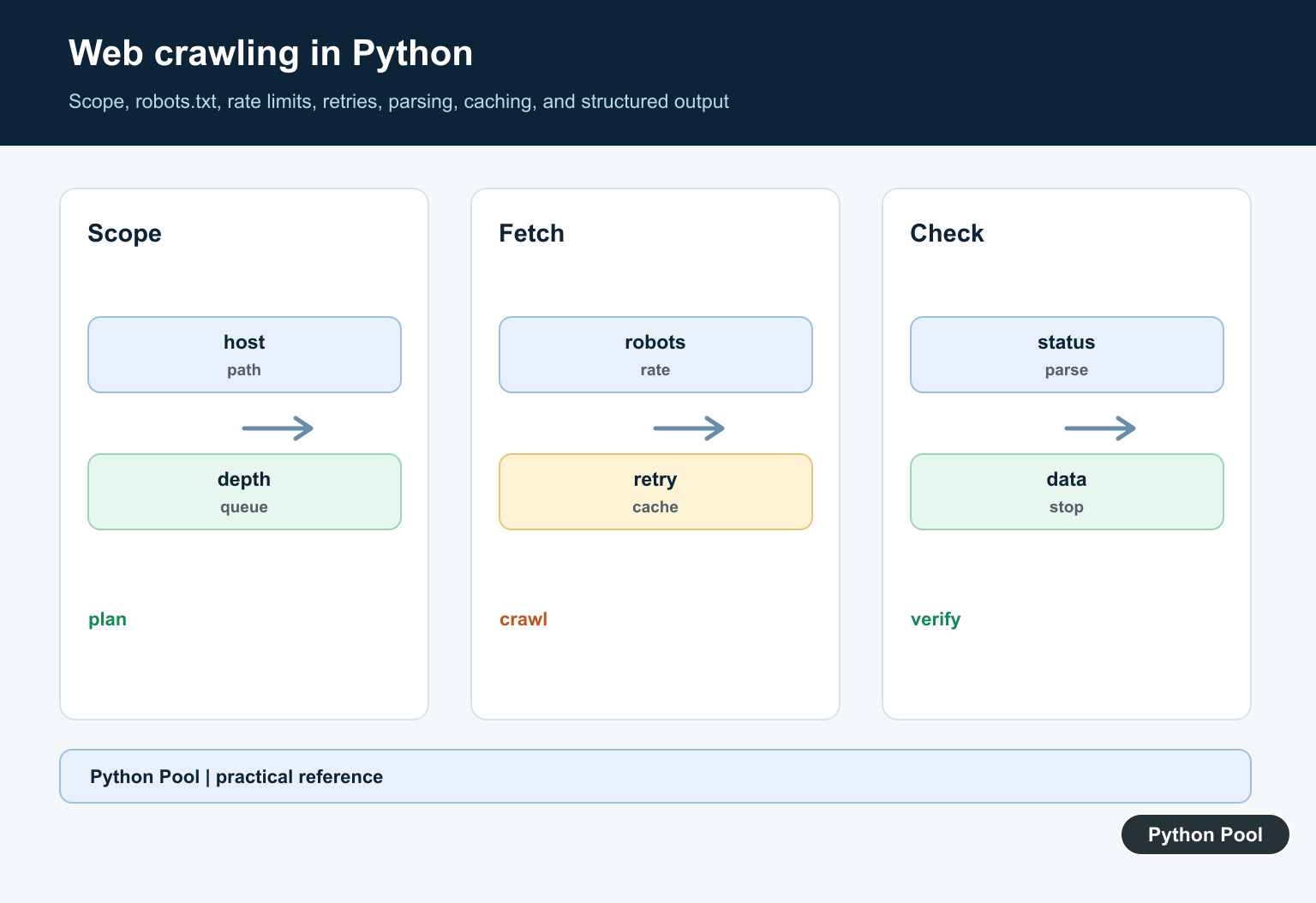
Web crawling in Python means starting from one or more URLs, fetching pages, finding links, and deciding which links to visit next. A crawler is different from a one-page scraper because it follows site structure over time. That makes politeness, limits, and URL normalization as important as the fetch code.
The Python standard library gives you useful crawler building blocks. urllib.request can open URLs, urllib.parse can combine and inspect URLs, and urllib.robotparser can read robots.txt rules.
For production crawling, start with a strict scope. Decide the allowed host, maximum pages, maximum depth, delay between requests, and what content types you will parse. These limits prevent accidental broad crawls and make failures easier to debug.
The examples below use small pieces of crawler logic rather than a full crawler framework. They show the decisions every crawler needs: check access, fetch carefully, extract links, normalize links, deduplicate, and stop at a defined crawl budget.
Keep the first version small. A crawler that visits ten pages predictably is more useful than one that tries to cover an entire site without logging, retries, or limits.
Check robots.txt Before Fetching
Python’s RobotFileParser answers whether a user agent may fetch a URL according to the site’s robots.txt file.
from urllib.robotparser import RobotFileParser

robots = RobotFileParser()
robots.set_url("https://example.com/robots.txt")
robots.read()

allowed = robots.can_fetch("PythonPoolExampleBot", "https://example.com/docs/")
print(allowed)
A True result does not guarantee that a site welcomes high-volume traffic. It only answers the parsed robots rule for that URL and user agent.
Still, this check should happen before fetching pages. It is much easier to design the crawler around allowed paths than to clean up after a crawler visits blocked sections.
For long-running crawlers, refresh robots.txt periodically. Python’s parser exposes metadata helpers such as fetch time and optional crawl-delay values when the file provides them.
Fetch A Page With A User Agent
Send a descriptive user agent and keep requests small while testing. This example uses urllib.request and reads the response as text.
from urllib.request import Request, urlopen

request = Request(
    "https://example.com/",
    headers={"User-Agent": "PythonPoolExampleBot/1.0"},
)

with urlopen(request, timeout=10) as response:
    html_text = response.read().decode("utf-8", errors="replace")

print(html_text[:120])
Real crawlers should handle timeouts, redirects, non-HTML responses, and HTTP errors. Keep a log of skipped URLs so crawl results can be reviewed later.
Do not fetch pages as fast as a loop can run. Add delays, cache already-seen URLs, and stop after the configured page limit.
Also check the response content type before parsing. A crawler intended for HTML should skip large files, feeds, archives, and other responses outside the planned scope.
Extract Links From HTML
For simple examples, a small HTML parser can collect anchor links. For messy web pages, use a mature parser such as Beautiful Soup or a crawler framework.
from html.parser import HTMLParser

class LinkParser(HTMLParser):
    def __init__(self):
        super().__init__()
        self.links = []

    def handle_starttag(self, tag, attrs):
        if tag == "a":
            href = dict(attrs).get("href")
            if href:
                self.links.append(href)

parser = LinkParser()
parser.feed('<a href="/docs/">Docs</a><a href="/">Home</a>')
print(parser.links)
This only extracts raw link values. The crawler still needs to turn relative links into absolute URLs and decide which ones are in scope.
If you are parsing visible text from pages, the Python split guide covers basic text splitting after content has already been collected.
Normalize And Keep Same-Host Links
Use urljoin to resolve relative links and urlsplit to inspect the host. This prevents a crawler from drifting across unrelated domains.
from urllib.parse import urljoin, urlsplit

base_url = "https://example.com/docs/start.html"
raw_links = ["/docs/page-1.html", "https://example.com/about/", "https://other.test/"]

same_host = []
for href in raw_links:
    absolute = urljoin(base_url, href)
    if urlsplit(absolute).netloc == urlsplit(base_url).netloc:
        same_host.append(absolute)

print(same_host)
Normalize fragments, trailing slashes, and tracking query strings according to your project rules. Write those rules down so the same URL is not crawled multiple ways.
Canonicalization rules should be conservative. Removing every query string may merge distinct pages, while keeping every tracking parameter can create duplicate crawl entries.
Use A Queue And A Seen Set
A crawler usually needs a queue of URLs to visit and a set of URLs already seen. This keeps traversal controlled.
from collections import deque

queue = deque(["https://example.com/"])
seen = set(queue)

while queue and len(seen) < 5:
    current = queue.popleft()
    discovered = [current + "a", current + "b"]

    for url in discovered:
        if url not in seen:
            seen.add(url)
            queue.append(url)

print(sorted(seen))
The example uses fake discovered links so the traversal logic is clear. In a real crawler, the discovered list would come from parsed page links.
Use a maximum page count, maximum depth, or both. Without a crawl budget, a site calendar, search page, or tag archive can create a huge crawl space.
Store the reason each URL was skipped: already seen, outside host, blocked by robots, wrong content type, or over depth. Those labels make crawl reports easier to trust.
Add Delay And Handle Failures
Network calls fail. A crawler should wait between requests and continue cleanly when one URL errors.
from time import sleep
from urllib.error import URLError
from urllib.request import urlopen

urls = ["https://example.com/", "https://example.com/missing"]

for url in urls:
    try:
        with urlopen(url, timeout=10) as response:
            print(url, response.status)
    except URLError as error:
        print(url, "skipped", error.reason)
    sleep(1)
When JavaScript rendering is required, plain urllib is not enough. A browser automation tool may be needed; see the Selenium Python guide for browser-driven automation. For regular static pages, start with simple fetching, clear scope rules, and respectful crawl limits.
The safest crawl workflow is: define scope, check robots.txt, fetch politely, parse only expected content, normalize links, deduplicate URLs, and stop at the crawl budget. Each step protects both your code and the site being crawled.
Define Scope First
Start from a small set of allowed hosts and paths, normalize URLs, remove fragments, cap depth and page count, and track visited URLs. Scope is a correctness and safety control, not only a performance choice.
Fetch Respectfully
Use connection and read timeouts, a descriptive user agent, bounded concurrency, rate limits, and caching. A crawler should make fewer useful requests rather than many redundant ones.
Check Policy Signals
Fetch and evaluate robots.txt where appropriate, review site terms and applicable requirements, and do not treat public HTML as permission to collect or redistribute every field.
Parse For Meaning
Validate status codes and content types, detect encoding, select stable elements, and return structured records with source URLs and extraction timestamps. Keep raw evidence only when the retention policy allows it.
Retry The Right Errors
Retry transient network failures and selected server responses with bounded exponential backoff. Do not retry permanent client errors forever, and record skipped URLs with a reason.
Test And Monitor
Use fixtures for representative pages, malformed markup, redirects, empty content, changed selectors, duplicate links, and slow responses. Monitor request rate, errors, parser yield, and crawl completion.
Use the official Python robotparser documentation and the urllib request documentation. Related Python Pool references include robots.txt and testing.
For related crawler workflows, compare robots rules, parser tests, and crawl diagnostics before expanding scope.
Frequently Asked Questions
What Python tools are used for web crawling?
Requests or urllib can fetch pages, while Beautiful Soup, lxml, or a site-specific parser can extract structured content.
Should a Python crawler obey robots.txt?
For respectful crawling, check and honor the site’s published rules and terms, while remembering that robots.txt is not an authorization boundary.
How do I avoid overloading a site?
Use a narrow scope, rate limits, backoff, caching, connection timeouts, and a clear stop condition instead of unrestricted concurrency.
How do I make a crawler reliable?
Validate URLs, handle status codes and encoding, retry only transient failures, store raw evidence when appropriate, and test parsers against changed markup.
