
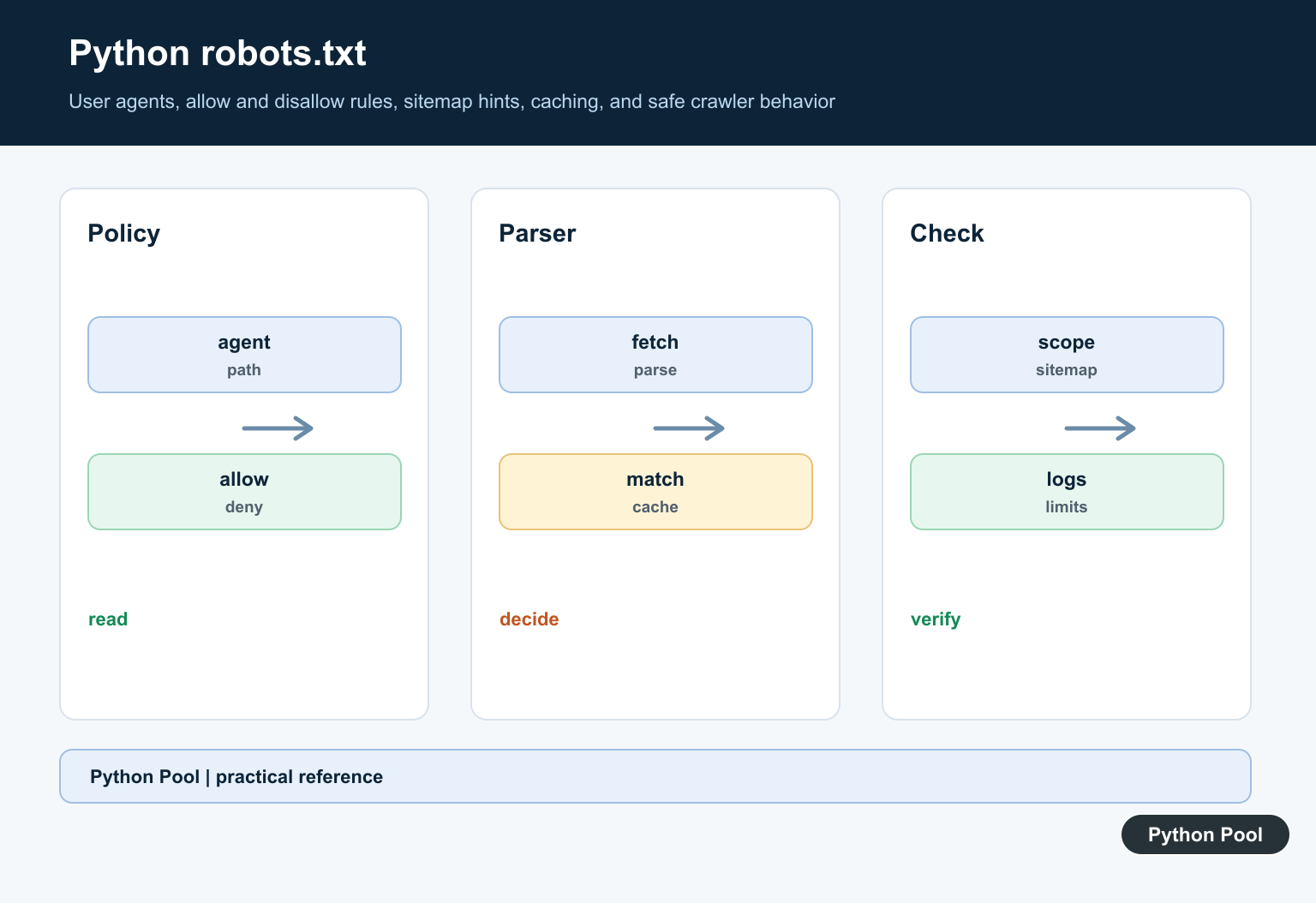
Quick answer: A Python robots.txt workflow should fetch the site’s robots.txt file, evaluate the relevant user agent and URL, respect allow and disallow rules, and keep crawling limits separate from access control. robots.txt guides compliant crawlers; it does not protect private content.
Robot Framework is an open-source test automation framework that is commonly used with Python. It uses keyword-driven test cases, readable test files, reusable libraries, and generated reports. Python fits naturally because teams can write custom keywords as Python functions or classes.
The framework is useful for acceptance tests, regression suites, API checks, browser automation, and workflows where non-specialists need to read test intent. It is not a replacement for unit tests; it sits higher in the testing stack and checks user-facing behavior or system flows.
A healthy Robot Framework project keeps test intent separate from low-level implementation. Test cases should describe behavior in business language, while Python keyword libraries handle details such as parsing data, opening browsers, calling APIs, or checking files. That split makes suites easier to review and easier to update when application internals change.
Robot Framework also produces logs and reports by default, which helps teams understand failures without reading every line of Python. Those reports are valuable in CI because they show which keyword failed, what arguments were used, and how far the test reached before stopping.
Primary references include the Robot Framework site, Robot Framework user guide, Robot Framework PyPI page, SeleniumLibrary documentation, and Robot Framework GitHub repository.
Check The Installed Package
Start by confirming that the Robot Framework package is installed in the same Python environment used by your test runner.
import importlib.metadata as metadata

package_name = "robotframework"

try:
    version = metadata.version(package_name)
except metadata.PackageNotFoundError:
    version = "not installed"

print(f"{package_name}: {version}")
If the package is missing, install it in the active environment and rerun the check. In CI, pin the version so local and automated runs match.
For larger teams, put the framework, SeleniumLibrary, browser drivers, and any helper packages in one requirements file. Then use the same install command for local development and automated jobs.
Create Custom Python Keywords
Python keyword libraries let you put reusable test behavior behind readable keyword names. A class is a common structure for related keywords.
class CalculatorKeywords:
    def add_numbers(self, first, second):
        return int(first) + int(second)

    def result_should_be(self, actual, expected):
        if int(actual) != int(expected):
            raise AssertionError(f"expected {expected}, got {actual}")
A Robot test file can import this Python library and call the methods as keywords. Keep each keyword small and focused.
Small keywords are easier to reuse. A keyword that logs in, creates data, verifies a page, and closes a browser is harder to debug than four focused keywords called in sequence.
Generate A Small Test File
When learning, it can help to create a tiny test file from Python so the suite structure is visible.
from pathlib import Path

test_file = Path("calculator.robot")
result_name = "$" + "{result}"
test_file.write_text(
    "*** Settings ***\n"
    "Library    calculator_keywords.py\n\n"
    "*** Test Cases ***\n"
    "Addition Works\n"
    f"    {result_name}=    Add Numbers    2    3\n"
    f"    Result Should Be    {result_name}    5\n",
    encoding="utf-8",
)
Robot Framework test files are not Python files, but Python can help generate, organize, or validate supporting test data.
Run Tests From Python
For scripts and CI helpers, Python can call the Robot command and check the return code.
import subprocess

result = subprocess.run(
    ["robot", "--outputdir", "reports", "tests"],
    text=True,
    capture_output=True,
)

print(result.returncode)
print(result.stdout[-200:])
A nonzero return code should fail the CI job. Save reports and logs as build artifacts so failures can be inspected.
Parse Robot Output
Robot Framework writes structured output that can be parsed by tools. A small XML parser can extract status counts for dashboards.
import xml.etree.ElementTree as ET

def count_test_statuses(output_path):
    root = ET.parse(output_path).getroot()
    statuses = {"PASS": 0, "FAIL": 0}
    for status in root.findall(".//test/status"):
        state = status.attrib.get("status")
        if state in statuses:
            statuses[state] += 1
    return statuses
Use official report tools for normal review, and add custom parsing only when another system needs a concise summary.
When parsing output, avoid treating a pass count as the whole story. Review skipped tests, setup failures, and teardown failures as well, because they can hide broken coverage.
Wrap Browser Keywords
For browser tests, SeleniumLibrary provides many ready-made keywords. Python wrappers are useful when your team needs one domain-specific action.
from SeleniumLibrary import SeleniumLibrary

class BrowserKeywords:
    def __init__(self):
        self.browser = SeleniumLibrary()

    def open_login_page(self, url):
        self.browser.open_browser(url, browser="chrome")
        self.browser.wait_until_page_contains_element("css:form")
Keep browser keywords stable and descriptive. Test cases should read like user actions, not like low-level Selenium instructions.
Practical Checklist
Use Robot Framework when readable acceptance tests and shared reports matter. Use plain pytest or unittest when the target is low-level Python behavior and keyword-style test files add unnecessary overhead.
Organize suites by feature, keep custom Python keywords small, pin dependencies, and store reports from CI. For browser automation, start with a few critical user paths before building a broad suite.
Before publishing a Robot Framework suite, run it from a clean environment, review the generated log, and make sure failures explain what broke instead of only showing a generic stack trace.
As the suite grows, group tests by feature area and keep shared keywords in clearly named Python modules. That structure keeps onboarding manageable and reduces duplicate automation code.
Understand The Scope
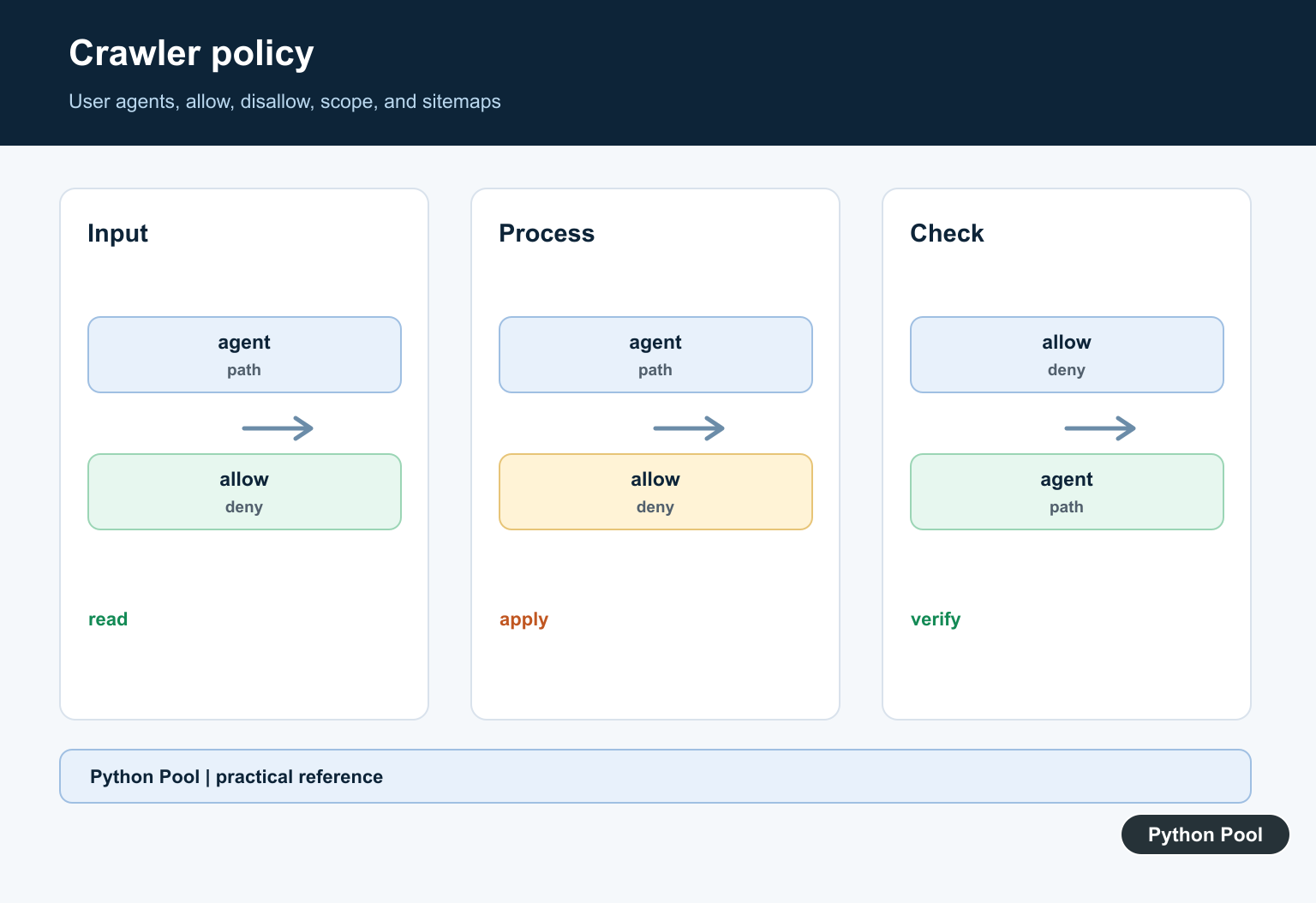
robots.txt is normally served at the origin root and contains records for user agents, paths, and optional sitemap references. Rules apply to compliant crawlers and are interpreted in the context of the site’s scheme and host.
Use A Parser
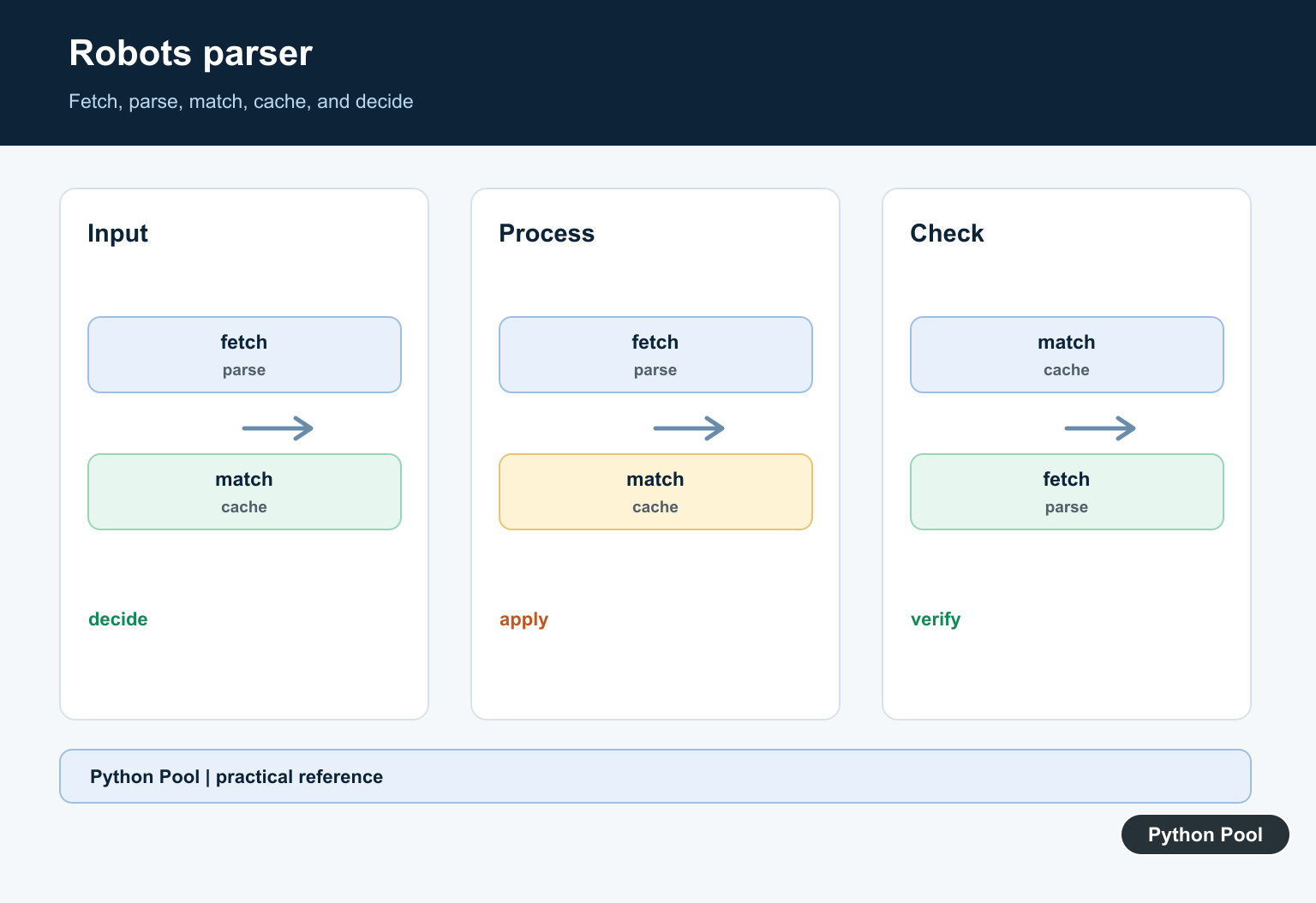
Python’s urllib.robotparser can read a robots.txt file and answer whether a user agent may fetch a URL. Keep fetching, parsing, and request execution as separate steps so failures are visible.
Match The Real Crawler
Test the user-agent string and URL that the crawler will actually use. A rule for one agent may not match another, and a path that looks similar can have a different host, scheme, or escaping behavior.
Do Not Treat It As Security
Anyone can request a disallowed path directly. Use authentication, authorization, network controls, or application checks for private data, and avoid placing secrets in crawlable locations.
Handle Caching And Failure
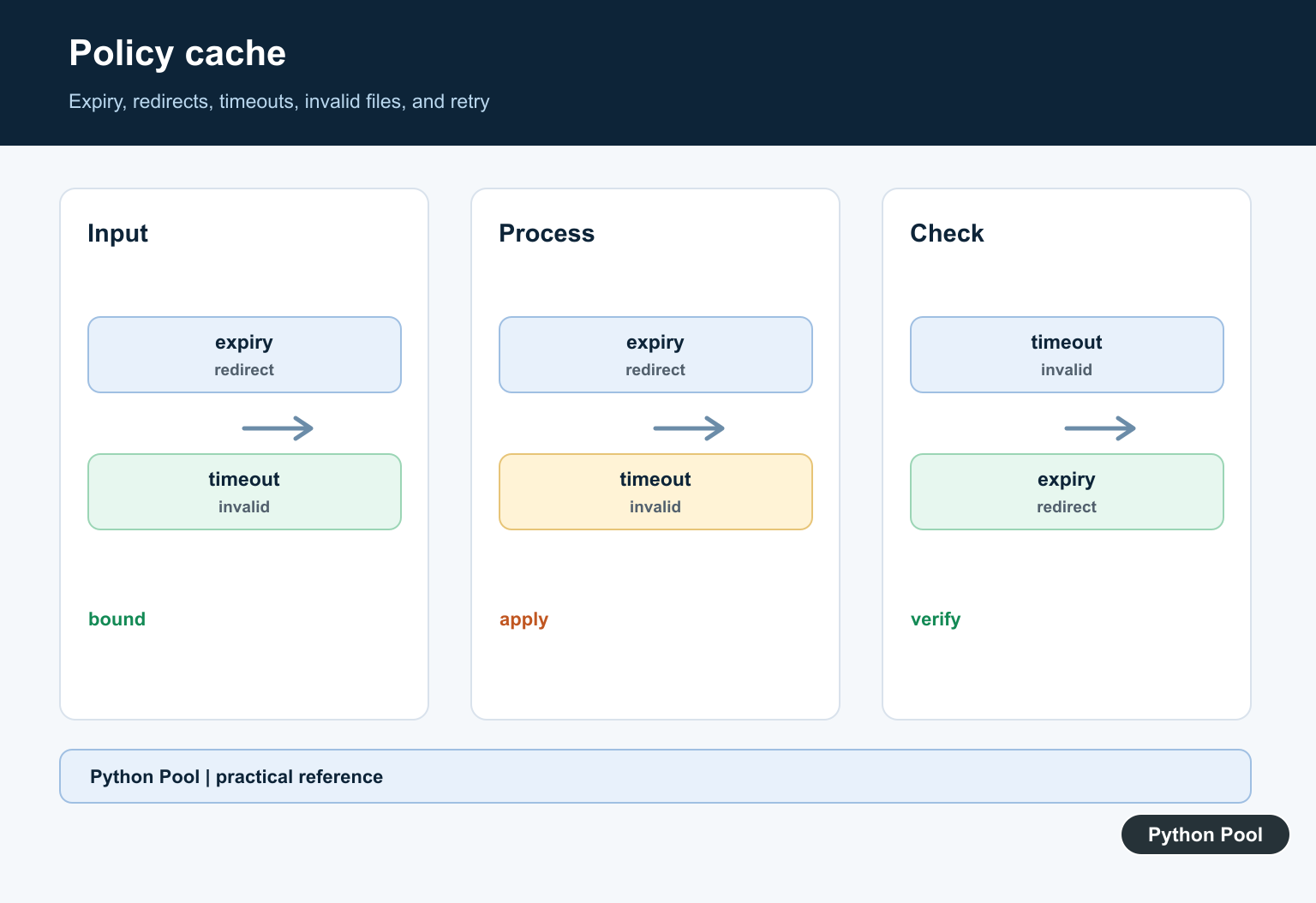
Define how long a fetched policy is cached, what happens when the file is unavailable, and how redirects, timeouts, invalid syntax, and oversized responses are handled.
Validate After Changes
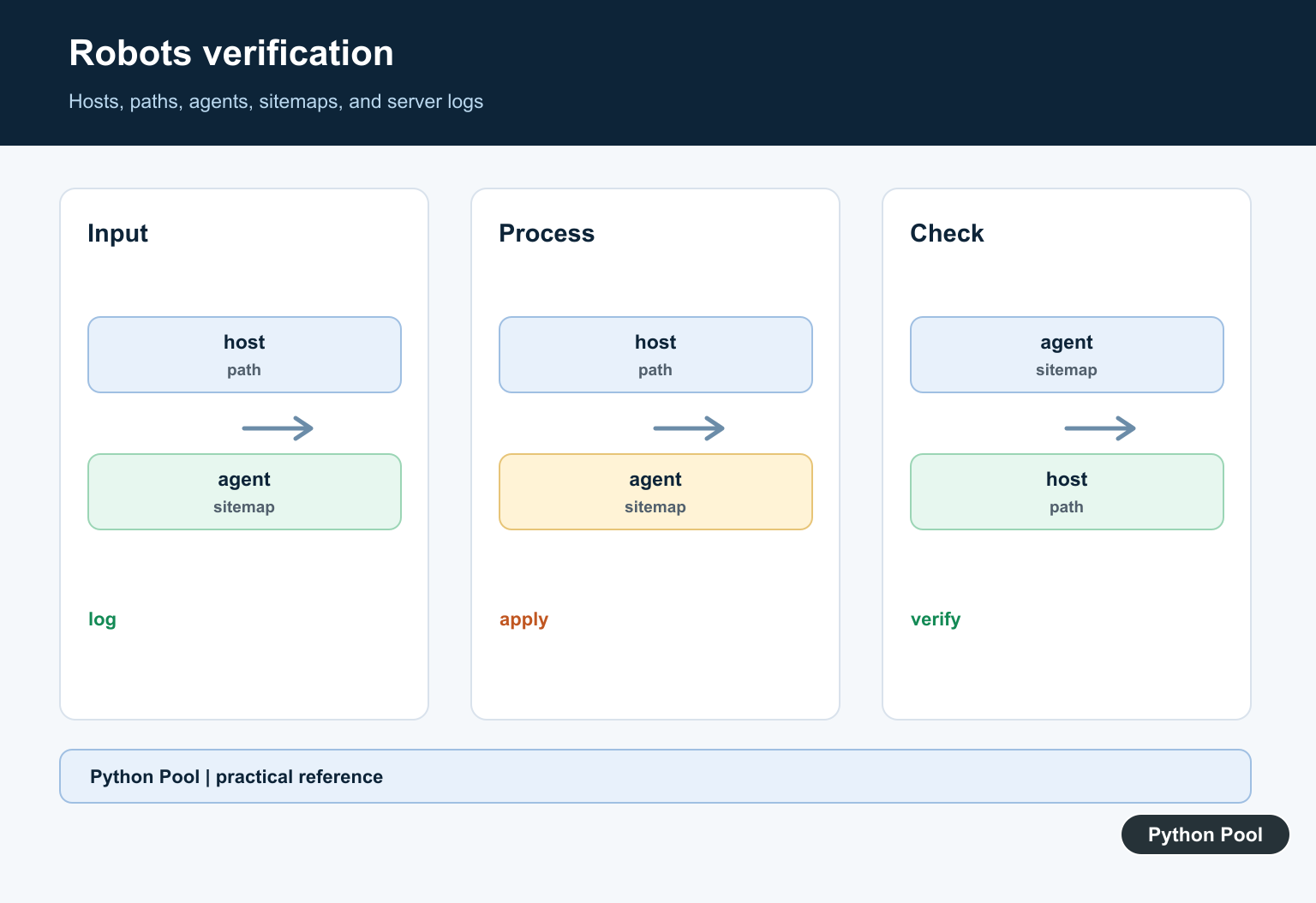
Test representative paths, user agents, sitemap URLs, slash variants, staging and production hosts, and server logs after deployment. A crawler should have a narrow scope, rate limits, and a clear stop condition.
Use the official Python urllib.robotparser documentation and Google’s robots.txt guidance. Related Python Pool references include web crawling and testing.
For related crawling workflows, compare crawler scope, policy tests, and request logs before changing robots rules.
Frequently Asked Questions
What is robots.txt used for?
robots.txt tells compliant crawlers which paths they may request; it does not protect private data or replace authentication.
Can Python read robots.txt?
Yes. Python’s urllib.robotparser can fetch and evaluate common robots.txt rules for a user agent and URL.
Does robots.txt remove a page from Google?
No. It can influence crawling, but removal and indexing decisions use other signals; do not block a URL if Google must crawl its noindex directive.
How should I test a robots.txt change?
Fetch the exact file, test representative user agents and URLs, check sitemap references, and monitor crawl and server logs after deployment.
