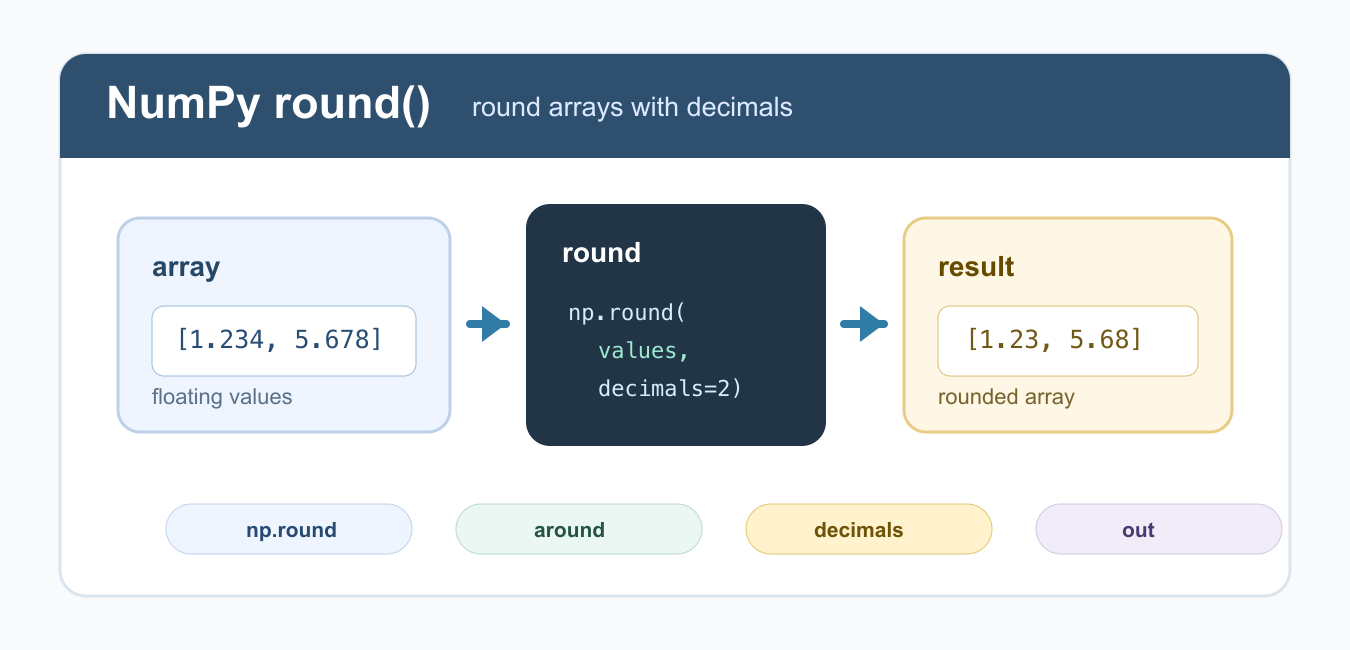
Quick answer: NumPy round and around apply vectorized rounding to arrays. The decimals argument controls the place, including negative places for tens or hundreds. Keep full precision during calculations, and round only when the numeric result must be displayed, exported, or compared under a defined rule.
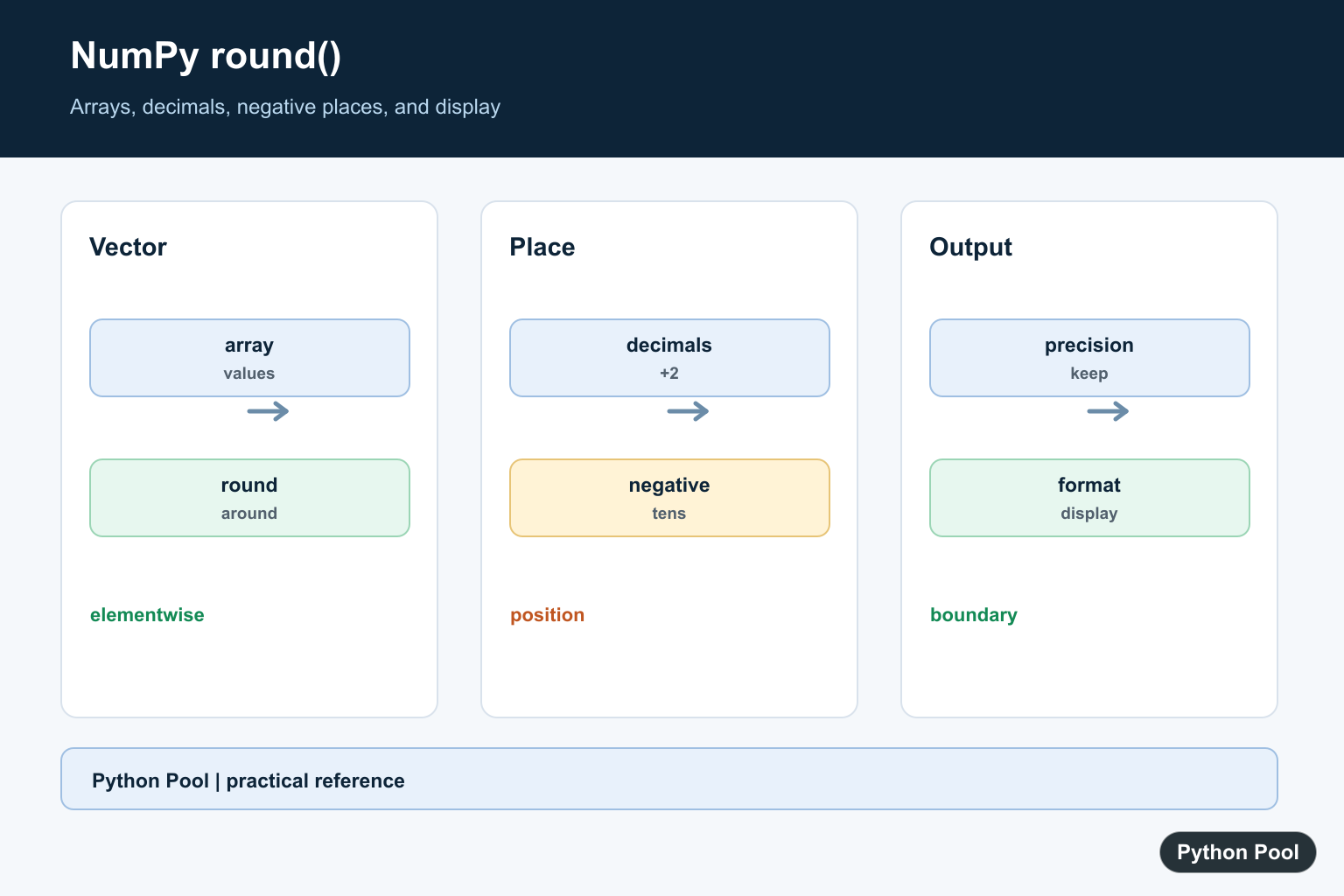
numpy.round() rounds every element in a NumPy array to the requested number of decimal places. It is also available as np.around(); both names call the same rounding operation. Use it when you need array-wise rounding instead of calling Python’s built-in round() on one value at a time.
The key argument is decimals. A positive value keeps digits after the decimal point, 0 rounds to whole numbers, and a negative value rounds to tens, hundreds, or larger positions. The official NumPy round documentation covers the full signature and behavior.
Rounding should usually happen near the output or reporting step, not at the beginning of a calculation. If you round too early, later math may lose useful precision. Keep full precision for calculations, then round for display, exports, or summaries.
Round a NumPy Array to Whole Numbers
With the default decimals=0, NumPy rounds each element to the nearest whole number. The result is still an array, so you can keep using NumPy operations on it.
import numpy as np

values = np.array([1.2, 2.5, 3.8, 4.1])
rounded = np.round(values)

print(rounded)
This is the array version of a common rounding task. If you only need to round a single Python number, the built-in round() function is usually enough. For scalar examples, see the Python round guide. For arrays, np.round() avoids explicit loops and keeps the code vectorized.
Round to Two Decimal Places
Pass decimals=2 when you want two digits after the decimal point. This is common for display values, reports, and intermediate numeric summaries.
import numpy as np

prices = np.array([19.995, 4.125, 8.3333])
rounded = np.round(prices, decimals=2)

print(rounded)
Rounding is not the same as formatting. np.round() changes numeric values in an array. Formatting controls how values look when printed. For display-only formatting, Python string formatting may be better than modifying the numbers. The round to two decimals guide covers related scalar cases.
Use Negative decimals
A negative decimals value rounds to positions to the left of the decimal point. This is useful for grouping values into tens, hundreds, or thousands before reporting or charting.
import numpy as np

values = np.array([123, 178, 249, 251])
rounded = np.round(values, decimals=-1)

print(rounded)
Here, decimals=-1 rounds to the nearest ten. decimals=-2 would round to the nearest hundred. This behavior is often useful before plotting or creating summary buckets. It also keeps your rounding logic explicit instead of manually dividing and multiplying numbers.
Use np.around() as an Alias
np.around() is an alias for the same operation. Some codebases prefer it because the name reads like “array round,” but np.round() is more familiar to many Python users.
import numpy as np

values = np.array([1.234, 5.678])

print(np.round(values, 2))
print(np.around(values, 2))
The official NumPy around documentation points to the same rounding behavior. Choose one spelling and use it consistently in a project. Mixing both names in one file can make readers wonder whether the operations are different.
Round Into an Existing Output Array
The out parameter stores the result in an existing array. This can reduce temporary allocations in larger numerical workflows. The output array must have a compatible shape and dtype.
import numpy as np

values = np.array([1.234, 5.678, 9.876])
output = np.empty_like(values)

np.round(values, decimals=1, out=output)

print(output)
For small scripts, assigning the result to a new variable is simpler. Use out when performance and memory allocation matter, or when an existing array should be filled as part of a pipeline. This pattern is common in code that repeatedly processes arrays of the same shape.
Round vs rint
np.rint() rounds to the nearest integer and returns floating-point values. It does not take a decimals argument. Use np.round() when you need decimal-place control.
import numpy as np

values = np.array([1.2, 2.5, 3.8])

print(np.rint(values))
print(np.round(values, decimals=1))
The official NumPy rint documentation is useful when you only need nearest-integer rounding. For broader array basics, see the NumPy array guide. If you need integer dtype after rounding, explicitly convert with astype(int) after checking that this is really the desired behavior.
Best Practice
Use np.round(array, decimals=n) when you need a rounded numeric array. Use string formatting when you only need prettier printed output. Be careful with financial values because binary floating-point representation can still produce results that surprise users. For numerical tutorials using similar array operations, see NumPy log and NumPy log2.
For clean, predictable code, name the rounded result separately, such as rounded_prices, so later readers can see where precision changed. That makes it easier to audit calculations and avoid accidental double rounding. If another operation depends on exact thresholds, compare the original values first and round only after the decision has been made.
Round An Array
np.round accepts an array-like value and returns an array result for array input. It applies the same vectorized operation across elements, which is clearer and usually faster than writing a Python loop for a large numeric array.
Choose The Decimals Value
A positive decimals value keeps digits after the decimal point, zero rounds to whole-number positions, and a negative value rounds positions to the left of the decimal point. Document the choice because it changes the numeric value.
Distinguish Rounding From Formatting
Rounding changes the stored numeric result, while formatting changes how a value is displayed. For prices or reports, decide whether the requirement is a numeric rounding rule or only a fixed number of visible decimal places.
Expect Floating-Point Details
Binary floating-point values cannot represent every decimal fraction exactly, and NumPy uses a defined tie behavior. Test representative values and do not assume a decimal-looking input has an exact binary representation.
Round At The Boundary
Early rounding can accumulate error in later calculations. Keep the highest useful precision through the computation, then round once at the reporting, export, or user-interface boundary.
NumPy’s round documentation covers round, around, decimals, and out. Related references include numeric summaries, array axes, and numeric tests.
For related numeric operations, compare summary statistics, array axes, and numeric tests when rounding report values.
Frequently Asked Questions
How do I round a NumPy array?
Call numpy.round or numpy.around with the array and an optional decimals argument.
What does a negative decimals value do?
It rounds positions to the left of the decimal point, such as tens or hundreds, depending on the value.
Why can NumPy rounding look surprising?
Binary floating-point representation and the tie-breaking behavior can produce results that differ from decimal intuition.
Should I round before calculating?
Usually no. Keep full precision through the calculation and round only for display, export, or a defined reporting rule.
