Quick answer: Zipline is an event-driven Python backtesting framework associated with historical market-data simulations. A useful backtest separates data quality, signal logic, simulated execution, costs, portfolio accounting, and evaluation, and it never treats historical results as a promise of future returns.
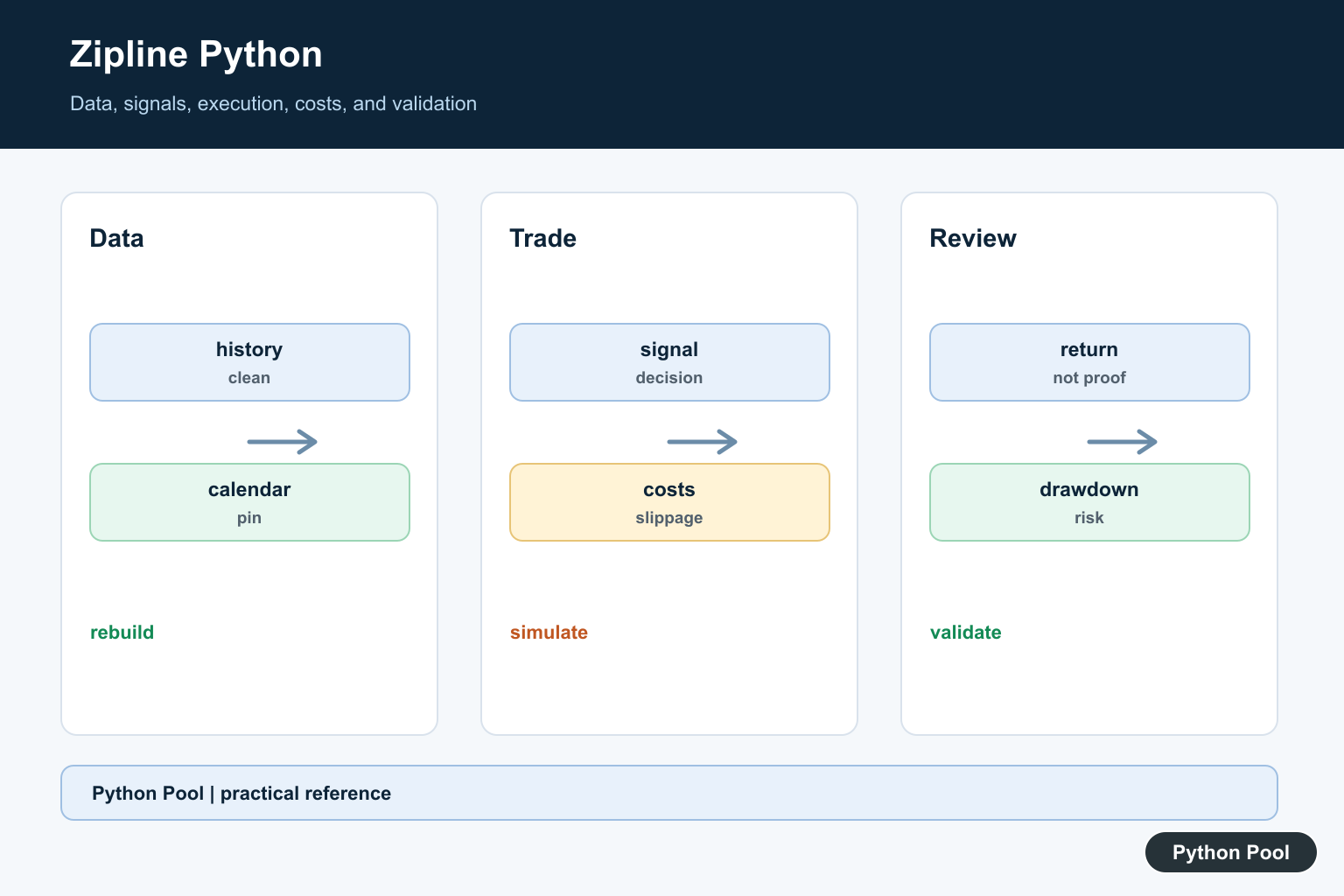
Zipline is a Python backtesting engine for trading strategies. It is used to test strategy logic against historical market data before risking real capital. The original Quantopian project is no longer the normal starting point for new installs; current users commonly look at the maintained Zipline Reloaded project and its documentation.
Backtesting is useful, but it is not proof that a strategy will make money. A good test checks data quality, trading costs, slippage, position sizing, benchmark behavior, and whether the strategy was accidentally tuned to the past. Zipline helps structure the test, while the developer is still responsible for the assumptions.
For new projects, install and test Zipline in a separate environment because financial backtesting libraries often have strict dependency combinations. Keep the Python version, package versions, data bundle, and calendar together in the project notes. A backtest that cannot be reproduced later is not useful evidence.
Zipline is also not a live-trading system by itself. Treat it as a research and validation tool. If a strategy later moves toward execution, it still needs brokerage integration, risk controls, monitoring, and a separate review of real-time data behavior.
Primary references include the Zipline Reloaded documentation, installation guide, beginner tutorial, zipline-reloaded PyPI page, and Zipline Reloaded GitHub repository. For comparison, Backtrader is another Python backtesting framework.
Understand The Strategy Shape
A Zipline strategy normally has an initialization step and a per-bar handler. Initialization stores assets and settings. The handler reads market data and sends orders.
from zipline.api import order_target_percent, record, symbol

def initialize(context):
    context.asset = symbol("AAPL")

def handle_data(context, data):
    price = data.current(context.asset, "price")
    order_target_percent(context.asset, 1.0)
    record(price=price)
This is the core shape to understand before adding complex indicators. Keep the first strategy small so failures are easy to debug.
Check Returns Before Signals
Before writing a strategy, inspect the price series and daily returns. Many bad backtests start with broken input data.
import pandas as pd

prices = pd.Series([100, 102, 101, 105, 107], name="close")
returns = prices.pct_change().dropna()

print(returns.round(4).tolist())
print(f"mean return: {returns.mean():.4f}")
Look for missing dates, sudden impossible jumps, and adjusted-price issues before trusting any strategy results.
Corporate actions, delisted symbols, holidays, and timezone handling can all change results. The cleaner the historical data, the less time you will spend explaining strange trades that came from the dataset rather than the strategy.
Create A Simple Signal
Strategy logic should be separated from order placement. A simple signal function is easier to test than logic embedded directly inside the handler.
def moving_average_signal(prices, short_window=2, long_window=4):
    short_average = prices.tail(short_window).mean()
    long_average = prices.tail(long_window).mean()
    if short_average > long_average:
        return 1
    return 0

print(moving_average_signal(pd.Series([10, 11, 12, 13])))
A signal of 1 can mean hold the asset, while 0 can mean stay in cash. Define that meaning clearly before connecting it to orders.
Add Costs And Slippage
Backtests are more realistic when they include transaction costs and slippage. Exact APIs can vary by Zipline version, so keep these settings close to your environment documentation.
from zipline.api import set_commission, set_slippage
from zipline.finance import commission, slippage

def initialize(context):
    context.asset = symbol("AAPL")
    set_commission(commission.PerShare(cost=0.005, min_trade_cost=1.0))
    set_slippage(slippage.FixedSlippage(spread=0.01))
Ignoring costs often makes a strategy look better than it is, especially when it trades frequently.
Run A Backtest Programmatically
Zipline can run algorithms from Python when the environment, bundle, calendar, and data are configured. Keep the date range explicit.
import pandas as pd
from zipline import run_algorithm

result = run_algorithm(
    start=pd.Timestamp("2020-01-01", tz="utc"),
    end=pd.Timestamp("2020-12-31", tz="utc"),
    initialize=initialize,
    handle_data=handle_data,
    capital_base=100000,
    data_frequency="daily",
)
The result is usually a DataFrame-like performance object. Save it with the strategy settings so the run can be reproduced later.
Run short date ranges first to confirm that the algorithm starts, places expected orders, and records useful fields. After that, extend the date range and compare the output with a baseline.
Review Performance Metrics
Do not judge a strategy by ending value alone. Inspect returns, drawdowns, exposure, and turnover.
def summarize_performance(performance):
    total_return = performance["returns"].add(1).prod() - 1
    worst_day = performance["returns"].min()
    average_exposure = performance["gross_leverage"].mean()
    return {
        "total_return": round(total_return, 4),
        "worst_day": round(worst_day, 4),
        "average_exposure": round(average_exposure, 4),
    }
Use charts and tables together. A summary number can hide a long drawdown or one large lucky trade.
Practical Checklist
Use Zipline when you need a structured event-driven backtest with historical data, trading calendars, orders, and performance output. Use simpler pandas scripts when you only need quick return calculations.
Before trusting results, verify the data bundle, asset symbols, calendar, costs, slippage, date range, benchmark, and position-sizing rules. Keep every assumption in code or configuration, not only in notes.
Finally, compare the strategy with a simple baseline. If a complex Zipline strategy cannot beat a buy-and-hold or cash baseline after costs, the backtest is a warning rather than a deployment signal.
Document failures too. Failed strategy ideas are valuable when they explain which assumptions did not hold, which costs mattered, or which signal stopped working out of sample.
Pin The Environment And Data
Zipline installations and forks can have different Python and dependency support. Record the exact project, version, calendar, bundle or data source, and environment. A backtest that cannot be rebuilt from the same inputs is difficult to audit and easy to misinterpret.
Keep Strategy And Execution Assumptions Visible
Define when signals are formed, when an order is submitted, what price can be filled, and how commissions, slippage, liquidity, and market hours are modeled. An apparently strong result can be an artifact of using information or fills that would not have been available at the decision time.
Prevent Leakage And Survivorship Bias
Do not let future data influence a feature, label, universe, or rebalance decision. Use point-in-time data where possible, account for delisted assets, and separate training, validation, and out-of-sample periods. A clean-looking equity curve is not evidence that leakage is absent.
Review Performance Beyond Return
Report benchmark-relative performance, volatility, drawdown, turnover, exposure, transaction costs, and the number of trades. Inspect period-by-period behavior and sensitivity to costs or parameter changes so one favorable interval does not dominate the conclusion.
Use Small Fixtures Before Full Runs
Test the pipeline with deterministic prices, a tiny calendar, known signals, and expected orders. Verify that cash, positions, commissions, and end-of-period values reconcile. Only then run a larger historical simulation and retain logs and configuration with the result.
Treat Results As Research
Backtesting is not investment advice and does not guarantee live performance. Review strategy risk, data licensing, package security, and operational controls independently before connecting research code to any account or live order path.
The historical Zipline source repository describes the original framework and its scope. Review the maintained project or fork and its current compatibility documentation before installation. Related guidance includes fixture testing and research logging.
For related research hygiene, compare fixture tests, research logging, and timing experiments when auditing a backtest pipeline.
Frequently Asked Questions
What is Zipline Python used for?
Zipline is a Python framework associated with event-driven financial backtesting, where a strategy is evaluated against historical data and simulated execution.
Is a Zipline backtest proof of future performance?
No. Historical simulation can suffer from data leakage, survivorship bias, unrealistic fills, and overfitting; it is not a guarantee or investment advice.
How should I handle Zipline environments?
Pin a compatible package set, isolate the environment, record data and calendar versions, and verify that the project and fork support the Python version you use.
What should a reliable backtest report?
Report returns with transaction costs, slippage, benchmark comparison, drawdown, turnover, exposure, and out-of-sample or walk-forward validation where appropriate.
