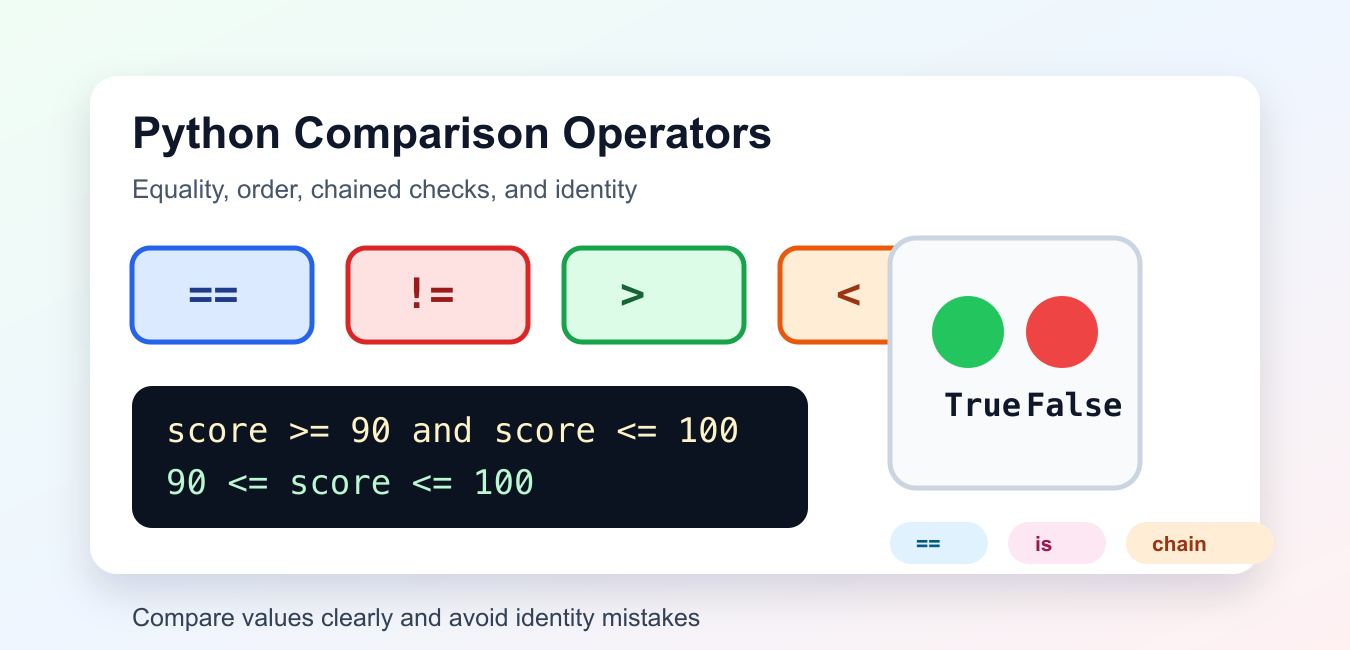
Quick answer: Python comparisons combine operators, type protocols, and value semantics. Use equality or ordering operators according to the data contract, implement rich comparisons deliberately for custom types, and prefer a key function for ordinary sorting.
Python comparison operators test relationships between two values and return True or False. The most common comparators are equality, inequality, greater than, less than, greater than or equal to, and less than or equal to.
Use comparisons in if statements, loops, filters, tests, validation code, and sorting logic. The official Python comparisons reference defines the expression rules, while the standard type comparison documentation explains how built-in types behave.
This guide covers the everyday operators, chained comparisons, string comparison, identity checks, and practical mistakes to avoid.
Check Equality And Inequality
== checks whether two values are equal. != checks whether they are different.
status = "ready"

print(status == "ready")
print(status != "done")
Both expressions return Boolean results. Use == for value equality, not a single equals sign. A single equals sign assigns a name and cannot be used as a comparison expression.
Equality checks are common in validation, command parsing, test assertions, and branch selection.
Compare Numbers By Order
Use >, <, >=, and <= for numeric ordering.
score = 87

print(score > 80)
print(score < 60)
print(score >= 87)
print(score <= 100)
These checks work with integers and floats. They also work with other ordered types, but only when Python knows how to compare the two operands.
A comparison should read like the rule you want to enforce. For example, score >= 60 clearly expresses a passing threshold.
Use Chained Comparisons
Python lets you chain comparisons in a natural mathematical style. This is useful for range checks.
score = 92

if 90 <= score <= 100:
    print("grade A")
else:
    print("not grade A")
The chained expression is equivalent to checking both sides with and, but it is shorter and easier to scan.
Chained comparisons evaluate each middle expression once, so they are also a clean way to write boundaries around a single value.
Compare Strings Carefully
Strings compare by their Unicode code points. That means capitalization affects ordering and equality.
left = "Apple"
right = "apple"

print(left == right)
print(left.lower() == right.lower())
print(left < right)
The case-insensitive equality check converts both strings first. For user-facing text, normalize strings before comparing when capitalization should not matter.
For sorting human language text, plain string comparison may not match every locale rule. For simple application checks, normalization is often enough.
Do Not Confuse is With ==
is checks object identity. == checks value equality. Most application code needs ==.
first = [1, 2, 3]
second = [1, 2, 3]
same = first

print(first == second)
print(first is second)
print(first is same)
The first two lists have equal contents but are different objects. The same name points to the exact same list object as first.
Use is None and is not None for None checks. Use == for normal value comparisons.
Combine Comparisons With and Or
Real checks often need more than one condition. Use and when all comparisons must pass, and or when any comparison can pass.
role = "editor"
articles = 12

can_publish = role == "editor" and articles > 0
needs_review = articles == 0 or role != "editor"

print(can_publish)
print(needs_review)
Parentheses can make longer checks easier to read, especially when mixing and and or. Clear grouping is better than relying on memory of operator precedence.
When a condition becomes hard to read, split it into named checks so the final decision reads like plain logic.
Use Comparisons In Sorting And Filtering
Comparisons also appear inside filters, comprehensions, and custom sort logic. A filter such as item > 10 keeps only values that meet the threshold. A check such as name != "" can remove empty strings before later processing.
For explicit function-based comparisons, Python also provides the operator module. Functions such as operator.eq, operator.lt, and operator.ge are useful when a comparison function must be passed into another API.
Most everyday code should still use the symbolic operators directly. They are shorter and easier to read in normal conditions. Reach for the operator module when you need to store or pass comparison behavior as a callable.
Common Comparison Mistakes
Do not compare values of unrelated types unless the rule is explicit. Python 3 does not order arbitrary mixed types such as strings and numbers. Convert the input first, then compare like with like.
Do not use is to compare strings, numbers, or lists. Identity may appear to work in small examples because of interpreter optimizations, but it is not the correct value comparison.
Do not write long comparison chains when a helper name would explain the intent better. A short expression is good only when it stays readable.
The practical rule is to use == and != for equality, ordering operators for numeric thresholds, chained comparisons for ranges, and is only for identity-focused checks such as None.
Separate Equality And Ordering
Equality asks whether values match while ordering asks whether one value precedes another. A type may support one relation without providing a meaningful total order.
Use Rich Comparisons
Methods such as __eq__ and __lt__ participate in operator behavior, but custom classes should document mixed-type behavior, return NotImplemented where appropriate, and test symmetry.
Prefer Sorting Keys
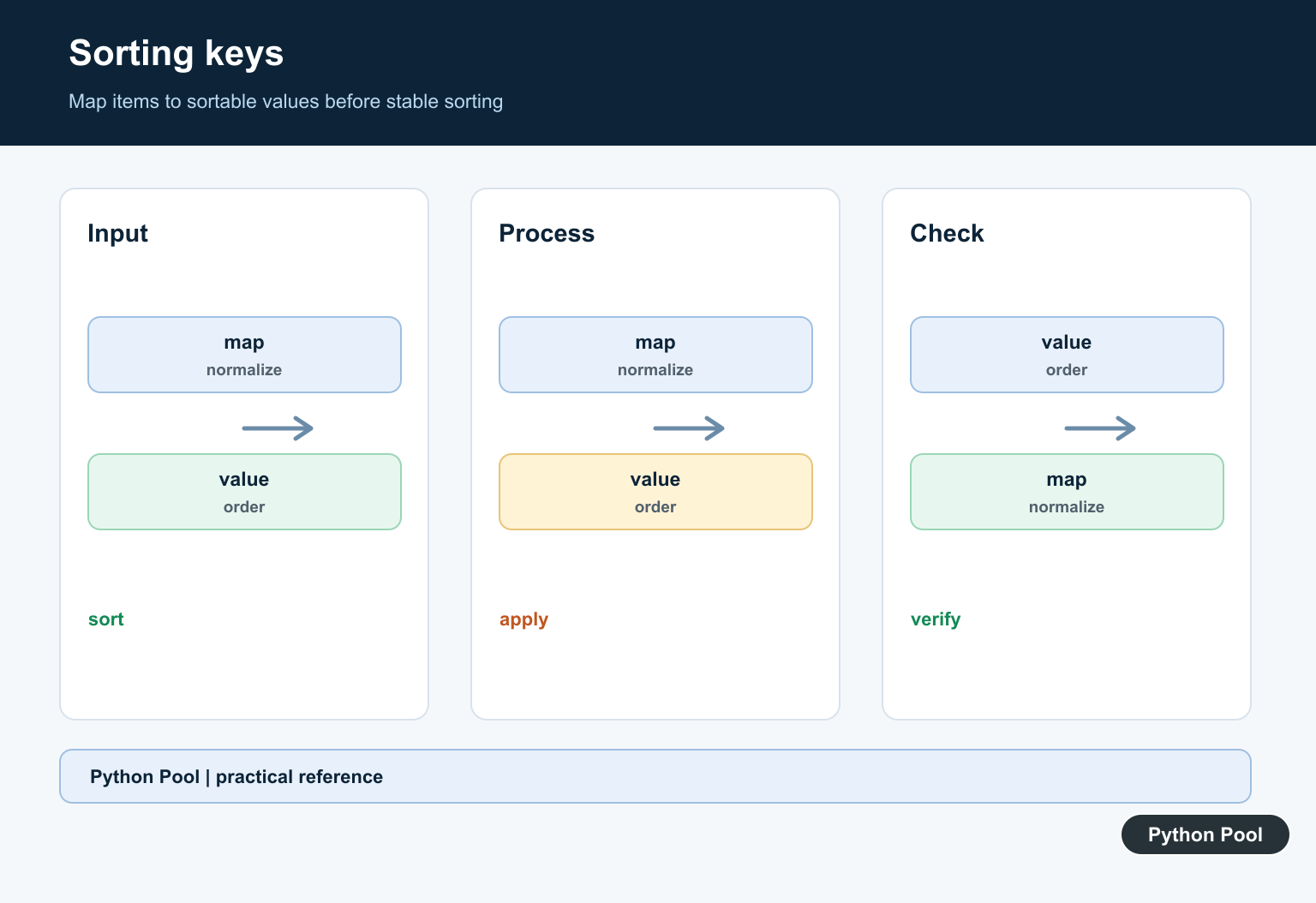
A key function maps each item to a value that sorted can compare. It is usually clearer and more efficient than repeatedly invoking a pairwise comparator.
Use cmp_to_key Deliberately
functools.cmp_to_key adapts a legacy three-way comparison, but it adds complexity and should be reserved for a comparison that cannot be expressed as a key.
Handle Edge Values
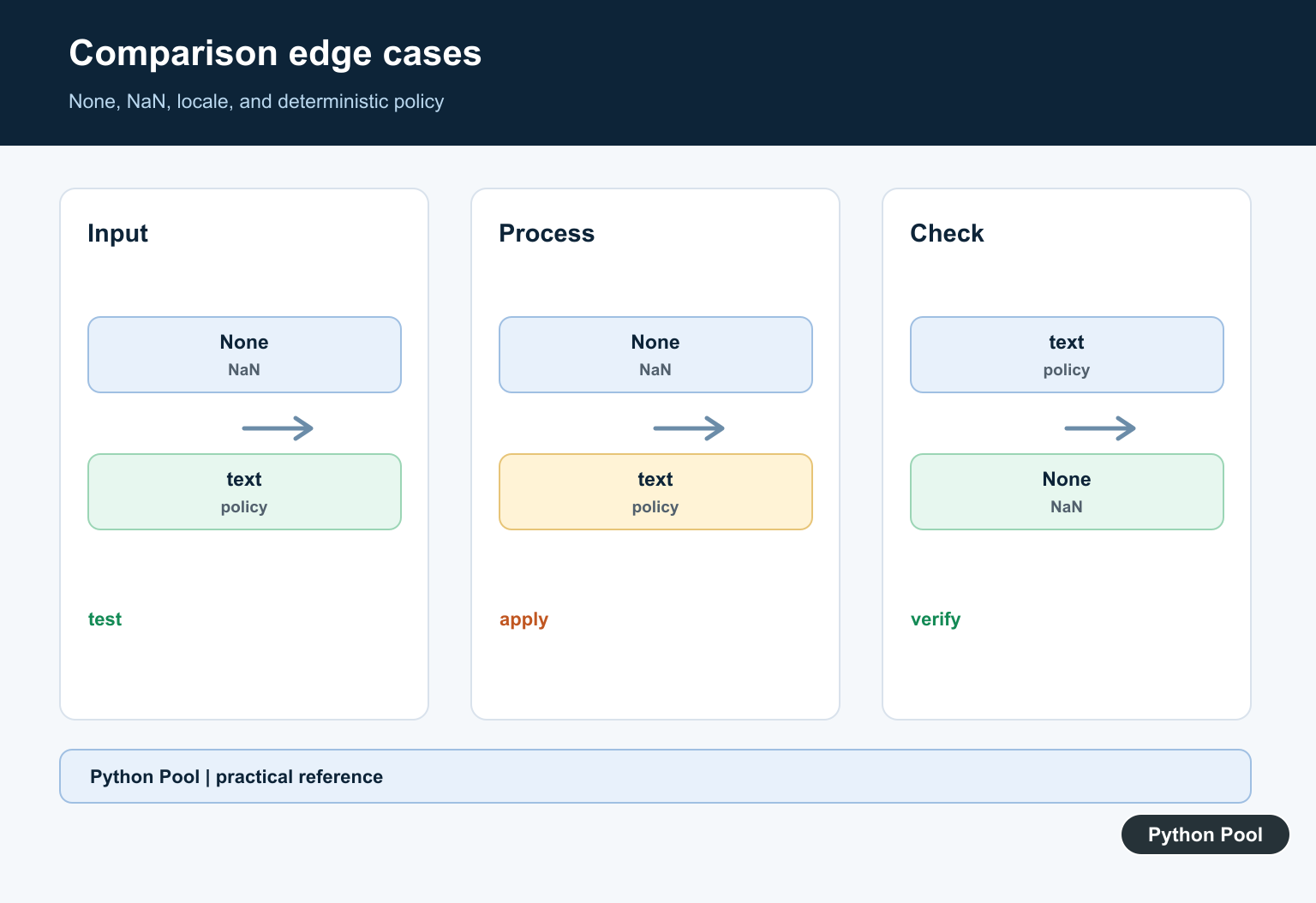
NaN, mixed types, locale-aware text, None, and custom objects may not form a total order. Normalize or reject them at the boundary instead of hiding surprising results.
Test The Relation
Test equal values, strict and non-strict ordering, mixed types, duplicates, reverse sorting, stable keys, NaN, and repeated sorting to establish deterministic behavior.
Use the official Python Sorting HOW TO and data model comparison methods. Related Python Pool references include testing and lists.
For related ordering work, compare list sorting, comparison tests, and key mappings before defining a comparator.
Frequently Asked Questions
What are Python comparison operators?
Python provides operators such as ==, !=, <, <=, >, and >= for equality and ordering comparisons.
What is a rich comparison method?
Methods such as __eq__ and __lt__ let a class define how its instances compare, subject to the type’s documented semantics.
Should I use a comparator or a key for sorting?
Use a key function when each item can be mapped to a sortable value; use functools.cmp_to_key only when a true pairwise comparison is required.
Why can comparisons with NaN be surprising?
NaN follows floating-point rules in which equality and ordering do not behave like ordinary numbers, so numerical code should define an explicit policy.
