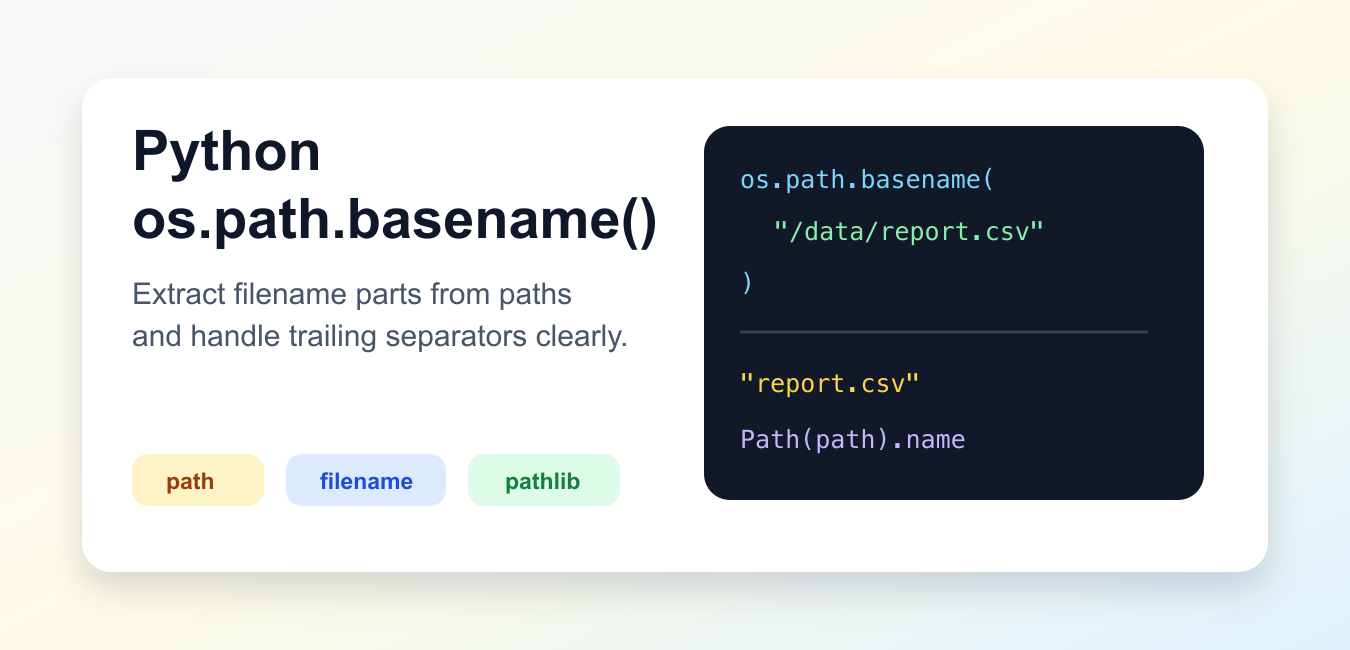
Quick answer: os.path.basename(path) returns the final path component as text. It does not access the filesystem, and a trailing separator makes the final component empty. Normalize first only when that is the intended rule; in new code that already uses pathlib, Path(path).name is often easier to read.
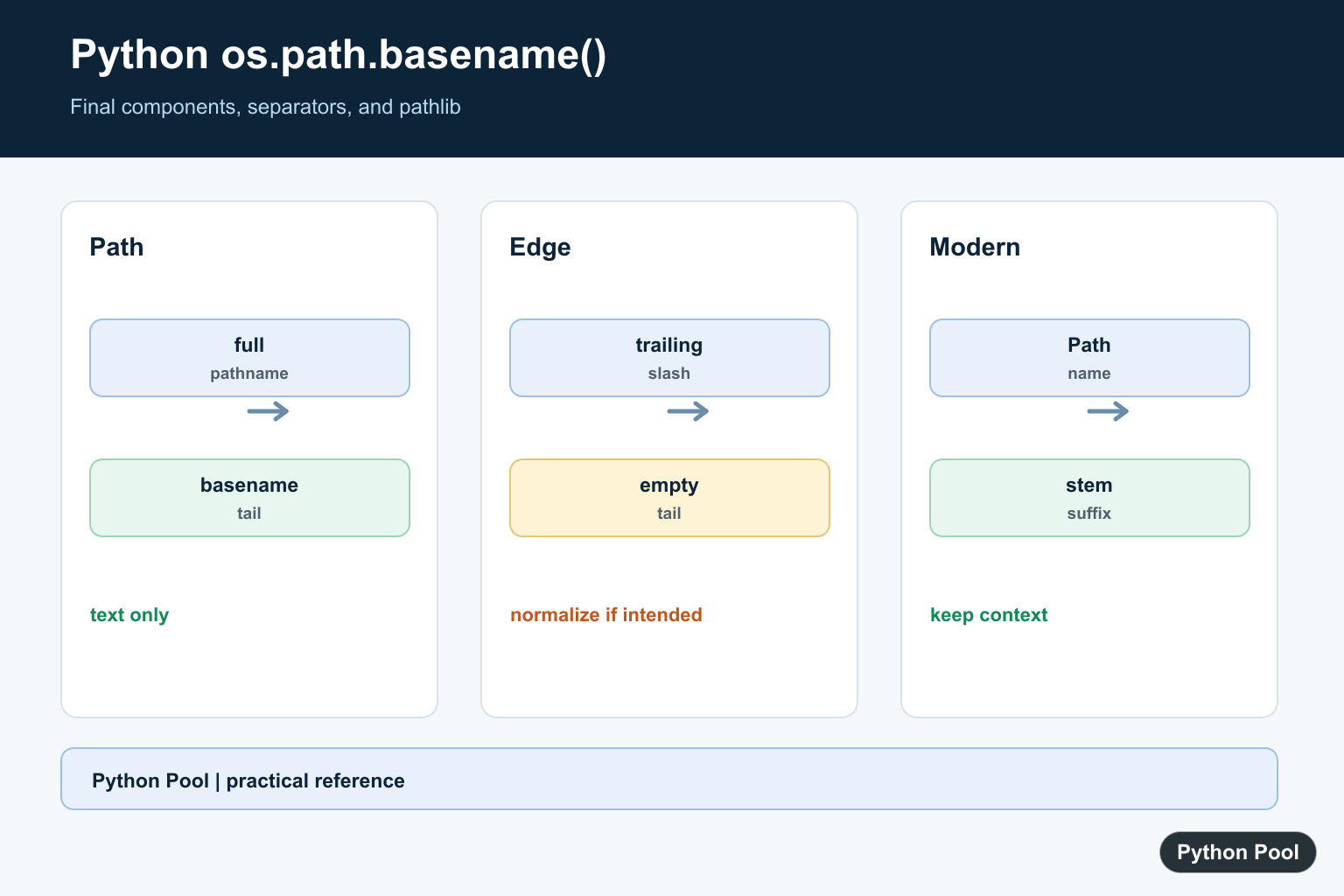
os.path.basename() returns the final path component from a pathname string. For a file path, that usually means the filename. For a directory path, the result depends on whether the path ends with a separator.
Use it when you already work with string paths and need the last component. For newer code, pathlib.Path.name is often clearer because it uses path objects instead of raw strings.
The official Python os.path.basename documentation explains the function and its difference from the Unix shell basename command. The official pathlib documentation covers the object-oriented path API.
Get The Final Path Component
Pass a pathname string to basename(). The return value is the part after the last path separator.
import os

path = "/data/reports/summary.csv"

name = os.path.basename(path)

print(name)
This returns summary.csv. The function does not check whether the file exists; it only works with the path text.
That makes it safe for formatting, logging, display, and path preparation before a file has been created.
Understand Trailing Separators
A trailing separator changes the result. If the path ends with a slash, the final component after that slash is empty.
import os

print(os.path.basename("/data/reports"))
print(os.path.basename("/data/reports/"))
The first call returns reports. The second call returns an empty string.
This behavior surprises many developers because the shell command basename /data/reports/ may behave differently. Python follows its documented os.path rules.
Normalize Before basename
If a trailing separator should not produce an empty string, normalize the path first.
import os

path = "/data/reports/"

clean_path = os.path.normpath(path)
name = os.path.basename(clean_path)

print(clean_path)
print(name)
normpath() removes redundant separators and up-level references where possible. After normalization, basename() returns the directory name.
Use this only when normalization matches your intent. Sometimes an empty basename is useful because it reveals that the original path ended with a separator.
Use pathlib Path.name
pathlib provides a modern path object API. The name property returns the final path component.
from pathlib import Path

path = Path("/data/reports/summary.csv")

print(path.name)
print(path.parent)
print(path.suffix)
Path.name is often easier to read than os.path.basename() in new code. It also works naturally with other path operations such as parent, stem, and suffix.
Use whichever path style is already dominant in the project. Mixing styles in one function can make code harder to follow.
Separate Name And Extension
Use basename() with splitext() when you need the filename and extension separately.
import os

path = "/data/reports/summary.csv"
filename = os.path.basename(path)
stem, extension = os.path.splitext(filename)

print(filename)
print(stem)
print(extension)
splitext() separates the final extension from the basename. For path objects, Path.stem and Path.suffix provide similar information.
This is useful for renaming files, building output names, or checking accepted file types.
List Basenames In A Directory
When iterating over a directory with pathlib, the name property gives the basename for each entry.
from pathlib import Path

folder = Path(".")

names = [entry.name for entry in folder.iterdir() if entry.is_file()]

print(names[:5])
This avoids manual string splitting and keeps the code path-aware.
Handle Paths Carefully
basename() does not sanitize a path. It only returns text after the final separator. If a path comes from a user, still validate where it points before opening, deleting, copying, or saving anything.
Do not use basename alone as a security boundary. Two different paths can have the same basename, and a basename may still contain text that is not acceptable for your application. Apply your own naming rules when writing files.
Platform differences also matter. The os.path module follows the path rules for the operating system running the code. If you need to parse Windows paths on a non-Windows machine, use ntpath. If you need POSIX rules explicitly, use posixpath.
For most application code, prefer carrying a complete path object until the point where a display name is needed. Extracting the basename too early can lose directory context that later code still needs.
When building a new path, do not concatenate directory strings and basenames by hand. Use os.path.join() or Path / name so separators are handled consistently.
Basename is best treated as a display or final-component helper, not a full file-management solution.
Store the full path when future operations need location context. Store only the basename when the task needs a label or final component.
This keeps intent explicit.
Keep this choice deliberate.
The practical rule is to use os.path.basename() for string paths, normalize first when trailing separators should be ignored, and prefer Path.name when the surrounding code already uses pathlib.
Remember that basename is purely textual. It does not open the path, validate it, or prove the file exists.
See The Trailing-slash Rule
Python’s os.path.basename follows os.path.split: a path ending in a separator has an empty tail. This differs from some shell basename commands, so test the exact path shapes your input can contain.
import os

for path in ["/tmp/report.csv", "/tmp/reports", "/tmp/reports/"]:
    print(repr(path), repr(os.path.basename(path)))
Normalize Only When Needed
normpath() collapses redundant separators and up-level references and removes a trailing separator for ordinary paths. Do not normalize blindly when the original spelling is meaningful or when symbolic-link behavior matters to the application.
import os

path = "/tmp/reports/"
normalized = os.path.normpath(path)
print(normalized)
print(os.path.basename(normalized))
Use pathlib For Path Objects
Path.name exposes the final component and pairs naturally with parent, stem, suffix, and other path operations. Keep the full Path object until a display name is actually required so directory context is not lost too early.
from pathlib import Path

path = Path("/tmp/reports/summary.csv")
print(path.name)
print(path.parent)
print(path.stem)
print(path.suffix)
Split The Extension Deliberately
basename and extension are separate concepts. Use splitext() for string paths or Path.stem and Path.suffix for pathlib, and remember that a final extension is not a validation of the file’s contents.
import os

filename = os.path.basename("/tmp/reports/archive.tar.gz")
stem, suffix = os.path.splitext(filename)
print(filename)
print(stem)
print(suffix)
The behavior here follows the official os.path.basename reference and pathlib documentation. For related path operations, see getting a filename from a path and finding the current directory.
For related path and filename operations, compare getting a filename from a path, removing a filename extension, and finding the current directory before discarding path context.
Frequently Asked Questions
What does os.path.basename() return?
It returns the final component of a pathname string, such as a filename, without checking whether the path exists.
Why does basename(‘/tmp/reports/’) return an empty string?
Python treats the trailing separator as ending the path, so the component after it is empty; this differs from some shell basename commands.
What is the pathlib equivalent of basename()?
Use Path(path).name when the surrounding code uses pathlib; Path.name exposes the final component as a property.
How do I remove a file extension after basename()?
Extract the final component first, then use os.path.splitext() or Path.stem and Path.suffix according to the project path style.
