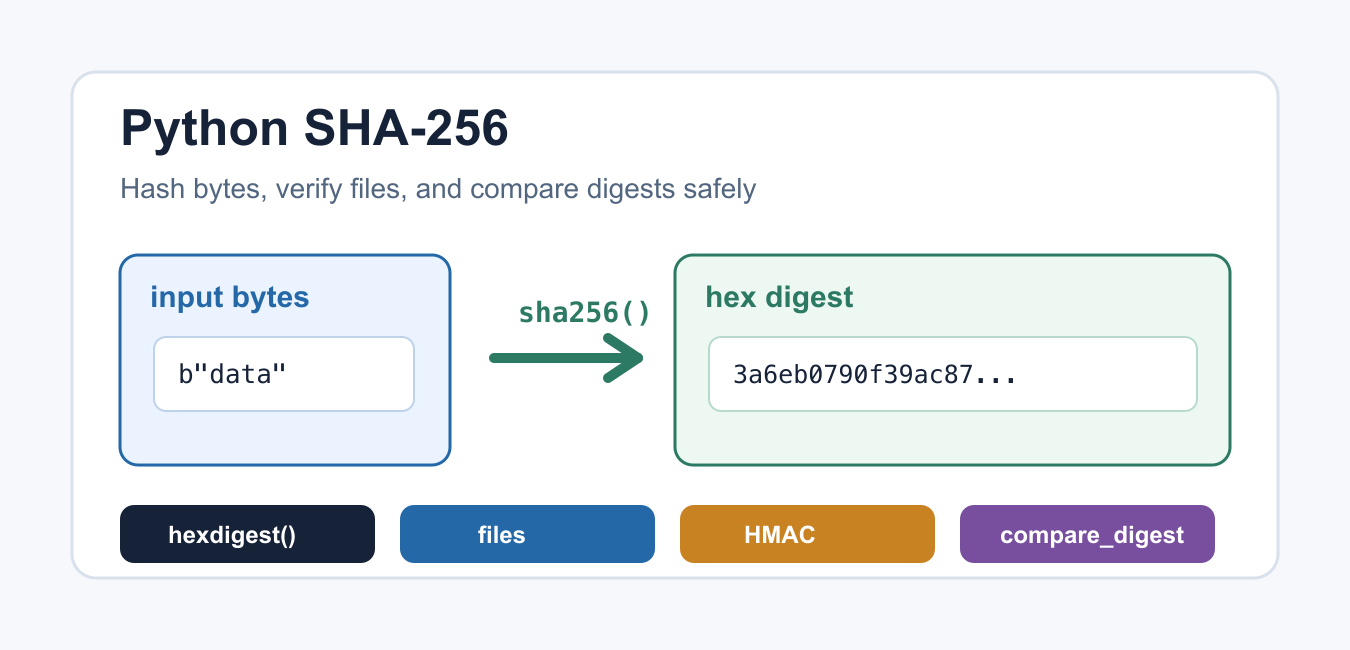
Quick answer: hashlib.sha256 creates a deterministic digest for bytes. Hash files in chunks, compare expected and actual digests with an appropriate comparison method, and remember that SHA-256 provides integrity checking rather than encryption or password storage.
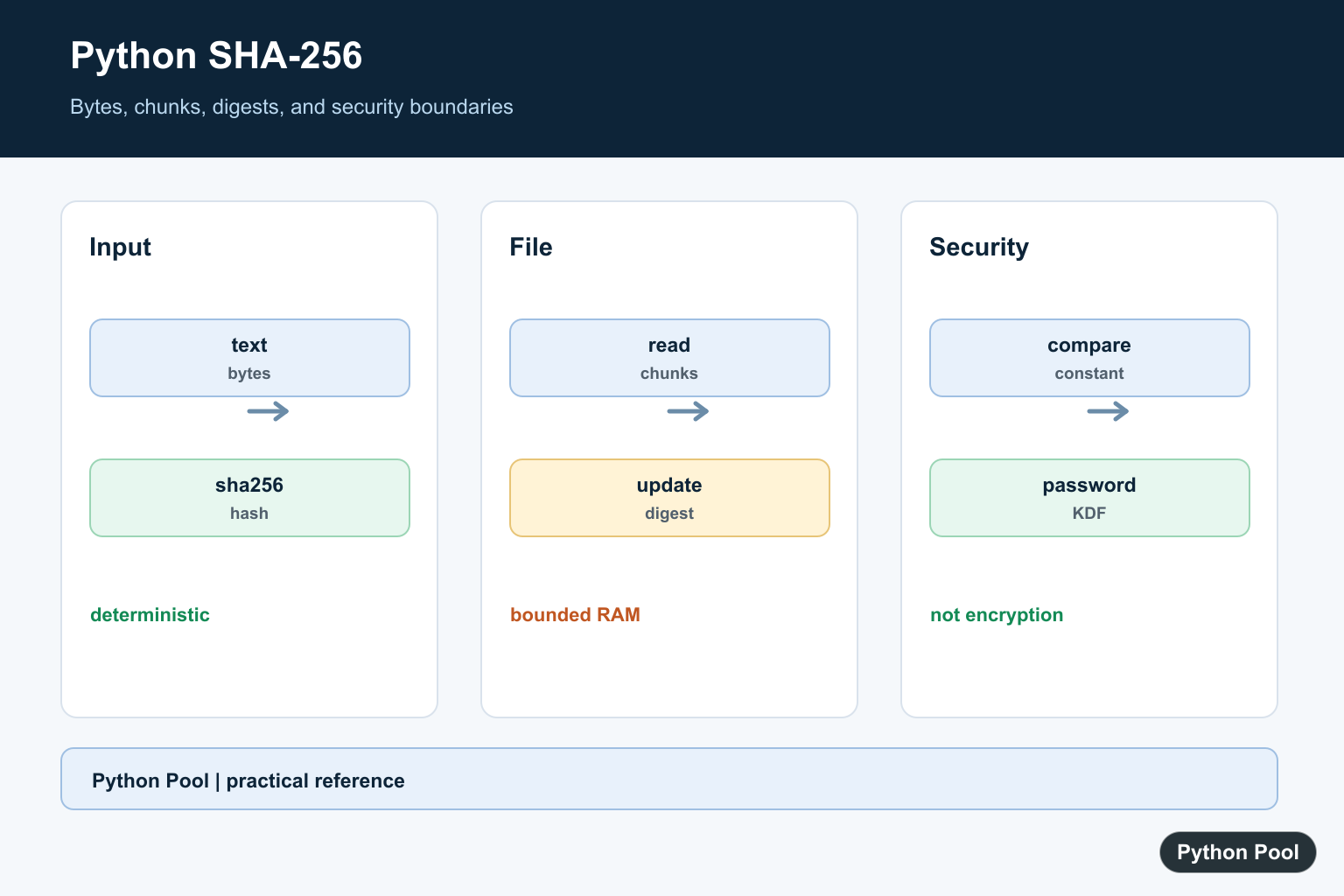
Python SHA-256 hashing is usually done with the standard hashlib module. SHA-256 takes bytes as input and returns a fixed-size digest that can identify whether data has changed. It is commonly used for file integrity checks, cache keys, API signatures, and reproducible identifiers.
SHA-256 belongs to the SHA-2 family defined in the NIST Secure Hash Standard. A hash is not encryption: you cannot decrypt a SHA-256 digest back into the original message. It is a one-way digest, so the main use is comparison, not recovery.
When Should You Use SHA-256?
Use SHA-256 when you need a deterministic fingerprint for exact bytes. The same input always produces the same digest, and a small input change produces a different digest. Good examples include verifying a downloaded file, detecting accidental data changes, checking whether two payloads are identical, or creating stable IDs for content-addressed storage.
Do not use a bare SHA-256 digest as a secret, password database, or authentication system. A digest does not hide low-entropy input from guessing attacks, and anyone who can recompute the same digest can produce the same value. Add a secret key with HMAC when authentication matters.
Create a SHA-256 Hash of a String
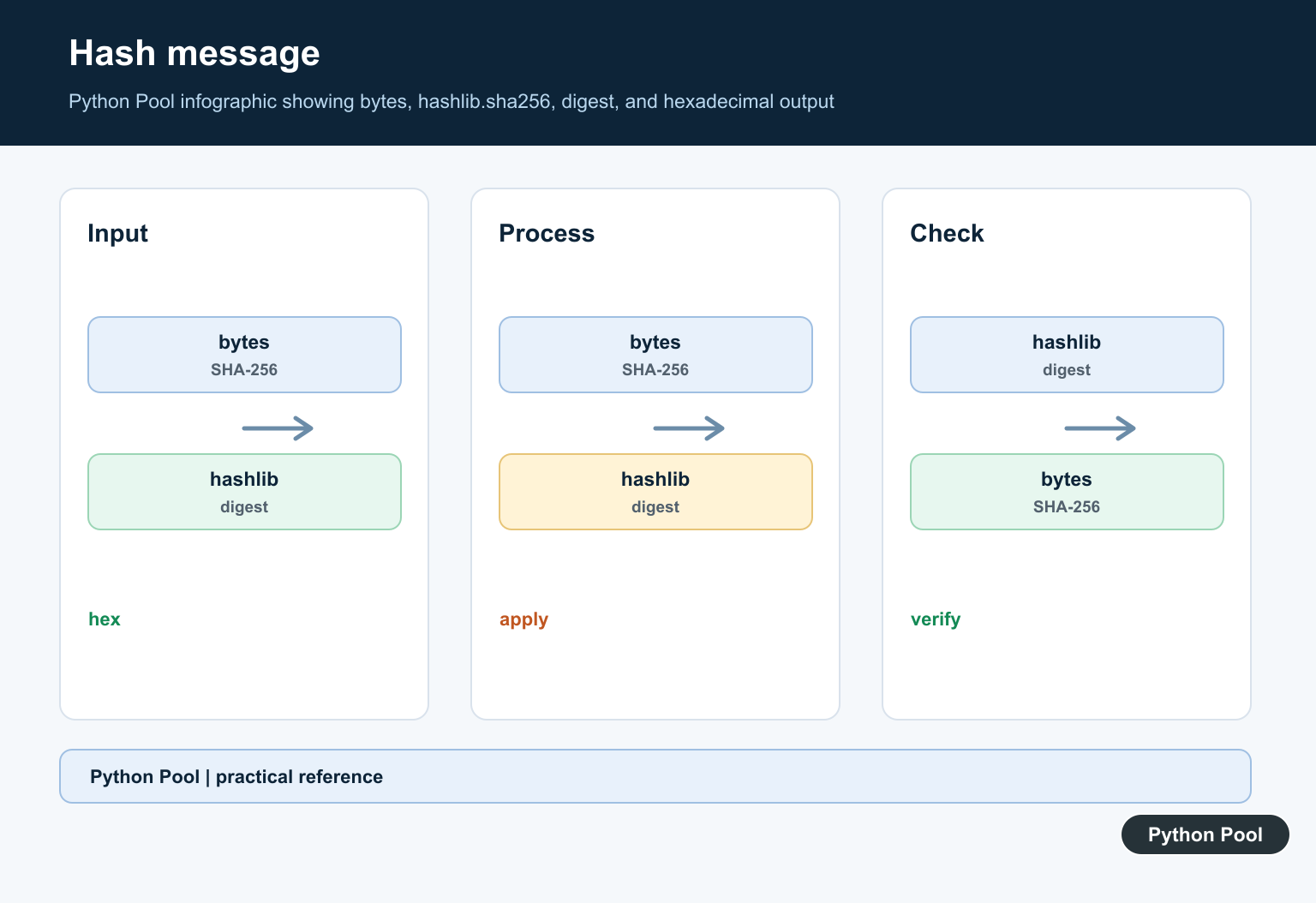
hashlib.sha256() expects bytes, not a normal Python string. Encode text first, then call hexdigest() when you need a readable hexadecimal string.
import hashlib

message = "Python Pool"
digest = hashlib.sha256(message.encode("utf-8")).hexdigest()

print(digest)
print(len(digest))
The hexadecimal SHA-256 digest is 64 characters long because it represents 32 bytes. If you need a refresher on bytes and text conversion, see Python bytes to string.
Hash Bytes Directly
If your data is already bytes, pass it directly to sha256(). This is common when hashing data from sockets, files, compressed payloads, or serialized objects.
import hashlib

payload = b"user_id=42&role=reader"
hash_object = hashlib.sha256(payload)

print(hash_object.digest())
print(hash_object.hexdigest())
Use digest() for raw bytes and hexdigest() for display, logs, JSON, or command-line comparison. Hex strings are larger, but they are easier to copy and store safely.
Update a Hash in Chunks
For large data, create a hash object and call update() repeatedly. The final digest is the same as hashing all bytes at once, but the chunked version does not need the entire input in memory.
import hashlib

parts = [b"first chunk", b"second chunk", b"third chunk"]
sha = hashlib.sha256()

for part in parts:
    sha.update(part)

print(sha.hexdigest())
This same pattern is useful for file hashing. It also helps avoid unnecessary memory use in scripts that process large archives, exports, or media files. For more file handling basics, see Python read file.
Hash a File With SHA-256
Open files in binary mode and read them in chunks. Text mode can change line endings or apply decoding, which would produce a digest for different bytes than the file actually contains. For an OpenSubtitles-compatible media fingerprint that is fast but not cryptographic, compare SHA-256 with Python oshash Module: OpenSubtitles File Hashes.
import hashlib
from pathlib import Path

path = Path("example.bin")
sha = hashlib.sha256()

with path.open("rb") as file:
    for chunk in iter(lambda: file.read(1024 * 1024), b""):
        sha.update(chunk)

print(sha.hexdigest())
Python also documents hashlib.file_digest() for file objects in modern Python versions. The manual chunked approach remains easy to read and works broadly.
Compare SHA-256 Digests Safely
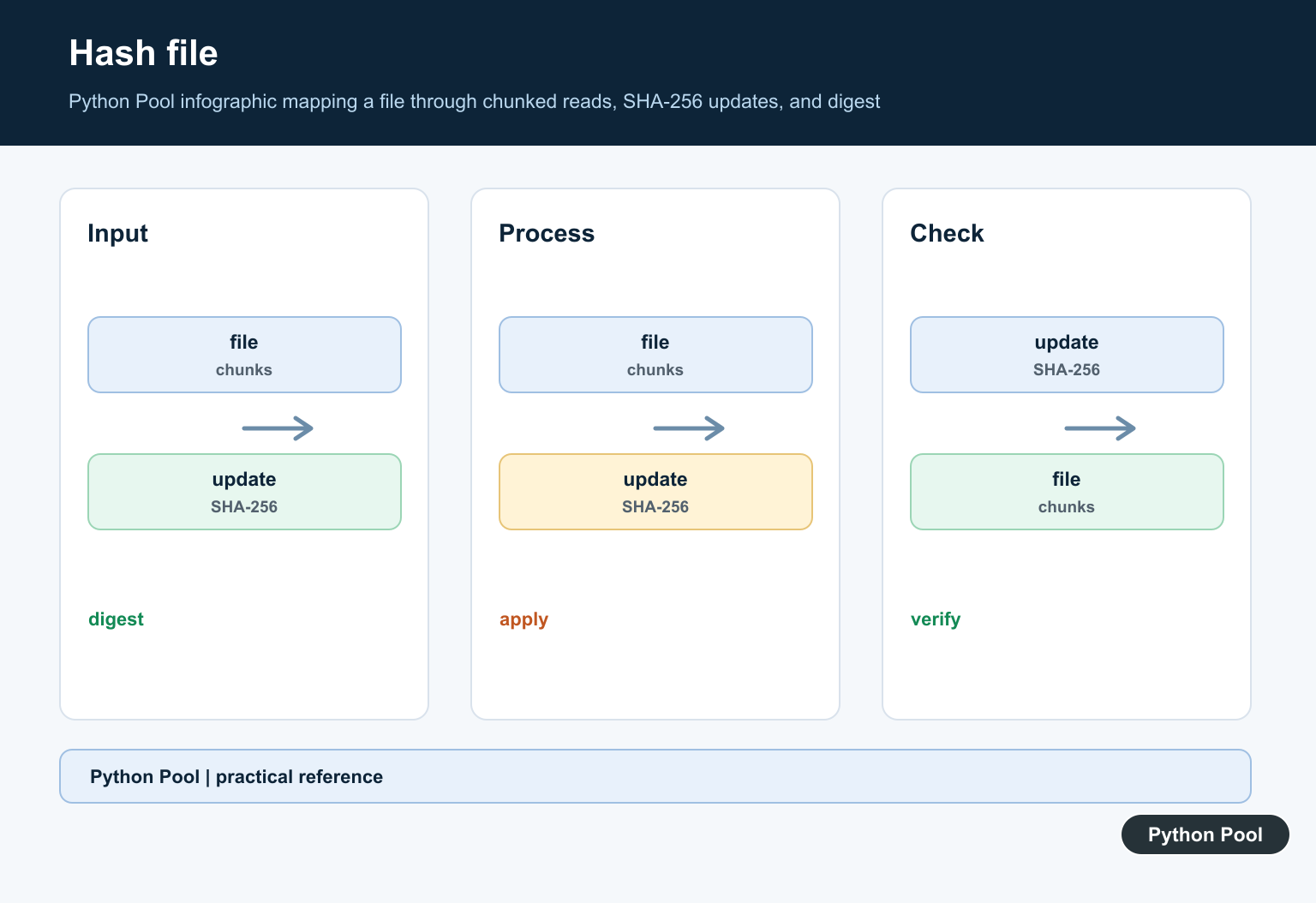
If a digest comes from an external source, avoid using == in security-sensitive verification code. The hmac.compare_digest() function is designed for safer digest comparison.
import hmac

expected = "2cf24dba5fb0a30e26e83b2ac5b9e29e"
received = "2cf24dba5fb0a30e26e83b2ac5b9e29e"

if hmac.compare_digest(expected, received):
    print("digest matches")
else:
    print("digest mismatch")
This matters when comparing tokens, signatures, or checksums supplied by another system. For general data integrity checks, a normal comparison may be acceptable, but using compare_digest() is a good habit when verification has security impact.
Use HMAC for Signed Messages
A plain SHA-256 hash proves that bytes match a digest, but it does not prove who created that digest. When a secret key is involved, use HMAC with SHA-256 instead of manually joining a key and message.
import hashlib
import hmac
secret = b"shared-secret"
message = b"amount=25¤cy=USD"
signature = hmac.new(secret, message, hashlib.sha256).hexdigest()
print(signature)
HMAC is the right pattern for webhook verification, signed API requests, and message authentication. The key must stay secret; the message and signature can be transmitted to the verifier.
Do Not Use Plain SHA-256 for Passwords
Plain SHA-256 is too fast for password storage. Passwords need a slow, salted password-hashing scheme. Python’s hashlib.pbkdf2_hmac() can derive a password hash with a salt and many iterations, though dedicated password-hashing libraries may be preferable for production systems.
import hashlib
import os

password = b"correct horse battery staple"
salt = os.urandom(16)

password_hash = hashlib.pbkdf2_hmac(
    "sha256",
    password,
    salt,
    600_000,
)

print(password_hash.hex())
If your script accepts hidden terminal input, Python Pool’s Python getpass guide explains how to read passwords without echoing them. For older hash algorithms and safety notes, see Python MD5 and Python hashlib.
Conclusion
Use hashlib.sha256() when you need a stable digest for bytes, strings, or files. Encode strings before hashing, read large files in binary chunks, use hmac.compare_digest() for security-sensitive comparisons, and use HMAC when a secret key must authenticate a message. For passwords, do not store plain SHA-256 digests; use a salted, slow password-hashing approach instead.
Hash Bytes
Encode text explicitly before hashing because a hash operates on bytes. Use hexdigest for a portable textual representation or digest for raw bytes.
import hashlib

data = "Python Pool".encode("utf-8")
digest = hashlib.sha256(data).hexdigest()
print(digest)
Hash A File In Chunks
Reading bounded chunks keeps memory use predictable for large files. The digest is the same as hashing the complete byte sequence at once.
import hashlib

hasher = hashlib.sha256()
with open("release.bin", "rb") as stream:
    for chunk in iter(lambda: stream.read(1024 * 1024), b""):
        hasher.update(chunk)
print(hasher.hexdigest())
Compare Digests Safely
For attacker-controlled values, use a constant-time comparison such as hmac.compare_digest. For ordinary local diagnostics, direct equality may be sufficient, but the threat model should be explicit.
import hmac

expected = "abc123"
actual = "abc123"
print(hmac.compare_digest(expected, actual))
Do Not Use It As Password Storage
A fast general-purpose hash is not a password hashing scheme. Passwords need a salted, deliberately expensive KDF such as Argon2, scrypt, or bcrypt through a maintained library.
import hashlib

algorithm = hashlib.sha256()
algorithm.update(b"public integrity data")
print(algorithm.hexdigest())
Python’s hashlib and hmac.compare_digest documentation cover digest creation and comparison. Related references include bytes and text, file transfers, and stored data.
For related data-integrity workflows, compare bytes and text, file transfers, and stored data when verifying artifacts.
Frequently Asked Questions
How do I calculate SHA-256 in Python?
Use hashlib.sha256 with bytes, update it with the data, and read the hexadecimal or raw digest.
How do I hash a large file?
Read the file in bounded chunks and call update for each chunk so the entire file is not loaded into memory.
Is SHA-256 encryption?
No. It is a one-way cryptographic hash and does not provide reversible encryption.
Can I use SHA-256 for passwords?
Do not use a plain SHA-256 digest for password storage; use a password-hashing scheme with a salt and an appropriate work factor.

Thanks for the explanation, how do I put this into use?
It depends on your use case. Some people use it to encrypt passwords, while some use it to create authentication protocols.
Hello how can i decrypt an encrypted text with sha256 i cant find anywhere
SHA256 is one-way hash function. You cannot decrypt the text.