
Quick answer: Python SCP workflows copy files over an SSH transport. Use a maintained SSH library, keep host-key verification enabled, select the intended remote path explicitly, set timeouts, verify the transferred file, and close the client in cleanup code.
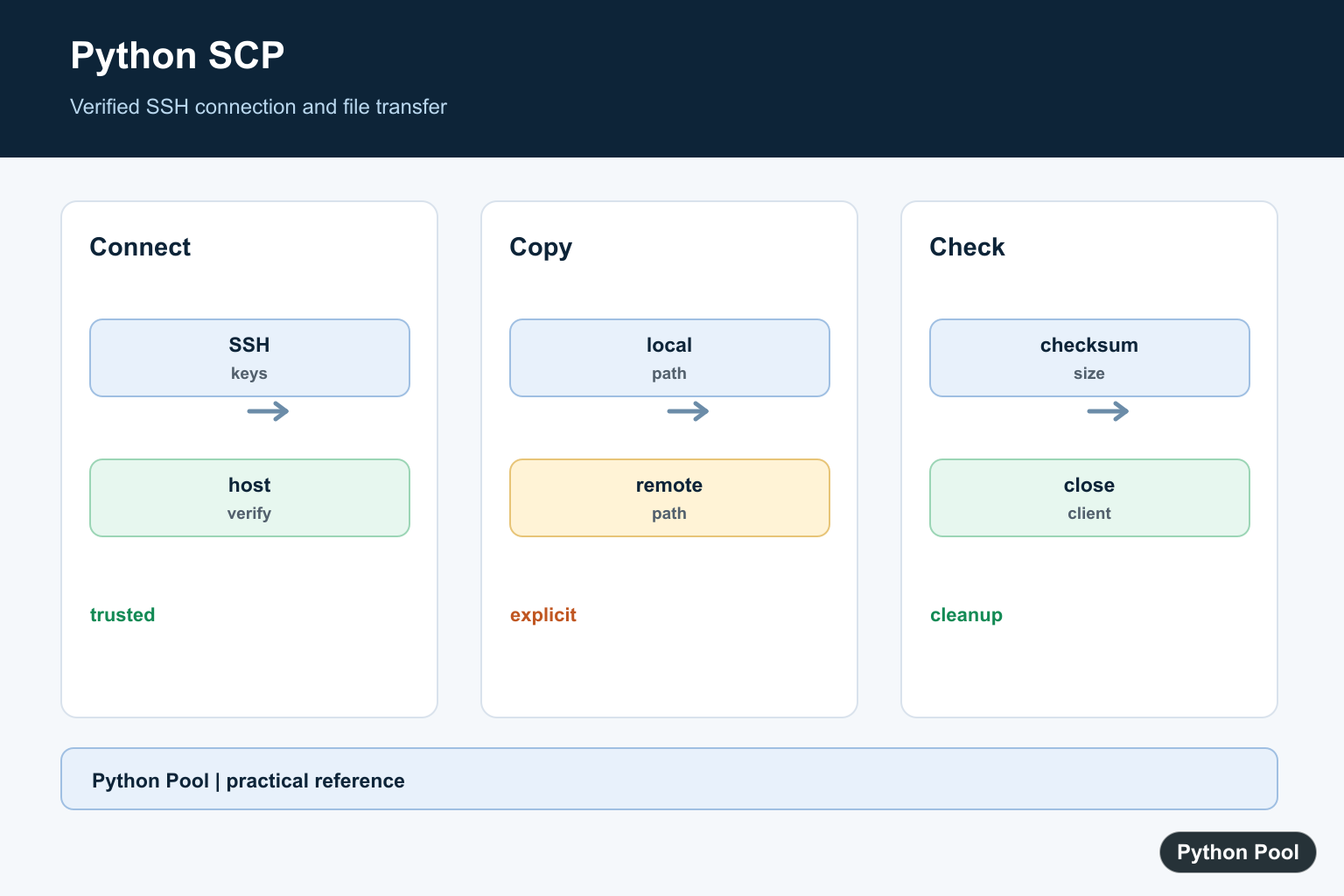
Python can transfer files over SCP by using an SSH connection and the third-party scp package. The usual stack is Paramiko for SSH plus SCPClient for file upload and download operations.
Primary references include scp on PyPI, the Paramiko SSHClient documentation, Paramiko SFTP documentation, and the OpenBSD scp manual.
Install the packages with python -m pip install paramiko scp. Keep credentials out of source code. Prefer SSH keys, environment configuration, or a secrets manager over hard-coded passwords.
Host-key handling is a security boundary. Avoid blindly adding unknown host keys in reusable examples. Load known hosts from the system or application configuration, then reject unknown hosts unless you have a deliberate enrollment step.
SCP is useful for straightforward file copies. If you need directory listings, remote file metadata, or more file-management operations, Paramiko SFTP may be a better fit than SCP.
The examples below show the structure of the code. Replace hostnames, usernames, paths, and key paths with values from your environment before running them.
Use least-privilege accounts for automated transfers. A deployment account that can write only to a staging directory is safer than a broad shell account that can modify unrelated files.
Also plan failure behavior. Network transfers can fail midway, remote paths can be missing, and permissions can change. Wrap production transfers with logging, exception handling, and cleanup for partially written files where that matters.
Upload A File With SCP
Create an SSH client, load trusted host keys, connect, then pass the transport to SCPClient.
import paramiko
from scp import SCPClient

host = "example.com"
username = "deploy"
key_path = "/home/me/.ssh/id_ed25519"

ssh = paramiko.SSHClient()
ssh.load_system_host_keys()
ssh.set_missing_host_key_policy(paramiko.RejectPolicy())
ssh.connect(hostname=host, username=username, key_filename=key_path)

with SCPClient(ssh.get_transport()) as scp:
    scp.put("report.csv", "/var/tmp/report.csv")

ssh.close()
RejectPolicy() prevents silent trust of unknown hosts.
The with block closes the SCP client after the transfer.
Close the SSH connection when the transfer work is finished.
In a larger script, use a try and finally block or a helper function so the SSH client closes even when a transfer raises an exception.
Download A File
Use get() to copy from the remote server to the local machine.
import paramiko
from scp import SCPClient

ssh = paramiko.SSHClient()
ssh.load_system_host_keys()
ssh.set_missing_host_key_policy(paramiko.RejectPolicy())
ssh.connect("example.com", username="deploy", key_filename="/home/me/.ssh/id_ed25519")

with SCPClient(ssh.get_transport()) as scp:
    scp.get("/var/log/app.log", "app.log")

ssh.close()
The first path is remote and the second path is local.
Make sure the local directory exists before downloading into it.
For repeated transfers, keep connection setup in one helper and handle errors around the transfer call.
Downloading into a temporary path and renaming after success can prevent later code from reading a partially downloaded file.
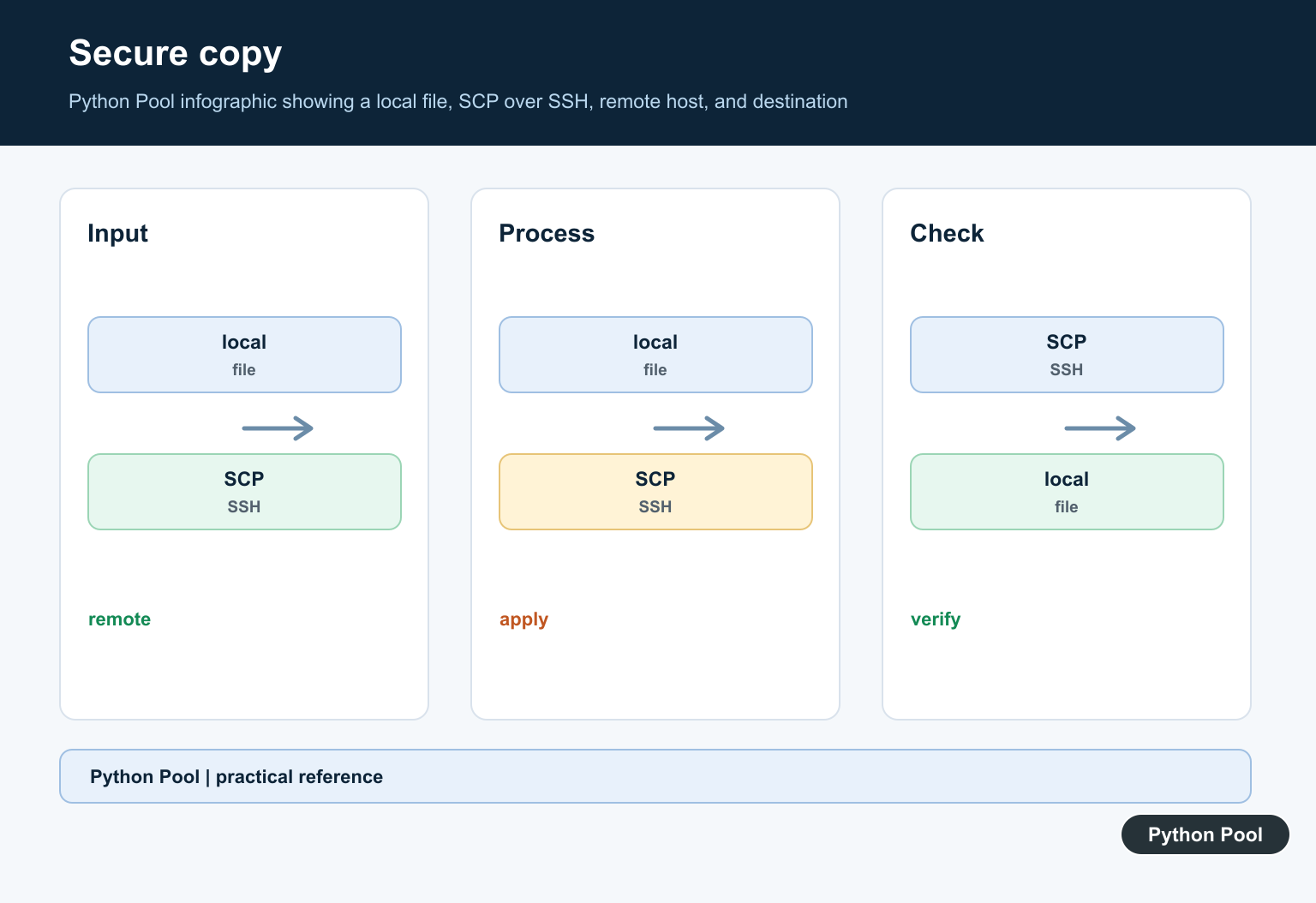
Upload A Directory Recursively
Set recursive=True when uploading a directory tree.
import paramiko
from scp import SCPClient

ssh = paramiko.SSHClient()
ssh.load_system_host_keys()
ssh.set_missing_host_key_policy(paramiko.RejectPolicy())
ssh.connect("example.com", username="deploy", key_filename="/home/me/.ssh/id_ed25519")

with SCPClient(ssh.get_transport()) as scp:
    scp.put("build", "/var/www/build", recursive=True)

ssh.close()
Recursive uploads can overwrite files on the remote side depending on the destination path.
Review the target directory before copying generated assets or deployment output.
For complex sync behavior, a tool such as rsync may be more appropriate than SCP.
Recursive copies can also transfer files you did not intend if the source directory contains caches, logs, or generated artifacts. Build the directory intentionally before sending it.
Show Transfer Progress
SCPClient accepts a progress callback.
import paramiko
from scp import SCPClient

def show_progress(filename, size, sent):
    percent = sent / size * 100 if size else 100
    print(f"{filename}: {percent:.1f}%")

ssh = paramiko.SSHClient()
ssh.load_system_host_keys()
ssh.set_missing_host_key_policy(paramiko.RejectPolicy())
ssh.connect("example.com", username="deploy", key_filename="/home/me/.ssh/id_ed25519")

with SCPClient(ssh.get_transport(), progress=show_progress) as scp:
    scp.put("archive.tar.gz", "/var/tmp/archive.tar.gz")

ssh.close()
The callback receives the filename, total size, and bytes transferred.
For polished terminal progress bars, adapt the callback to update a library such as tqdm.
Keep progress logging lightweight so it does not slow down large transfers.
Progress callbacks are useful for user feedback and logs, but they should not be the only success signal. Check that the transfer call completes and, when necessary, verify the remote size or checksum afterward.
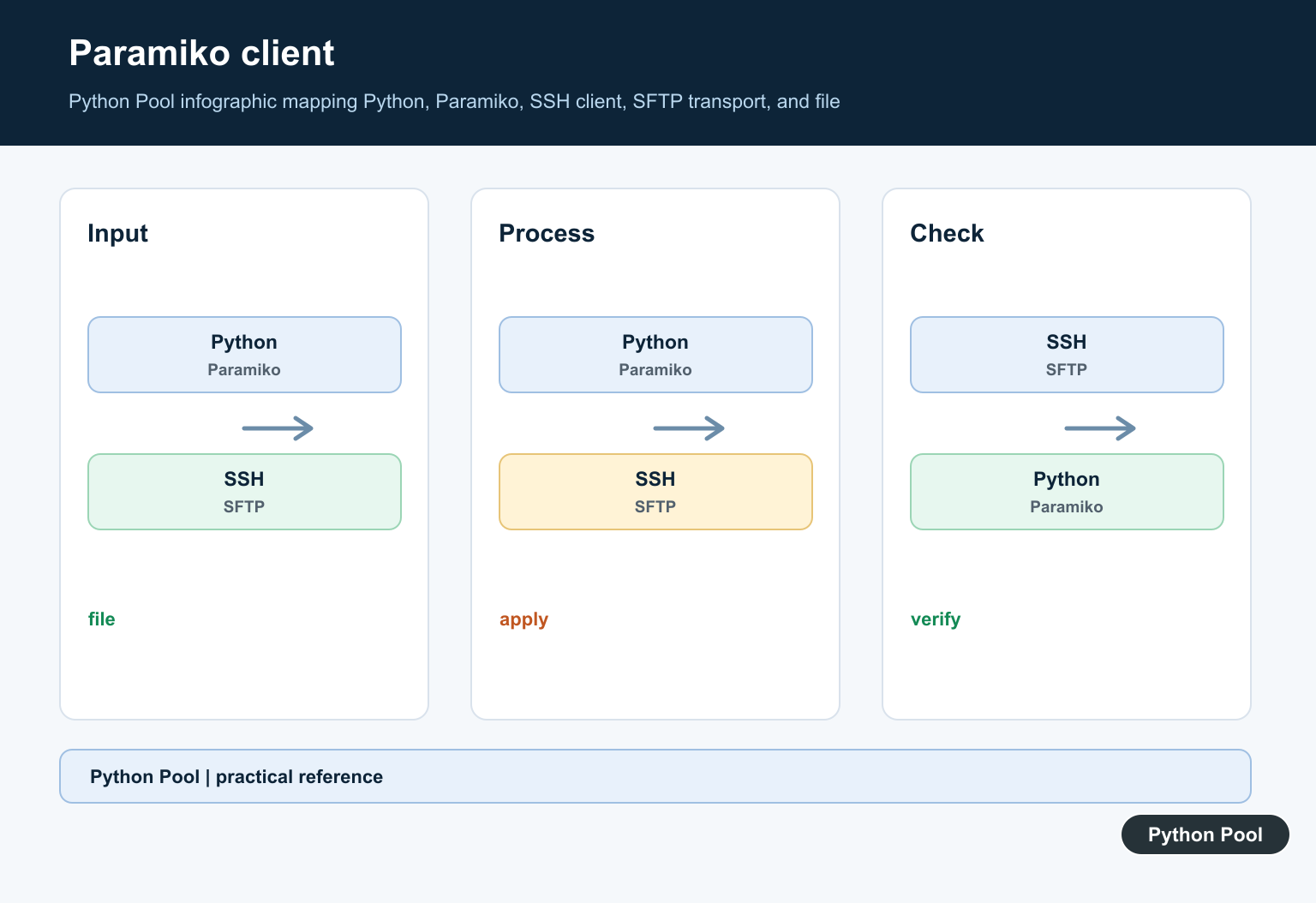
Upload File-Like Objects
putfo() uploads a file-like object.
from io import BytesIO
import paramiko
from scp import SCPClient

payload = BytesIO(b"generated report\n")

ssh = paramiko.SSHClient()
ssh.load_system_host_keys()
ssh.set_missing_host_key_policy(paramiko.RejectPolicy())
ssh.connect("example.com", username="deploy", key_filename="/home/me/.ssh/id_ed25519")

with SCPClient(ssh.get_transport()) as scp:
    scp.putfo(payload, "/var/tmp/report.txt")

ssh.close()
This is useful when content is generated in memory.
For large generated files, writing to a temporary file may be easier to monitor and retry.
Always validate the remote path before sending generated content.
Reset the file-like object’s position before upload if it has already been read. A BytesIO object should normally be at position zero when passed to putfo().
Use SFTP When You Need File Management
SFTP is often better when you need listing, stat calls, or explicit remote file operations.
import paramiko

ssh = paramiko.SSHClient()
ssh.load_system_host_keys()
ssh.set_missing_host_key_policy(paramiko.RejectPolicy())
ssh.connect("example.com", username="deploy", key_filename="/home/me/.ssh/id_ed25519")

with ssh.open_sftp() as sftp:
    sftp.put("settings.json", "/var/tmp/settings.json")
    info = sftp.stat("/var/tmp/settings.json")
    print(info.st_size)

ssh.close()
SFTP runs over SSH but exposes a richer file API than SCP.
Use SCP for simple copies and SFTP for remote file inspection or management.
SFTP also makes it easier to create remote directories, check file sizes, and remove temporary files as part of the same connection.
In short, use Python SCP through a trusted SSH connection, reject unknown host keys by default, keep secrets out of source code, and switch to SFTP when the task is more than a simple upload or download.
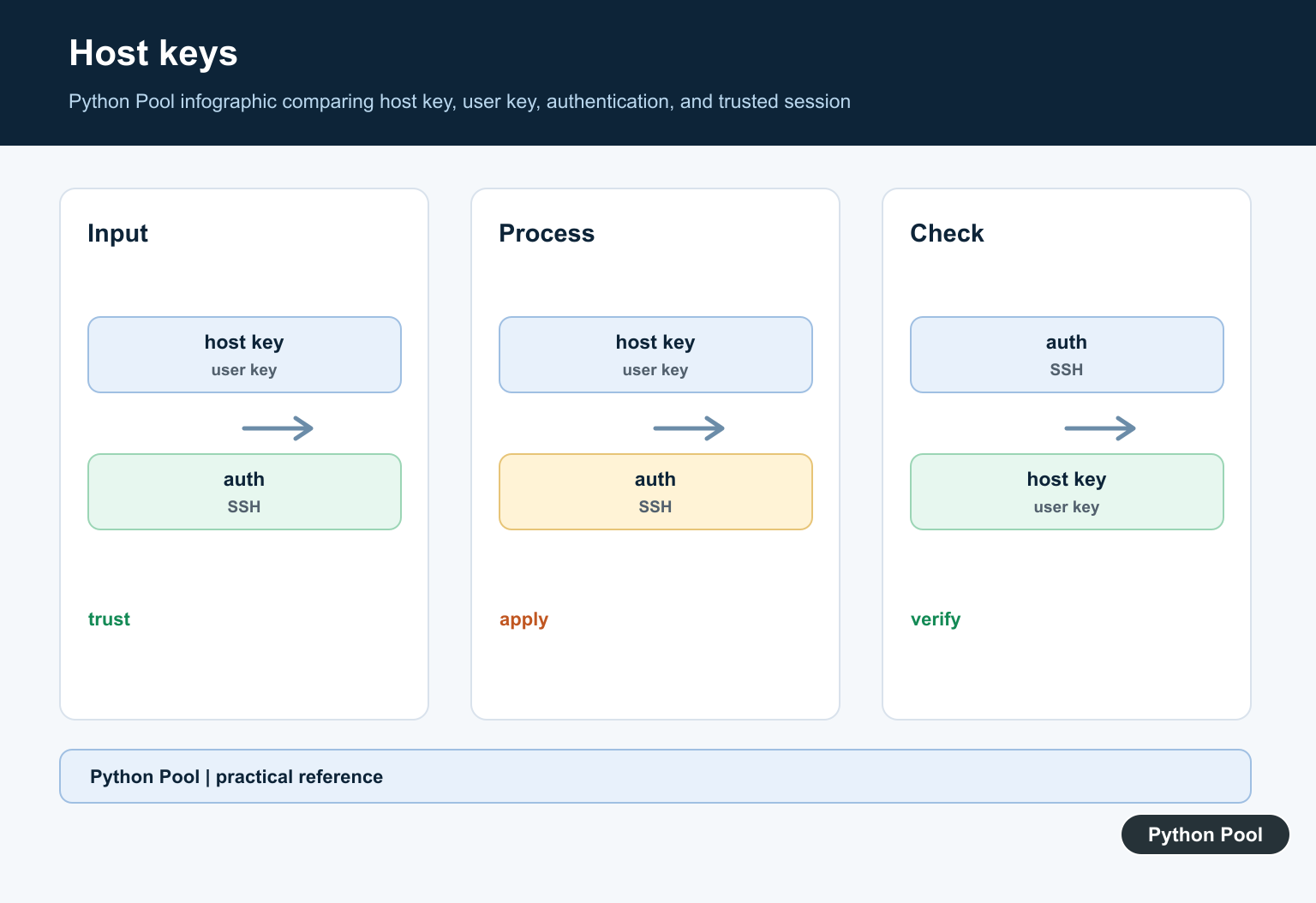
Create A Verified SSH Client
Keep connection setup separate from the file transfer so authentication, host verification, and timeout policy are visible. Prefer keys or a secret manager over passwords embedded in source.
import paramiko

client = paramiko.SSHClient()
client.load_system_host_keys()
client.set_missing_host_key_policy(paramiko.RejectPolicy())
client.connect("server.example", username="deploy", timeout=10)
print(client.get_transport().is_active())
client.close()
Copy A Known File
The SCP helper should receive explicit local and remote paths. Do not build a remote path from untrusted input without validating the allowed directory.
from pathlib import Path

local_path = Path("release.tar.gz")
remote_path = "/srv/releases/release.tar.gz"
if not local_path.is_file():
    raise FileNotFoundError(local_path)
print(local_path, remote_path)
Verify The Transfer
A completed SSH write does not automatically prove that the expected artifact arrived. Check the remote file size or checksum through the same verified connection.
import hashlib
from pathlib import Path

path = Path("release.tar.gz")
checksum = hashlib.sha256(path.read_bytes()).hexdigest()
print(checksum)
Close In Finally
Long-running transfer jobs need predictable cleanup on both success and failure. Keep the client and SCP helper in a context manager or a try/finally block.
client = None
try:
    client = object()
    print("transfer started")
finally:
    client = None
    print("cleanup complete")
Paramiko’s official documentation covers SSH client behavior and host keys. Related references include local file operations, safe persistence formats, and bytes and text.
For related file workflows, compare local file operations, persistence formats, and bytes and text when transferring data.
Frequently Asked Questions
What is SCP in Python?
SCP is a file-copy protocol that transfers data between local and remote systems over an SSH connection.
Which Python package can copy files with SCP?
Common workflows use an SSH library such as Paramiko together with an SCP client helper, or a maintained transfer library that supports SSH.
Should I disable SSH host-key checking?
No. Keep host-key verification enabled and manage known hosts deliberately so a connection is not silently redirected.
How do I handle failed transfers?
Use timeouts, catch the narrowest expected exceptions, verify the remote file, and close the transport in a finally block.
