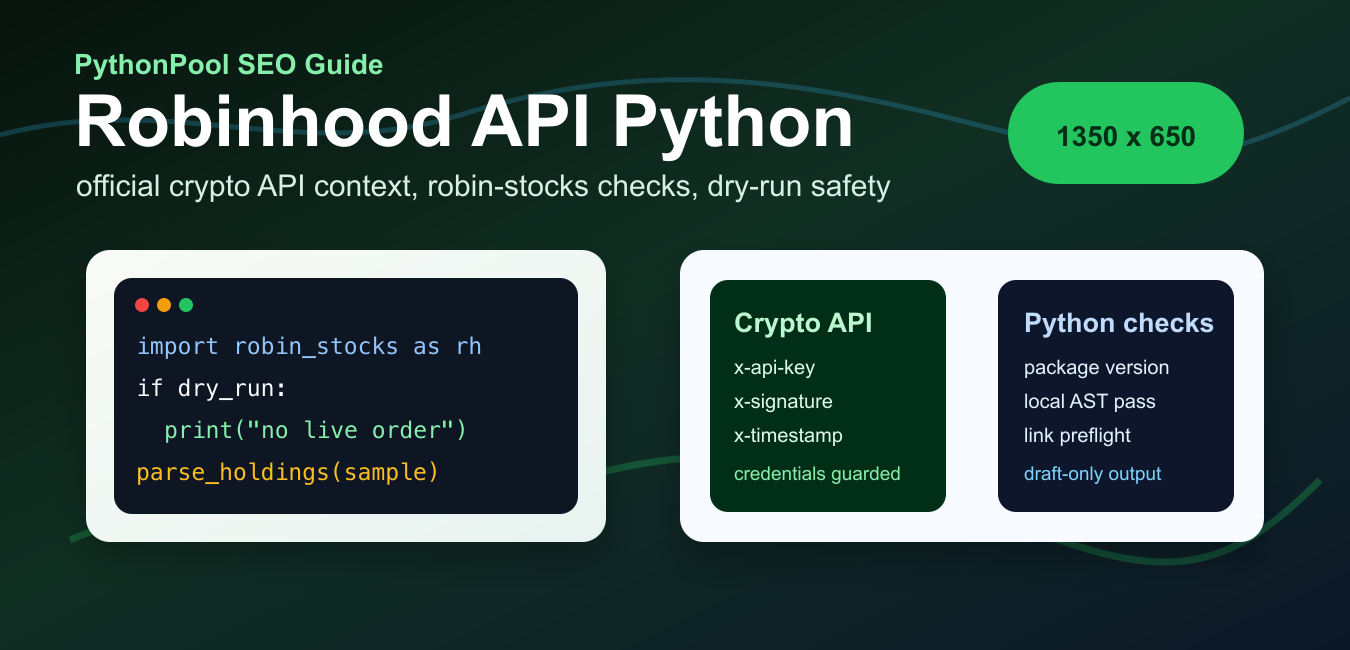
Quick answer: A Robinhood Python integration should begin with the current official API documentation, permissions, and account terms. Older examples often use robin-stocks, a third-party client that interacts with Robinhood services and may depend on private or changing endpoints. Keep credentials out of source code, start with read-only or mocked tests, pin dependencies, and require an explicit review before any live order operation.
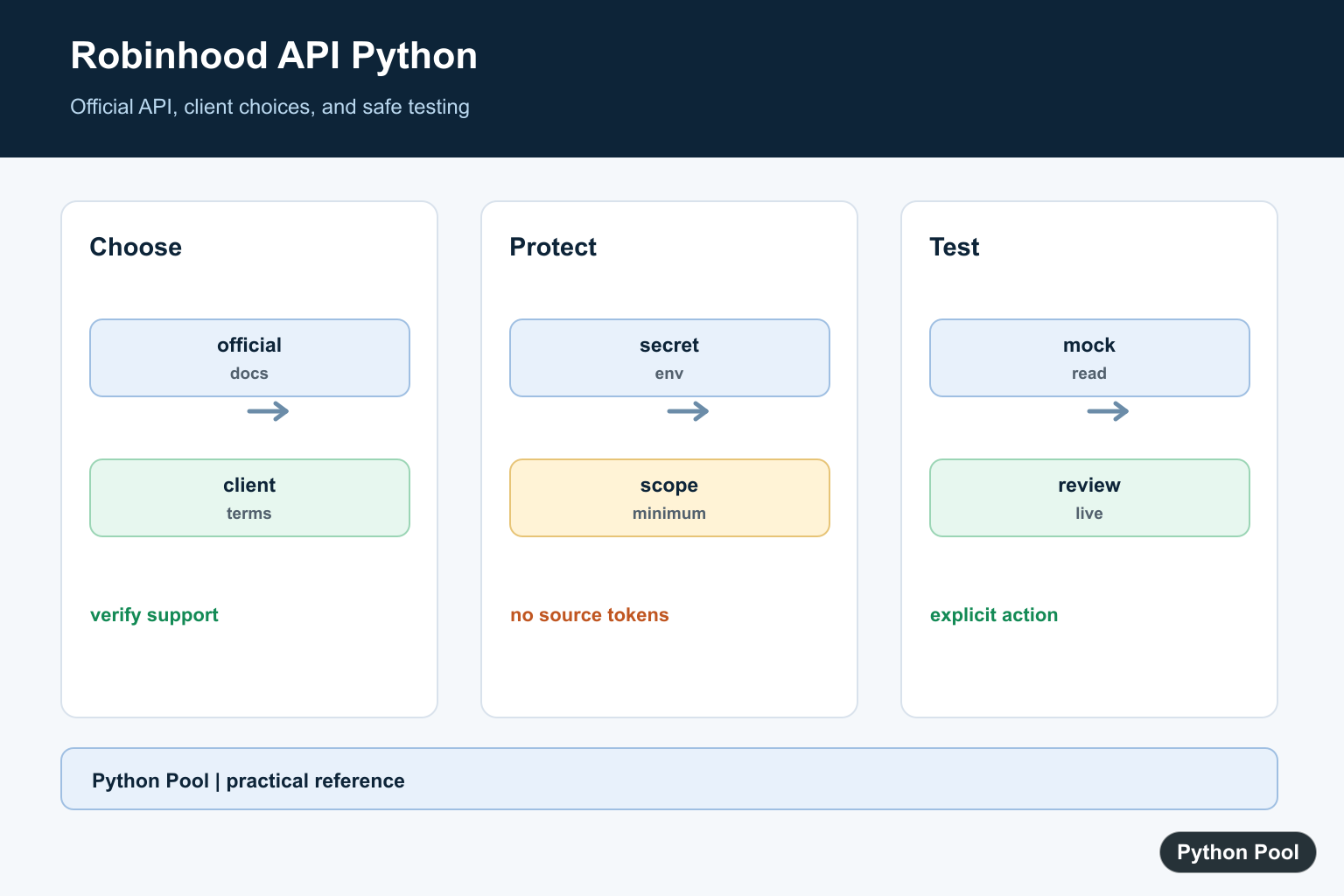
Robinhood API Python work needs a clear split between supported and unsupported paths. Robinhood now documents an official Crypto Trading API for eligible Robinhood Crypto customers in the United States. That API is for crypto market data, crypto account information, crypto holdings, crypto orders, crypto products, crypto quotes, and crypto order placement through Robinhood’s documented credentials flow. It is not the same thing as a general public stocks or options trading API. Brokerage APIs handle accounts and market data; for low-level Bitcoin transactions and scripts, use python-bitcoinlib Basics in Python.
For stocks, options, and broad account access, Python examples on the web often use third-party wrappers around private Robinhood app endpoints. The most common current package is robin-stocks on PyPI, which PyPI lists as version 3.4.0, released May 18, 2025, with Python 3.9 or newer required. The robin-stocks quick start shows login and MFA examples, while the Robinhood function reference documents account, profile, holdings, order, and quote helpers. Treat that package as an unofficial wrapper that can break when Robinhood changes its private endpoints or authentication behavior.
The official reference point is Robinhood’s Crypto Trading API help page, which explains the API versions, credential creation, and supported read-only actions. The linked Robinhood Crypto Trading API documentation is the source to check before building a live crypto workflow.
The examples below are written as guarded local snippets. They do not log in, place orders, or call the Robinhood network unless you deliberately add credentials and enable a run flag. That is the right default for tutorials, code review, and automated validation because account code should never surprise you with a live trade.
Check Your Python Packages
Start by confirming what the active interpreter can import. The install name for the unofficial wrapper is robin-stocks, but the import package is robin_stocks. For the official crypto API, Robinhood documents an Ed25519 signing flow, and Python examples commonly use PyNaCl for key work. The first check should only inspect packages; it should not touch an account.
from importlib.metadata import PackageNotFoundError, version
from importlib.util import find_spec

packages = {
    "robin-stocks": "robin_stocks",
    "PyNaCl": "nacl",
    "requests": "requests",
}

for project_name, module_name in packages.items():
    try:
        installed_version = version(project_name)
    except PackageNotFoundError:
        installed_version = "not installed"
    visible = find_spec(module_name) is not None
    print(project_name, installed_version, "importable:", visible)
If robin-stocks is missing, install it into the same virtual environment that runs your script. If requests or PyNaCl is missing, add only the dependency your chosen path needs. Keep package versions in a dependency file so another machine can reproduce the same behavior.
Load Credentials Without Printing Secrets
Robinhood credentials, crypto API keys, private signing keys, and MFA values should come from a secure local store, deployment secret system, or process settings. Do not paste a password into an article, notebook, or committed script. The helper below proves that names are present without printing their values.
import os

def masked(value):
    if not value:
        return "missing"
    return f"{value[:2]}...{len(value)} chars"

settings = {
    "ROBINHOOD_USERNAME": os.environ.get("ROBINHOOD_USERNAME"),
    "ROBINHOOD_PASSWORD": os.environ.get("ROBINHOOD_PASSWORD"),
    "ROBINHOOD_MFA_CODE": os.environ.get("ROBINHOOD_MFA_CODE"),
    "ROBINHOOD_CRYPTO_API_KEY": os.environ.get("ROBINHOOD_CRYPTO_API_KEY"),
}

for name, value in settings.items():
    print(name, masked(value))

print("login flag:", os.environ.get("RUN_ROBINHOOD_LOGIN") == "1")
This pattern is intentionally boring. Account automation should fail closed when a name is missing, and diagnostics should reveal only whether the setup is ready. Keep real values out of console output, screenshots, saved notebooks, and issue reports.
Guard a robin-stocks Login
The unofficial robin-stocks package can log in with a username, password, and optional MFA code. A safe tutorial function should skip login unless an explicit flag is set. It should also avoid storing a session file during examples unless the user chooses that behavior.
import os

def open_robinhood_session():
    if os.environ.get("RUN_ROBINHOOD_LOGIN") != "1":
        return "skipped: set RUN_ROBINHOOD_LOGIN=1 for a real login"

    username = os.environ.get("ROBINHOOD_USERNAME")
    password = os.environ.get("ROBINHOOD_PASSWORD")
    mfa_code = os.environ.get("ROBINHOOD_MFA_CODE") or None
    if not username or not password:
        return "skipped: username and password are required"

    try:
        import robin_stocks.robinhood as rh
    except ImportError:
        return "skipped: install robin-stocks first"

    result = rh.login(
        username=username,
        password=password,
        mfa_code=mfa_code,
        store_session=False,
    )
    return {
        "authenticated": bool(result.get("access_token")),
        "detail": result.get("detail", ""),
    }

print(open_robinhood_session())
The guard keeps local validation harmless. If you later turn the flag on, test in a private environment and understand that private endpoint wrappers are not guaranteed by Robinhood. Authentication prompts, MFA behavior, token storage, rate limits, and endpoint shapes can change.
Parse Holdings Into Rows
Before connecting to a real account, write the parser against sample holdings. robin-stocks helpers often return dictionaries keyed by ticker symbol, with values stored as strings. Convert only the fields you need, and keep the raw response available for troubleshooting.
sample_holdings = {
    "AAPL": {
        "quantity": "2.5",
        "average_buy_price": "150.00",
        "price": "190.25",
        "percent_change": "3.1",
    },
    "MSFT": {
        "quantity": "1",
        "average_buy_price": "320.00",
        "price": "410.50",
        "percent_change": "1.4",
    },
}

def holdings_rows(holdings):
    rows = []
    for symbol, item in holdings.items():
        quantity = float(item.get("quantity") or 0)
        price = float(item.get("price") or 0)
        rows.append({
            "symbol": symbol,
            "quantity": quantity,
            "market_value": round(quantity * price, 2),
            "percent_change": float(item.get("percent_change") or 0),
        })
    return rows

for row in holdings_rows(sample_holdings):
    print(row)
This parser is useful whether the data comes from a wrapper, an export, or a test fixture. It separates account access from analysis. That separation makes it easier to run unit tests, compare results, or move the same analytics code to a different broker later.
Prepare Official Crypto API Keys
Robinhood’s supported crypto API uses API credentials and signed requests. The help page says you create API credentials from Robinhood web classic and choose the API actions that key can perform. Keep permission scopes narrow: read-only keys for reporting, trading keys only for code that has been reviewed and monitored.
The snippet below mirrors the key-pair preparation idea without creating a key unless you opt in. It uses PyNaCl if present, then prints the public key form you would register. Never share the private key, and do not save it as plain text in a repository.
import base64
import os

def create_crypto_api_keypair():
    try:
        import nacl.signing
    except ImportError:
        return {"ready": False, "hint": "python -m pip install PyNaCl"}

    if os.environ.get("RUN_KEYPAIR_DEMO") != "1":
        return {"ready": False, "hint": "set RUN_KEYPAIR_DEMO=1 to generate"}

    signing_key = nacl.signing.SigningKey.generate()
    public_key = signing_key.verify_key
    return {
        "public_key_base64": base64.b64encode(bytes(public_key)).decode("ascii"),
        "private_key_kept_local": True,
    }

print(create_crypto_api_keypair())
Generating a key pair is only setup. Live API calls also need the current signature rules from the official documentation, the correct API path, and an allowed key action. Re-read the docs before changing an order path because API versions, fee-tier behavior, and endpoint requirements can differ.
Build a Dry-Run Request Plan
Even with the official crypto API, build a request plan first. A plan records the method, path, payload, and required headers without sending anything. That makes review easier and prevents a utility function from becoming a hidden trading bot.
import json

def crypto_request_plan(method, path, body=None):
    method = method.upper()
    if method not in {"GET", "POST", "DELETE"}:
        raise ValueError(f"unsupported method: {method}")
    if not path.startswith("/api/"):
        raise ValueError("use the documented API path, not a full URL")

    payload = "" if body is None else json.dumps(
        body,
        separators=(",", ":"),
        sort_keys=True,
    )
    return {
        "method": method,
        "url": "https://trading.robinhood.com" + path,
        "body": payload,
        "required_headers": ["x-api-key", "x-signature", "x-timestamp"],
        "live_call": False,
    }

plan = crypto_request_plan("GET", "/api/v1/crypto/trading/accounts/")
print(plan["url"])
print(plan["required_headers"])
print("live call:", plan["live_call"])
Use this dry-run structure for both read and trade workflows. For a live trading path, add a second explicit confirmation, a maximum notional amount, logging, alerting, and a kill switch. For read-only analytics, keep the key permission read-only and write parsers against fixtures before touching the account.
Practical Guidance
Use Robinhood’s official Crypto Trading API when you are building supported crypto workflows and have created API credentials with the right actions. Use robin-stocks only when you understand that it is an unofficial wrapper and that stocks, options, and broader account endpoints may change without notice. Do not rely on private endpoint examples for regulated, customer-facing, or unattended trading systems. For another unofficial brokerage wrapper with similar authentication and API-stability risks, compare robin-stocks with Webull Package in Python: Safe API Guide.
The safest Python workflow is consistent: isolate credentials, guard live calls behind an explicit flag, parse sample responses first, keep order creation separate from order submission, and record every assumption near the code. That makes a Robinhood API Python project easier to review and far less likely to surprise you with a live action while you are still testing.
Distinguish Official And Third-Party Clients
The name Robinhood API can refer to the official developer platform or to older wrappers such as robin-stocks. Check the current official product documentation for supported endpoints and authentication before copying a historical tutorial.
from dataclasses import dataclass

@dataclass
class ApiChoice:
    provider: str
    official: bool
    live_orders_enabled: bool

choice = ApiChoice("review current documentation", False, False)
print(choice)
Keep Credentials Outside The Repository
API keys, refresh tokens, passwords, and device secrets should come from an environment or secret manager at runtime. Never paste them into a notebook, commit them to Git, or place them in a client-side application.
import os

api_key = os.environ.get("ROBINHOOD_API_KEY")
if not api_key:
    raise RuntimeError("Configure the API key in the runtime secret store")
print("credential loaded:", bool(api_key))
Mock Network Responses First
A trading workflow can be tested without contacting an account. Separate parsing and decision logic from the transport layer, then feed deterministic quote and account fixtures through the code.
from dataclasses import dataclass

@dataclass
class Quote:
    symbol: str
    price: float

def choose_action(quote):
    return "review" if quote.price > 0 else "reject"

print(choose_action(Quote("DEMO", 10.0)))
Make Live Actions Explicit
If an application eventually submits orders, require a separate configuration flag, validate symbol and quantity, log a reviewable request without secrets, and handle rate limits and API errors. A read operation should never accidentally become a write operation.
def can_submit(config, confirmation):
    return (
        config.get("environment") == "live"
        and config.get("orders_enabled") is True
        and confirmation == "CONFIRM"
    )

config = {"environment": "test", "orders_enabled": False}
print(can_submit(config, ""))
Robinhood now publishes official API documentation. The robin-stocks documentation identifies that library as a third-party client, so its endpoint and authentication behavior should not be treated as a stable official contract. Related references include API client patterns, JSON requests, and process safety.
For related API workflows, compare API client patterns, JSON requests, and process safety before connecting a live account.
Frequently Asked Questions
Is robin-stocks the official Robinhood API?
robin-stocks is a third-party Python client; verify current official Robinhood API terms and endpoints before using any client for production.
How should I store API credentials?
Use environment variables or a secret manager, never commit tokens or passwords, and grant the minimum permissions required.
Can I test trading code safely?
Use a sandbox or read-only workflow when available, mock network responses, and require an explicit review step before live orders.
Why might an older Robinhood Python script stop working?
Private endpoints, authentication flows, rate limits, and platform terms can change; pin dependencies and consult current official documentation.
