
Quick answer: threading.Lock coordinates access to shared mutable state. Acquire it for the smallest critical section, use a with statement so release happens on exceptions, and avoid calling unknown or blocking code while holding it. A lock protects code that uses the same lock; it does not make unrelated access safe automatically.
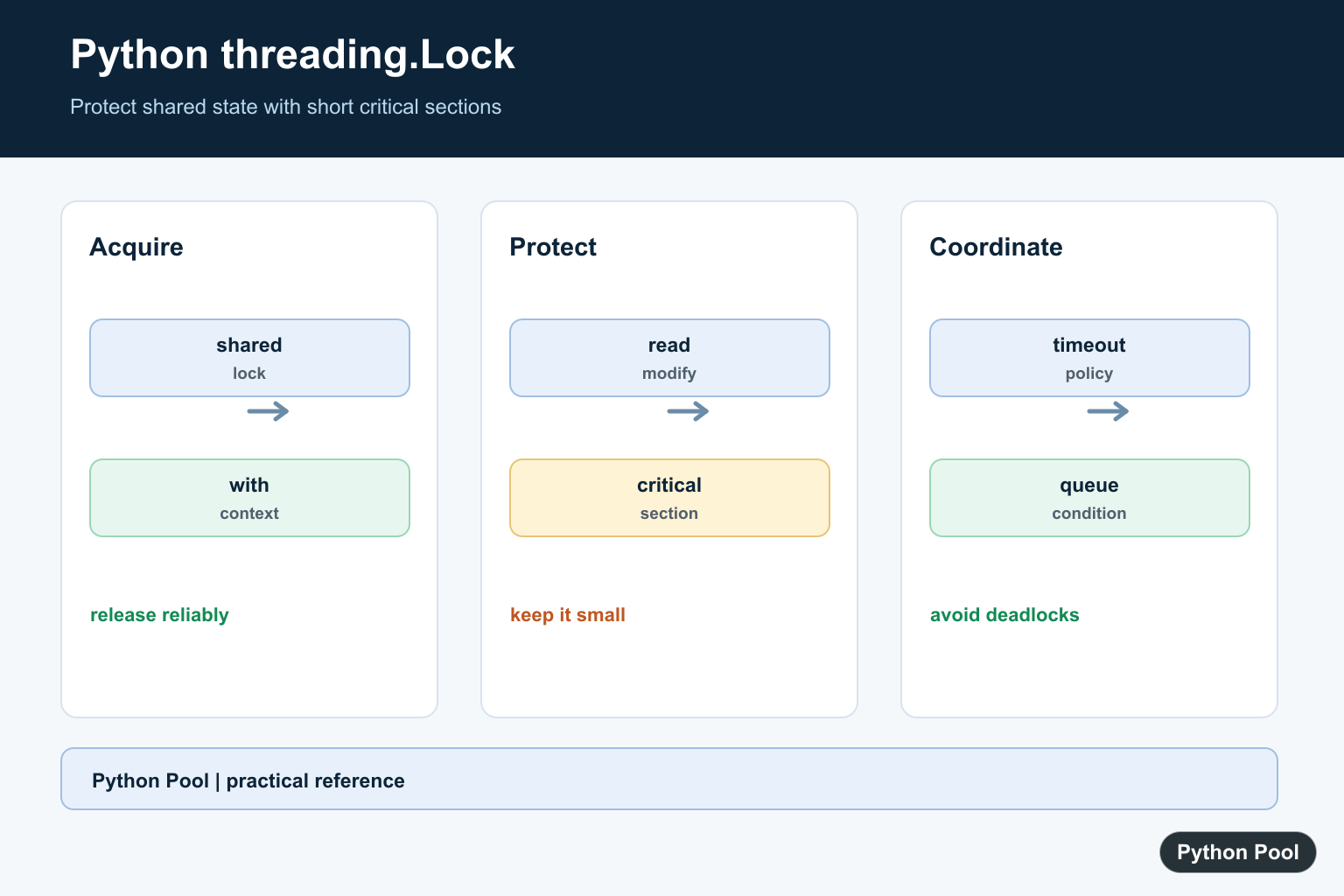
A Python lock is a synchronization object that lets one thread enter a protected section of code at a time. In the threading module, threading.Lock is the usual tool for guarding shared data such as counters, dictionaries, lists, caches, files, and connection state.
The official Python documentation covers threading.Lock, threading.RLock, and condition objects.
A lock is needed when a thread reads, changes, and writes shared state while other threads can do the same work. A statement such as counter += 1 looks small, but it involves several steps. Another thread can run between those steps, which creates a race condition. The result may be correct during testing and wrong under load.
The safest habit is to keep the protected section short and obvious. Do the slow work before or after the lock when possible. Hold the lock only while reading or changing the shared state that must stay consistent. This reduces contention and makes the code easier to review.
Use with lock: for most cases. It acquires the lock at the start of the block and releases it even if an exception happens inside the block. Use explicit acquire() and release() only when the control flow truly needs that style, and place release() in a finally block.
Protect Shared Data With Lock
The common pattern is to create one lock beside the shared state, then use that same lock every time the state is changed. This example starts four threads and protects the counter update.
import threading

counter = 0
lock = threading.Lock()

def add_one():
    global counter
    for _ in range(1000):
        with lock:
            counter += 1

threads = [threading.Thread(target=add_one) for _ in range(4)]

for thread in threads:
    thread.start()

for thread in threads:
    thread.join()

print(counter)
The final value is predictable because each update runs while the lock is held. The protected block is short, so threads spend little time waiting for one another.
Use A Lock Around Related Changes
A lock can protect more than one value when those values must change together. In this example, a balance and a ledger entry are updated as one operation.
from threading import Lock, Thread

account = {"balance": 0, "ledger": []}
lock = Lock()

def deposit(amount):
    with lock:
        account["balance"] += amount
        account["ledger"].append(amount)

threads = [Thread(target=deposit, args=(10,)) for _ in range(5)]

for thread in threads:
    thread.start()

for thread in threads:
    thread.join()

print(account["balance"])
print(account["ledger"])
Both pieces of shared data remain in sync. If a program updated the balance under one lock and the ledger under another lock, another thread could observe a half-finished state.

Acquire And Release Explicitly
with lock: is usually cleaner, but manual acquire() and release() are still part of the API. Always pair them with try and finally so the lock is released after errors.
from threading import Lock

lock = Lock()
messages = []

lock.acquire()
try:
    messages.append("protected update")
finally:
    lock.release()

print(messages)
print(lock.locked())
The final line prints False because the lock was released. Leaving a lock held by accident can stop other threads from making progress.
Use Timeouts For Optional Work
acquire() can wait forever, return immediately, or wait for a limited time. A timeout is useful when a worker should skip optional work instead of blocking the whole program.
from threading import Lock

lock = Lock()
lock.acquire()

try:
    got_lock = lock.acquire(timeout=0.01)
    print(got_lock)
finally:
    lock.release()

got_lock = lock.acquire(blocking=False)
try:
    print(got_lock)
finally:
    if got_lock:
        lock.release()
The first attempt returns False because the lock is already held. The second attempt happens after release and succeeds without waiting. In production code, check the return value before touching the protected data.

Use RLock For Nested Locking
threading.RLock is a reentrant lock. The same thread can acquire it more than once, which is useful when a public method and a helper method both need the same protection.
from threading import RLock

lock = RLock()
events = []

def outer():
    with lock:
        events.append("outer")
        inner()

def inner():
    with lock:
        events.append("inner")

outer()
print(events)
A normal Lock would block if the same thread tried to acquire it again before release. Use RLock only when nested acquisition is part of the design. If the code can be arranged so one layer owns the lock, a normal Lock is simpler.
Coordinate Threads With Condition
A Condition combines a lock with waiting and notification. It is useful when one thread must wait until another thread has made data available.
from threading import Condition, Thread

condition = Condition()
items = []
results = []

def consumer():
    with condition:
        while not items:
            condition.wait(timeout=1)
        results.append(items.pop(0))

def producer():
    with condition:
        items.append("job")
        condition.notify()

worker = Thread(target=consumer)
worker.start()
producer()
worker.join()

print(results)
The consumer waits in a loop because a thread should check the condition again after waking. The producer changes the shared list while holding the same condition lock, then notifies one waiting thread.
Keep Locking Rules Small
Locks work best when the ownership rule is clear: one lock protects one small group of related state. Document that rule near the state, then follow it consistently in every method that reads or changes the data.
Avoid holding a lock while doing slow network calls, shell commands, long sleeps, or heavy calculations. Holding a lock across slow work makes other threads wait even though the shared state is not being changed. Gather inputs first, enter the protected section briefly, then release the lock before doing independent work.
Also avoid acquiring multiple locks in different orders. If one thread holds lock A and waits for lock B while another thread holds lock B and waits for lock A, both can stop forever. When multiple locks are unavoidable, define one order and use it everywhere.
The practical rule is simple: use threading.Lock for shared data, prefer with lock:, use acquire() and release() with finally when manual control is needed, add timeouts when waiting should be bounded, and choose RLock only for deliberate nested locking.

Protect A Shared Update
A read-modify-write sequence must be protected as one operation when multiple threads can change the same value. Create one lock shared by the workers and keep the protected block small. The context manager releases it even when the body raises.
import threading

counter = 0
counter_lock = threading.Lock()

def increment():
    global counter
    with counter_lock:
        counter += 1
Use Blocking, Non-Blocking, And Timed Acquisition
A blocking acquire waits until another thread releases the lock. Non-blocking mode lets a worker do other work when the lock is busy, while a timeout provides a bounded wait. Always release only after a successful manual acquire; the with form is safer for normal critical sections.
import threading

lock = threading.Lock()
if lock.acquire(timeout=0.2):
    try:
        print("protected work")
    finally:
        lock.release()
else:
    print("could not acquire lock in time")
Avoid Deadlocks And Long Holds
Deadlocks arise when threads wait for locks in inconsistent order or when code holds one lock while waiting for another resource. Establish a consistent acquisition order, keep I/O outside the critical section when possible, and use timeouts or higher-level queues when ownership is becoming complex.
import threading

first = threading.Lock()
second = threading.Lock()

def update_both():
    # Every caller must use this same order.
    with first:
        with second:
            print("state updated")
Choose A Higher-Level Primitive When Appropriate
Lock is the basic primitive. An Event communicates a signal, a Condition waits for a state predicate, a Semaphore limits concurrent capacity, and queue.Queue transfers work safely between threads. Pick the primitive that describes the coordination problem instead of building a protocol from flags and sleeps.
import queue
import threading

jobs = queue.Queue()
jobs.put("compile")

def worker():
    job = jobs.get()
    try:
        print("working on", job)
    finally:
        jobs.task_done()

threading.Thread(target=worker).start()
jobs.join()
Python’s threading Lock documentation defines acquire(), release(), context-manager use, timeouts, and the unlocked-release error. Use the same synchronization policy at every access boundary to shared state.
For related concurrency design, compare threading.Lock examples, threads versus processes, and a threaded GUI workflow before choosing a synchronization primitive.
Frequently Asked Questions
What is a lock in Python?
threading.Lock is a synchronization primitive that lets one thread at a time enter a protected critical section.
How do I use a Python lock correctly?
Create one shared lock and use it with the with statement around the smallest block that reads or mutates shared state.
What happens when a lock is already held?
A blocking acquire waits, while a non-blocking or timed acquire returns whether the lock was obtained; choose the behavior deliberately.
Can Python locks prevent every concurrency bug?
No. They protect the state covered by the same lock, but inconsistent lock ordering, forgotten shared access, and long critical sections can still cause problems.

lock=threading.Lock should be lock=threading.Lock()
Thanks for pointing out the error, I have rectified it.