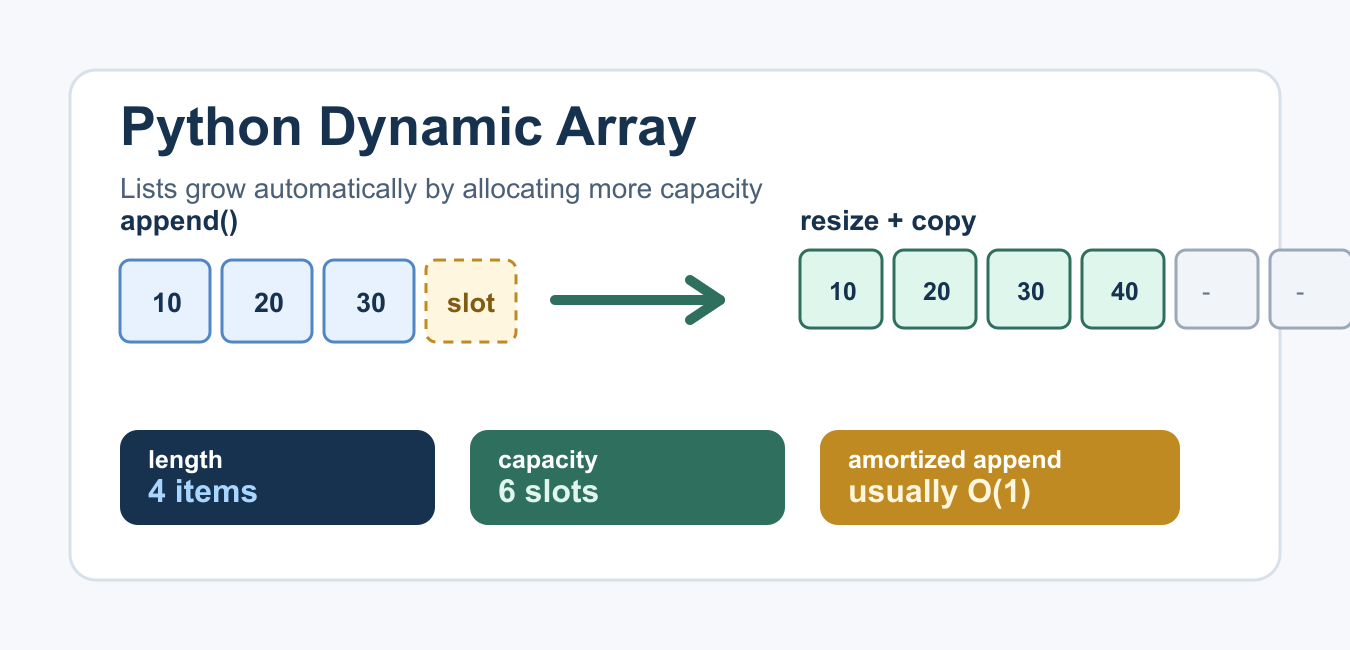
Quick answer: Python lists provide a practical dynamic array for general objects: append and extend grow the sequence as needed. NumPy arrays are better for homogeneous numerical operations but have fixed shape semantics and different resizing costs.
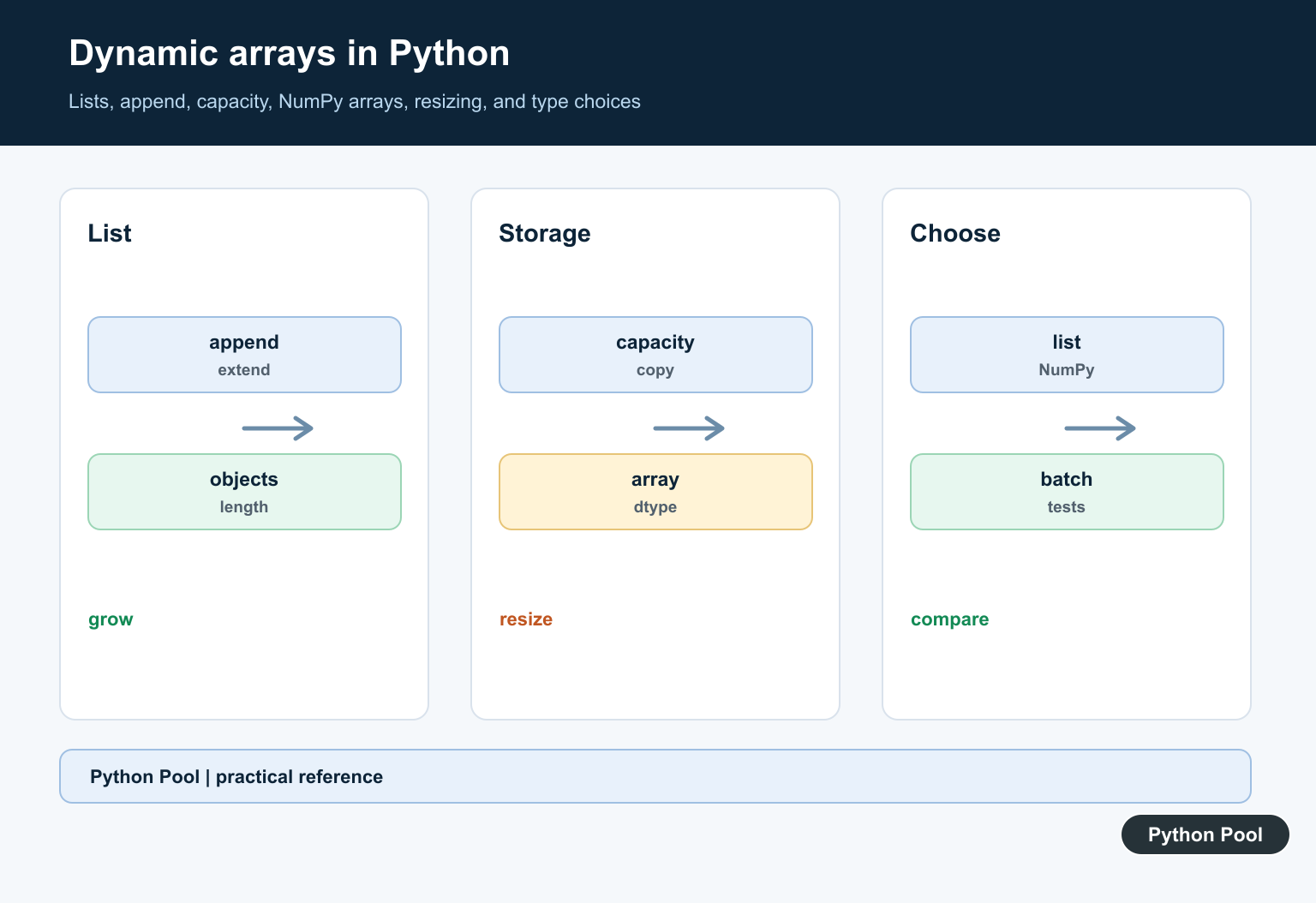
A Python dynamic array is the idea behind the built-in list: you can append, index, replace, and remove items without declaring the final size first. Python handles the memory growth for you, so most code should use a normal list instead of writing a custom container.
Still, implementing a small dynamic array is useful because it explains why append() is usually fast, why indexes can raise errors, and why copying sometimes happens behind the scenes. This guide uses Python lists for everyday code and ctypes for a learning implementation.
Quick Answer
Use a Python list when you need a dynamic array. The official Python tutorial covers common list methods such as append(), pop(), and indexing.
values = []

values.append(10)
values.append(20)
values.append(30)

print(values[1])
print(values.pop())
print(values)
The list starts empty, grows as values are appended, and shrinks when the last item is popped. For a deeper look at removal behavior, see PythonPool’s Python list pop() guide.
How Dynamic Arrays Work
A dynamic array stores items in a contiguous block of slots. It tracks two values: the current length and the larger capacity. Length is the number of real items. Capacity is the number of allocated slots available before another resize is needed.
When the array is full and another item is appended, the container allocates a larger block, copies the existing items into that block, writes the new item, and updates its capacity. This occasional resize is more expensive than a normal append, but because it does not happen on every append, appending to a list is usually treated as amortized constant time. The Python wiki’s time complexity page documents the common list operation costs.
Implement a Dynamic Array with ctypes
The following example builds a small educational dynamic array. It is not meant to replace list; it shows the resize logic in plain Python. The official ctypes documentation explains the library used here to allocate a low-level array of Python object references.
import ctypes


class DynamicArray:
    def __init__(self):
        self.length = 0
        self.capacity = 1
        self.array = self._make_array(self.capacity)

    def __len__(self):
        return self.length

    def __getitem__(self, index):
        if not 0 <= index < self.length:
            raise IndexError("index out of range")
        return self.array[index]

    def append(self, value):
        if self.length == self.capacity:
            self._resize(2 * self.capacity)
        self.array[self.length] = value
        self.length += 1

    def pop(self):
        if self.length == 0:
            raise IndexError("pop from empty dynamic array")
        value = self.array[self.length - 1]
        self.array[self.length - 1] = None
        self.length -= 1
        return value

    def _resize(self, new_capacity):
        new_array = self._make_array(new_capacity)
        for index in range(self.length):
            new_array[index] = self.array[index]
        self.array = new_array
        self.capacity = new_capacity

    @staticmethod
    def _make_array(capacity):
        return (capacity * ctypes.py_object)()
The important part is append(). If the current length equals the current capacity, the array doubles its capacity before writing the new value. Doubling is a common teaching strategy because it avoids resizing on every append.
Use the Custom Dynamic Array
After the class is defined, the custom container can append values, read by index, report its length, and remove the final item.
numbers = DynamicArray()

for value in [10, 20, 30, 40]:
    numbers.append(value)

print(len(numbers))
print(numbers[2])
print(numbers.pop())
This example prints the length, the item at index 2, and the removed last value. If you request an index outside the current length, the class raises IndexError. PythonPool’s list index out of range article covers the same boundary problem for normal lists.
List, array.array, and deque
A Python list is the right default for mixed objects, repeated appends, random access, and general scripting. The standard library also has other sequence containers for narrower jobs. The array module stores compact C-style numeric values, while collections.deque is optimized for appending and popping from both ends.
from array import array
from collections import deque

regular_list = [1, 2, 3]
packed_numbers = array("i", [1, 2, 3])
queue = deque([1, 2, 3])

regular_list.append(4)
packed_numbers.append(4)
queue.appendleft(0)
Choose the container by access pattern. Use a list for index-heavy work, an array for compact numeric storage, and a deque for queue-like operations. If you are copying or nesting lists, PythonPool’s copy list and 2D list guides are useful follow-ups.
Memory and Resizing Notes
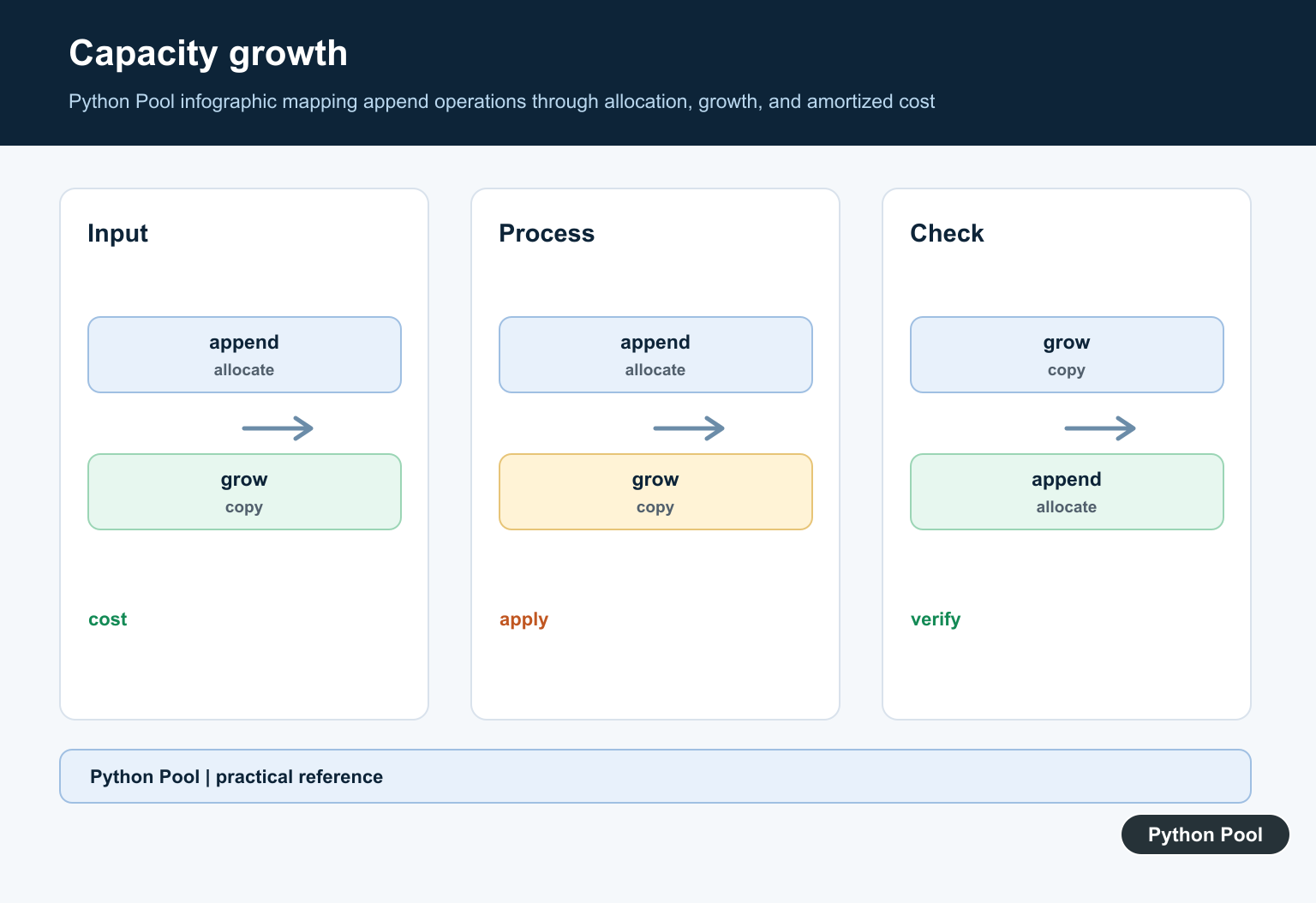
Dynamic arrays trade some unused capacity for fast growth. A list may reserve more slots than it currently needs so the next few appends can happen without immediately allocating again. That is normal. The exact growth strategy is an implementation detail, so code should not depend on a specific capacity formula. The Python C API documentation for list objects is the official low-level reference.
Memory problems usually come from keeping too many large objects alive, not from the dynamic array idea itself. If a program fails while allocating a huge list, PythonPool has related guides for Python MemoryError and OSError errno 12.
Common Mistakes
- Writing a custom dynamic array when a normal Python list is enough.
- Confusing length with capacity. Length is the number of real items.
- Assuming every append allocates a new array.
- Using an old index after popping, sorting, or copying a list.
- Depending on CPython-specific resize details in portable code.
Use Lists For General Growth
A list accepts objects of different types and supports append, extend, indexing, slicing, and iteration. Build the collection with the interface rather than depending on its internal capacity.
Understand Amortized Growth
Implementations generally over-allocate so repeated append is efficient on average, but individual growth steps can copy references. Batch extend when the incoming size is already known.
Choose Preallocation Carefully
A list of placeholders can reserve a logical length, but it is not the same as reserving capacity and can create accidental sentinel values. Fill by index only when the shape is part of the design.
Compare NumPy Arrays
NumPy arrays store homogeneous values and support vectorized numerical operations. Resizing can allocate and copy, so collect data in a list first when the final length is unknown and then convert once.
Avoid Unnecessary Copies
Slicing a list creates a new list, while views and copies have different rules in numerical libraries. Track ownership and mutation when large collections move across function boundaries.
Test Growth And Types
Test empty and large collections, append versus extend, insertion, deletion, mixed objects, conversion to NumPy, memory-sensitive batches, and the expected shape or type contract.
The official Python sequence documentation covers list operations. Related Python Pool references include NumPy arrays and tests.
For related collection choices, compare list growth, NumPy arrays, and shape tests before selecting a dynamic structure.
Frequently Asked Questions
What is Python’s dynamic array?
A Python list behaves like a dynamically growing sequence and can append or extend as items arrive.
Are Python lists implemented as arrays?
CPython lists use a resizable array internally, but programs should rely on the list interface rather than implementation details.
Should I use a list or NumPy array?
Use a list for general Python objects and changing length; use NumPy for homogeneous numerical operations and known array semantics.
Why can repeated resizing be slow?
Growing or copying storage has a cost, so choose append, extend, preallocation, or a batch-building strategy that matches the workload.
