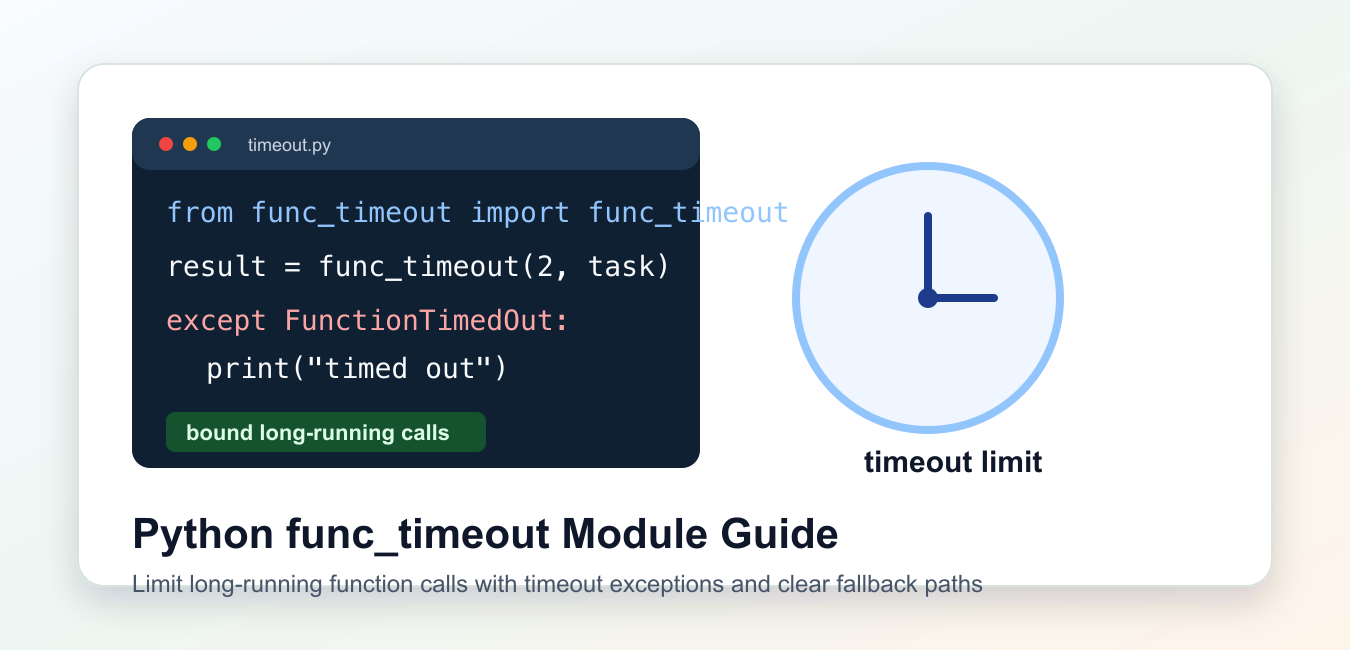
Quick answer: A Python function timeout is a cancellation policy, not just a timer. Use a signal only where its platform and thread restrictions fit, an async timeout for cooperative coroutines, or a separate process when the task must be terminated independently. A thread future can stop waiting without safely killing arbitrary running Python code.
func_timeout is a third-party Python package that runs a function with a time limit and raises an exception if the call takes too long. It is useful for bounding slow operations in scripts, tests, and local tools.
The main references are the func-timeout package page and its GitHub repository. Related Python docs cover threading, multiprocessing, and subprocess.
A timeout should be treated as a control-flow signal, not as proof that the underlying work stopped cleanly. For code that must be killed hard, a separate process is usually a safer boundary than a thread-based timeout.
Before adding a timeout, decide what should happen after the limit is reached. The caller may retry, return cached data, skip the item, mark a job as failed, or move the work to a queue. A timeout with no recovery plan only moves the problem to the next line of code.
Also keep timeout values tied to the operation. A local parsing function might need one second, while a network operation may need a larger limit plus a clear retry policy.
Install And Import func_timeout
Install the package in the same environment that runs your script. Then import the call helper and timeout exception.
from func_timeout import FunctionTimedOut, func_timeout

def slow_task():
    return "finished"

try:
    result = func_timeout(2, slow_task)
    print(result)
except FunctionTimedOut:
    print("task took too long")
The first argument is the timeout in seconds. The second argument is the function to call.
Keep the timeout realistic. A limit that is too small can make normal work fail during brief CPU spikes or slow network moments.
For tests, choose a small but stable delay. Avoid assertions that depend on exact wall-clock timing because shared machines and CI runners can be slower than your laptop.
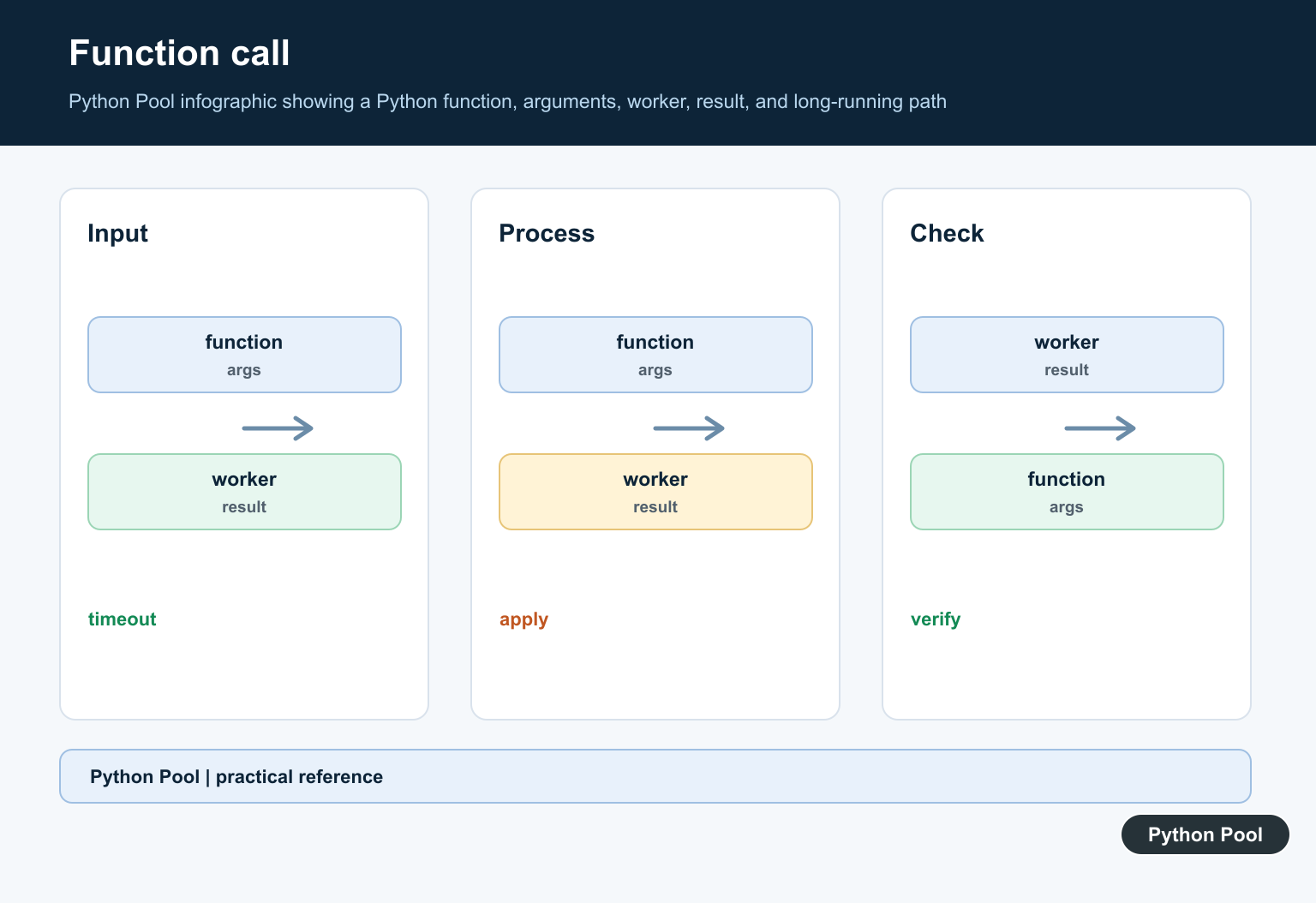
Pass Arguments To A Function
Use args and kwargs when the target function needs input values.
from func_timeout import FunctionTimedOut, func_timeout

def repeat_text(text, count=1):
    return " ".join( * count)

try:
    output = func_timeout(
        1,
        repeat_text,
        args=("python",),
        kwargs={"count": 3},
    )
    print(output)
except FunctionTimedOut:
    print("repeat_text timed out")
This keeps the target function normal and testable. The timeout wrapper is applied only where the call is made.
Use this style for one-off calls where only some invocations need a time limit.
Passing arguments this way also makes it easy to wrap existing functions without changing their signatures.
Use The Decorator Form
The package also provides a decorator for functions that should always have the same limit.
from threading import Event
from func_timeout import FunctionTimedOut, func_set_timeout

@func_set_timeout(1.5)
def fetch_report():
    Event().wait(2)
    return "report"

try:
    print(fetch_report())
except FunctionTimedOut:
    print("report timed out")
The decorator is concise, but it hides the timeout policy inside the function definition. Use it when that policy is truly part of the function contract.
If different callers need different limits, prefer the direct func_timeout() call.
Return A Fallback Value
A common pattern is to catch FunctionTimedOut, log the timeout, and return a safe fallback.
from func_timeout import FunctionTimedOut, func_timeout

def expensive_lookup(key):
    return {"key": key, "source": "remote"}

def lookup_with_timeout(key):
    try:
        return func_timeout(2, expensive_lookup, args=(key,))
    except FunctionTimedOut:
        return {"key": key, "source": "fallback"}

print(lookup_with_timeout("user:7"))
Choose a fallback that the rest of the program can handle. Do not return incomplete data that looks successful.
For production services, record the timeout event with enough context to debug the slow path later.
Retries should be limited and spaced out. Retrying a function immediately after a timeout can make a slow dependency even busier.
Understand Thread Caveats
Thread-based timeout tools are convenient, but they are not a magic stop button for every kind of work. Blocking system calls, extension modules, and uncooperative loops can be hard to interrupt cleanly.
from threading import Event
from func_timeout import FunctionTimedOut, func_timeout

def poll_until_ready(max_steps):
    for step in range(max_steps):
        Event().wait(0.2)
        if step == 3:
            return "ready"
    return "not ready"

try:
    print(func_timeout(1, poll_until_ready, args=(10,)))
except FunctionTimedOut:
    print("polling timed out")
Design long-running functions so they can stop cooperatively when possible. Timeouts are much easier to reason about when the work checks progress in small steps.
If the operation updates files, databases, or external systems, make sure a timeout does not leave partial work hidden.
For long tasks you control, add explicit checkpoints and cleanup paths. A function that can save progress and exit cleanly is easier to operate than one that only stops when interrupted.
Use A Separate Process For Harder Isolation
When work may need to be terminated completely, move it to a separate process and enforce the limit there.
import subprocess
import sys

command = [sys.executable, "-c", "print('done')"]

try:
    completed = subprocess.run(
        command,
        capture_output=True,
        check=True,
        text=True,
        timeout=2,
    )
    print(completed.stdout.strip())
except subprocess.TimeoutExpired:
    print("process timed out")
This approach has more overhead, but the isolation boundary is clearer. It is often a better fit for untrusted plugins, CPU-heavy jobs, and code that might block below the Python layer.
The practical rule is to use func_timeout for convenient function-level limits, catch FunctionTimedOut explicitly, return honest fallback values, and switch to multiprocessing when the job must be stopped at the process boundary.
Document timeout behavior next to the caller. Future maintainers need to know whether a timeout means the result was skipped, retried, replaced by fallback data, or escalated as a hard failure.
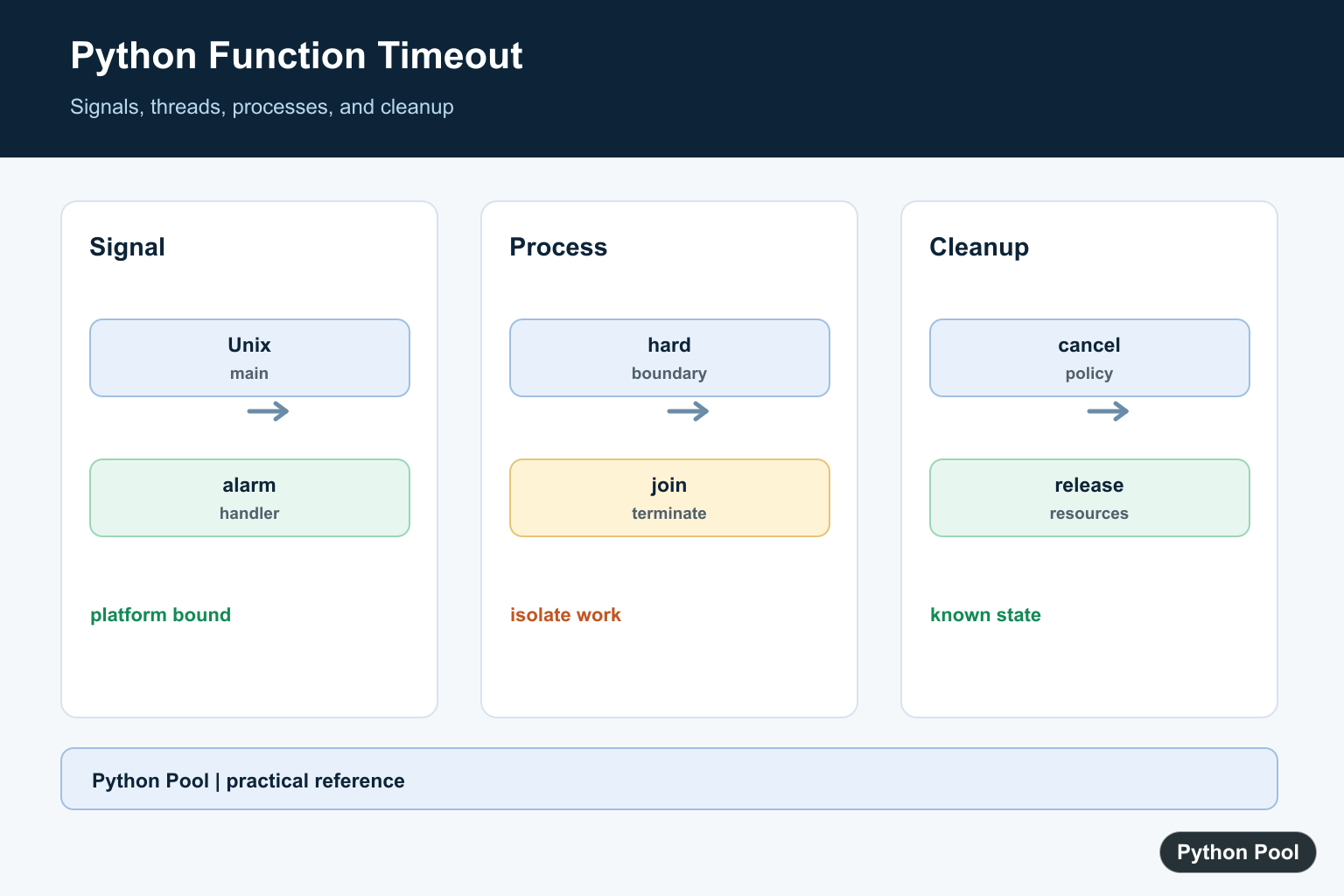
Use A Unix Signal Carefully
Signals are useful for a synchronous function running in the main thread on Unix, but they are not a portable general-purpose timeout. Keep the handler small and restore the previous handler after the call.
import signal

class TimeoutError(Exception):
    pass

def handler(signum, frame):
    raise TimeoutError("function timed out")

old_handler = signal.signal(signal.SIGALRM, handler)
signal.alarm(2)
try:
    print("short task")
finally:
    signal.alarm(0)
    signal.signal(signal.SIGALRM, old_handler)
Use A Process For Hard Isolation
A process gives the parent a real termination boundary and is suitable when the work can be serialized. Termination still needs cleanup and an explicit policy for partial output.
from multiprocessing import Process

def work():
    print("work")

process = Process(target=work)
process.start()
process.join(timeout=1)
if process.is_alive():
    process.terminate()
    process.join()
    raise TimeoutError("process timed out")
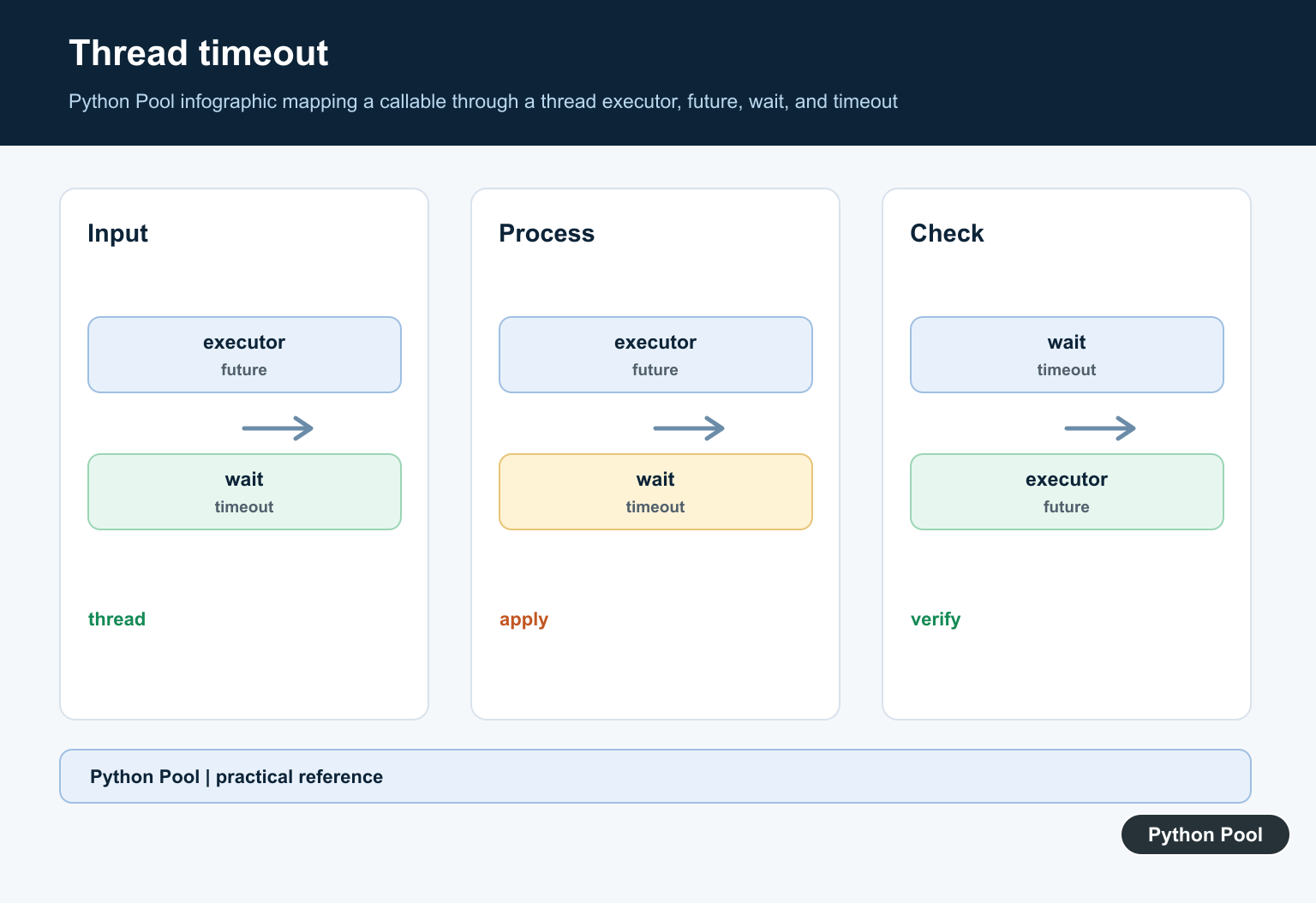
Do Not Pretend Threads Kill Work
A future can time out the caller’s wait, but cancelling a running thread does not interrupt arbitrary code. Use this when continued background execution is acceptable or the task cooperates with cancellation.
from concurrent.futures import ThreadPoolExecutor, TimeoutError

with ThreadPoolExecutor(max_workers=1) as pool:
    future = pool.submit(sum, range(1000))
    try:
        print(future.result(timeout=1))
    except TimeoutError:
        future.cancel()
        print("stopped waiting")
Make Cleanup Explicit
A timeout should leave the system in a known state. Close files and connections, remove temporary work, and make partial results distinguishable from completed results.
completed = False
try:
    print("run task")
    completed = True
finally:
    if not completed:
        print("rollback partial output")
Python’s concurrent futures, multiprocessing, and asyncio timeout documentation describe different cancellation boundaries. Related references include dynamic attributes, memory pressure, and testing failure paths.
For related reliability concerns, compare dynamic attributes, memory pressure, and failure-path testing when designing a timeout boundary.
Frequently Asked Questions
How do I add a timeout to a Python function?
Choose a mechanism based on the work: signals for a main Unix thread, a process for hard isolation, or an async timeout for cooperative coroutines.
Can a thread timeout stop Python code?
A thread future can stop waiting, but it cannot safely kill arbitrary code already running in the worker thread.
When should I use a process timeout?
Use a process when the task must be terminated independently and its inputs and outputs can cross a process boundary.
What should happen after a timeout?
Cancel or terminate the work according to the mechanism, release resources, and return a clear timeout error to the caller.
