
Quick answer: Lamini-related Python LLM workflows should be treated as versioned experiments: validate datasets, protect sensitive information, pin model and configuration choices, compare with a baseline, and measure quality, cost, latency, and failure modes before deployment.
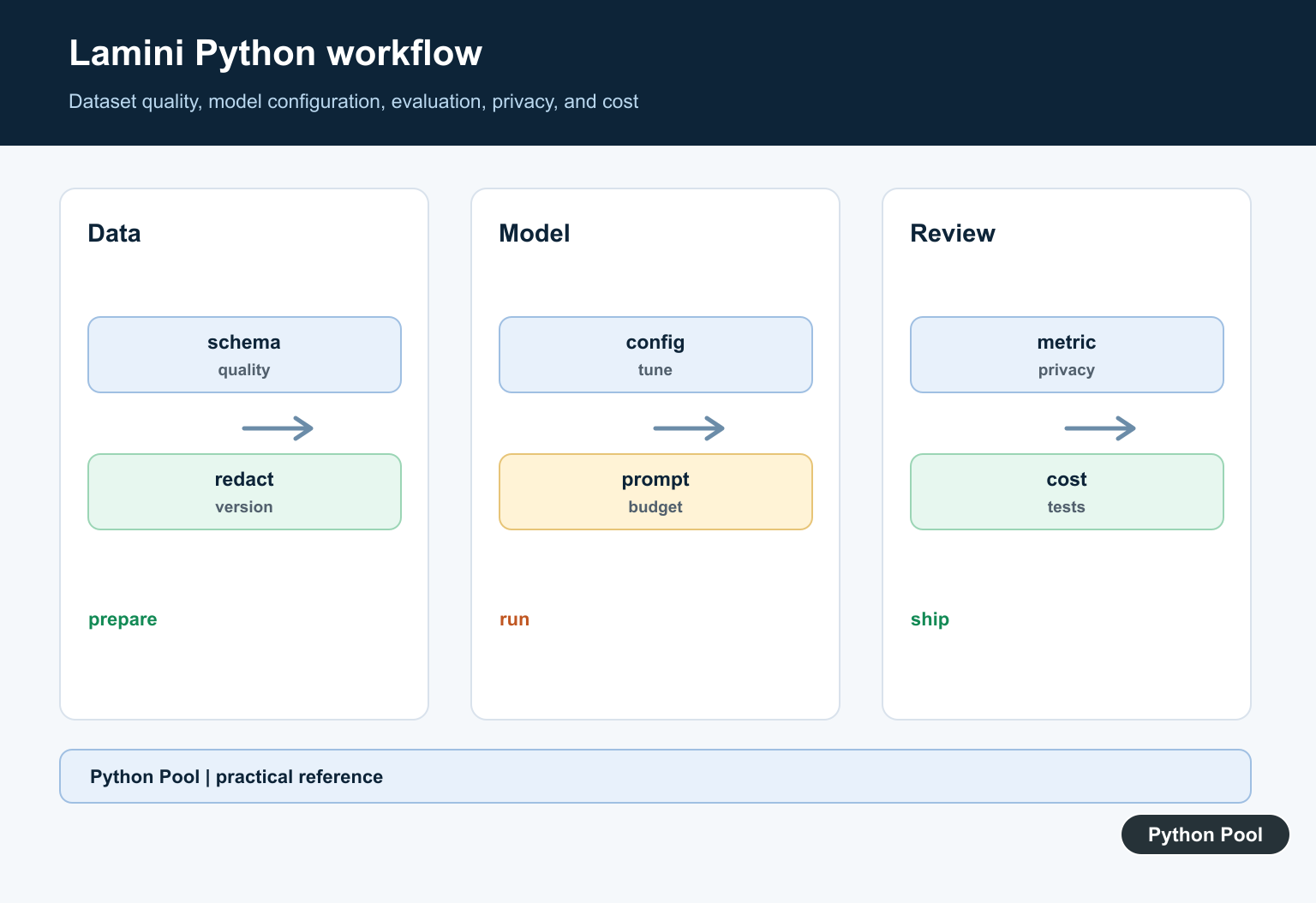
Lamini is a platform and Python SDK for working with large language model workflows, including prompt-driven generation and model customization. It is most relevant when a team wants controlled LLM behavior around its own examples, task style, evaluation data, and deployment requirements.
The practical use case is not simply “build a model from scratch.” Most teams start by testing prompts against a hosted model, collecting examples, measuring the answers, and then deciding whether customization is worth the cost. Lamini fits into that workflow by giving Python developers an SDK-driven path for generation, data preparation, and model operations.
That distinction matters for planning. A customized LLM project is part software engineering and part data work. You need a clear task, representative examples, a review process for outputs, and a way to compare new model versions against older ones. Without those pieces, a customized model can look impressive in a demo but fail on real inputs.
Lamini should also be evaluated against simpler options. If a prompt plus retrieval solves the problem, use that. If the output must follow company language, domain terminology, or a narrow response style, then curated examples and customization become more useful.
Primary references include the Lamini documentation, Lamini authentication guide, Lamini Python class documentation, Lamini API documentation, Lamini GitHub repository, and Lamini PyPI page.
Install And Import Lamini
Install the package in the same environment that runs your application or notebook. Then import the SDK class used for generation workflows.
from lamini import Lamini

model_name = "meta-llama/Llama-3.1-8B-Instruct"
llm = Lamini(model_name=model_name)

print(model_name)
This example is intentionally small. Real projects should pin package versions and keep model names in configuration so experiments are reproducible.
Keep Authentication Outside Code
Do not hard-code API keys in notebooks or source files. Read secret material from the environment or a dedicated secret manager.
import os

api_key_present = bool(os.environ.get("LAMINI_API_KEY"))

if api_key_present:
    print("Lamini key is configured")
else:
    print("Set LAMINI_API_KEY before calling the API")
This check avoids printing the key itself. It only confirms whether the Python process can see the expected name.
Build A Focused Prompt
Before customization, test clear prompts. A prompt should specify the task, input, and expected output shape.
def build_prompt(question):
    return (
        "Answer the support question in two concise sentences.\n"
        f"Question: {question}\n"
        "Answer:"
    )

prompt = build_prompt("How do I reset my account password?")
print(prompt)
Prompt testing is cheaper than training work. Use it to discover whether the task needs examples, retrieval, policy rules, or a customized model.
Keep prompt tests in version control alongside notes about expected behavior. When the prompt changes, run the same evaluation cases again so the team can see whether quality improved or just changed.
Generate A Response
Once authentication and model configuration are ready, call the model through the SDK. Keep generation behind a function so it is easy to test or replace.
from lamini import Lamini

def generate_answer(question):
    llm = Lamini(model_name="meta-llama/Llama-3.1-8B-Instruct")
    return llm.generate(build_prompt(question))

# answer = generate_answer("How do I reset my account password?")
The final line is commented so the snippet is safe to inspect without making a live API call. In production, handle timeouts and provider errors explicitly.
Prepare Training Rows
If customization is needed, collect examples with consistent fields. Keep raw input, desired output, and task notes together.
training_rows = [
    {
        "input": "How do I reset my account password?",
        "output": "Use the reset link on the sign-in page and check your email.",
    },
    {
        "input": "Can I export invoices?",
        "output": "Open billing settings and choose Export invoices.",
    },
]

print(len(training_rows))
High-quality examples matter more than volume at the start. Remove duplicates, unclear answers, and examples that conflict with current policy.
Use examples that reflect the future workload. A support model trained only on clean, short questions may struggle with messy user messages, missing context, or mixed requests.
Track Evaluation Cases
Keep a separate evaluation set that is not used for training. This helps you compare prompts, model settings, and customized versions fairly.
evaluation_cases = [
    {"input": "Where can I change my email?", "expected_topic": "account"},
    {"input": "The export button is missing.", "expected_topic": "billing"},
]

for case in evaluation_cases:
    print(case["expected_topic"], case["input"])
Review answers manually as well as with metrics. LLM evaluation should check correctness, tone, refusal behavior, and whether the answer follows the requested format.
Practical Checklist
Use Lamini when a team needs an SDK-centered workflow for LLM generation and customization. Start with prompt tests, then collect examples, then evaluate whether customization improves the task enough to justify the extra operational work.
Keep credentials out of code, store model names and generation settings with experiment results, and maintain an evaluation set that reflects real user inputs. If the customized model is deployed, monitor failures and update examples when policies or product behavior change.
Lamini is strongest when it is part of a disciplined LLM workflow: clear prompts, clean examples, repeatable evaluation, and controlled deployment. Without those pieces, customization can create more complexity than value.
Before moving a customized model into production, document the model name, dataset source, evaluation results, owner, rollback path, and monitoring plan. Those operational details are what make an LLM workflow maintainable after the first successful experiment.
Verify The Current API
Product names, packages, providers, and endpoints change. Confirm current installation, supported Python versions, authentication, licensing, and data-processing terms before copying an older example.
Build A Dataset Contract
Define input and output fields, instruction quality, formatting, duplicates, sensitive data, train and evaluation splits, and a version identifier. A large dataset is not automatically a good dataset.
Keep Experiments Reproducible
Record model identifiers, prompts, hyperparameters, package versions, data revisions, seeds where applicable, and resource budgets. Store raw sensitive content only under an approved retention policy.
Evaluate Against A Baseline
Compare the fine-tuned or configured model with a simple baseline and held-out cases. Inspect failure categories, refusal behavior, hallucinations, format validity, and robustness to unexpected inputs.
Control Cost And Access
Scope credentials, set token and request budgets, handle rate limits and retries, and track latency and spend. Do not let a notebook silently create an unbounded production bill.
Review Deployment Risk
Minimize prompts, protect logs, define fallback behavior, validate outputs before use, and document how model or provider changes trigger a re-evaluation.
Verify current provider details in the Lamini documentation and use the official scikit-learn evaluation guidance for baseline thinking. Related Python Pool references include tests and logging.
For responsible model work, compare evaluation tests, privacy-aware logging, and dataset mappings before deploying an LLM workflow.
Frequently Asked Questions
What is Lamini used for?
Lamini is associated with tooling for building or fine-tuning language-model workflows; verify the current product, package, provider, and API details before implementation.
How should I prepare data for fine-tuning?
Validate schema, remove sensitive or duplicated examples, define instruction and response quality, split evaluation data, and record dataset versions.
How do I evaluate a fine-tuned model?
Use a held-out representative set, compare with a baseline, inspect failure categories, test safety and format constraints, and track latency and cost.
How do I protect data in an LLM workflow?
Minimize and redact sensitive data, scope credentials, review provider retention terms, isolate experiments, and avoid logging raw prompts or outputs without approval.
