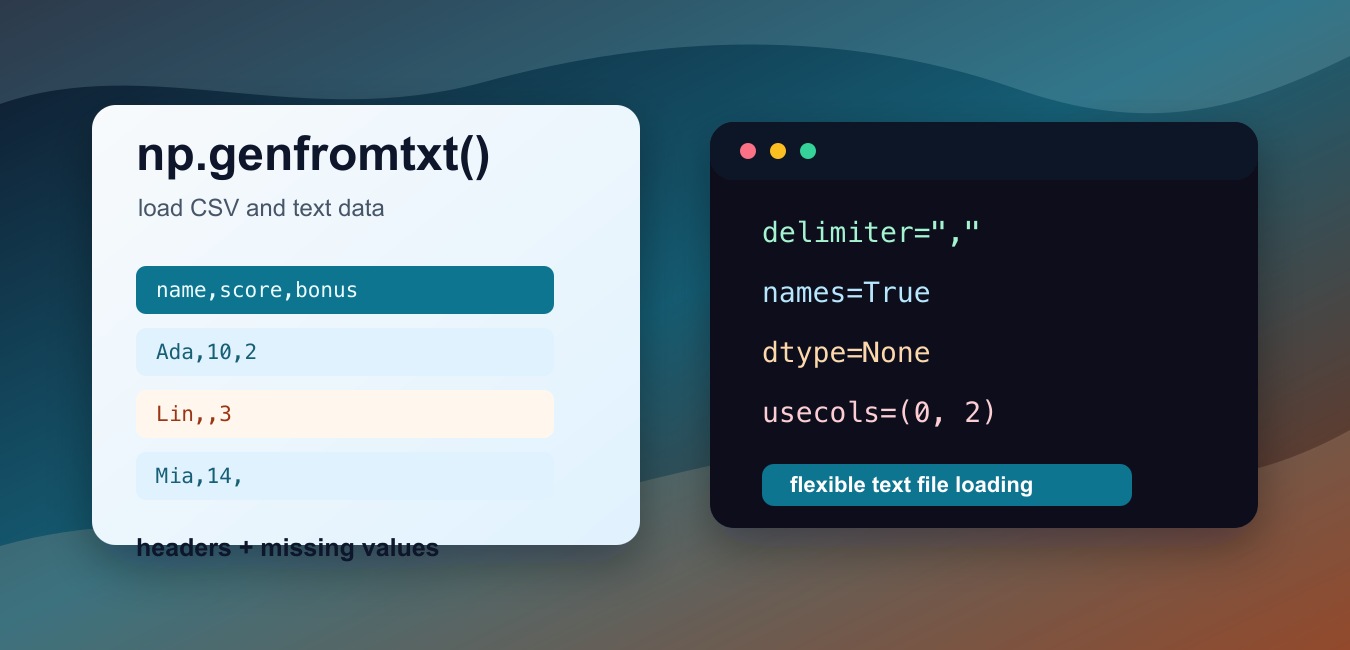
Quick answer: Use np.genfromtxt when delimited text may contain missing values, headers, mixed fields, or converters. Define the delimiter, dtype, names, and missing-value policy explicitly, then validate the resulting array before analysis.
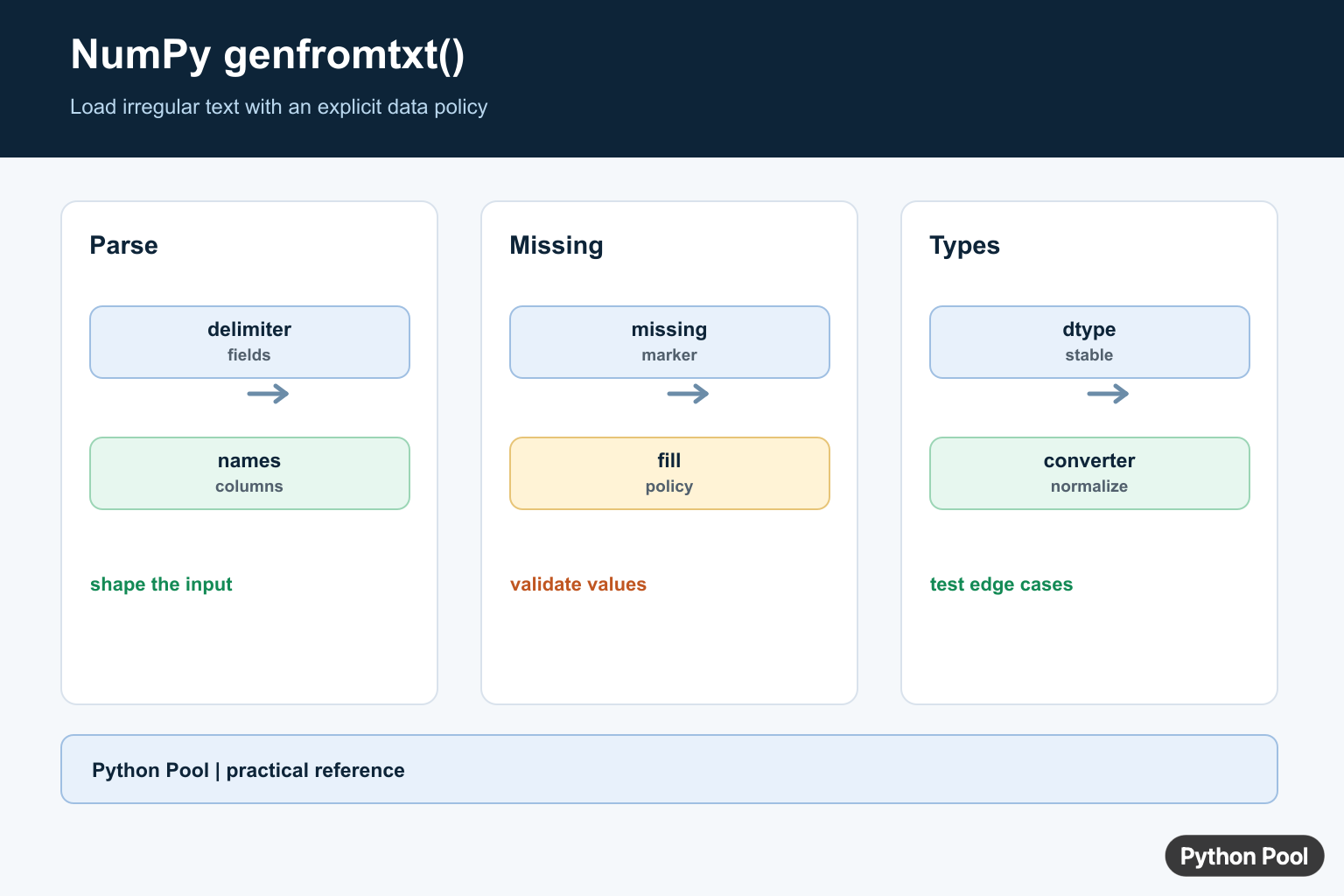
numpy.genfromtxt() loads text files into NumPy arrays with more flexibility than loadtxt(). It is useful when a file has headers, selected columns, missing values, mixed text and numbers, or CSV-style delimiters that still fit a regular row-and-column layout.
The official NumPy documentation for numpy.genfromtxt() explains the full function signature, while the NumPy user guide for importing data with genfromtxt gives more detail on names, missing values, and converters. The related numpy.loadtxt() documentation is worth reading when the input file is clean and simple.
Use genfromtxt() when the source is still a text table, but it is not clean enough for loadtxt(). Common reasons include a header row, blank cells, text labels beside numeric columns, sentinel values such as NA, or a need to read only a few columns from a wider file.
The most important arguments are delimiter, names, dtype, usecols, missing_values, and filling_values. Set them deliberately instead of relying on guesses. A small import that looks correct can still produce the wrong dtype or column order if the file format changes.
Most examples below use io.StringIO so they run without extra files. The final example writes a short temporary CSV file to show the same pattern with a real path.
Read Delimited Numeric Data
Pass delimiter when fields are separated by commas, tabs, or another fixed character. Without it, NumPy treats runs of whitespace as separators.
try:
    import numpy as np
    from io import StringIO
except ModuleNotFoundError:
    print("Install numpy to run this example.")
else:
    text = StringIO("""1.5,2.0,3.5
4.0,5.5,6.0""")

    data = np.genfromtxt(text, delimiter=",")

    print(data)
    print(data.shape)
The result is a two-row numeric array. Because no dtype is supplied, NumPy reads the values as floating-point numbers.
Always match the delimiter to the file, especially for CSV data. A comma-delimited file loaded without delimiter="," will not be split into the expected columns.
Use Headers As Column Names
Set names=True when the first row contains column labels. With named columns, the output is a structured array, so each column can be accessed by name.
try:
    import numpy as np
    from io import StringIO
except ModuleNotFoundError:
    print("Install numpy to run this example.")
else:
    text = StringIO("""city,day,temp
Austin,1,91.5
Boston,2,78.0
Chicago,3,82.5""")

    data = np.genfromtxt(
        text,
        delimiter=",",
        names=True,
        dtype=None,
        encoding="utf-8",
    )

    print(data.dtype.names)
    print(data["city"][0])
    print(round(float(data["temp"].mean()), 1))
dtype=None asks NumPy to infer a suitable dtype for each field. The city column becomes text, while day and temperature become numeric fields.
Named columns make tutorial code easier to read because data["temp"] communicates intent better than a numeric column index. For production imports, still inspect data.dtype after reading a new source file.
Handle Blank Numeric Cells
genfromtxt() can represent blank numeric cells as nan. That makes it possible to load the file first, then decide whether to filter, fill, or analyze missing entries.
try:
    import numpy as np
    from io import StringIO
except ModuleNotFoundError:
    print("Install numpy to run this example.")
else:
    text = StringIO("""id,score,bonus
1,10,2
2,,3
3,14,""")

    data = np.genfromtxt(text, delimiter=",", names=True)

    print(data["score"])
    print(np.isnan(data["score"][1]))
    print(data["bonus"])
The missing score is read as nan. That is often better than losing the row because the missing value remains visible in the array.
After loading, use tools such as np.isnan(), masks, or filtering rules that match the calculation. Do not silently treat missing numeric data as zero unless zero has real meaning in the dataset.
Select Columns With usecols
Use usecols to read only the fields needed for a calculation. This keeps wide text files smaller in memory and reduces cleanup work after loading.
try:
    import numpy as np
    from io import StringIO
except ModuleNotFoundError:
    print("Install numpy to run this example.")
else:
    text = StringIO("""name,qty,price,ignore
apple,4,1.25,x
pear,3,1.50,y""")

    data = np.genfromtxt(
        text,
        delimiter=",",
        names=True,
        dtype=None,
        encoding="utf-8",
        usecols=(0, 2),
    )

    print(data.dtype.names)
    print(data["name"].tolist())
    print(round(float(data["price"].sum()), 2))
The output keeps the name and price columns while skipping quantity and the unused text field. Column positions are zero-based when integers are passed to usecols.
When headers are present, the resulting structured array keeps the selected header names. This helps later code stay readable even though only part of the file was imported.
Fill Marked Missing Values
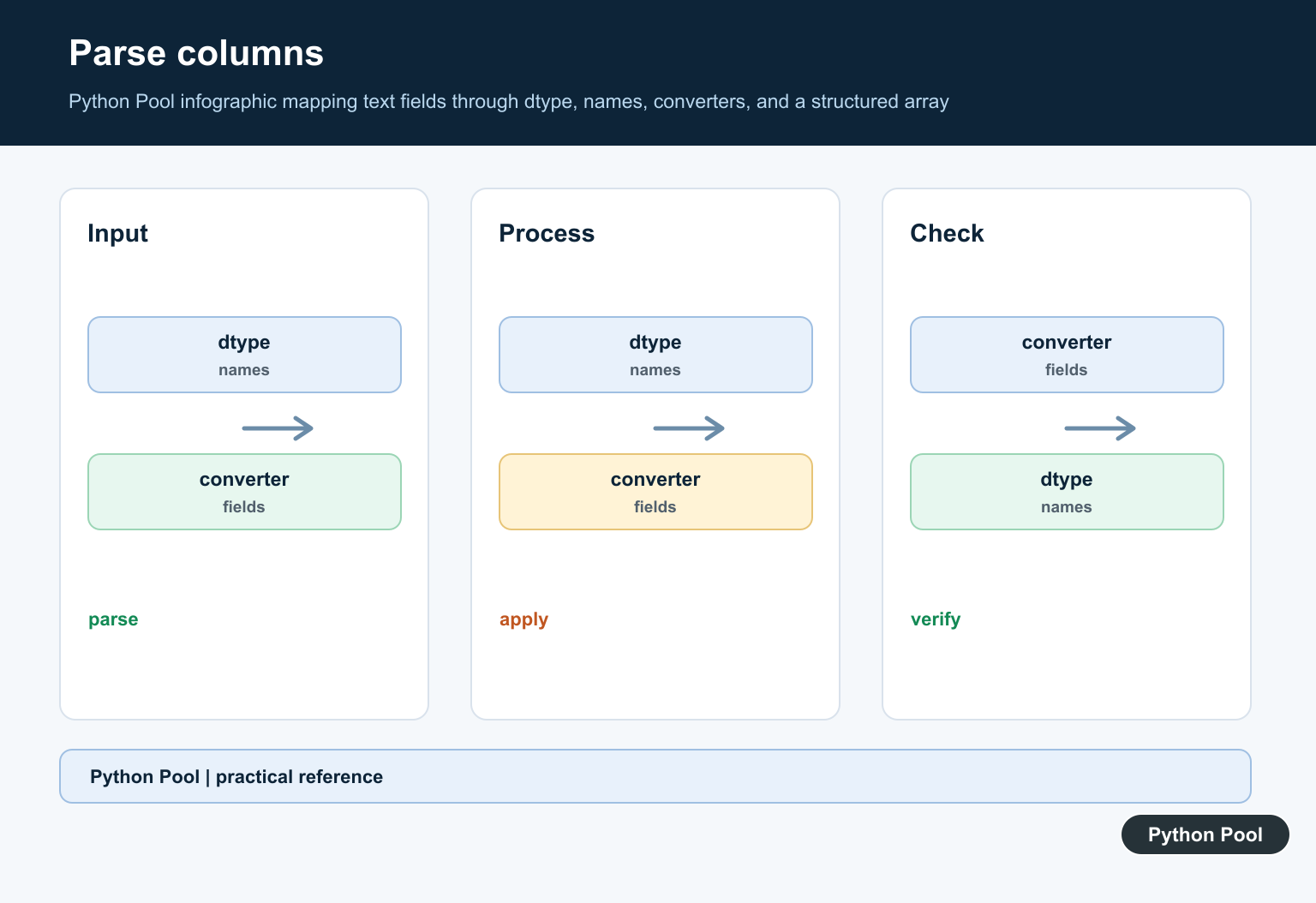
Many files use tokens such as NA, an empty field, or another marker for missing data. Use missing_values and filling_values when those entries should be replaced during import.
try:
    import numpy as np
    from io import StringIO
except ModuleNotFoundError:
    print("Install numpy to run this example.")
else:
    text = StringIO("""item,count
A,5
B,NA
C,""")

    data = np.genfromtxt(
        text,
        delimiter=",",
        names=True,
        dtype=[("item", "U10"), ("count", "i4")],
        encoding="utf-8",
        missing_values={"count": ["NA", ""]},
        filling_values={"count": -1},
    )

    print(data["item"].tolist())
    print(data["count"].tolist())
This reads the count column as integers and fills missing counts with -1. Use a fill value that cannot be confused with a valid measurement.
If missingness itself matters, consider a masked result with usemask=True instead of replacing values immediately. Filling is convenient, but it can hide data quality issues if the chosen value later enters calculations.
Load From A File Path
In real code, pass a path or file object instead of a StringIO object. This temporary-file example keeps the script self-contained while showing the same call shape used for local files.
try:
    import numpy as np
    from pathlib import Path
    from tempfile import TemporaryDirectory
except ModuleNotFoundError:
    print("Install numpy to run this example.")
else:
    with TemporaryDirectory() as folder:
        path = Path(folder) / "measurements.csv"
        path.write_text("""time,value
0,1.2
1,1.5
2,1.7
""", encoding="utf-8")

        data = np.genfromtxt(path, delimiter=",", names=True)

    print(data.dtype.names)
    print(data["value"][-1])
The path-based call uses the same arguments as the string examples. For larger files, keep the import settings near the file path so future readers can see the expected delimiter, header handling, dtype, and missing-value rules together.
In short, choose np.genfromtxt() when text data needs more help than np.loadtxt() can provide. Set delimiters explicitly, use headers when they exist, inspect dtypes, read only needed columns with usecols, and handle missing values with a rule that matches the dataset.
Load A Regular Delimited File
For a simple numeric CSV with a header, delimiter and names=True make the file structure explicit. Choose dtype rather than relying on inference when downstream calculations depend on stable field types.
import numpy as np

records = np.genfromtxt(
    "scores.csv", delimiter=",", names=True, dtype=None, encoding="utf-8"
)
print(records.dtype.names)
print(records)
Handle Missing Values
genfromtxt can identify missing fields and fill them according to the dtype and filling policy. Inspect masks or sentinel values after loading; silently accepting a default can turn a missing measurement into a real-looking number.
data = np.genfromtxt(
    "measurements.csv",
    delimiter=",",
    names=True,
    dtype=float,
    missing_values="NA",
    filling_values=np.nan,
)
print(data)
Use Converters For Messy Columns
A converter can normalize a field before it becomes part of the array, such as stripping a unit or translating a custom missing marker. Keep converters small and test them against blank, invalid, and representative values.
def parse_percent(value):
    text = value.decode("utf-8") if isinstance(value, bytes) else value
    return float(text.rstrip("%"))

data = np.genfromtxt(
    "rates.csv", delimiter=",", converters={1: parse_percent},
    names=True, dtype=None, encoding="utf-8"
)
print(data)
NumPy’s genfromtxt reference documents delimiters, dtypes, names, missing values, and converters for text input.
For related NumPy input workflows, compare loadtxt, CSV loading, and array conversion when choosing the simplest data boundary.
Frequently Asked Questions
What is NumPy genfromtxt used for?
genfromtxt loads text data into NumPy arrays while supporting missing values, delimiters, dtypes, column names, and converters.
What is the difference between loadtxt and genfromtxt?
genfromtxt is designed for more irregular text data and missing values, while loadtxt is simpler when every field is present and uniform.
How do I load named columns with genfromtxt?
Pass names=True when the file contains a header, or provide a names sequence when the column names are known separately.
How should I handle missing values?
Choose a dtype and missing-value policy deliberately, using filling_values or converters where needed, then validate the resulting mask or field values.
