
Quick answer: np.heaviside evaluates a step function element by element. The second argument supplies the value at x1 == 0, so choose it explicitly because different mathematical and engineering conventions use 0, 0.5, or 1 at the discontinuity.
np.heaviside() evaluates the Heaviside step function element by element. Negative values map to 0, positive values map to 1, and the value at zero is chosen by the second argument.
The official NumPy heaviside documentation defines the function. The mathematical background is summarized by the Heaviside step function. Related tools include NumPy piecewise and NumPy where. PythonPool also covers NumPy piecewise and NumPy sign.
The second argument is important. It controls what happens exactly at zero, where different formulas may require 0, 0.5, or 1.
Because it is a NumPy ufunc, heaviside() works on scalars, arrays, and broadcastable inputs. That makes it convenient for vectorized threshold logic without writing loops.
It also keeps formulas concise when the step function is part of a larger vectorized calculation.
Apply heaviside To An Array
Pass an input array and a zero value. NumPy returns one result for each input item.
import numpy as np

x = np.array([-2.0, -0.5, 0.0, 0.5, 2.0])

result = np.heaviside(x, 0.5)

print(result)
The negative values become 0, the positive values become 1, and the zero value becomes 0.5.
This behavior is useful for compact step functions, thresholding, and simple signal-style examples.
The output is numeric, not Boolean. That matters when the result will be multiplied with another array or used as part of a formula.
Choose The Value At Zero
The second argument can change only the output where the input is exactly zero.
import numpy as np

x = np.array([-1.0, 0.0, 1.0])

print(np.heaviside(x, 0.0))
print(np.heaviside(x, 0.5))
print(np.heaviside(x, 1.0))
All three calls agree for negative and positive values. Only the middle output changes.
Choose this value based on the convention needed by the formula or model you are implementing.
For many mathematical examples, 0.5 is used at the jump. For cutoff rules in applications, 0.0 or 1.0 may communicate the boundary decision more clearly.
Use An Array For The Zero Values
The second argument can also be an array. This allows element-specific zero handling.
import numpy as np

x = np.array([-1.0, 0.0, 0.0, 2.0])
zero_values = np.array([0.5, 0.0, 1.0, 0.5])

result = np.heaviside(x, zero_values)

print(result)
The two zero positions use different outputs because zero_values supplies separate choices.
Broadcasting rules apply, so the second argument can be a scalar or a compatible array.
This is helpful when different positions have different boundary conventions. It is less common than a scalar zero value, but it follows normal NumPy broadcasting behavior.
Build A Threshold Mask
A step function can represent whether values have crossed a threshold. Shift the input before calling heaviside().
import numpy as np

values = np.array([4, 7, 10, 13])
threshold = 10

crossed = np.heaviside(values - threshold, 1.0)

print(crossed)
Values below the threshold become 0. Values equal to or above the threshold become 1 because the zero value was set to 1.0.
If equality should not count as crossing, use 0.0 as the zero value instead.
This makes the boundary rule explicit in the code. Anyone reading the expression can see whether equality belongs with the lower side or the upper side.
Compare heaviside With where
np.where() can express similar logic, but heaviside() directly encodes the step-function convention.
import numpy as np

x = np.array([-2.0, 0.0, 3.0])

with_heaviside = np.heaviside(x, 0.5)
with_where = np.where(x < 0, 0.0, np.where(x > 0, 1.0, 0.5))

print(with_heaviside)
print(with_where)
The results match, but the heaviside() version is shorter and clearer when the mathematical step function is intended.
Use where() for custom branching that does not follow the standard negative, zero, positive rule.
When the rule has many ranges, piecewise() may be clearer. When the rule is exactly a step around zero, heaviside() is the most direct choice.
Combine heaviside With sign
np.sign() and np.heaviside() both classify values around zero, but they return different encodings.
import numpy as np

x = np.array([-3.0, 0.0, 4.0])

print(np.sign(x))
print(np.heaviside(x, 0.5))
sign() returns -1, 0, and 1. heaviside() returns a step output using the selected zero value.
Use sign() when direction matters. Use heaviside() when a step from off to on is the goal.
This difference is easy to miss because both functions care about zero. The outputs encode different meanings, so choose based on the downstream formula.
Common heaviside Mistakes
Do not ignore the second argument. The zero case is part of the function definition and should be chosen intentionally.
Do not expect negative values to return -1. That is np.sign() behavior, not np.heaviside() behavior.
Do not use exact zero handling carelessly with floating-point calculations. Values that look like zero may be tiny positive or negative numbers after earlier math.
The practical default is to call np.heaviside(x, 0.5) when the symmetric step convention is acceptable, and to choose 0.0 or 1.0 when equality should fall on one side.
For floating-point data, consider using a tolerance before the step if near-zero values should be treated as zero. That preprocessing decision belongs outside heaviside() so the rule remains visible.
Define The Three Cases
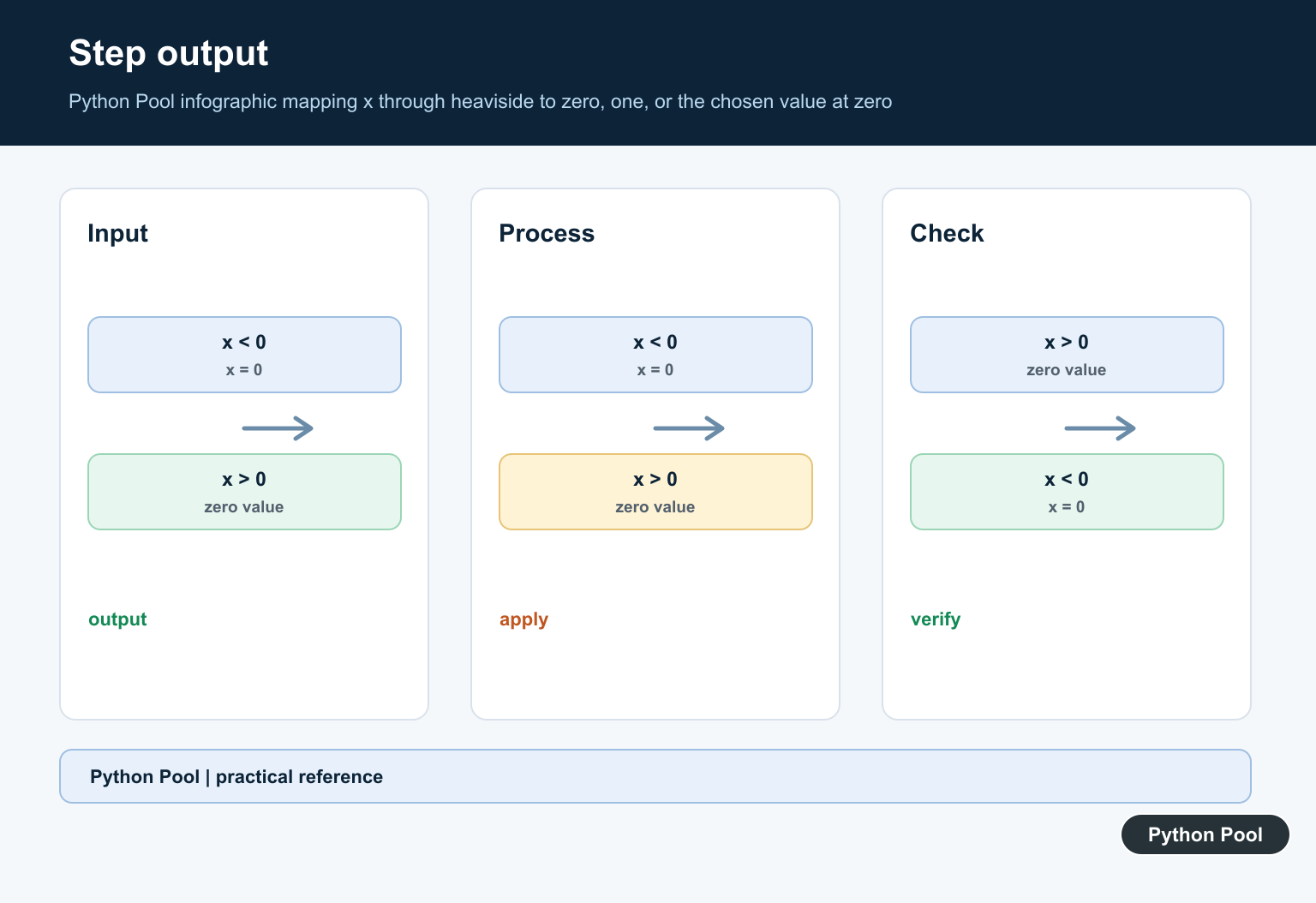
Negative x1 maps to zero, positive x1 maps to one, and exactly zero maps to the second argument x2. This is why the zero-value parameter is part of the call rather than an optional afterthought.
Use Array Broadcasting
x1 and x2 can be scalars or arrays that broadcast to a common shape. Check the shapes when a row-wise or column-wise step threshold is intended, because broadcasting can be valid but semantically wrong.
Choose A Threshold Model
For a shifted step, compute x1 as the signal minus the threshold and document the units. A sign error in that expression moves the discontinuity and can be hard to spot in a dense plot.
Plot Discontinuities Clearly
Use a dense grid and mark the threshold. Do not imply a continuous transition where the function jumps, and label the value assigned at zero if it matters to interpretation.
Compare Related Operations
heaviside is an element-wise function. It is different from a reduction, a boolean mask, or a cumulative step count; choose the operation that matches whether you need values, selection, or aggregation.
Test The Boundary
Test negative, zero, positive, scalar, vector, broadcasted, integer, and floating inputs. Assert the chosen x2 convention so a dependency upgrade or refactor cannot silently change the zero case.
The official NumPy heaviside reference documents x1, x2, and broadcasting. Related Python Pool references include arrays and tests.
For related NumPy functions, compare broadcasting shapes, boundary tests, and array reductions when modeling steps.
Frequently Asked Questions
What does np.heaviside do?
np.heaviside evaluates a Heaviside step function element by element for array inputs.
What is the second argument to heaviside?
The second argument specifies the output value when x1 is exactly zero, commonly 0, 0.5, or 1 depending on the convention.
Does NumPy heaviside support arrays?
Yes. x1 and the zero-value parameter broadcast according to NumPy’s array rules.
Why can the result look different at zero?
Different mathematical conventions assign different values at the discontinuity, so the second argument controls the zero case explicitly.
