
Quick answer: A Python DDNS client should discover the public address, validate it, compare it with the provider’s current record, authenticate through a protected API, update only when necessary, and verify the resulting DNS state. Retries and logs must not leak credentials or create update storms.
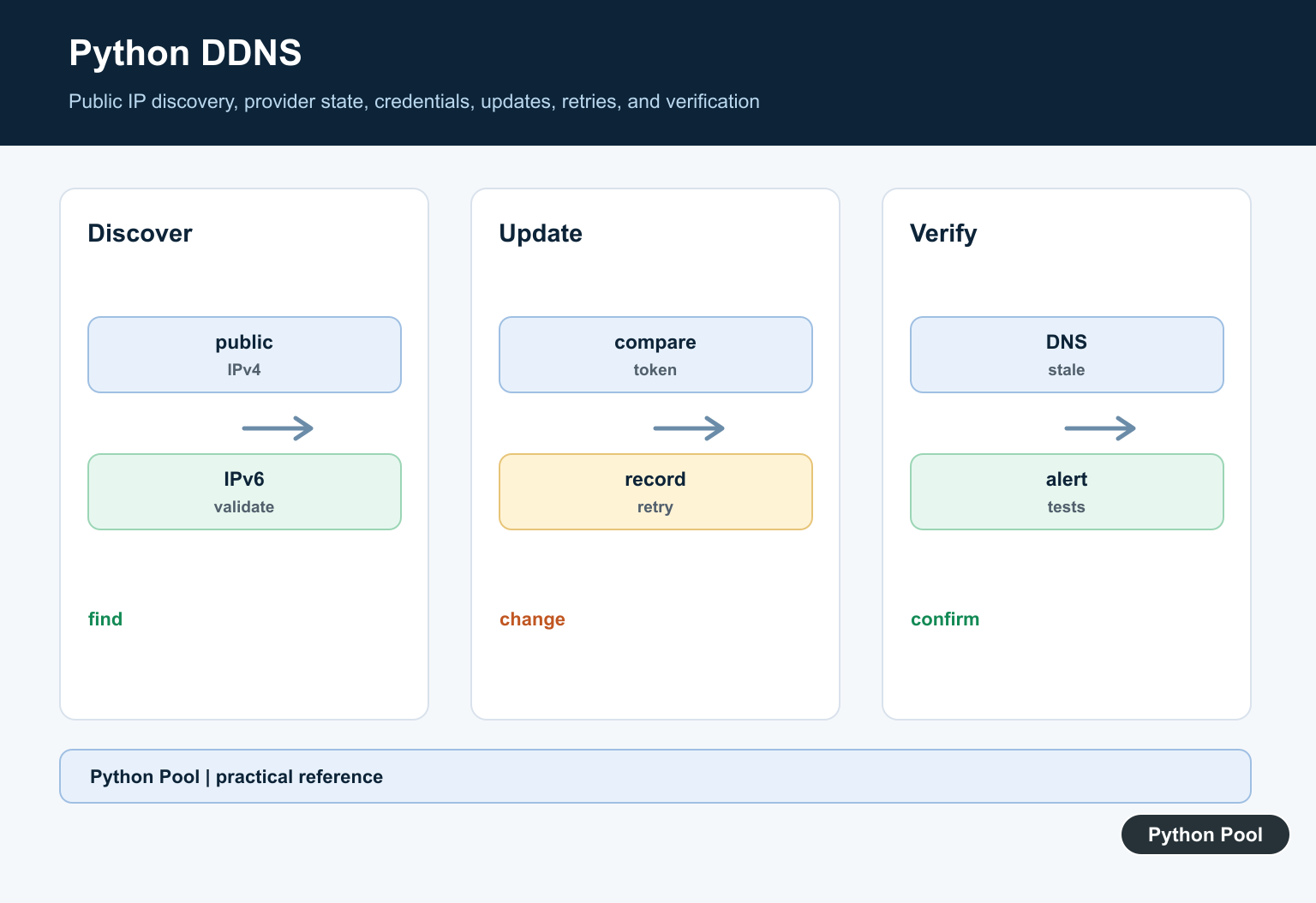
Python DDNS automation updates a DNS record when a home, lab, or small office public IP changes. The script checks the current public IP, compares it with the last known value, and updates the DNS provider only when a change is real. That avoids unnecessary API calls and lowers the chance of overwriting a good record with bad data.
The safest design is a small dry-run-first updater. Validate the IP address, read provider settings from the environment, build the request, log what would change, and only send the update when an explicit flag allows it. A dynamic DNS job should be boring, repeatable, and easy to audit.
The official references for this guide are Cloudflare’s dynamic IP address guide, Cloudflare’s overwrite DNS record API, Cloudflare’s DNS records documentation, Python’s ipaddress, urllib.request, and pathlib.
The examples below avoid real provider writes. They show the pieces you should test locally before adding a scheduler such as cron, systemd timers, launchd, or a container job.
Choose the update cadence based on how often the address changes and how quickly remote users need recovery. A five-minute timer is common for home labs, but a critical endpoint may need monitoring and alerting too. Keep the DNS TTL short enough for recovery, but not so short that every resolver query pounds the authoritative provider.
Normalize The Current Public IP
Public IP services usually return a plain text address. Strip whitespace and validate the result before using it in any DNS update.
from ipaddress import ip_address

def normalize_public_ip(text):
    candidate = text.strip()
    return str(ip_address(candidate))

samples = ["203.0.113.10\n", "2001:db8::42"]

for sample in samples:
    print(normalize_public_ip(sample))
This check catches empty responses, HTML error pages, and malformed text. If the IP check fails, stop the job and keep the existing DNS record unchanged.
Use more than one IP source only when you can handle disagreement. If two services return different addresses, the safest response is to skip the update, log both values, and let the next scheduled run try again.
Reject Private Or Reserved Addresses
A dynamic DNS updater should not publish a private LAN address. Check the address category before planning an API request.
from ipaddress import ip_address

def is_publishable(text):
    address = ip_address(text)
    return not (address.is_private or address.is_loopback or address.is_reserved)

for value in ["192.168.1.10", "127.0.0.1", "8.8.8.8"]:
    print(value, is_publishable(value))
This example accepts 8.8.8.8 and rejects local-only addresses. Your own policy may also reject IPv6, require IPv4, or allow only a known range.
Keep Provider Settings Explicit
Store API tokens and DNS IDs outside the source file. The script should fail early if a required setting is missing.
from dataclasses import dataclass

@dataclass(frozen=True)
class DdnsConfig:
    zone_id: str
    record_id: str
    record_name: str
    token_ready: bool

config = DdnsConfig(
    zone_id="zone-id",
    record_id="record-id",
    record_name="home.example.com",
    token_ready=False,
)

print(config.record_name)
print("can update:", config.token_ready)
In production, read these fields from environment settings or a secrets manager. Do not commit API tokens to a repository, and use a token scoped only to the DNS zone that needs updates.
Keep zone IDs, record IDs, and hostnames explicit. Looking them up on every run is slower and adds another point of failure. A setup command can discover IDs once, while the scheduled updater uses the stored IDs during routine checks.
Build A Cloudflare Update Request
Cloudflare can update DNS records through its API. The example below builds the request data without sending it.
import json

def cloudflare_update_plan(zone_id, record_id, name, address):
    endpoint = (
        "https://api.cloudflare.com/client/v4/zones/"
        f"{zone_id}/dns_records/{record_id}"
    )
    body = {
        "type": "A",
        "name": name,
        "content": address,
        "ttl": 300,
        "proxied": False,
    }
    return endpoint, json.dumps(body, sort_keys=True)

url, payload = cloudflare_update_plan("zone", "record", "home.example.com", "8.8.8.8")
print(url.endswith("/dns_records/record"))
print(payload)
Use PATCH when updating part of a record and PUT when overwriting the whole record, matching your provider’s API contract. Log the record name and new IP, but never log the token.
Skip Updates When Nothing Changed
A state file lets the script avoid repeating the same update. Write the file only after a successful provider response.
from pathlib import Path
from tempfile import TemporaryDirectory

def needs_update(state_path, current_ip):
    if not state_path.exists():
        return True
    return state_path.read_text(encoding="utf-8").strip() != current_ip

with TemporaryDirectory() as folder:
    path = Path(folder) / "last-ip.txt"
    print(needs_update(path, "8.8.8.8"))
    path.write_text("8.8.8.8\n", encoding="utf-8")
    print(needs_update(path, "8.8.8.8"))
If the DNS provider update fails, keep the old state file. That way the next run will retry instead of assuming the DNS record changed.
Add Retry Decisions Without Hiding Errors
Retries are useful for temporary network failures, but they should not hide bad credentials, bad record IDs, or invalid data.
def should_retry(status_code):
    retryable = {408, 429, 500, 502, 503, 504}
    return status_code in retryable

for status in [200, 401, 429, 503]:
    print(status, should_retry(status))
Log provider status codes and response summaries. Alert on repeated failures, because a stale DNS record can break remote access, webhook callbacks, VPN endpoints, or monitoring checks.
Run the job once in dry-run mode after every change to the provider token, record ID, scheduler, or container image. The dry run should print the planned host, record type, TTL, and target IP without printing secrets or sending a write request.
In short, a Python DDNS updater should validate the public IP, reject unsafe addresses, keep provider IDs and tokens outside source code, build a clear provider request, store state only after success, and retry only the status codes that are likely to recover.
Discover The Public IP
The address on a local interface may not be the address visible to the DNS provider. Use a trusted discovery method, validate IPv4 or IPv6 format, and handle timeouts and conflicting responses.
Read Provider State
Prefer the provider’s API or a controlled DNS lookup to determine the current record. Avoid overwriting a record changed by another operator or service without an explicit ownership policy.
Authenticate Safely
Load API tokens from a secret manager or protected environment, use HTTPS, restrict the token’s permissions, and redact authorization headers, URLs, and response bodies in logs.
Update On Change
Compare normalized addresses and update only when the value really differs. Store a last-success timestamp and use a bounded schedule so provider outages do not produce a request storm.
Retry With Evidence
Retry transient network or provider errors with exponential backoff and a limit. Do not retry invalid authentication, malformed addresses, or a response that indicates the record is owned elsewhere.
Verify And Monitor
After an accepted update, query the provider or authoritative DNS according to its propagation model. Alert on repeated failures, stale records, authentication errors, and unexpected address changes.
Use the DNS provider’s official API documentation for authentication and record-update semantics, and the official Python ipaddress documentation for address validation. Related Python Pool references include testing and safe logging.
For related service reliability, compare provider tests, safe logs, and configuration secrets before scheduling DDNS updates.
Frequently Asked Questions
What is dynamic DNS?
Dynamic DNS updates a hostname when the network’s public IP address changes, allowing a stable name to reach a changing connection.
How can Python update a DDNS record?
A Python client can call the DNS provider’s documented API with authenticated, validated values and handle the provider’s response explicitly.
Should a DDNS script update on every run?
No. Compare the discovered public IP with the last known or provider state and update only when a real change is confirmed.
How should DDNS credentials be stored?
Use environment variables, a secret manager, or a protected service account; never commit API tokens or place them in logs or URLs.
