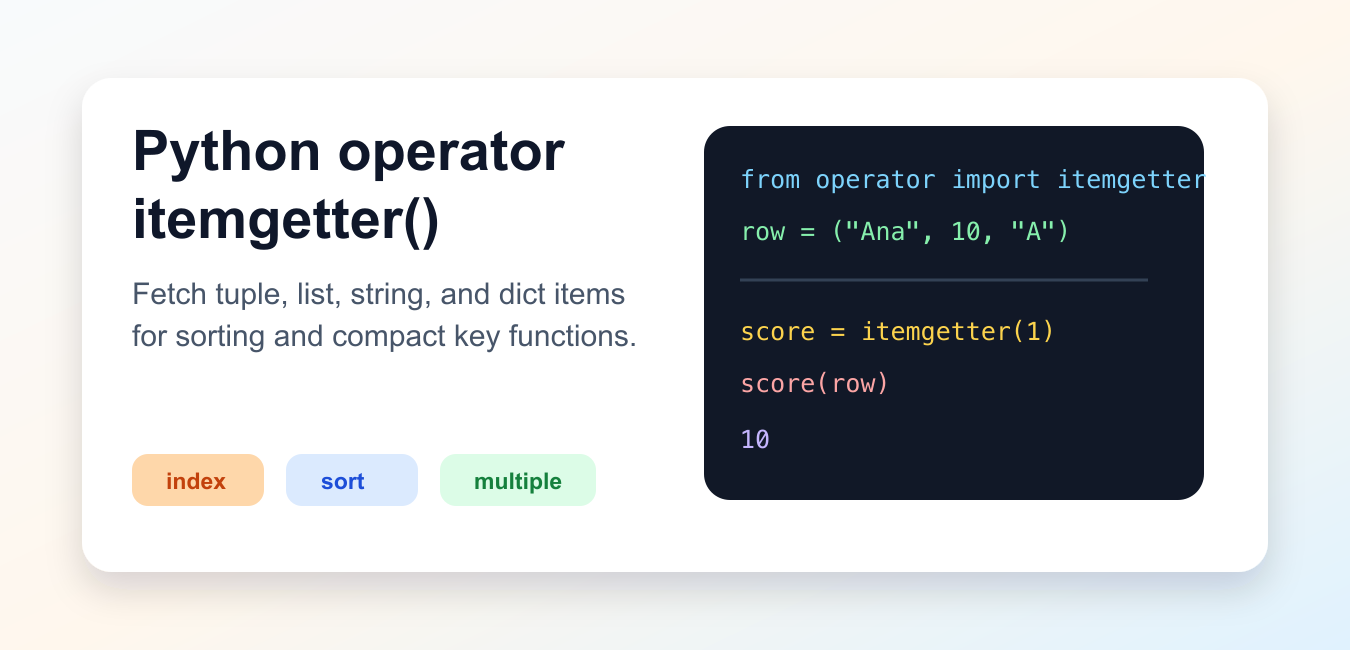
Quick answer: operator.itemgetter returns a callable that fetches indexed or keyed values. It is useful for extracting fields and sorting records, including multi-key orderings. Ensure the key exists or define a fallback policy before applying it to untrusted or heterogeneous records.
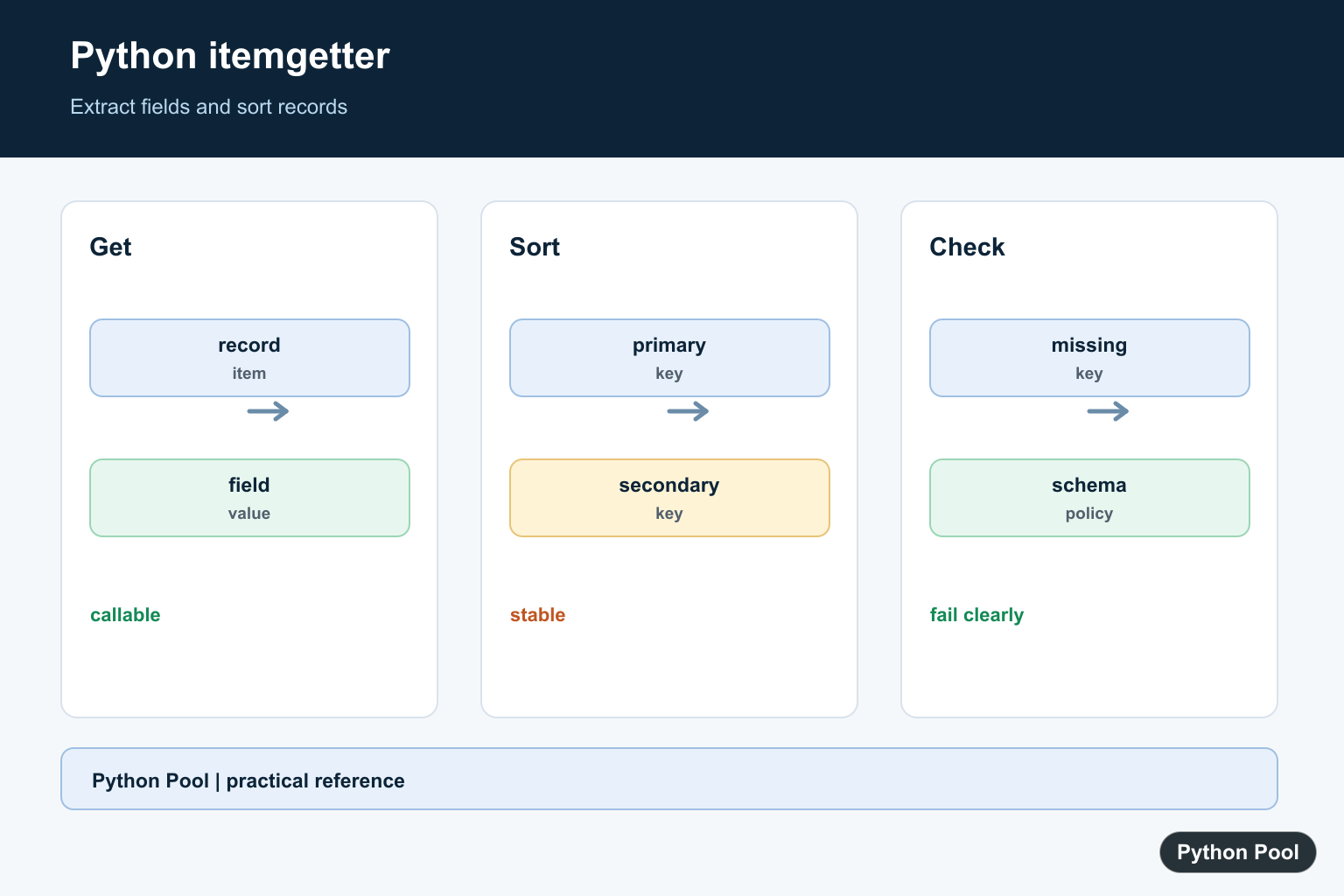
operator.itemgetter() creates a callable that fetches one or more items from an object using __getitem__(). It works with sequences such as tuples, lists, and strings, and with mappings such as dictionaries.
The most common use is as a key function for sorted(), min(), max(), and similar tools. It can be shorter and sometimes faster than a small lambda that only returns an indexed item.
The official Python operator.itemgetter documentation defines the function and shows how it calls __getitem__(). The official Sorting HOWTO explains key functions and sort behavior.
Fetch One Item
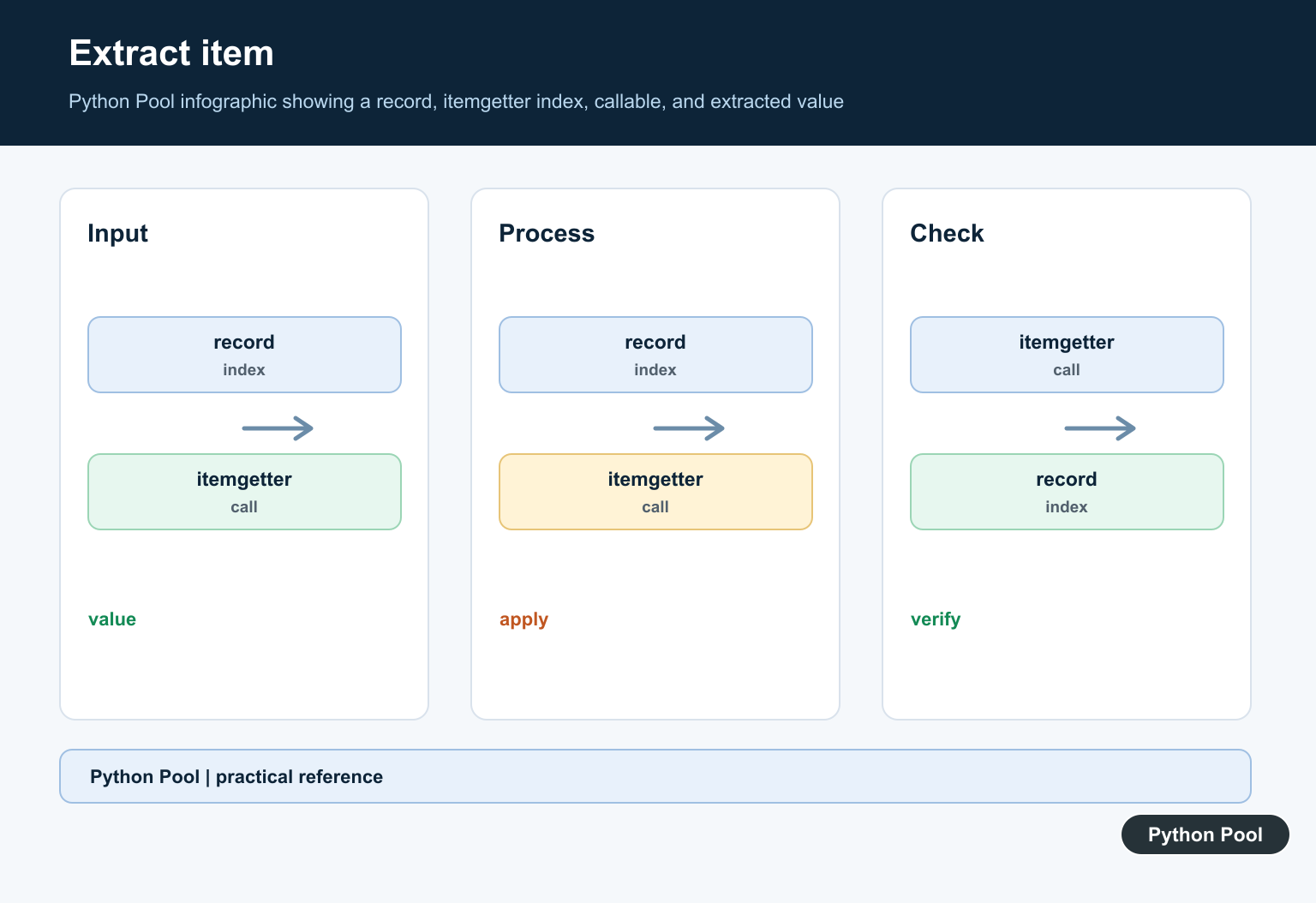
Create an item getter with the index or key you want, then call it with the target object.
from operator import itemgetter

row = ("Ana", 10, "A")
get_score = itemgetter(1)

print(get_score(row))
This is equivalent to row[1], but the lookup is packaged as a reusable callable.
That shape is useful when another function expects a callback, such as a sorting key.
Fetch Multiple Items
Pass more than one index or key to return a tuple of selected items.
from operator import itemgetter

row = ("Ana", 10, "A", "active")
get_summary = itemgetter(0, 2, 3)

print(get_summary(row))
The result is a tuple because more than one item was requested. This is helpful when sorting by several fields or extracting a compact subset from records.
The order of arguments controls the order of values in the returned tuple.
Sort A List Of Tuples
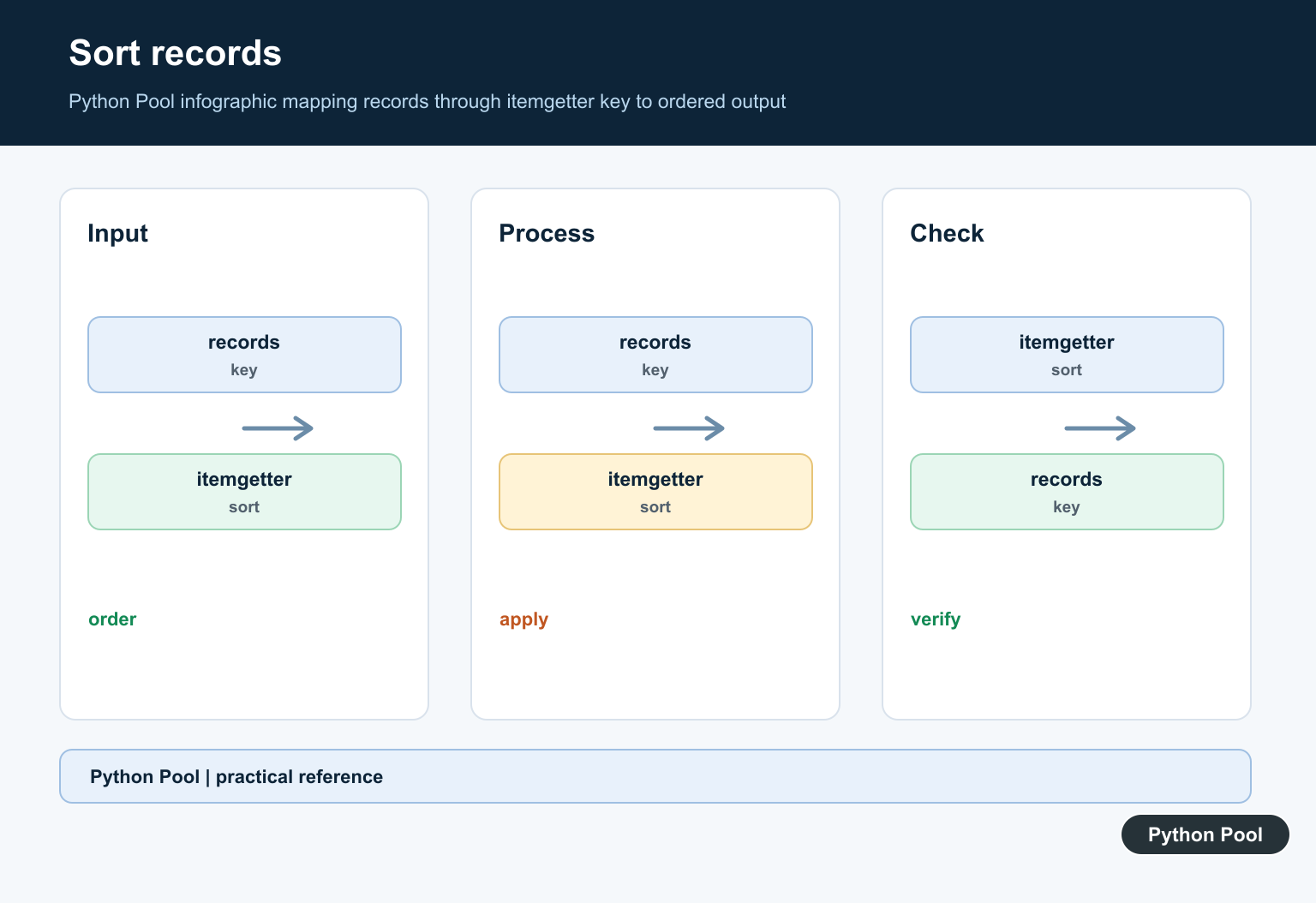
itemgetter() is often used as the key argument for sorting tuple rows.
from operator import itemgetter

scores = [
    ("Bo", 8),
    ("Ana", 10),
    ("Mia", 7),
]

by_score = sorted(scores, key=itemgetter(1), reverse=True)

print(by_score)
The key function extracts the score at index 1. reverse=True puts the highest score first.
For multiple sort fields, pass multiple indexes. Python compares the returned tuple from left to right.
Sort Dictionaries By A Key
For dictionaries, pass the dictionary key name to itemgetter().
from operator import itemgetter

users = [
    {"name": "Ana", "score": 10},
    {"name": "Bo", "score": 8},
    {"name": "Mia", "score": 10},
]

ordered = sorted(users, key=itemgetter("score", "name"))

print(ordered)
This sorts first by score and then by name. The returned key is a tuple like (10, "Ana").
Every dictionary must contain the requested keys. If a key is missing, KeyError is raised.
Use Slices And Strings
Because itemgetter() uses __getitem__(), it can work with slices and strings too.
from operator import itemgetter

text = "PythonPool"
middle = itemgetter(slice(1, 6))
first = itemgetter(0)

print(middle(text))
print(first(text))
A slice returns the sliced part of the object. A single index returns one item.
This is less common than sorting use cases, but it shows that itemgetter is not limited to lists of tuples.
Compare With lambda
A lambda can do the same simple lookup. Choose the clearer option for the surrounding code.
from operator import itemgetter

rows = [("Ana", 10), ("Bo", 8), ("Mia", 7)]

with_lambda = sorted(rows, key=lambda row: row[1])
with_itemgetter = sorted(rows, key=itemgetter(1))

print(with_lambda)
print(with_itemgetter)
itemgetter(1) is concise when the operation is only an item lookup. A lambda is better when the key needs calculation, fallback handling, method calls, or more readable naming.
Use It Where It Improves Clarity
itemgetter() shines when data is row-like and the lookup is obvious from context. Sorting a list of two-item tuples by the second item is a good example. The key function is short, direct, and easy to reuse.
It is less helpful when the index is mysterious. If readers cannot tell what position 2 means, named dictionaries, dataclasses, or a small helper function may communicate the intent better.
For dictionaries, itemgetter("score") is often clear because the key name describes the data. For tuples, consider adding a short comment or using named records when the row shape is not obvious.
Be aware that itemgetter() returns a callable, not the item itself. The first call creates the getter; the second call applies it to a specific object. That two-step shape is useful for callbacks but unnecessary for direct one-off access.
It also performs no fallback logic. If missing data is expected, use a function that handles the fallback explicitly. A lambda, normal function, or preprocessing step can be more robust than forcing itemgetter() into a job it was not designed to do.
In reviews, prefer the version that makes the data shape obvious to the next maintainer.
Small helper names can beat clever compact code.
Prefer explicit intent every time.
The practical rule is to use itemgetter() for simple index or key extraction, especially in sorting. Use normal indexing for direct one-off access and lambda when the key logic is more than a plain lookup.
Keep missing keys and indexes in mind. itemgetter() does not provide a default; it lets KeyError or IndexError surface when the requested item is not present.
Extract A Field
itemgetter communicates that the operation is item access rather than attribute access. It works with tuples, lists, dictionaries, and other objects supporting __getitem__.
from operator import itemgetter

record = {"name": "Ada", "score": 98}
get_score = itemgetter("score")
print(get_score(record))
Sort Records By A Key
Pass the callable as key to sorted or list.sort. The result is stable, so records with equal keys retain their original order.
from operator import itemgetter

records = [{"name": "Grace", "score": 91}, {"name": "Ada", "score": 98}]
ordered = sorted(records, key=itemgetter("score"), reverse=True)
print(ordered)
Use Multiple Fields
Multiple arguments return a tuple, which naturally expresses primary and secondary sort keys. Keep the field order aligned with the intended ordering policy.
from operator import itemgetter

records = [("red", 2), ("blue", 1), ("red", 1)]
print(sorted(records, key=itemgetter(0, 1)))
Handle Missing Keys Deliberately
itemgetter raises KeyError when a dictionary lacks the requested key. That is useful for required schemas; use a separate normalization step when missing data is expected.
from operator import itemgetter

records = [{"score": 3}, {"score": 1}]
for record in records:
    if "score" not in record:
        raise ValueError("record is missing score")
ordered = sorted(records, key=itemgetter("score"))
print(ordered)
Python’s operator.itemgetter documentation defines indexed and keyed extraction. Related references include sorting records, iteration, and grouping by keys.
For related record processing, compare sorting records, iteration, and grouping by keys when extracting fields.
Frequently Asked Questions
What does operator.itemgetter do?
It returns a callable that fetches one or more indexed or keyed items from an object.
How do I sort dictionaries with itemgetter?
Pass itemgetter with the dictionary key to sorted or list.sort, and ensure every record has that key or define a fallback policy.
Can itemgetter extract multiple fields?
Yes. Passing multiple names returns a tuple of extracted values, which is useful for multi-key sorting.
What is the difference between itemgetter and lambda?
They can express similar access, but itemgetter is concise, reusable, and communicates a standard item lookup operation.
