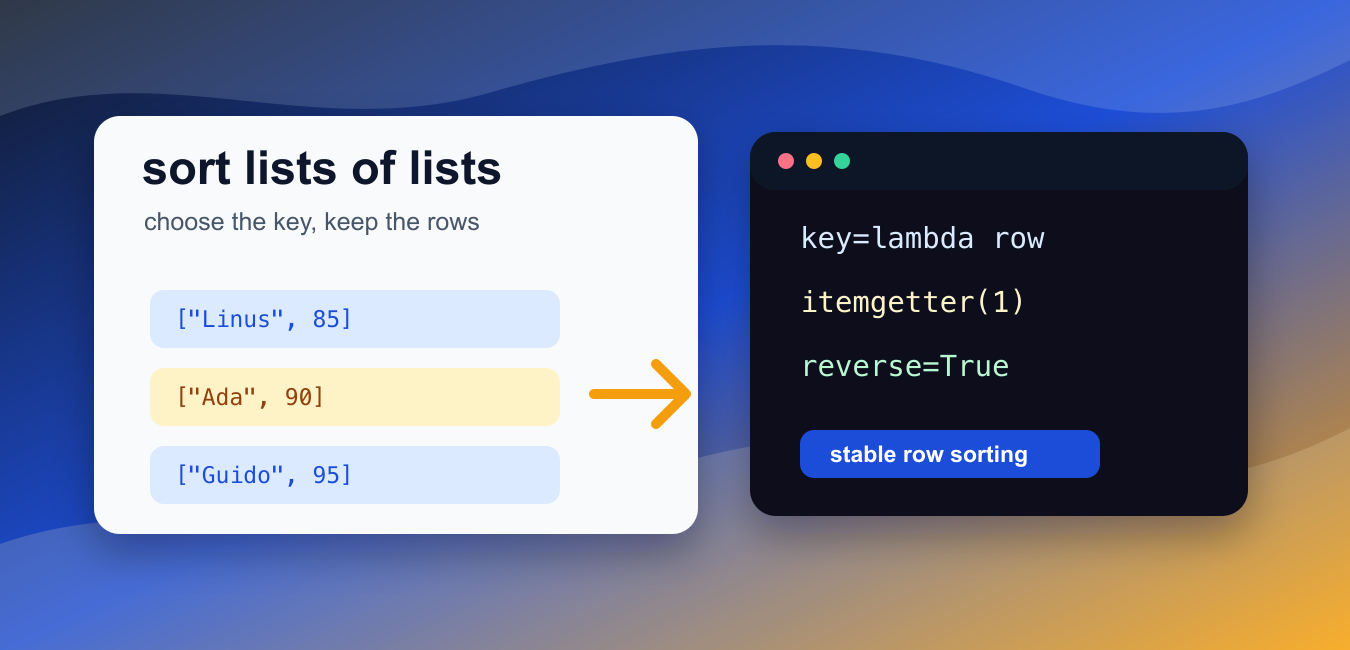
Quick answer: Sort a list of lists by supplying a key that extracts or computes the value to compare. Use sorted() for a new result, list.sort() for intentional in-place mutation, and tuple keys for multiple ordering fields. Validate inner-list shape and types before sorting external data.
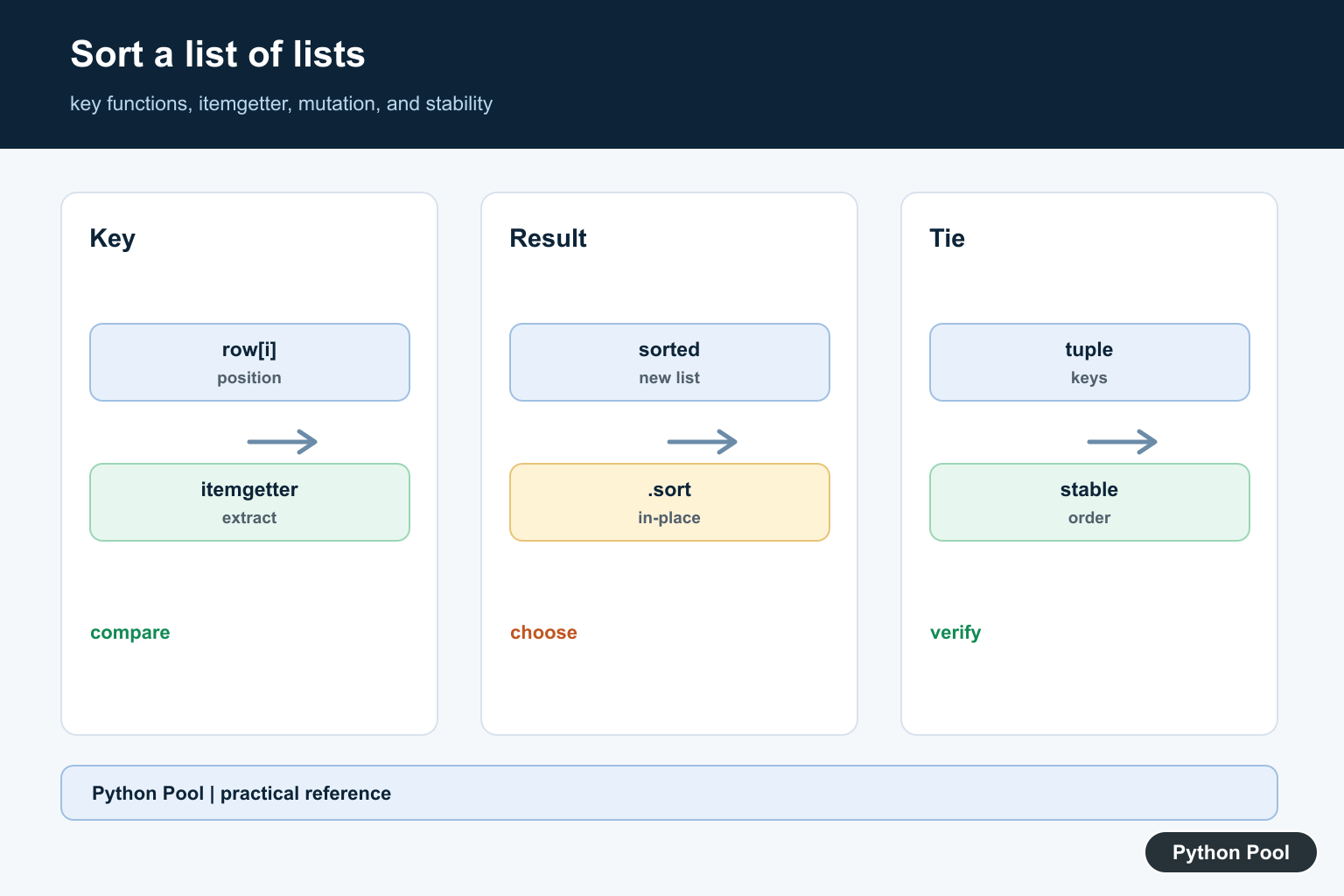
Sorting a list of lists usually means keeping each inner list together while choosing one part of that row as the sort key. Python handles this cleanly with sorted(), list.sort(), key=, lambda functions, and operator.itemgetter().
The official Python documentation explains the Sorting HOWTO, list.sort(), and operator.itemgetter().
Use sorted(rows, key=...) when you want a new sorted list and need to keep the original list unchanged. Use rows.sort(key=...) when it is fine to reorder the existing list in place.
The key function receives each inner list and returns the value Python should compare. For example, lambda row: row[1] sorts by the second item in each row.
Python sorting is stable. If two rows have the same key, their original order is preserved. Stability is useful when you sort in multiple passes or when equal values should keep a meaningful input order.
Before sorting, confirm that every inner list has the position your key reads. If some rows are shorter, a position-based key can raise IndexError. Validate messy input or write a key that handles missing fields.
For simple item positions, itemgetter() is concise and fast. For expressions such as sums, lengths, combined keys, or sign changes, a lambda is usually clearer.
Use reverse=True for descending order. Do not reverse the final list manually unless there is a specific reason; the built-in argument states the intent directly.
Keep sort keys simple and cheap. Python calls the key function once for each row, stores the key internally, and then sorts using those stored keys. That makes key-based sorting efficient, but a key that performs slow work can still make the whole sort feel slow.
Be consistent about row shape. If index 0 means a name in one row and a category in another row, the sort may run but the result will be hard to trust. Clean the data before sorting when rows come from user input, CSV files, or mixed sources.
If the inner lists represent long records, consider switching to dictionaries, tuples with named positions, dataclasses, or small objects. Lists are fine for compact examples, but named fields are easier to maintain when the row has many columns.
Sort By One Position
Use a key function to choose which item in each row controls the order.
rows = [["Ada", 90], ["Linus", 85], ["Guido", 95]]

result = sorted(rows, key=lambda row: row[1])

print(result)
The rows are sorted by the score at index 1.
The original rows stay intact.
sorted() returns a new list, so the original rows list is still available in its first order.
Sort In Place With itemgetter
Use list.sort() when the existing list should be reordered.
from operator import itemgetter

rows = [["red", 3], ["blue", 1], ["green", 2]]
rows.sort(key=itemgetter(1))

print(rows)
itemgetter(1) selects the second item in each inner list.
The list is changed in place.
This form is compact when you only need to sort by one item position.
Sort In Reverse Order
Use reverse=True for descending order.
rows = [["Ada", 90], ["Linus", 85], ["Guido", 95]]

result = sorted(rows, key=lambda row: row[1], reverse=True)

print(result)
The highest score appears first.
The key still reads index 1; only the final comparison direction changes.
This is clearer than sorting ascending and then reversing the list in a separate step.
Sort By Inner List Length
Use len as the key when row length decides the order.
rows = [["a", "b", "c"], ["x"], ["m", "n"]]

result = sorted(rows, key=len)

print(result)
The shortest inner list comes first.
This can be useful when processing rows with optional fields or grouped values of different sizes.
Because len is already a function, it can be passed directly as the key.
Sort By The Sum Of Each Row
Use sum as the key for rows that contain only numbers.
scores = [[8, 7, 9], [10, 6, 5], [6, 6, 6]]

result = sorted(scores, key=sum)

print(result)
The row with the smallest total appears first.
This works when every inner list contains values that can be added together.
If rows mix text and numbers, write a custom key that selects only the numeric fields.
Sort By Multiple Keys
Return a tuple from the key function when more than one field matters.
rows = [["sales", "Amy", 3], ["sales", "Bo", 5], ["ops", "Cy", 4]]

result = sorted(rows, key=lambda row: (row[0], -row[2]))

print(result)
This sorts by department first.
Inside each department, the negative score places larger scores before smaller ones.
Tuple keys are a reliable way to express primary and secondary sort rules in one pass.
In short, use sorted() for a new list, list.sort() for in-place sorting, key= to choose the row field or expression, itemgetter() for simple item positions, reverse=True for descending order, and tuple keys for multi-column sorting.
Use A Key Function
key=lambda row: row[index] makes the sort criterion explicit, while operator.itemgetter(index) is a concise alternative for a fixed position. The key is evaluated for comparison and does not need to mutate the rows. Name the key or wrap it in a function when the rule has business meaning.
Choose New Or In-Place Results
sorted(rows, key=…) returns a new list and leaves the original available for comparison or reuse. rows.sort(key=…) changes the list in place and returns None. Pick one deliberately, especially when aliases or cached references may observe the same list.
Sort By Derived Values
A key can compute len(row), sum(row), a normalized string, or another safe value. Validate empty rows and mixed types before using a derived operation, and decide whether numeric conversion or missing values belong in the key or in an earlier data-cleaning step.
Use Tuple Keys For Tie-Breaking
Return (row[0], row[1]) to sort by a primary and secondary field. Python’s sort is stable, so equal keys retain their input order. If different fields need different directions, transform the relevant key or use a staged stable sort with a documented order.
Test Shape, Types, And Stability
Test duplicates, empty lists, missing positions, mixed numeric and text data, reverse order, and already sorted input. Assert whether the original changed, the exact tie order, and the behavior for invalid rows rather than letting a runtime exception define the API.
Python’s sorting HOWTO explains key functions, stability, and operator helpers. The itemgetter reference documents positional extraction. Related guidance includes data-driven mappings and sorting tests.
For related data-driven ordering, compare explicit mappings, collection operations, and sorting tests when defining a stable key contract.
Frequently Asked Questions
How do I sort a list of lists by the first item?
Use sorted(rows, key=lambda row: row[0]) or operator.itemgetter(0) when every inner list has the required position.
What is the difference between sorted() and list.sort()?
sorted() returns a new list, while list.sort() modifies the existing list in place and returns None.
How do I sort by multiple values?
Return a tuple from the key function, such as (row[0], row[1]), and use reverse or per-field transformations when the directions differ.
How do I sort lists of different lengths safely?
Validate the inner structure or use a key that handles missing positions explicitly; do not let an IndexError or mixed incomparable types define the behavior accidentally.

Good article!
It’s probably worth mentioning that for “Sorting The Data By 1st Column”, if the first elements in each list are identical, then it sorts on the second element on each list, and if the second elements are also identical, it moves on to the third element, etc.
Cheers, Phil
Yes, I’ll edit the post to mention the relative order of records with identical keys.
Hi, in the two occasions in the article where we are manually swapping the elements, it only swaps the element only, not swapping the inner list. I don’t think that is the intended action.
Yes, it doesn’t swap the inner list. Manual swapping can be customized to match our needs. In some cases, we only need to swap the other lists whereas in some inner list needs to be swapped.