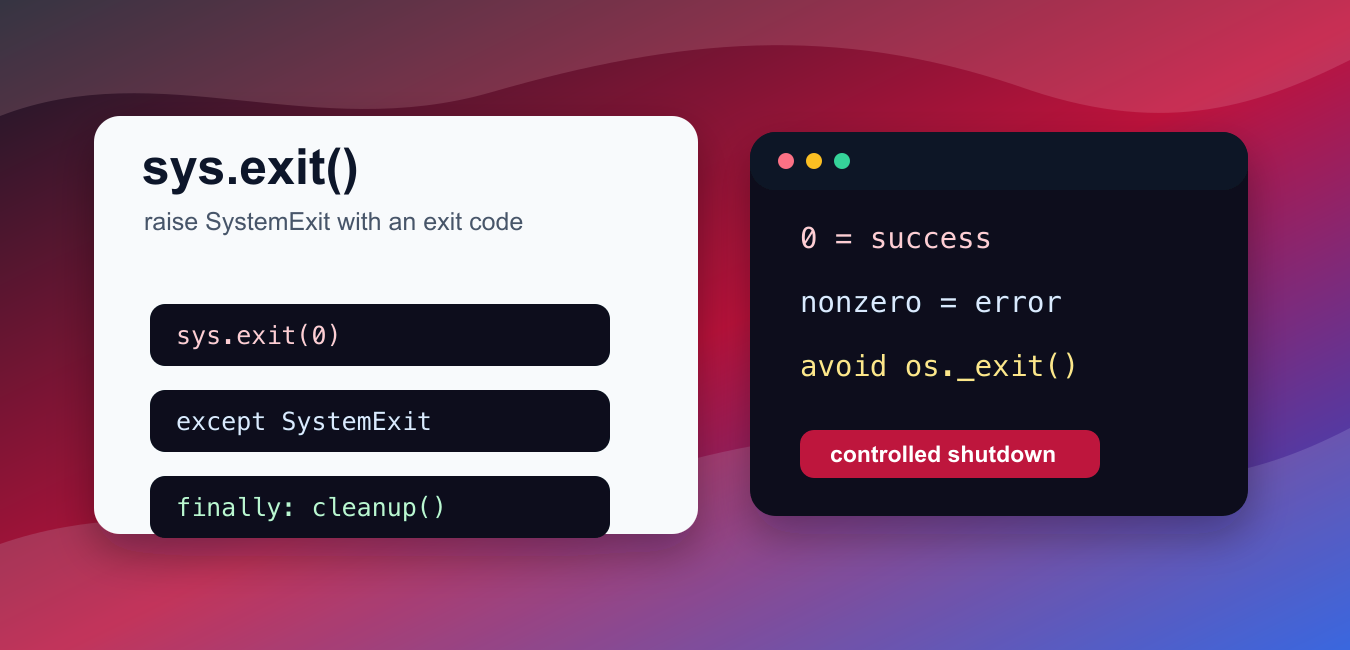
Quick answer: sys.exit signals program termination by raising SystemExit. Pass zero or None for success, a nonzero integer for failure, or a message for a short command-line error; finally cleanup still runs.
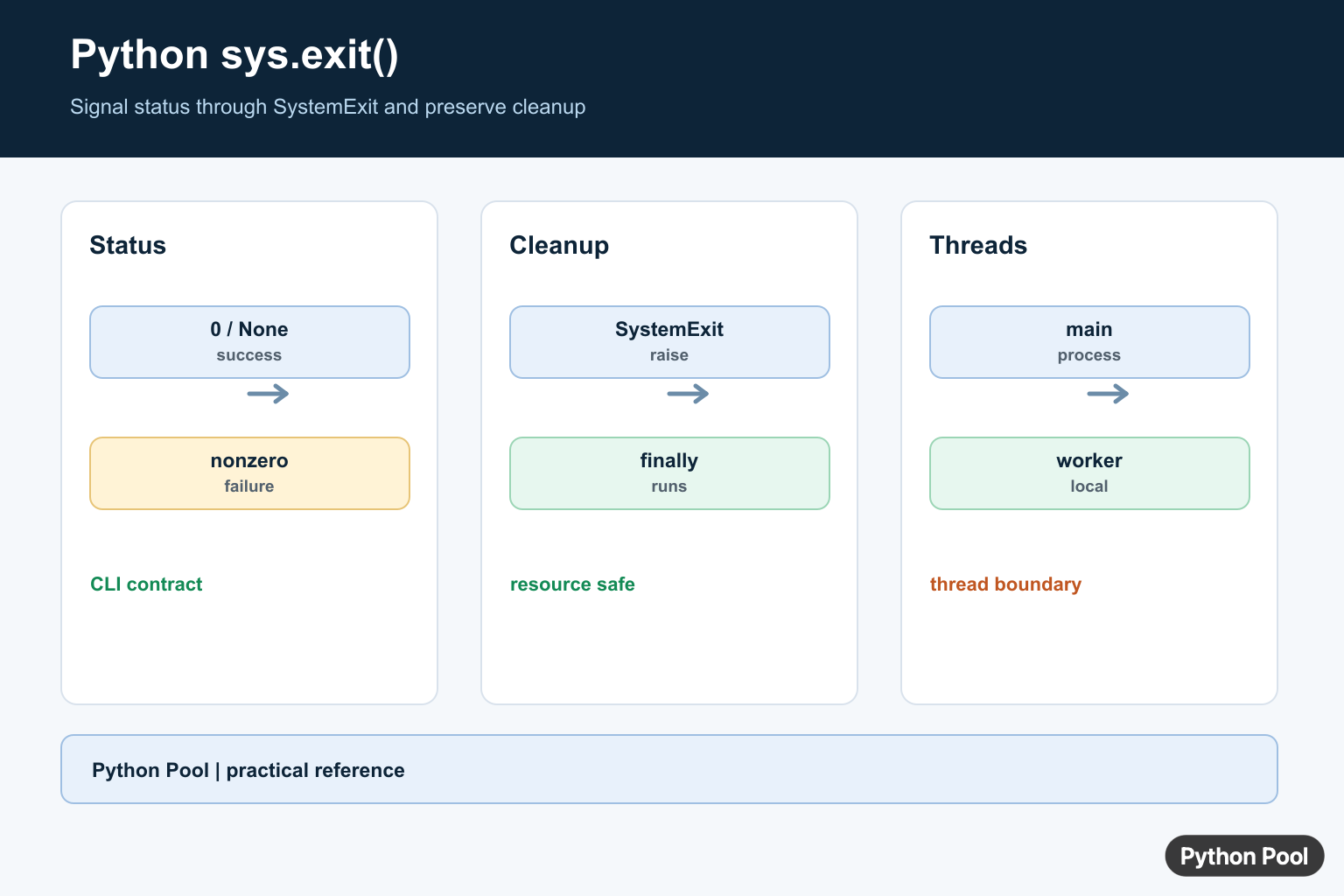
sys.exit() stops a Python program by raising SystemExit. That makes it different from abruptly killing a process: normal exception handling and finally cleanup blocks can still run.
The official Python documentation covers sys.exit(), SystemExit, and os._exit().
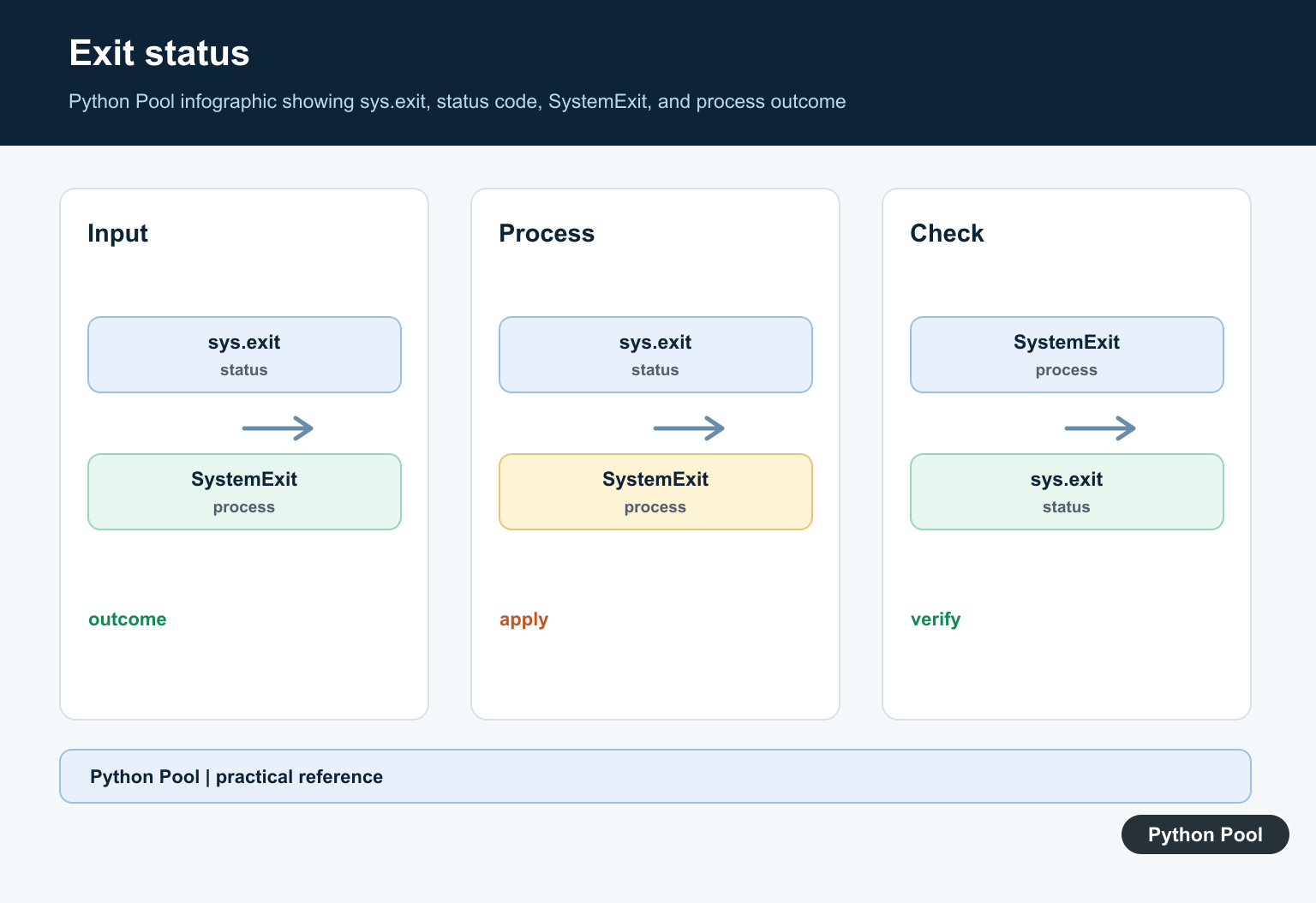
Use sys.exit(0) for successful termination. Use a nonzero integer such as 1 or 2 when the program should report failure to the shell, scheduler, CI job, or parent process.
If you pass a string to sys.exit() in a real script, Python treats it as an error message and exits with a failure status. That is useful for command-line tools, but integer codes are clearer when another program will read the result.
exit() and quit() are convenience helpers intended for interactive sessions. Prefer sys.exit() in scripts, packages, command-line tools, and production code.
os._exit() exits the process immediately and skips normal cleanup. It is mainly for low-level child-process paths after a fork. Most application code should avoid it because files, buffers, context managers, and cleanup handlers may not run.
Because sys.exit() raises an exception, tests can catch SystemExit and assert the exit code. The examples below catch it so the snippets are safe to run during verification.
Keep process exits near the edge of the program. A command-line entry point can call sys.exit(main()), but reusable library functions should usually raise ordinary exceptions or return results. That lets callers decide whether to retry, report an error, or stop the process.
For command-line tools, document the exit codes you expect automation to use. A shell script, CI pipeline, cron job, or service monitor can make better decisions when success, user error, missing configuration, and unexpected failure use consistent codes.
In notebooks and interactive shells, SystemExit may be displayed instead of closing the whole application. That can be helpful while exploring, but it is not a reason to rely on notebook-specific behavior in scripts.
When testing code that exits, catch SystemExit directly. Avoid broad except BaseException handlers unless you have a very specific reason, because they can also intercept keyboard interrupts and other control-flow exceptions.
That direct catch keeps the test focused on the shutdown path you meant to verify.
Exit With Success
Pass 0 when the program ended successfully.
import sys

try:
    sys.exit(0)
except SystemExit as error:
    print(error.code)
The caught code is 0.
In a real script, leaving the exception uncaught would stop the program with success status.
This is the usual code for a command that completed normally.
Exit With A Message
A string can describe why the program is stopping.
import sys

try:
    sys.exit("config file missing")
except SystemExit as error:
    print(error.code)
The exception stores the message as its code object.
When uncaught, Python prints the message and exits with failure status.
Use this for simple command-line errors, but prefer structured logging for larger applications.
Catch SystemExit In Tests
You can catch SystemExit when testing exit behavior.
try:
    raise SystemExit(2)
except SystemExit as error:
    print(type(error).__name__)
    print(error.code)
This prints the exception name and exit code.
Catching SystemExit is useful in tests and demonstrations.
Do not catch it broadly in production unless the program really should cancel or translate the exit.
Cleanup Still Runs
finally blocks run before the program exits.
import sys

try:
    try:
        sys.exit(0)
    finally:
        print("cleanup runs")
except SystemExit:
    print("exit caught for demo")
The inner finally block runs before SystemExit reaches the outer handler.
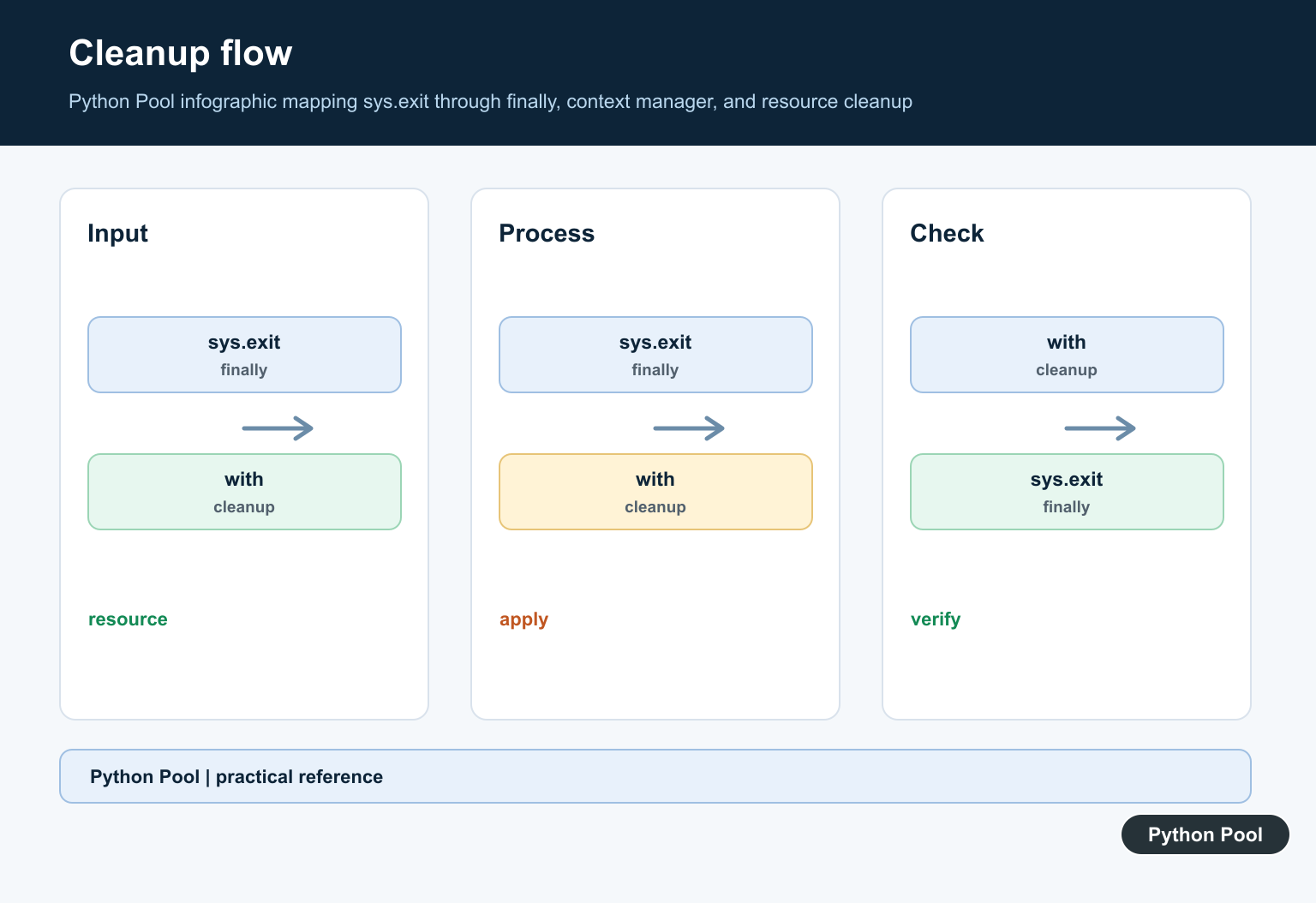
This is why sys.exit() works well with context managers and cleanup code.
It gives the program a controlled shutdown path instead of skipping cleanup work.
Return A Code From main()
A common command-line pattern is to return a status code from main().
import sys

def main():
    print("checking input")
    return 1

try:
    sys.exit(main())
except SystemExit as error:
    print(error.code)
The function returns 1, and sys.exit() uses it as the exit code.
In real command-line code, you would usually leave SystemExit uncaught at the bottom of the file.
This pattern keeps application logic separate from the process-exit decision.
Avoid os._exit In Normal Code
os._exit() is a low-level immediate process exit.
import os

def child_process_only():
    os._exit(0)

print("Use os._exit only for narrow child-process cases")
The function is defined but not called in this example because calling it would stop the interpreter immediately.
Use os._exit() only when low-level process-management code truly requires it.
For normal scripts, command-line tools, notebooks, and services, sys.exit() is the safer and clearer option.
In short, use sys.exit() for ordinary program termination, use integer exit codes for automation, let cleanup run through finally and context managers, reserve exit() and quit() for interactive use, and avoid os._exit() unless you are handling a narrow child-process case.
Use Status Codes Deliberately
Command-line callers use the exit status to distinguish success from failure. Keep codes stable and small, and prefer returning a status from reusable library functions so the caller decides whether to terminate the process.
import sys

if not config_is_valid:
    print("invalid configuration", file=sys.stderr)
    sys.exit(2)

print("ready")
SystemExit Is An Exception
sys.exit raises SystemExit, which can be caught by a test runner, a wrapper, or an outer exception boundary. finally blocks execute while the exception propagates, so close resources and use context managers rather than assuming exit skips cleanup.
import sys

try:
    sys.exit(0)
finally:
    print("cleanup runs")
Know The Thread Boundary
Calling sys.exit in the main thread can terminate the interpreter when SystemExit is not caught. In another thread it raises in that thread and does not automatically stop the whole process. For worker shutdown, use an event, sentinel, or executor lifecycle protocol.
import sys

try:
    sys.exit("bad input")
except SystemExit as error:
    print("status:", error.code)
Python’s sys.exit reference defines SystemExit, status values, and cleanup behavior.
For nearby control-flow behavior, compare break, pass, and traceback inspection before terminating a command.
Frequently Asked Questions
What does sys.exit do in Python?
It raises SystemExit with an optional status, signaling that the interpreter should terminate.
What exit code means success?
Zero or None represents successful termination; a nonzero integer communicates an abnormal or application-defined failure.
Does sys.exit run finally blocks?
Yes. Because it raises an exception, finally cleanup is honored while the exit propagates.
Does sys.exit stop every thread?
It raises SystemExit in the calling thread; process termination behavior depends on whether that is the main thread and whether the exception is caught.

Check the code in “Using sys.exit along with Try block in python”
Maybe you should put the for loop inside the try block,
and maybe you should raise the error manually after the for loop?