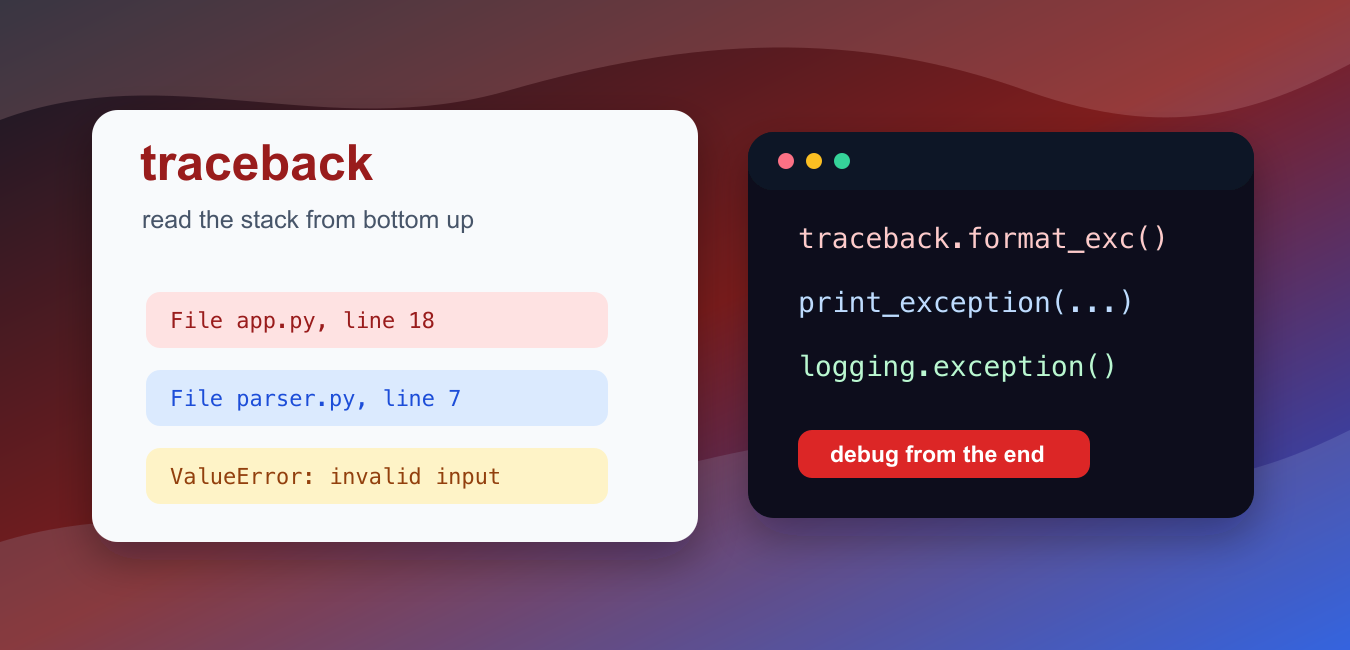
Quick answer: The traceback module extracts, formats, prints, and stores Python stack traces. Use print_exception() for a caught exception, format_exc() when a string is needed, and TracebackException when you want to defer formatting.
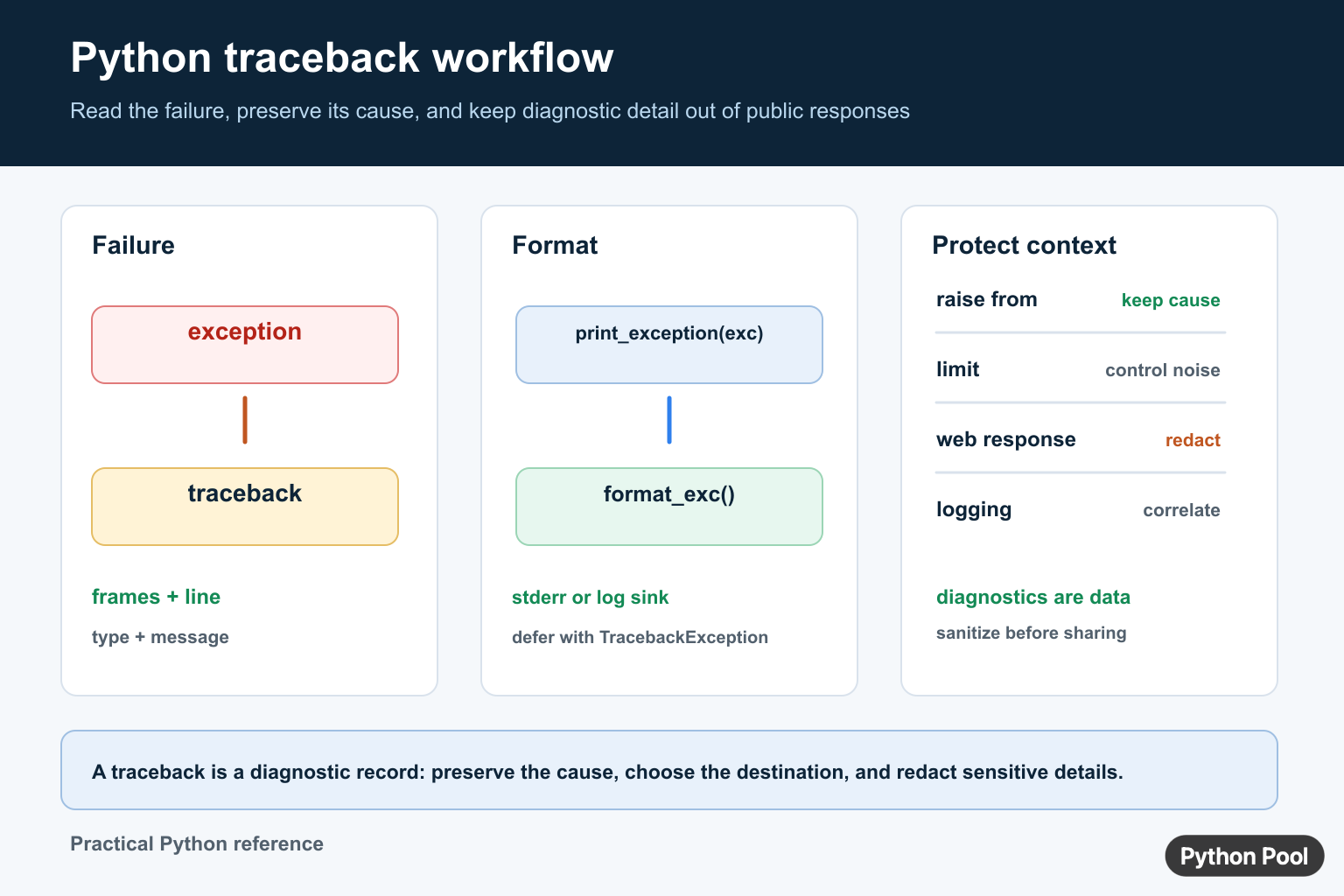
A Python traceback is the report Python prints when an exception is not handled. It shows the call stack, the file and line where each call happened, and the final exception type and message. A traceback explains one failure path; Python Trace Module and Tracer Guide records executed lines and calls when the program’s control flow itself needs inspection.
The most useful line is usually near the bottom. The final line names the exception, and the frame above it points to the code line that failed. Earlier frames show how execution reached that point.
The official Python documentation covers the traceback module, logging.exception(), and built-in exceptions.
Read tracebacks from bottom to top. First identify the exception type, then inspect the failing line, then move upward only if you need to understand the caller path. This keeps debugging focused.
Do not remove a traceback by catching every exception and printing a vague message. If a program handles an error, keep enough detail to diagnose the original cause later.
A traceback is not only for crashes. It is also useful when a background job fails, a command-line tool exits early, or a web request needs to be logged for later investigation. The goal is to keep the useful context while still presenting a clean message to the user.
The stack frames tell a story. The top frame is where the program started the call path, and the lower frames are deeper calls. When you are fixing your own code, look for the deepest frame that belongs to your project, then inspect the data passed into that line.
Library frames are still useful, but they are often symptoms. If the final line is inside a library, the cause may be an argument your code passed in earlier. Move upward until you find the call you control.
For production logging, keep tracebacks out of public user-facing pages when they may include paths, query text, or internal details. Log the full traceback for operators, then return a shorter message to the user.
The examples below show how to capture, format, inspect, and log traceback information without losing the exception context. After formatting an exception, Python logging.basicConfig Guide shows how to route diagnostics through levels, handlers, formats, and reusable logger configuration.
Capture The Current Traceback
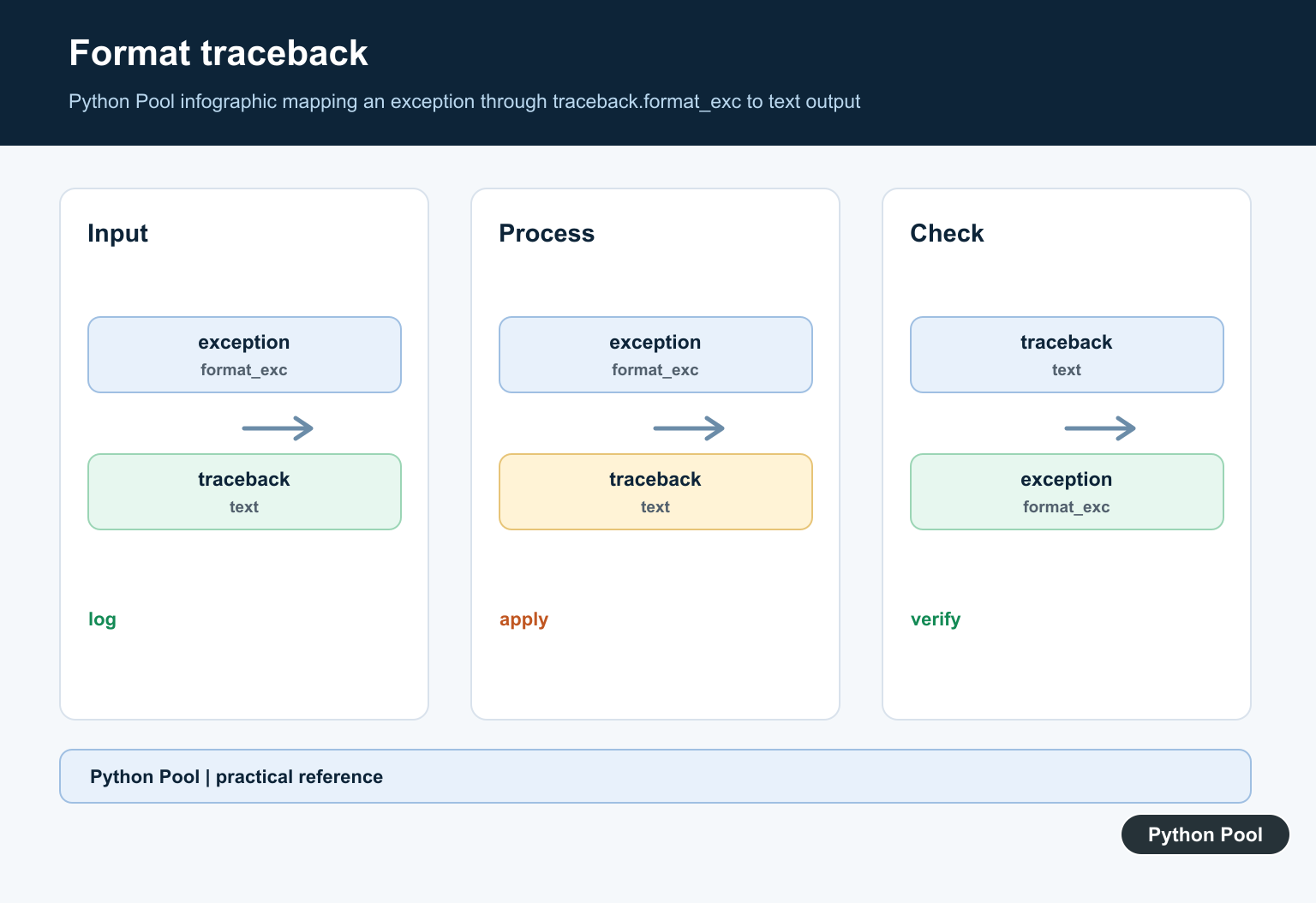
traceback.format_exc() returns the current exception traceback as text inside an except block.
import traceback

try:
    int("not-a-number")
except ValueError:
    text = traceback.format_exc()
    print("ValueError" in text)
    print(text.splitlines()[-1])
This is useful when you need to store a traceback in a log record, response object, or diagnostic report.
Only call format_exc() while handling an exception. Outside an except block, there may be no active exception to format.
If the formatted text will be stored for a long time, include other context near it: the operation name, input source, request ID, or job ID. That makes the traceback easier to connect to the work that failed.
Print A Traceback To A Stream
traceback.print_exc() prints the current traceback. You can send it to a stream such as StringIO.
from io import StringIO
import traceback

stream = StringIO()

try:
    {}["missing"]
except KeyError:
    traceback.print_exc(file=stream)

print("KeyError" in stream.getvalue())
This pattern is helpful in tests because you can assert what would have been printed without writing to the real console.
Printing directly to standard error is fine for small scripts. For applications and services, a logger is usually easier to route, filter, and search.
Format An Exception Object
traceback.format_exception() formats a specific exception type, object, and traceback.
import traceback

try:
    10 / 0
except ZeroDivisionError as error:
    lines = traceback.format_exception(type(error), error, error.__traceback__)
    print(lines[-1].strip())
Use this when the exception object has been passed to a helper function and you want to preserve the original traceback.
The returned list contains formatted lines. Join it when you need one string, or keep the list if your logger or UI wants lines separately.
Passing the original traceback object matters. If you create a new exception later and discard the old traceback, the report may point at the helper instead of the real failing line.
Inspect Stack Frames
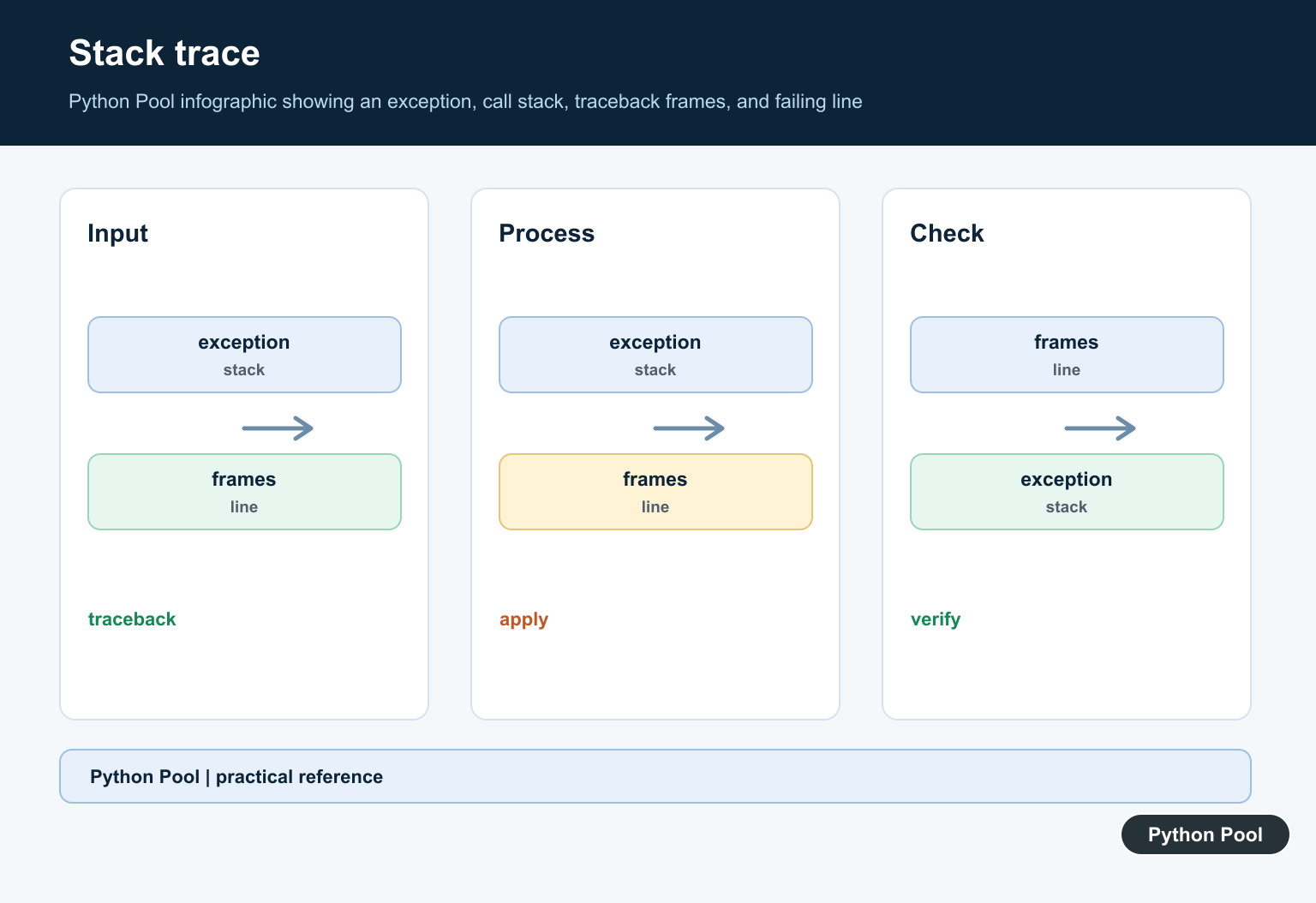
traceback.extract_tb() converts a traceback into frame summaries that are easier to inspect programmatically.
import traceback

def parse_number(text):
    return int(text)

try:
    parse_number("bad")
except ValueError as error:
    frames = traceback.extract_tb(error.__traceback__)
    last = frames[-1]
    print(last.name)
    print(last.lineno > 0)
The last frame is the deepest failing frame. It includes the function name and the source line text when Python can load it.
This is useful for custom error reports, but ordinary developers should still keep the full traceback available.
Frame summaries are especially helpful when you want to group failures by function name or line number. They are not a replacement for the full text, but they can make dashboards and alerts less noisy.
Log Exceptions Correctly
logging.exception() records the message and the current traceback when called inside an except block.
from io import StringIO
import logging

stream = StringIO()
handler = logging.StreamHandler(stream)
logger = logging.getLogger("demo-traceback")
logger.handlers = [handler]
logger.setLevel(logging.ERROR)

try:
    [][0]
except IndexError:
    logger.exception("lookup failed")

print("IndexError" in stream.getvalue())
This is usually better than printing errors manually in production code because logging can include timestamps, levels, handlers, and destinations.
Use logger.exception() only while handling an exception. In other code paths, use logger.error() or another appropriate log level.
Keep logging messages specific. A message such as lookup failed is more useful than error because it tells you which operation was running before you open the traceback.
Preserve Exception Chaining
When you raise a clearer exception, use raise ... from error so the traceback keeps the original cause.
import traceback

try:
    try:
        int("bad")
    except ValueError as error:
        raise RuntimeError("failed to parse input") from error
except RuntimeError as error:
    text = "".join(traceback.format_exception(type(error), error, error.__traceback__))
    print("direct cause" in text)
    print("failed to parse input" in text)
Exception chaining helps future debugging because it shows both the higher-level error and the lower-level cause.
This is useful when wrapping low-level parsing, file, or network errors in a domain-specific exception. The caller sees the clearer message, while the traceback still shows the original exception that started the failure.
In short, read the bottom of the traceback first, keep the full traceback when logging, use format_exc() or format_exception() when you need text, and preserve causes when raising a clearer error.
Choose print or format deliberately
traceback.print_exc() prints the current exception to stderr. Use print_exception(exc) when you already have the exception object or need a specific file. Use format_exc() when the trace must be stored in a log record, response, or test assertion.
import traceback

try:
    1 / 0
except ZeroDivisionError:
    text = traceback.format_exc()
    print(text.splitlines()[-1])
Preserve exception chaining
When a lower-level exception is translated into a domain-specific error, use raise ... from exc. The traceback then shows both the original failure and the higher-level operation that could not complete. Do not catch an exception only to discard its context.
try:
    int("not-a-number")
except ValueError as exc:
    raise RuntimeError("config value is invalid") from exc
Keep tracebacks safe in public responses
Tracebacks can contain file paths, source fragments, usernames, tokens, and request data. Log detailed traces to a protected sink, return a short public error identifier, and use Python logging to control levels and handlers. Redact secrets before sending diagnostics elsewhere.
Frequently Asked Questions
What does a Python traceback show?
A traceback shows the call stack that led to an exception, the relevant source locations, and the final exception type and message.
How do I print a caught traceback?
Use traceback.print_exc() inside the except block, or pass the exception to traceback.print_exception() when you need explicit control.
How do I turn a traceback into a string?
Call traceback.format_exc() while handling the active exception, or use format_exception() when you already have the exception and traceback objects.
Should a full traceback be shown to website users?
Usually no. Log the detailed traceback for operators, remove secrets and internal paths, and return a short actionable error to the user.
