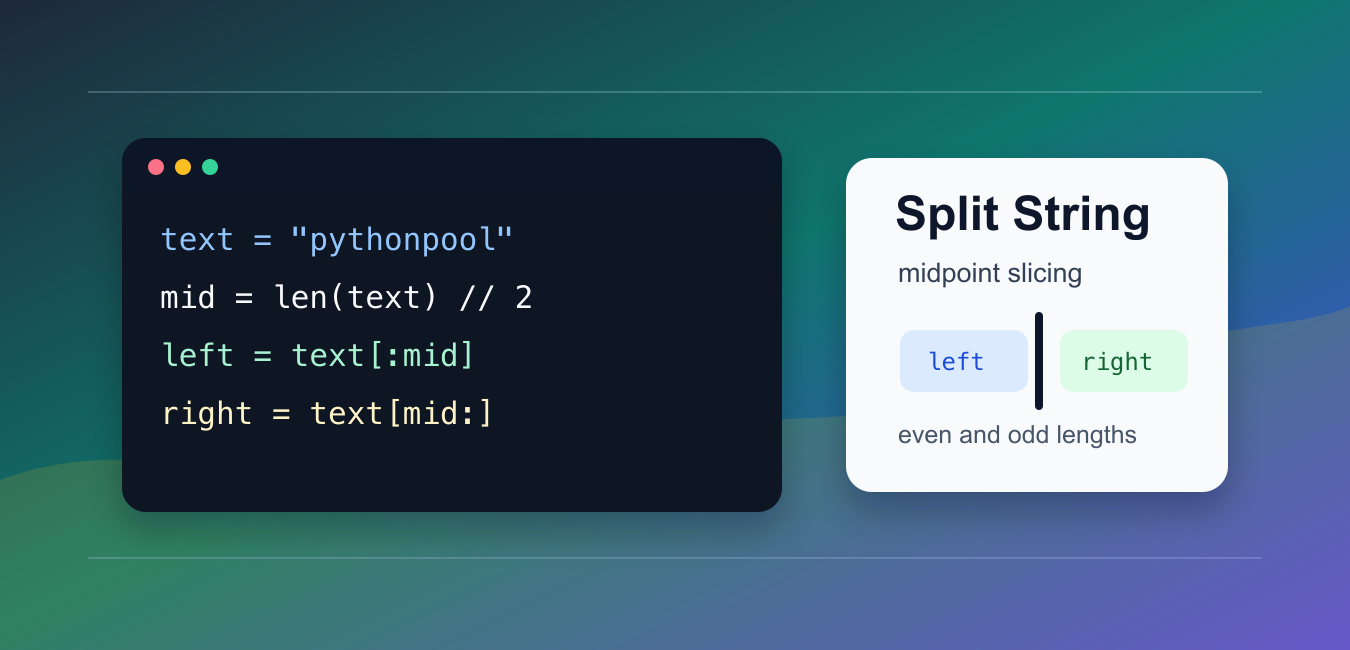
Quick answer: Split a string at mid = len(text) // 2, then return text[:mid] and text[mid:]. For odd lengths, decide whether the extra character belongs on the right or left, or reject the input; Python slicing preserves order and does not include the stop index.
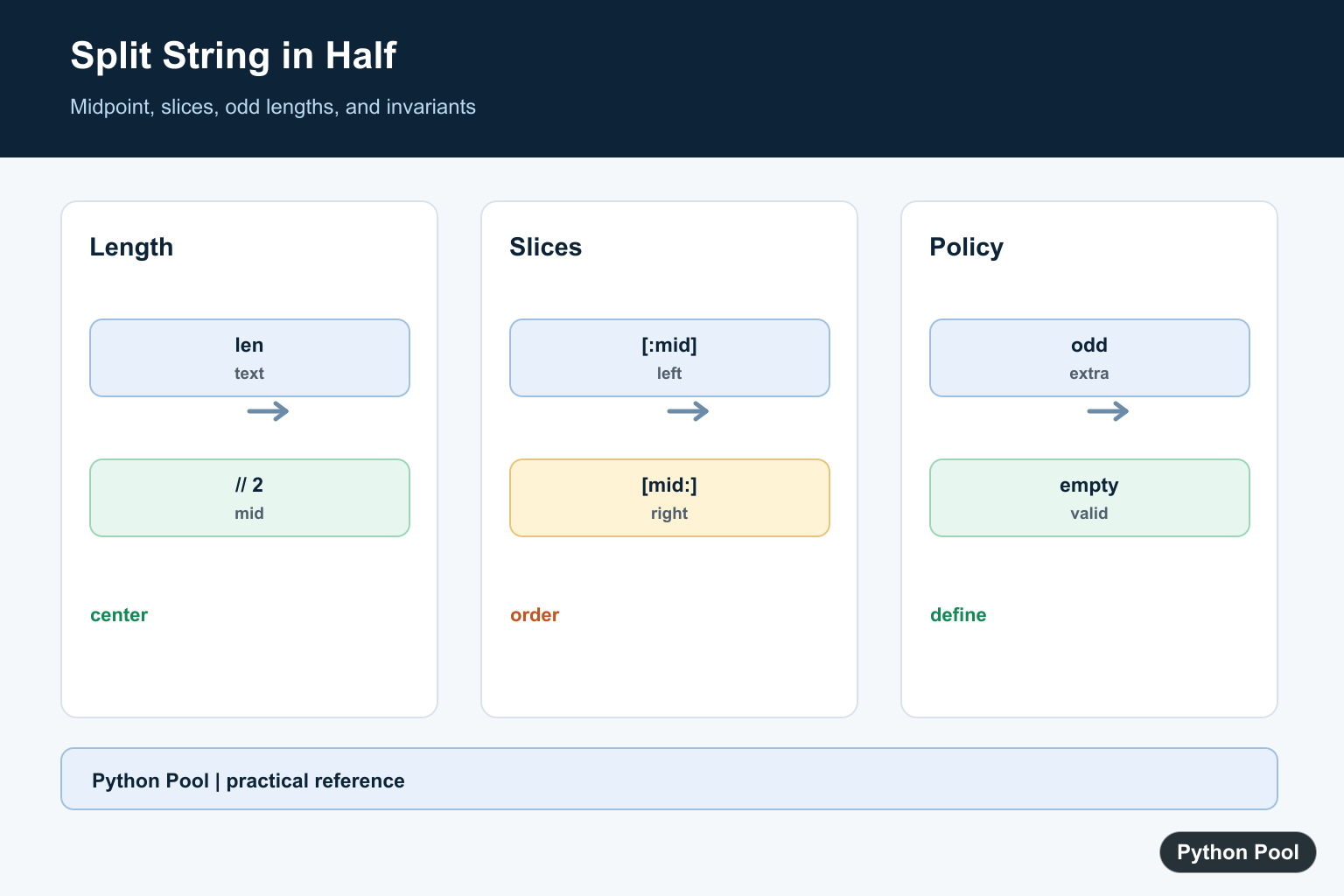
To split a string in half with Python, calculate the midpoint with len(text) // 2, then slice the string into text[:mid] and text[mid:].
The main references are Python’s string type documentation, the sequence operation reference, and the string tutorial.
This task is different from str.split(). The built-in split method separates text around a separator. Splitting in half uses positions and slices.
The only design choice is what to do when the string length is odd. You can put the extra character on the right side, put it on the left side, or reject odd lengths.
Python slices never include the stop position. That is why the left slice stops at mid, while the right slice starts at mid. The character at the midpoint belongs to only one side.
This approach keeps the original text order and does not remove spaces, punctuation, or line breaks. If you need to ignore whitespace, normalize the text before calculating the midpoint.
Split An Even-Length String
For an even number of characters, integer division gives the exact center.
text = "python"
mid = len(text) // 2

left = text[:mid]
right = text[mid:]

print(left)
print(right)
The result is pyt and hon. Slicing keeps the code short because omitted slice bounds mean the start or end of the string.
This pattern works for any sequence-like object that supports slicing, but here the focus is string text.
An empty string also works. The midpoint is 0, and both slices return an empty string. That makes the basic pattern safe for many simple helpers.
Handle Odd-Length Strings
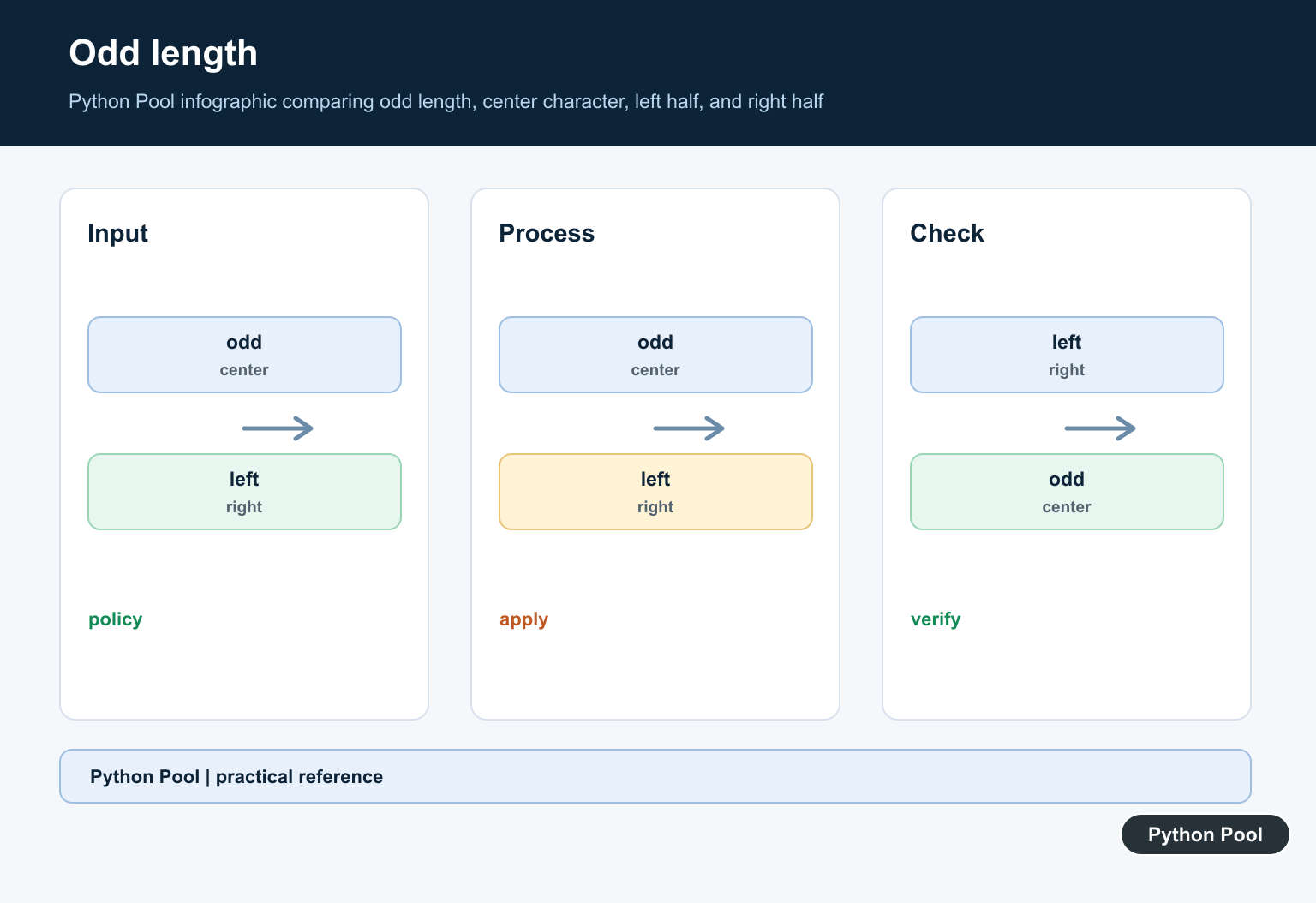
For an odd length, // rounds down. That puts the extra character on the right half.
text = "pythonpool"
mid = len(text) // 2

left = text[:mid]
right = text[mid:]

print(left)
print(right)
print(len(left), len(right))
With ten characters the halves are equal. With an odd count, the right half becomes one character longer.
Choose this behavior when the second part should carry the extra character, such as when you are processing a prefix and the remaining suffix.
Put The Extra Character On The Left
Add one before slicing when the left side should be longer for odd-length text.
text = "abcde"
mid = (len(text) + 1) // 2

left = text[:mid]
right = text[mid:]

print(left)
print(right)
The result is abc and de. This is useful when the first half should own the center character.
The formula still works for even lengths because adding one before floor division does not move the midpoint past the true center.
Return Both Parts From A Function
A helper function makes the choice explicit and keeps the call site readable.
def split_half(text, extra_on_left=False):
    if extra_on_left:
        mid = (len(text) + 1) // 2
    else:
        mid = len(text) // 2
    return text[:mid], text[mid:]

print(split_half("abcde"))
print(split_half("abcde", extra_on_left=True))
The function returns a tuple containing the two halves. Callers can unpack the tuple into two names.
A named option is clearer than making every caller remember which formula puts the extra character on which side.
Keep the return shape stable. Returning a two-item tuple every time lets callers write left, right = split_half(text) without checking for special cases.
Reject Odd-Length Text
Some tasks need exactly equal halves. In that case, check the length before slicing.
def split_evenly(text):
    if len(text) % 2 != 0:
        raise ValueError("text length must be even")

    mid = len(text) // 2
    return text[:mid], text[mid:]

print(split_evenly("abcd"))
This is a good choice for fixed-width identifiers, checksum pairs, and formats where an odd length means the input is malformed.
Raising a clear error is better than returning uneven halves when the caller expects equal parts.
Use divmod For The Length Check
divmod() can calculate the midpoint and remainder in one step.
def split_with_remainder(text):
    mid, remainder = divmod(len(text), 2)
    left = text[:mid]
    right = text[mid:]
    return left, right, remainder

print(split_with_remainder("abcdef"))
print(split_with_remainder("abcde"))
The remainder is 0 for even lengths and 1 for odd lengths.
The practical default is mid = len(text) // 2 followed by two slices. Add a small helper when the odd-length rule matters across more than one place in your program.
When text contains emoji or combined characters, Python slicing counts code points, not what a reader may see as a single visual character. For user-facing text segmentation, use a library that understands grapheme clusters.
If you are splitting text for display, test with short strings, long strings, and strings containing spaces. The midpoint by character count may not produce visually balanced halves when words have very different lengths.
If you are splitting an identifier or token, do not strip or reformat the text unless the format requires it. A positional split should preserve every character exactly.
For most scripts, the two-slice solution is enough. Move it into a helper only when you need a named policy for odd lengths or repeated use across several code paths.
Use The Midpoint
Integer division gives the left boundary of the second half. The left slice stops before mid and the right slice begins at mid, so every character appears in exactly one result.
Define Odd-Length Behavior
For an odd number of characters, putting the extra character on the right is the direct len(text) // 2 rule. Add one to the left boundary when the application requires the left side to be longer.
Keep Text Meaning Intact
Slicing by position does not remove spaces, punctuation, or line breaks. Normalize whitespace only when the application defines whitespace as formatting rather than content.
Do Not Confuse split
str.split separates around a delimiter and can produce more than two pieces. A midpoint slice is positional and is the right tool when the requirement is exactly two ordered halves.
Test Boundaries
Cover empty, one-character, even-length, odd-length, Unicode, and whitespace-containing strings. Assert that left + right equals the original text and that the chosen length policy is stable.
Python’s string and slice documentation defines sequence indexing and slicing. Related references include sequence iteration, string cleanup, and boundary tests.
For related string operations, compare string cleanup, sequence iteration, and boundary tests when slicing text.
Frequently Asked Questions
How do I split a string in half in Python?
Calculate mid = len(text) // 2, then use text[:mid] and text[mid:].
What happens when the string length is odd?
Integer division leaves one extra character; decide whether it belongs on the right, on the left, or makes the input invalid.
Is this the same as str.split()?
No. Slicing by position divides the sequence at its midpoint; str.split divides around a separator.
What happens with an empty string?
The midpoint is zero and both slices are empty, which is usually a sensible result.
