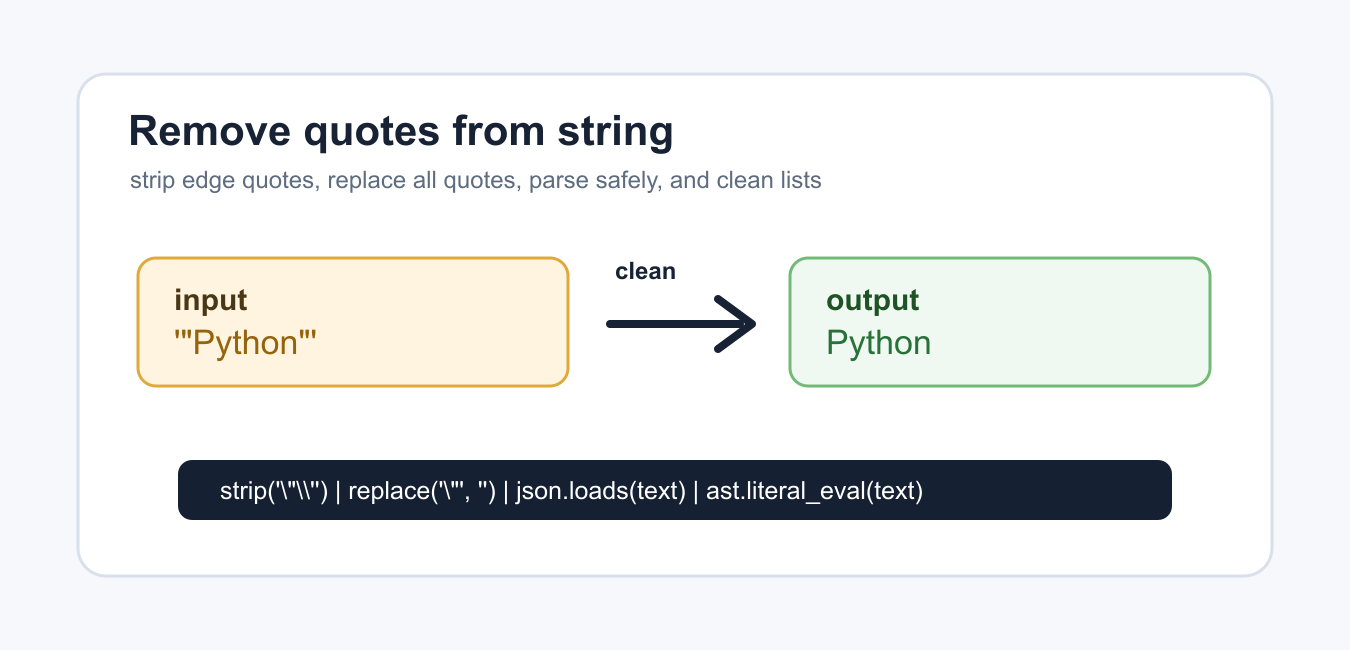
Quick answer: Choose the cleanup rule before removing quotes. strip removes quote characters from the edges, replace removes every matching occurrence, and removeprefix or removesuffix handles an exact wrapper. If the text is JSON or another structured format, parse it instead of deleting characters manually.
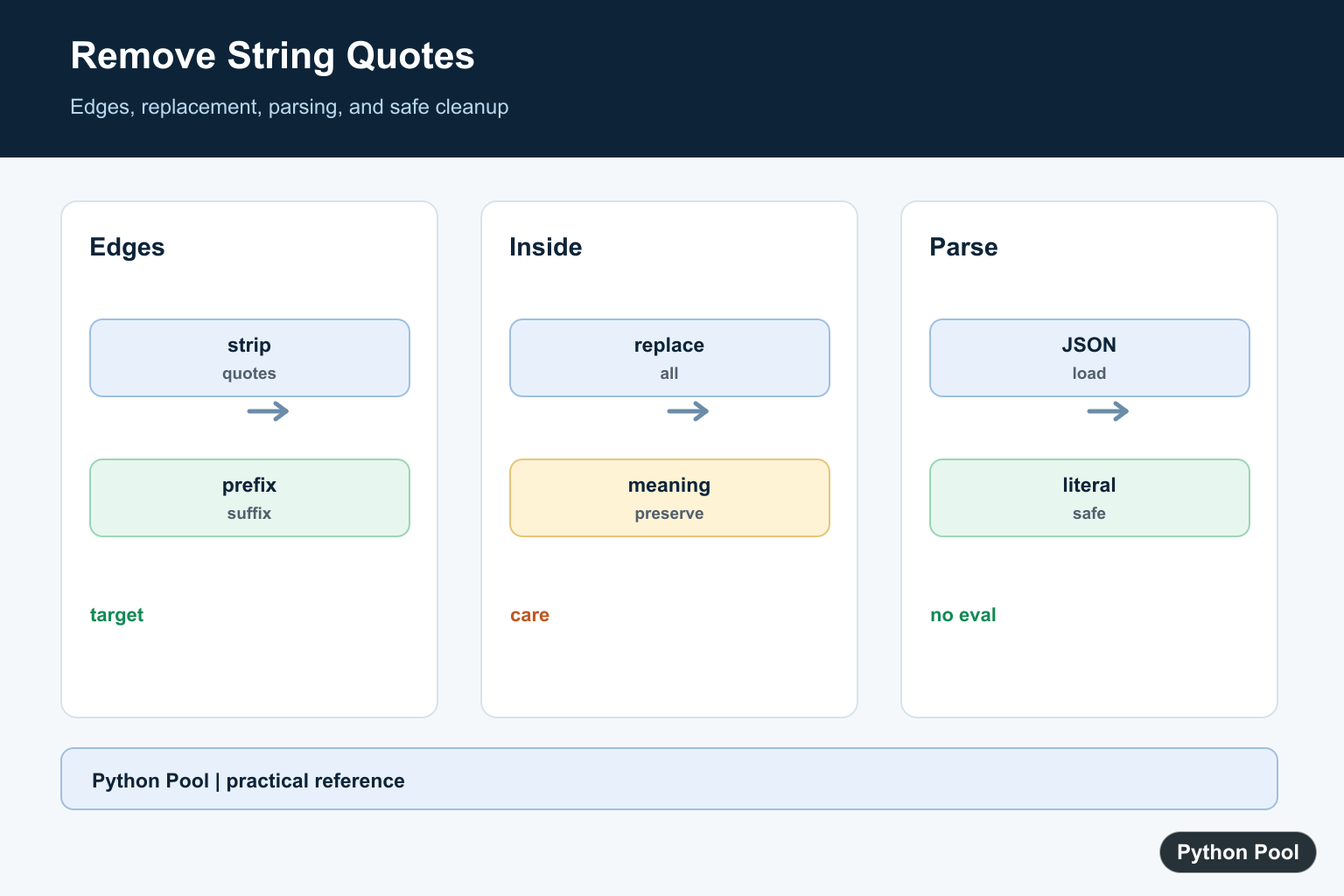
Removing quotes from a Python string can mean removing quote characters at the outside of the string, removing every quote character, or parsing a quoted value into real data. The right method depends on whether the quotes are formatting noise or part of the text itself.
The official documentation covers str.strip(), str.replace(), removeprefix(), json.loads(), and ast.literal_eval().
Before writing code, decide which quote characters should be removed and where they are allowed. Removing only edge quotes is safer for names, labels, and CSV-like cells. Removing every quote is useful only when quotes are never meaningful inside the value.
Do not use eval() to remove quotes or parse quoted data. Use string methods for cleanup and safe parsers for structured text.
It also helps to separate display cleanup from data parsing. If the value is already plain text and only has extra quote marks at the edges, a string method is enough. If the value is encoded data, use the parser for that format so escapes and special characters are handled correctly.
When cleaning many values, write the rule once and apply it consistently. Mixed cleanup rules can make later comparisons fail because two strings that look similar were processed differently.
Remove Quotes From Both Ends
Use strip() when quote characters should be removed from the start and end of a string.
text = '"Python"'
cleaned = text.strip('"')

print(cleaned)
This removes double quotes at both edges. It does not remove quotes that appear in the middle of the string.
strip() treats its argument as a set of characters. That is useful for simple edge cleanup, but it can remove more than one quote at either end.
For example, strip('"') also cleans ""Python"". That may be exactly what you want for messy imported cells, but it is too broad when the input must contain exactly one pair of quotes.
Handle Single And Double Quotes
Pass both quote characters when either kind may appear at the edges.
values = ['"red"', "'blue'", "green"]
cleaned = [value.strip("'\"") for value in values]

print(cleaned)
The argument "'\"" means single quote or double quote. The list comprehension applies the same cleanup rule to every string.
Use this for small imported fields where quotes were added around values inconsistently. Keep the rule narrow if quotes can be meaningful inside the text.
If the list comes from a CSV file, prefer the csv module before manual quote cleanup. CSV quoting rules are more detailed than a simple string strip.
Remove Every Quote Character
Use replace() when every matching quote character should disappear.
text = 'He said "hello" twice'
without_quotes = text.replace('"', "")

print(without_quotes)
This removes internal quotes too, so the output becomes plain text without quotation marks.
Use this only when internal quotes are unwanted. For prose, names, and messages, internal quotes may carry meaning and should often be preserved.
If both single and double quotes should be removed everywhere, chain two replace() calls or use a translation table. Keep that choice explicit because it changes the text more aggressively than edge cleanup.
Remove One Exact Pair
Use removeprefix() and removesuffix() when you want to remove one exact pair of outside quotes.
text = '"Python"'

if text.startswith('"') and text.endswith('"'):
    text = text.removeprefix('"').removesuffix('"')

print(text)
This is stricter than strip(). It removes one leading double quote and one trailing double quote only when both are present.
Use this when malformed input should remain visible instead of being aggressively cleaned.
This strict approach is helpful for validation flows. Instead of guessing how to repair every string, it changes only values that match the exact expected shape.
Parse A Quoted JSON String
If the string is valid JSON, parse it instead of manually removing quotes.
import json

text = '"Python"'
value = json.loads(text)

print(value)
print(type(value))
json.loads() understands escape sequences and JSON quoting rules. It is the right choice for API payloads and stored JSON text.
If the input is not valid JSON, Python raises json.JSONDecodeError. Catch that error when the data comes from users or external systems.
JSON parsing is especially useful when the quoted string may contain escaped quotes, backslashes, or Unicode escapes. Manual removal can leave those escape sequences in the wrong form.
Parse A Trusted Python Literal
Use ast.literal_eval() when trusted input is written as a Python string literal.
import ast

text = "'Python'"
value = ast.literal_eval(text)

print(value)
print(type(value))
This handles Python-style single quotes safely for literal data. It does not execute code, but you should still validate the returned type.
The practical rule is simple: use strip() for simple edge cleanup, replace() to remove all quote characters, exact prefix and suffix removal for strict cleanup, and a parser when the string represents structured data.
Good tests should include no quotes, one outside quote, matching outside quotes, internal quotes, single quotes, double quotes, and escaped quotes. Those cases show whether the cleanup rule is too broad or too narrow.
Remove Only Edge Quotes
Use strip when extra quote characters are formatting at the boundaries, but remember that it removes any matching edge characters rather than one exact pair. Use removeprefix and removesuffix when the wrapper is known precisely.
Avoid Destroying Meaning
replace can remove quote characters inside names, contractions, escaped values, or code. Use it only when the data contract proves that every quote is unwanted.
Parse Structured Text
JSON text should go through json.loads, and a trusted Python literal can use ast.literal_eval when that format is required. Parsing handles escapes and nested structures that string cleanup cannot understand.
Never Use eval For Cleanup
eval executes Python code and creates an unnecessary security risk for input received from files, users, or services. A parser or a narrow string operation keeps the trust boundary visible.
Make A Reusable Policy
Document which quote characters, positions, escapes, and empty values are accepted. Apply the same policy to every record and test already-clean, quoted, escaped, and malformed inputs.
Python’s string methods, JSON parser, and literal_eval documentation define safer choices. Related references include text data, input validation, and cleanup tests.
For related text boundaries, compare input validation, text and bytes, and cleanup tests when normalizing values.
Frequently Asked Questions
How do I remove quotes from both ends?
Use strip with an explicit character set when either quote character may appear at the edges, or a more specific prefix and suffix rule when the format is known.
How do I remove every quote character?
Use replace only when quote marks are never meaningful inside the value; otherwise you may corrupt the data.
Should I use eval to parse quoted strings?
No. Use json.loads or ast.literal_eval when the input is structured and the format is trusted and appropriate.
What is the safest approach for JSON text?
Parse it as JSON and work with the resulting value instead of removing characters manually.

Use the
joinmethod.>>> your_list = ['1', '2', '3'] >>> print(', '.join(your_list)) 1, 2, 3Your list doesn’t have quotes tho.