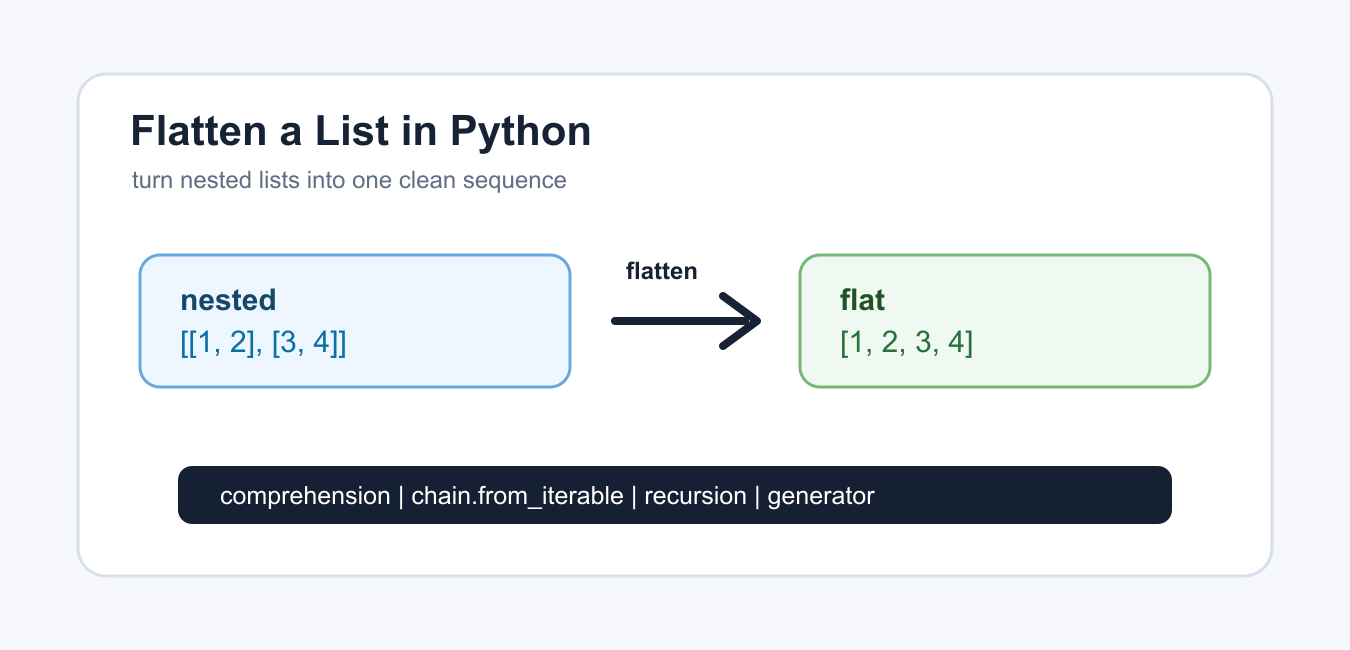
Quick answer: Flattening is only well-defined after you decide the nesting depth. Use a comprehension or chain.from_iterable for one level, and use controlled recursion or a stack for arbitrary nesting while treating strings as atomic values.
Flattening a list in Python means turning a nested list such as [[1, 2], [3, 4]] into one list such as [1, 2, 3, 4]. The right method depends on whether the nesting is only one level deep or can continue several levels down.
The official Python documentation covers list comprehensions, itertools.chain(), and lists.
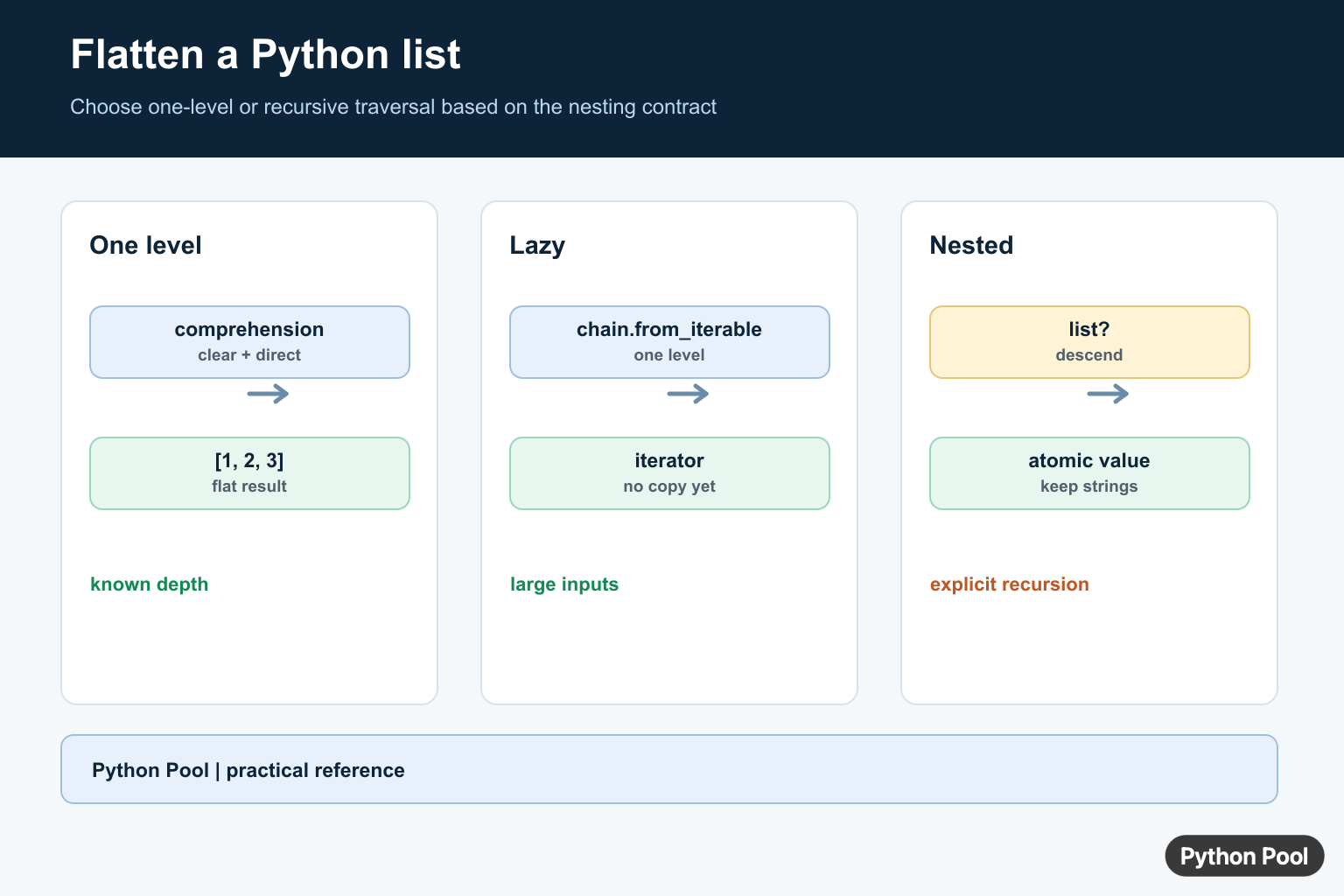
Most code only needs to flatten one level. Use a comprehension or itertools.chain.from_iterable() for that. Use recursion only when the list can contain lists inside lists at unknown depth.
Be clear about what counts as nested. Strings are iterable, but most flattening functions should treat strings as values, not as sequences of characters to flatten.
Also decide whether the result should preserve order. Most Python flattening methods keep items in the order they are encountered from left to right. If you sort or remove duplicates afterward, that is a separate transformation.
When data comes from an API or file, inspect a few real examples before choosing the flattening method. A one-level list of rows needs different code from a tree-like structure with arbitrary depth.
Flatten One Level With A Comprehension
A nested list comprehension is the clearest one-level flattening pattern.
groups = [[1, 2], [3, 4], [5, 6]]
flat = [item for group in groups for item in group]

print(flat)
Read it from left to right as “for each group, for each item in that group, keep the item.” It creates a new list and leaves the original nested list unchanged.
This is a good default for small and medium lists when every inner value is itself iterable and the nesting depth is exactly one level.
The order of the for clauses matters. Put the outer loop first and the inner loop second, matching the order you would write in a normal nested loop.
Flatten With itertools.chain
chain.from_iterable() is a standard-library option for flattening one level.
from itertools import chain

groups = [["a", "b"], ["c"], ["d", "e"]]
flat = list(chain.from_iterable(groups))

print(flat)
This can be easier to read when the nested list is already named and the task is simply to chain each inner iterable.
If you do not need a list immediately, iterate over the chain object directly. That can avoid creating a large intermediate list.
This is helpful in pipelines where the next step only reads values one at a time. Convert to list() only when indexing, length checks, or repeated passes are required.
Flatten With A Loop
A normal loop is useful when you need logging, validation, or extra conditions while flattening.
groups = [[1, 2], [], [3, 4]]
flat = []

for group in groups:
    for item in group:
        flat.append(item)

print(flat)
The loop is longer than a comprehension, but it gives you a natural place to add checks for empty groups, invalid items, or other rules.
Use this form when the flattening step is part of a larger cleanup process.
A loop is also easier to debug. You can print the group that failed, skip malformed entries, or collect errors without packing everything into one expression.
Flatten And Filter Values
You can add a condition when some values should be skipped.
groups = [[1, None, 2], [None, 3], [4]]
flat = [
    item
    for group in groups
    for item in group
    if item is not None
]

print(flat)
This removes only None. It keeps values such as 0, which are falsey but may still be valid data.
Use exact conditions when filtering during flattening. A broad truth test can accidentally drop meaningful values.
Filtering during flattening is convenient, but it should stay readable. If the condition becomes long, flatten first and filter in a named second step.
Flatten Nested Lists Recursively
Use recursion when the nesting depth is unknown. Treat non-list values as final items.
def flatten(items):
    result = []
    for item in items:
        if isinstance(item, list):
            result.extend(flatten(item))
        else:
            result.append(item)
    return result

data = [1, [2, [3, 4]], 5]
print(flatten(data))
This handles lists inside lists. It deliberately checks for list, so strings stay as whole string values instead of being split into characters.
Recursive flattening is more flexible but more complex. Prefer one-level flattening when the data shape is known.
Very deeply nested data can hit recursion limits. For normal application records this is rarely a problem, but untrusted or extremely nested input should be handled with care.
Use A Generator For Large Data
A generator can yield flattened values one at a time.
def iter_flatten(groups):
    for group in groups:
        for item in group:
            yield item

groups = [[10, 20], [30], [40, 50]]
print(list(iter_flatten(groups)))
This is useful when the caller may not need every item immediately. It also keeps the flattening rule reusable.
Generators are a good fit for large logs, batched rows, and streamed results. They keep memory use lower because values are produced as the caller asks for them.
The practical rule is simple: use a comprehension for one-level lists, chain.from_iterable() for named groups or lazy iteration, a loop when validation is needed, recursion for unknown depth, and a generator for streaming-style workflows.
Good tests should include an empty outer list, empty inner lists, one-item groups, repeated values, None, strings, and deeper nested lists if recursion is supported.
Flatten One Level Clearly
For a list of lists, a nested comprehension states the exact one-level transformation. itertools.chain.from_iterable expresses the same operation lazily when the input may be large.
from itertools import chain

rows = [[1, 2], [3], [4, 5]]
by_comprehension = [item for row in rows for item in row]
by_chain = list(chain.from_iterable(rows))
print(by_comprehension, by_chain)
Traverse Nested Lists Deliberately
Arbitrary nesting needs a rule for order and for what counts as an atomic value. This generator walks lists depth-first. The string check matters because strings are iterable but should normally remain one value in a data-cleaning operation.
def flatten(values):
    for value in values:
        if isinstance(value, list):
            yield from flatten(value)
        else:
            yield value

nested = [1, [2, [3, 4]], "text"]
print(list(flatten(nested)))
Do Not Flatten By Accident
A generic iterable check can descend into tuples, dictionaries, bytes, and strings even when those objects are semantic values. Decide which container types are recursive, validate the expected shape, and keep a shallow method when deeper traversal would hide malformed input.
data = [["Ada", "Grace"], ["Linus"]]
people = [name for group in data for name in group]
print(people)
For lazy one-level flattening, compare Python’s itertools.chain() with a comprehension and choose the version that makes your nesting contract easiest to review.
For array and matrix shapes, compare NumPy flatten() with two-dimensional Python lists before choosing a traversal.
Frequently Asked Questions
How do I flatten a list by one level in Python?
Use a nested list comprehension or itertools.chain.from_iterable() when each outer item is an iterable of values.
What is the fastest way to flatten a list?
There is no universal fastest method; for one-level lists, a comprehension or chain.from_iterable is clear, while deep nesting needs a traversal with an explicit policy.
How do I flatten arbitrarily nested lists?
Use controlled recursion or an explicit stack that descends into list-like containers and yields atomic values in depth-first order.
Why should strings be treated specially when flattening?
Strings are iterable, so a generic recursive function can split one string into characters; check for string-like atomic values before descending.

For example 25 you can also use List Comprehension:
d = {'python': 0, 'pool': 1}l = [i for n in [(k, z) for k,z in d.items()] for i in n]
Yes, We can also use list comprehension to flatten it. I’ve added this as an alternative in the 25th example.
Thank you for your suggestion.
Regards,
Pratik
Dear writer,
I believe that your example #1 does not work as expected showing only that code.
Hi,
Thank you for finding a bug! I’ve fixed it and updated the post accordingly.
Regards,
Pratik