
Quick answer: ndarray.flatten() collapses an array to one dimension and always returns a copy. The default C order reads row by row; F order reads column by column. Compare ravel(), which may return a view, and reshape(-1) when memory sharing and mutation behavior matter more than the simplest copy-safe result.
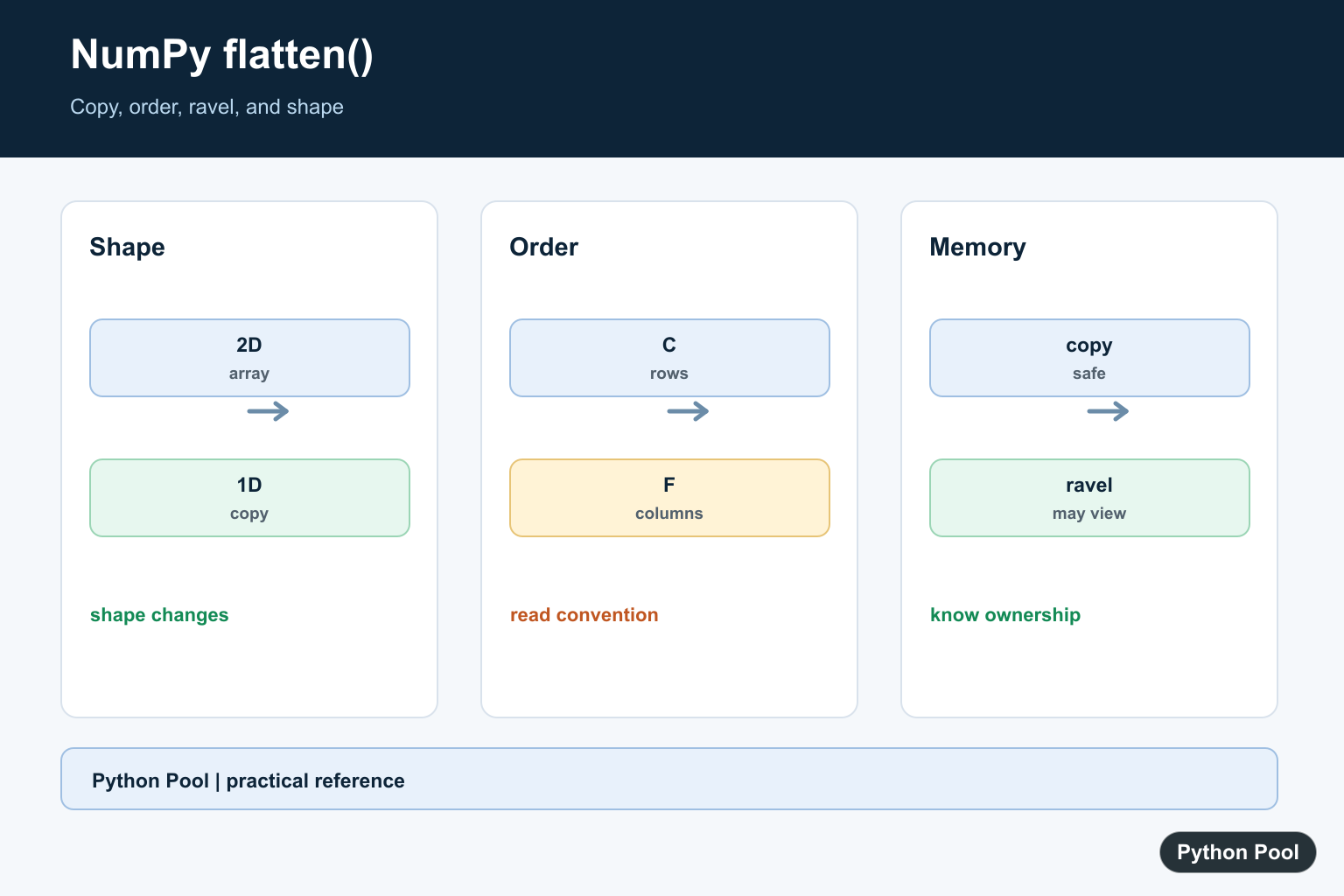
numpy.ndarray.flatten() returns a one-dimensional copy of an array. It is useful when you need to turn a matrix or multidimensional array into a flat sequence for reporting, exporting, plotting, or passing data into code that expects one dimension. The official NumPy flatten documentation describes it as an array method, while numpy.ravel() is the related function to compare when you care about copies versus views.
The most important detail is that flatten() returns a copy. Changing the flattened result does not change the original array. If you want a one-dimensional view when possible, compare it with NumPy ravel. If you need a different two-dimensional or three-dimensional shape, use NumPy reshape instead.
Flattening is different from summarizing. It does not compute totals, averages, or counts. It only changes the layout so every element can be read as one sequence. That makes it useful before CSV export, simple loops, plotting, histogram input, or APIs that expect a one-dimensional array.
Basic NumPy flatten Example
Start with a two-dimensional array and call flatten(). The result is a one-dimensional array containing the values in row-major order by default.
import numpy as np

array = np.array([[1, 2, 3], [4, 5, 6]])
flat = array.flatten()

print(array.shape)
print(flat.shape)
print(flat)
The original shape is (2, 3), and the flattened shape is (6,). The values are not aggregated or changed; NumPy only lays them out as one sequence.
For debugging, print the shape before and after flattening. Shape checks are quick, and they prevent confusion when the source array has more dimensions than expected.
flatten Returns A Copy
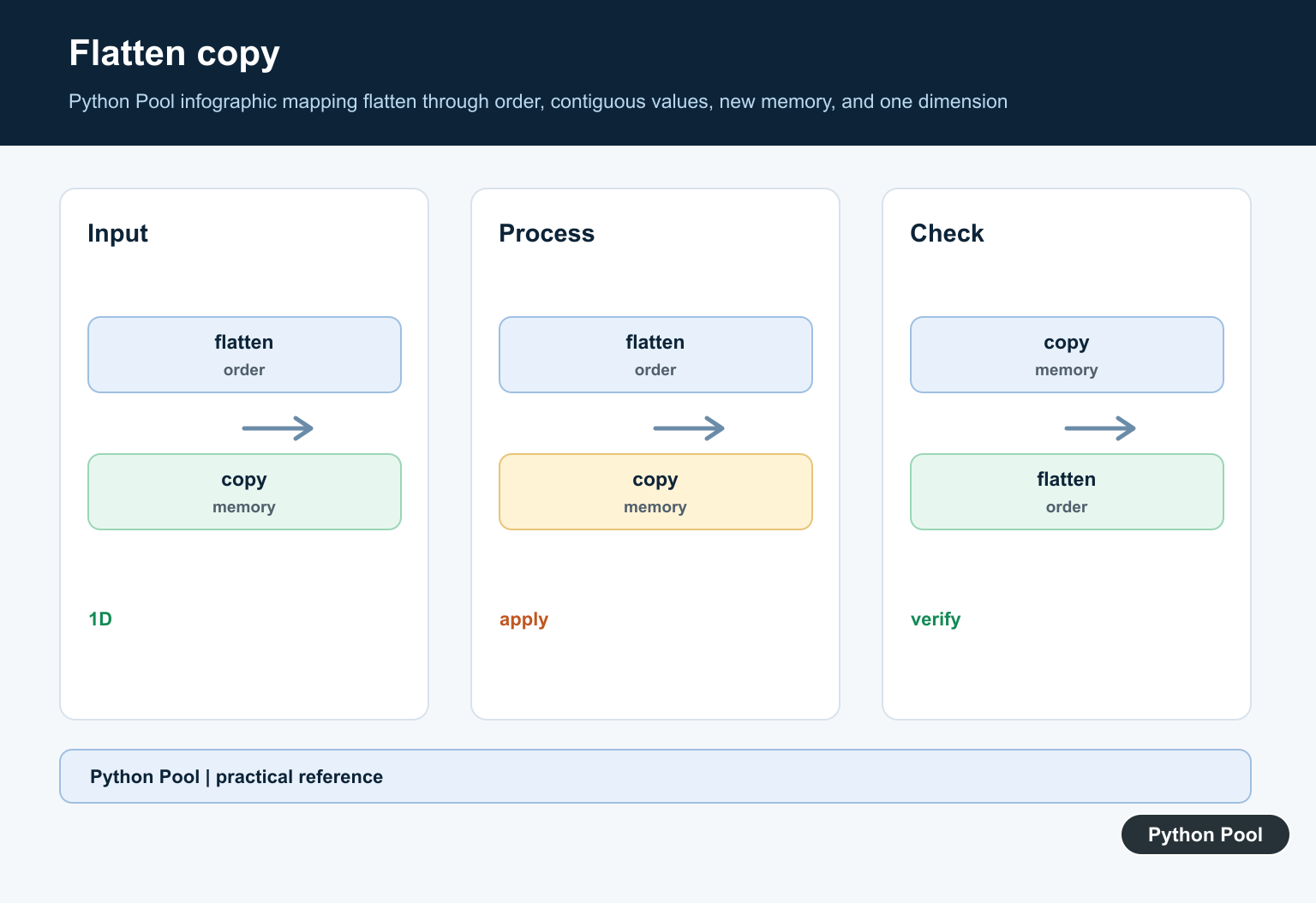
Because flatten() returns a copy, editing the flattened result leaves the original array alone. This is safer when you want to transform or export flat data without mutating the source.
import numpy as np

array = np.array([[1, 2], [3, 4]])
flat = array.flatten()
flat[0] = 99

print(array)
print(flat)
This behavior is often the deciding factor between flatten() and ravel(). A copy can use more memory, but it avoids accidental edits to the original array.
Use this copy behavior when you plan to modify the flat data, pass it to code you do not control, or keep the original matrix available for later calculations.
Control Flattening Order
The order argument controls how NumPy reads the array. The default "C" order reads rows first. "F" order reads columns first, which is useful when data came from Fortran-style or column-major workflows.
import numpy as np

array = np.array([[1, 2, 3], [4, 5, 6]])

print(array.flatten(order="C"))
print(array.flatten(order="F"))
Use the order that matches the way the downstream code expects the data. When in doubt, print a small example like this before flattening a large dataset.
The order argument is especially important when arrays represent images, grids, or matrices. The same numbers can produce a different flat sequence if the order changes, so make the choice explicit in reusable code.
Flatten A 3D Array
flatten() works on arrays with any number of dimensions. A three-dimensional array still becomes a one-dimensional copy.
import numpy as np

array = np.arange(8).reshape(2, 2, 2)
flat = array.flatten()

print(array.shape)
print(flat.shape)
print(flat)
This is useful when model outputs, image stacks, or simulation data need to be reduced to a simple sequence. If those axes have meaning, document the original shape before flattening.
When a three-dimensional shape contains batch, row, and column information, flattening removes that structure. Keep the original shape in logs or metadata if you may need to reconstruct the layout later.
Flatten After Removing Singleton Axes
Sometimes arrays contain axes of length 1 that should be removed before flattening. Use NumPy squeeze for that step, then flatten the result.
import numpy as np

array = np.array([[[1, 2, 3]]])
clean = np.squeeze(array)
flat = clean.flatten()

print(clean.shape)
print(flat)
This keeps each operation specific: squeeze() removes singleton axes, while flatten() returns the one-dimensional copy.
Separating those steps also makes tests easier. One test can confirm that singleton axes are removed, and another can confirm the final flattened values.
Use flat For Iteration
If you only need to loop over values and do not need a new array, the ndarray.flat iterator can avoid creating a separate copy.
import numpy as np

array = np.array([[1, 2], [3, 4]])
total = 0

for value in array.flat:
    total += value

print(total)
Choose flatten() when you need an independent one-dimensional array. Choose flat for simple iteration, and use copy() explicitly when an independent array is required after another transformation. For counting workflows, our NumPy histogram guide shows where flat data often appears before binning.
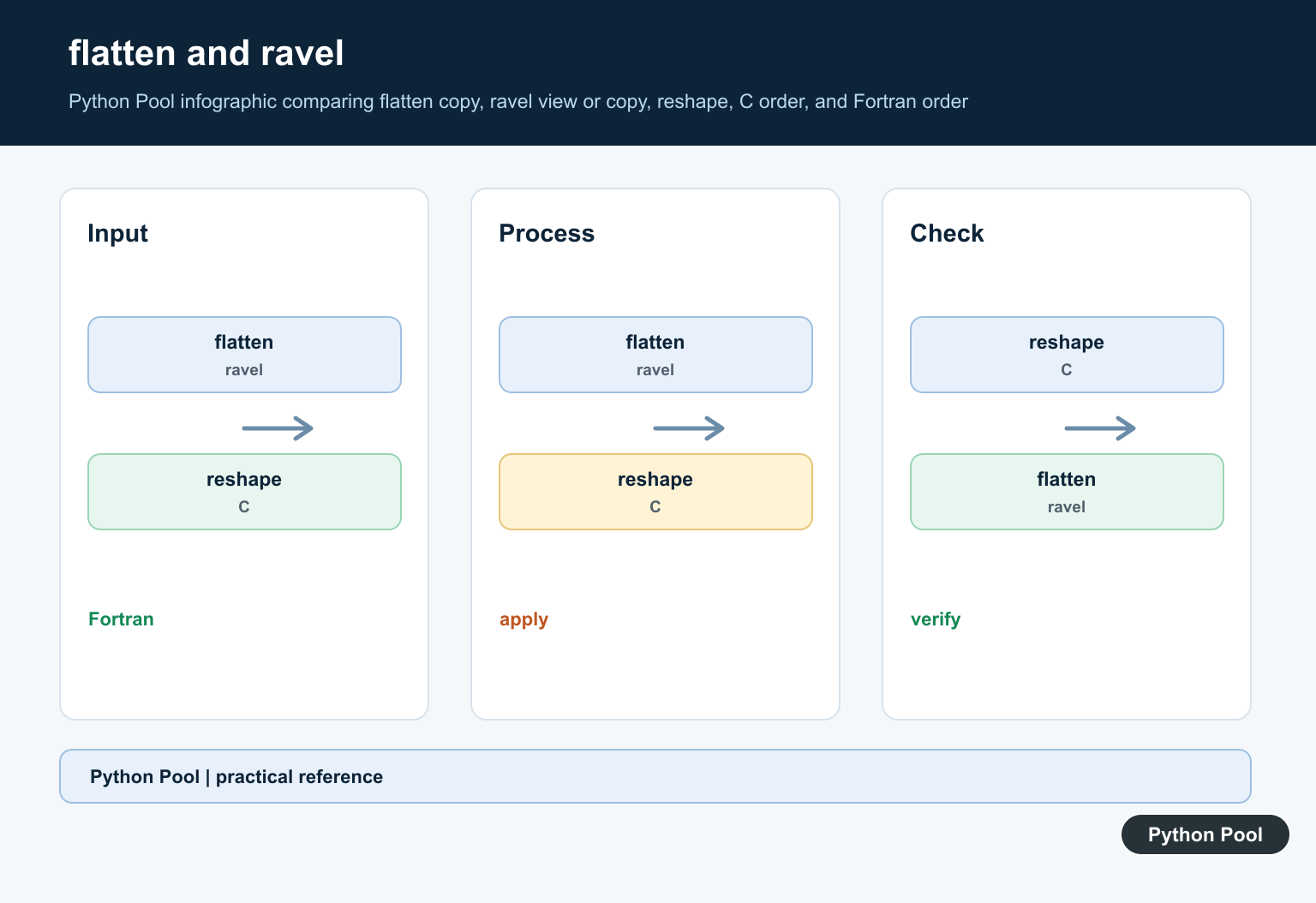
The practical rule is straightforward: use flatten() for a safe 1D copy, use ravel() when a view is acceptable, and use reshape() when you need a specific new shape rather than a flat sequence. That choice keeps array intent clear.
See The Copy Boundary
Because flatten returns a copy, changing it does not change the source array. That predictable ownership is useful before passing data to code that may mutate its input.
import numpy as np

array = np.array([[1, 2], [3, 4]])
flat = array.flatten()
flat[0] = 99

print(flat)
print(array)
Choose C Or F Order
C order follows the last axis fastest, which is the familiar row-major sequence for a two-dimensional array. F order follows the first axis fastest and can be useful when matching Fortran-style layout or an external data convention.
import numpy as np

array = np.array([[1, 2, 3], [4, 5, 6]])
print(array.flatten(order="C"))
print(array.flatten(order="F"))
Compare flatten, ravel, And reshape
flatten is explicit about making a copy. ravel makes a copy only when needed, while reshape(-1) may produce a view. If later code mutates the result, choose the operation whose ownership rule is part of the design.
import numpy as np

array = np.arange(6).reshape(2, 3)
copy_result = array.flatten()
raveled = np.ravel(array)
reshaped = array.reshape(-1)

print(copy_result)
print(raveled)
print(reshaped)
Flatten Before An Export Or Plot
Flattening can adapt a multidimensional result to an API that expects one dimension, but it removes shape information. Save the original shape when you may need to reconstruct the matrix later.
import numpy as np

array = np.arange(12).reshape(3, 4)
original_shape = array.shape
values = array.flatten()
print(original_shape, values.shape)
NumPy’s official ndarray.flatten reference defines the copy and order behavior. Compare the ravel reference and the related NumPy cumsum guide when the array’s shape or memory behavior affects the next operation.
For related array shape and memory behavior, compare NumPy reshape(), NumPy ravel(), and array.tolist() before choosing a one-dimensional representation.
Frequently Asked Questions
What does NumPy flatten() do?
ndarray.flatten() returns a one-dimensional copy of the array, using C order by default.
Does flatten() change the original array?
No. Because flatten returns a copy, mutating the flattened result does not mutate the source array.
What is the difference between flatten() and ravel()?
flatten always copies, while ravel returns a flattened array and makes a copy only when needed, so ravel may share memory.
What do C and F order mean in flatten()?
C order reads rows in row-major order, while F order reads columns in Fortran-style column-major order.
