
Quick answer: np.ravel returns a one-dimensional view of an array whenever possible and copies only when required by the requested order or memory layout. Use it to expose values as a flat sequence, but remember that editing a returned view may edit the original array.
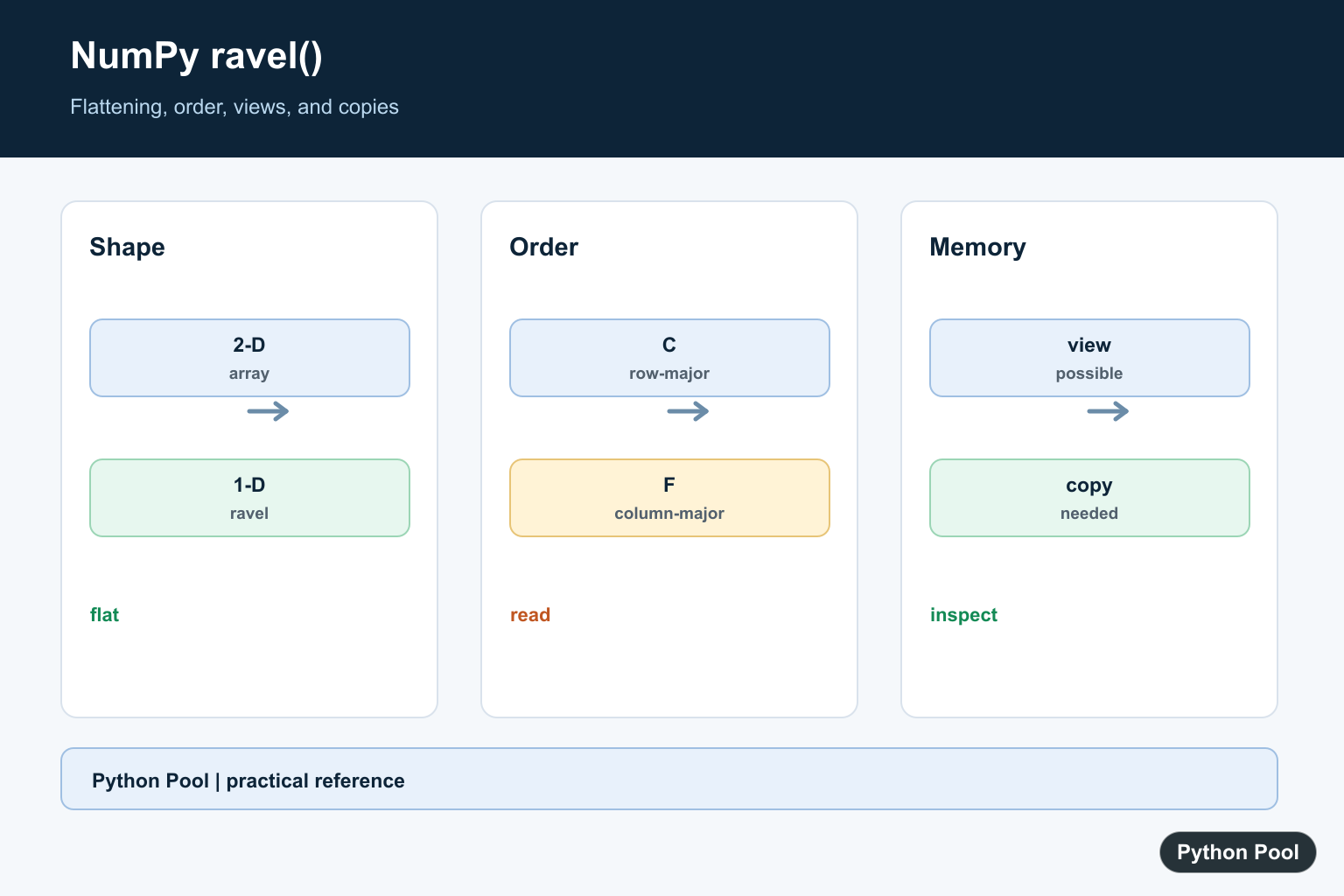
numpy.ravel() returns a one-dimensional array from an input array. It is useful when multidimensional data needs to be treated as a simple sequence for iteration, plotting, exporting, or numeric processing. The official NumPy ravel documentation notes the key distinction: ravel returns a contiguous flattened array and returns a view whenever possible.
That view-when-possible behavior is the main difference from NumPy flatten, which returns a copy. Use ravel() when you want a flat array and are comfortable with NumPy reusing memory when it can. Use flatten() when you always need an independent copy. Use NumPy reshape when the target shape is not simply one dimension.
Ravel is best for shape cleanup, not for changing values. It does not sort, sum, filter, or normalize the data. It only exposes the elements as one dimension, which makes it useful before loops, plotting, fitting, or functions that expect a flat input.
Because it may avoid copying, ravel() is also useful with larger arrays where memory use matters. The tradeoff is that you must be aware of whether editing the result could affect the source array.
Basic NumPy ravel Example
Start with a two-dimensional array. Calling np.ravel returns a one-dimensional result using row-major order by default.
import numpy as np

array = np.array([[1, 2, 3], [4, 5, 6]])
flat = np.ravel(array)

print(array.shape)
print(flat.shape)
print(flat)
The result shape is (6,). The values are not changed; NumPy only presents them as a flat sequence.
When debugging, print the original shape and the raveled shape together. That makes it clear whether the code is removing only layout complexity or accidentally hiding meaningful axes.
Use The Array Method
Arrays also have an ndarray.ravel method. It is concise when you already have an array object.
import numpy as np

array = np.arange(9).reshape(3, 3)
flat = array.ravel()

print(flat)
The function and method forms are both valid. Choose the style that keeps the surrounding code easiest to read.
The function form is convenient in helper functions where the input may be array-like. The method form is concise when the code already works with a NumPy array.
Check View Behavior
For many contiguous arrays, ravel() returns a view. Editing the raveled result can therefore edit the original data. This is efficient, but it means you must know whether shared data is acceptable.
import numpy as np

array = np.array([[1, 2], [3, 4]])
flat = array.ravel()
flat[0] = 99

print(array)
print(flat)
If you do not want this possibility, call flatten() instead or explicitly copy the result. That choice should be based on whether memory efficiency or isolation matters more for the task.
In production code, this distinction is worth documenting. Shared data can be faster and memory-efficient, but a guaranteed copy is safer when later code may edit the flat result.
Control Flattening Order
The order argument controls how values are read. "C" order reads rows first, while "F" order reads columns first.
import numpy as np

array = np.array([[1, 2, 3], [4, 5, 6]])

print(np.ravel(array, order="C"))
print(np.ravel(array, order="F"))
Use the order that matches the downstream interpretation of your data. This is especially important for matrix, image, and grid-like data where row and column order changes the meaning.
Small examples are the easiest way to confirm order. If the first few values appear in the expected sequence, the same rule will apply to larger arrays.
If another system produced the data, check whether it expects row-major or column-major ordering. A correct shape can still produce wrong results if the flattened order does not match the data contract.
Ravel After Shape Cleanup
If your array has extra singleton axes, remove those axes first with NumPy squeeze, then ravel the cleaned array.
import numpy as np

array = np.array([[[1, 2, 3]]])
clean = np.squeeze(array)
flat = np.ravel(clean)

print(clean.shape)
print(flat)
Keeping shape cleanup separate from flattening makes the code easier to reason about. One operation removes length-one axes; the other creates the one-dimensional view or copy-like result.
This separation also makes tests clearer. One assertion can check the shape after squeezing, and another can check the values after raveling.
Use ravel Before Numeric Work
A flat array is often useful before statistics, fitting, or binning. This example ravels a small matrix before passing values to a histogram.
import numpy as np

array = np.array([[1, 2, 2], [3, 3, 4]])
values = np.ravel(array)
counts, edges = np.histogram(values, bins=3)

print(counts)
print(edges)
For deeper counting examples, see the NumPy histogram guide. For fitting one-dimensional data after shape cleanup, the NumPy polyfit guide shows another common workflow. The practical rule is simple: use ravel() for an efficient flat view when possible, and use flatten() when you need a guaranteed copy.
Choose based on intent: ravel() for efficient flat access, flatten() for independent flat data, and reshape() for a specific new dimensional layout. That distinction keeps array code predictable.
Flatten Without Changing Values
ravel changes the shape presentation, not the values or their order under the chosen traversal rule. It is useful before plotting, iteration, exporting, or calling an API that expects one dimension.
Understand Order
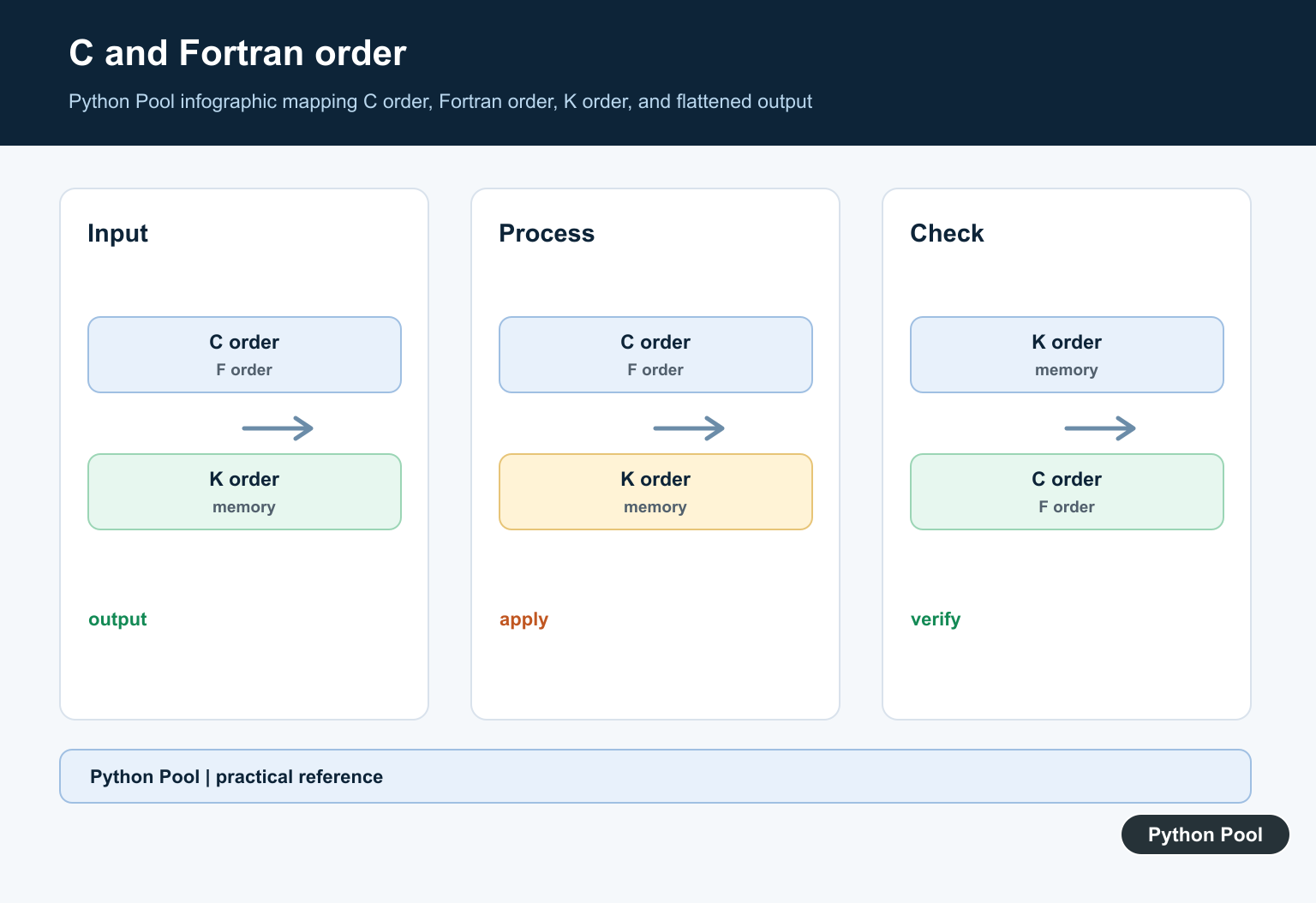
C order reads the last axis fastest, while F order reads the first axis fastest. A and K consider the array’s memory layout, so make the order choice explicit when data arrangement affects the result.
Know View Versus Copy
ravel returns a contiguous flattened array and makes a copy only if necessary. Use np.shares_memory or a deliberate copy when ownership matters, especially before mutating the result.
Compare flatten And reshape
flatten always returns a copy, which is predictable but can use more memory. reshape requests a compatible shape and may also return a view, but it is not limited to one dimension.
Validate Downstream Shapes
A flat array can remove meaningful batch or channel dimensions. Check shape at the boundary and document whether a consumer expects a view, a copy, or a specific row-major ordering.
The NumPy ravel reference defines order and view-when-possible behavior. Related references include singleton axes, axis semantics, and shape tests.
For related shape operations, compare singleton axes, axis semantics, and shape tests when flattening arrays.
Frequently Asked Questions
What does NumPy ravel do?
It returns the input data as a one-dimensional array, using the requested element order.
Is ravel a view or a copy?
ravel returns a view whenever possible and makes a copy only when the requested layout requires one.
What is the difference between ravel and flatten?
ravel may return a view, while flatten always returns a copy of the data.
When should I use reshape instead?
Use reshape when you need a specific multidimensional shape rather than simply exposing the data as one dimension.
