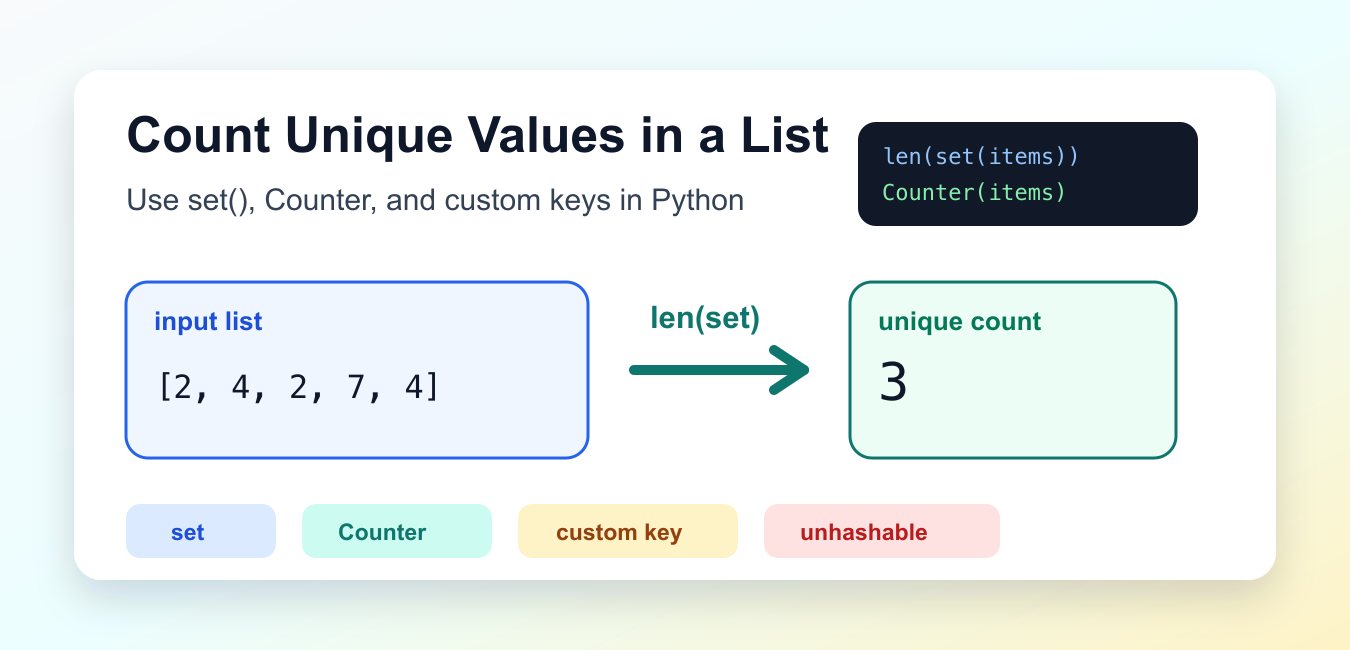
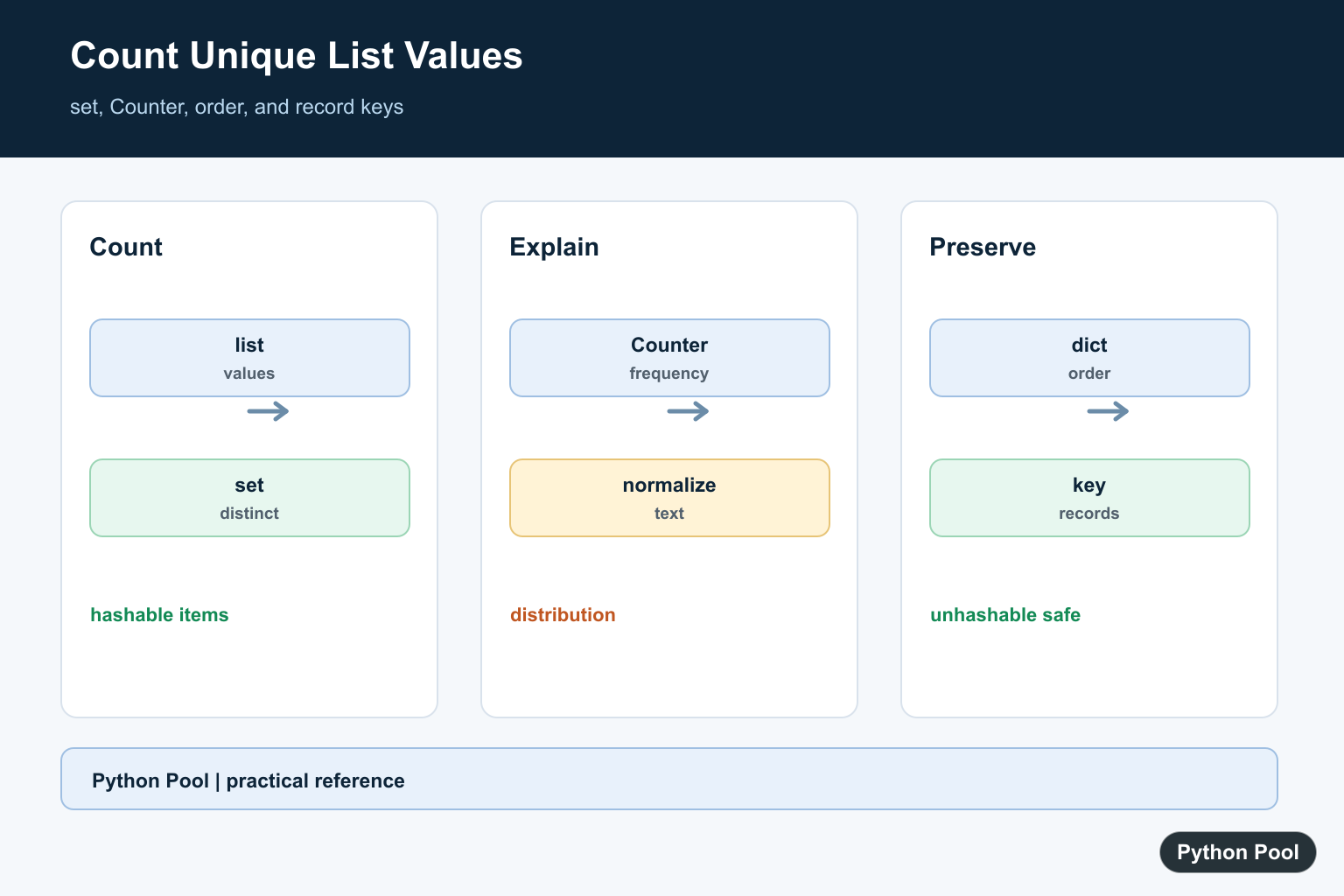
Quick answer: For a list of hashable values, len(set(values)) is the short and efficient way to count distinct items. Use Counter when frequencies matter, dict.fromkeys() when first-seen order matters, and a key function or canonical representation when the items are mutable lists or dictionaries. Normalize text only when the application defines case and whitespace as equivalent.
Counting unique values in a Python list means finding how many distinct items appear. For a list such as [2, 4, 2, 7, 4], the unique values are 2, 4, and 7, so the unique count is 3.
The official Python set documentation explains unique hashable collections, and the collections.Counter documentation covers frequency counts.
The shortest method is len(set(items)), but it only works when every item is hashable. Strings, numbers, tuples, and booleans are hashable. Lists and dictionaries are not. If the list contains records or nested lists, count a chosen key instead of putting the whole item in a set.
Also decide whether case, whitespace, or formatting should affect uniqueness. The strings "Ada" and "ada" are different unless you normalize them first.
The output you need also matters. A single number is enough for validation, but reports often need the unique values themselves, and audits often need per-value frequencies. Choosing the output shape first prevents rewrites later.
Use len(set()) For Hashable Items
For numbers, strings, and other hashable values, convert the list to a set and count the set.
numbers = [2, 4, 2, 7, 4, 9]
unique_count = len(set(numbers))

print(unique_count)
The set removes repeated values, and len() counts what remains. This is the best default when order does not matter and all items are hashable.
Use this for IDs, short labels, status values, and simple numeric lists. It is compact and fast for common cases.
Remember that sets are unordered collections. If the next step needs a stable display order, do not rely on the order produced by a set conversion.
Keep The Unique Values Too
Sometimes you need both the count and the unique values. Use dict.fromkeys() when you want to keep first occurrence order.
items = ["red", "blue", "red", "green", "blue"]
unique_items = list(dict.fromkeys(items))

print(unique_items)
print(len(unique_items))
This keeps "red", "blue", and "green" in their first-seen order. Counting the resulting list gives the unique count.
This pattern is useful for display output, reports, and tests where order makes the result easier to inspect.
Count Frequencies With Counter
Counter gives every distinct item and the number of times it appears. The number of keys in the counter is the unique count.
from collections import Counter

items = ["a", "b", "a", "c", "b", "a"]
counts = Counter(items)

print(counts)
print(len(counts))
Use Counter when you need frequencies, not just a count. It is helpful for summaries, validation reports, and ranking the most common values.
The keys of the counter are the unique values. The counts show how many times each value appeared in the original list.
Count With A Custom Key
When uniqueness depends on a normalized form, build a set of keys. This example counts names case-insensitively while ignoring edge spaces.
names = [" Ada ", "ada", "Grace", "GRACE", "Linus"]
unique_keys = {name.strip().casefold() for name in names}

print(unique_keys)
print(len(unique_keys))
The result is 3 because the two Ada entries and the two Grace entries share normalized keys.
Use a custom key for email addresses, names, tags, codes, and other text where formatting differences should not create separate unique values.
Keep the key expression close to the count so future readers understand the rule. A count based on trimmed lowercase text answers a different question than a count based on exact text.
Count Unique Dictionaries By ID
Dictionaries are unhashable, so a set of dictionaries will raise TypeError. Count a stable field instead.
records = [
    {"id": 1, "name": "Ada"},
    {"id": 2, "name": "Grace"},
    {"id": 1, "name": "Ada Lovelace"},
]

unique_ids = {record["id"] for record in records}

print(len(unique_ids))
This counts unique IDs, not unique dictionary objects. That is usually what you want for record-style data.
If the whole record should be considered, convert it to a hashable representation with a clear field order. Avoid ad hoc string conversion when a real key is available.
Count Unique Nested Lists
Lists are also unhashable. If each nested list represents a row, convert each row to a tuple before placing it in a set.
rows = [[1, "A"], [2, "B"], [1, "A"], [3, "C"]]
unique_rows = {tuple(row) for row in rows}

print(unique_rows)
print(len(unique_rows))
This works because tuples containing hashable items can be set members. If a nested row contains another list or dictionary, choose a simpler key or normalize the row more carefully.
The practical rule is simple: use len(set(items)) for hashable values, Counter for frequencies, dict.fromkeys() when you also want ordered unique values, and a custom key for records or normalized comparisons.
Good tests should include an empty list, a list with no repeats, a list with repeated values next to each other, and a list with repeated values far apart. If custom keys are used, test values that differ only by case or spaces.
For very large iterables, build a set as you stream values instead of first creating another full list. The logic is the same, but processing one item at a time can reduce memory pressure.
Count Hashable Values With set
A set keeps one copy of each hashable value, so its length is the unique count. This is the right default for IDs, numbers, strings, tuples, and other values whose equality and hash behavior match the business rule.
values = [2, 4, 2, 7, 4, 9]
unique_count = len(set(values))
print(unique_count)

unique_values = set(values)
print(unique_values)
Use Counter For Frequencies
A unique count can hide an important distribution. Counter gives both the number of distinct values and the frequency of each value, which is more useful for validation, reports, and finding unexpected duplicates.
from collections import Counter

status = ["ok", "error", "ok", "ok", "warning"]
counts = Counter(status)
print(len(counts))
print(counts)
print(counts.most_common())
Normalize Text Before Counting
Decide whether capitalization and surrounding whitespace are meaningful before counting. Normalize into a separate value so the original input remains available for display or audit purposes.
raw = [" Ada", "ada", "GRACE "]
normalized = [item.strip().casefold() for item in raw]
print(len(set(normalized)))
print(normalized)
Handle Unhashable Records With A Key
Lists and dictionaries cannot be added to a set because they are mutable and unhashable. Count a stable field or build an immutable key from the fields that define identity; do not serialize arbitrary data without deciding how key order and missing fields should work.
records = [
    {"id": 10, "name": "Ada"},
    {"id": 10, "name": "Ada"},
    {"id": 11, "name": "Grace"},
]
keys = {(row["id"], row["name"]) for row in records}
print(len(keys))
Python’s official set documentation defines unique hashable membership, and Counter documents frequency counting. Related references include set comprehensions, Python sets, and counting nonzero array values.
For related uniqueness and frequency workflows, compare set comprehensions, Python sets, and array counts before choosing an output shape.
Frequently Asked Questions
How do I count unique values in a Python list?
Use len(set(values)) when every item is hashable and order does not matter.
How do I count unique values and their frequencies?
Use collections.Counter(values), then inspect len(counter) for the number of distinct values and counter.items() for counts.
How do I preserve the original order of unique values?
Use dict.fromkeys(values) for hashable values, then take its keys or convert the result to a list.
How do I count unique lists or dictionaries?
Choose a hashable key or canonical representation for each record instead of putting the mutable list or dictionary itself into a set.
