
Quick answer: np.outer computes every pairwise product between two one-dimensional inputs. If the first input has length M and the second has length N, the result is an M by N matrix. np.outer flattens its inputs, so use broadcasting, einsum, or another operation when multidimensional axes carry meaning that must be preserved.
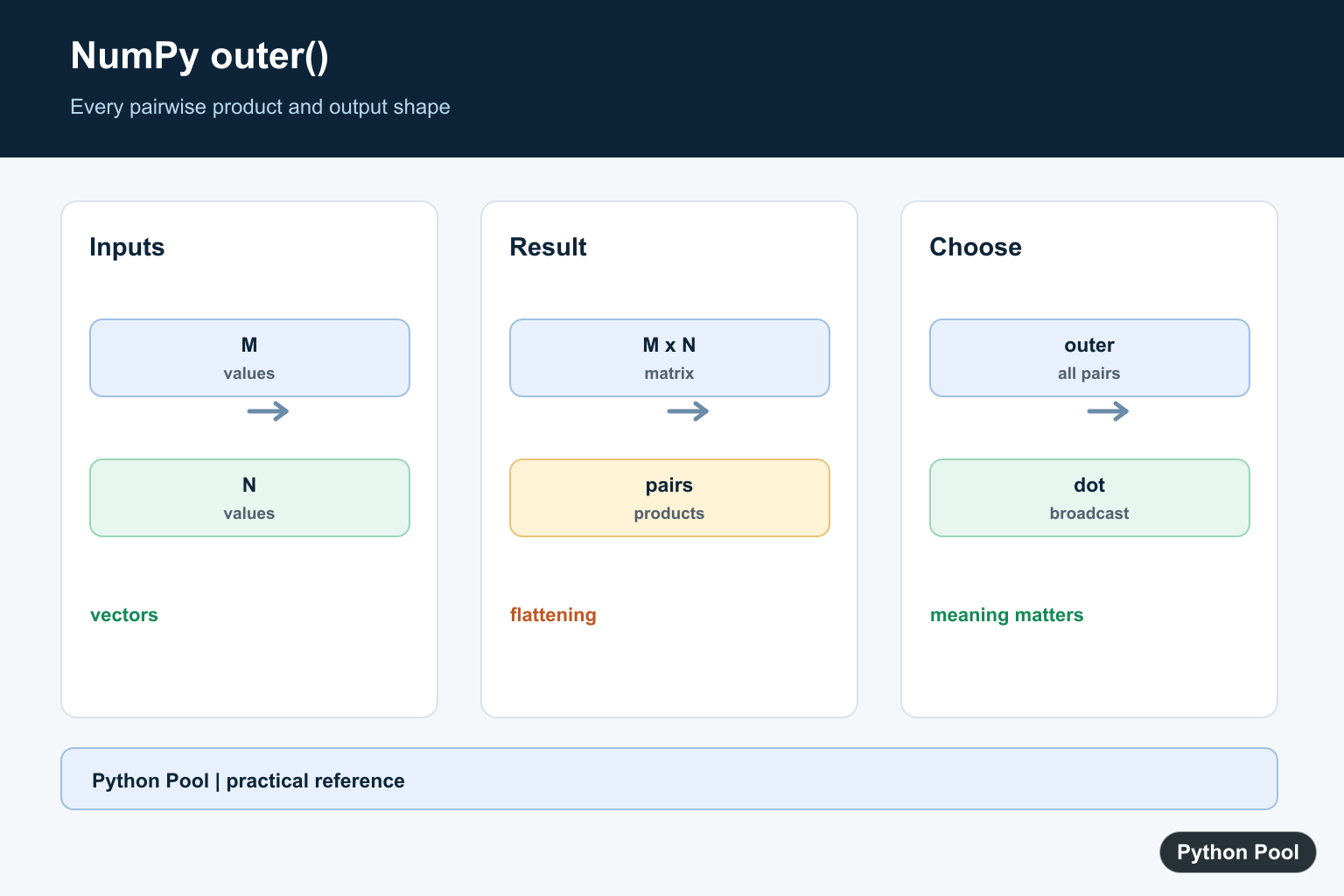
numpy.outer() computes the outer product of two inputs. It multiplies every element from the first input by every element from the second input.
The official NumPy documentation covers numpy.outer(), numpy.inner(), and numpy.dot().
Use outer() when you need all pairwise products between two one-dimensional inputs. If the first input has length m and the second has length n, the result shape is (m, n).
The function flattens its inputs before calculating the product. That means a two-dimensional input is treated as one long sequence.
This behavior is useful for simple pairwise product tables, but it can surprise you if row and column structure should be preserved.
outer() is different from inner() and dot(). The outer product creates a matrix of pairwise products, while inner-style operations combine products into sums.
Use shape checks when reviewing code. The output should have one row for each element of the first flattened input and one column for each element of the second flattened input.
For many examples, outer() is equivalent to reshaping the first input as a column and multiplying by the second input as a row.
Choose the form that makes the intent clearer for the surrounding code.
A practical review step is to write down the expected output shape before creating the outer product. If both inputs are long, the output can become large very quickly.
Use outer() when the matrix of combinations is the result you need. If you only need a reduced score, distance, or summed product, a different operation is usually clearer.
Compute A Basic Outer Product
Pass two one-dimensional arrays to get all pairwise products.
import numpy as np

left = np.array([1, 2, 3])
right = np.array([10, 20])

result = np.outer(left, right)

print(result)
print(result.shape)
The output has three rows and two columns.
Each row comes from one element of left.
Each column comes from one element of right.
This is the core behavior of an outer product.
Because the output keeps every combination, it is easy to trace a value back to its input row and column.
Create A Multiplication Table
outer() is a concise way to build a multiplication table.
import numpy as np

rows = np.arange(1, 5)
cols = np.arange(1, 4)

table = np.outer(rows, cols)

print(table)
Each output value is the product of one row value and one column value.
This pattern is useful in examples, grids, and generated numeric tables.
The same idea works for weights, scale factors, and pairwise combinations.
When the table becomes large, check the output size before creating it.
Multiplication tables are a good mental model for outer products: the row labels come from the first input, and the column labels come from the second input.
Understand Flattened Inputs
outer() flattens each input before multiplying.
import numpy as np

left = np.array([
    [1, 2],
    [3, 4],
])
right = np.array([10, 20])

result = np.outer(left, right)

print(result)
print(result.shape)
The two-dimensional left input is treated as four values.
The result therefore has four rows and two columns.
If the row-column structure should be preserved, use explicit reshaping or another operation.
This is the most common shape surprise with outer().
If preserving a matrix layout matters, do not rely on outer() alone. Use explicit axes, broadcasting, or a more specific linear algebra operation.
Compare outer And inner
outer() returns pairwise products. inner() combines products into a scalar for one-dimensional inputs.
import numpy as np

left = np.array([1, 2, 3])
right = np.array([10, 20, 30])

outer_result = np.outer(left, right)
inner_result = np.inner(left, right)

print(outer_result)
print(inner_result)
The outer result is a matrix.
The inner result is a single summed product.
Use outer() when you need every pair separately.
Use inner() or dot() when the products should be summed.
This distinction is especially important in vector math. Outer products expand data into a matrix, while inner products reduce matching positions into a single result.
Use Broadcasting For The Same Shape
You can also create an outer-product-style result with broadcasting.
import numpy as np

left = np.array([1, 2, 3])
right = np.array([10, 20])

result = left[:, None] * right[None, :]

print(result)
The reshaped left input acts like a column.
The reshaped right input acts like a row.
This produces the same shape as np.outer(left, right).
Broadcasting can be clearer when the row and column roles need to be visible.
The broadcasting form also makes it obvious which input is acting like a column and which input is acting like a row.
Store Pairwise Products With Labels
Outer products are useful when pairwise products need to be kept for later inspection.
import numpy as np

prices = np.array([5, 10, 20])
quantities = np.array([1, 3, 5])

totals = np.outer(prices, quantities)

print(totals)
Each row uses one price, and each column uses one quantity.
The result keeps every combination instead of reducing them to one number.
This is useful when the combinations themselves are the output.
It is also useful when later code needs to choose, filter, or summarize combinations after they have been calculated.
In short, use np.outer(a, b) for all pairwise products, remember that inputs are flattened first, and use inner() or dot() when the products should be summed instead of kept as a matrix.
Compute A Pairwise Matrix
An outer product is useful when every value from one vector must interact with every value from another. The row and column interpretation should be documented because the operation creates a new two-dimensional structure.
import numpy as np

left = np.array([1, 2, 3])
right = np.array([10, 20])
result = np.outer(left, right)
print(result)
print(result.shape)
Understand Flattening
np.outer accepts array-like inputs but treats them as one-dimensional sequences. If a matrix contains batch and feature axes, flattening may discard meaning; reshape or broadcasting explicitly instead.
import numpy as np

values = np.array([[1, 2], [3, 4]])
weights = np.array([[10], [20]])
print(np.outer(values, weights).shape)
print(values * weights)
Compare Outer, Dot, And Broadcasting
dot follows vector or matrix multiplication rules, while outer creates all pairs. Broadcasting can express a pairwise operation with a chosen axis and often preserves the shape of the original arrays.
import numpy as np

left = np.array([1, 2, 3])
right = np.array([4, 5])
print("outer", np.outer(left, right).shape)
print("dot", np.dot(left, np.array([4, 5, 6])))
print("broadcast", (left[:, None] * right).shape)
Use The Shape As A Contract
Assert the output dimensions when a downstream matrix multiplication, table, or visualization depends on them. This catches accidental flattening or swapped input roles early.
import numpy as np

features = np.array([1, 2, 3, 4])
weights = np.array([0.1, 0.2])
pairwise = np.outer(features, weights)
assert pairwise.shape == (4, 2)
print(pairwise)
NumPy’s np.outer() reference documents pairwise products and the one-dimensional input behavior. Related references include dot products, matrix operations, and array conversion.
For related matrix operations, compare dot products, matrix operations, and array conversion when choosing pairwise products.
Frequently Asked Questions
What does np.outer return?
It returns a two-dimensional array containing the product of every pair from the two inputs.
What shape does an outer product have?
For inputs with lengths M and N, the result has shape M by N.
Does np.outer preserve multidimensional shape?
It flattens the inputs; use broadcasting or einsum when the original dimensions carry meaning.
How is outer different from dot?
dot combines matching dimensions according to matrix or vector rules, while outer creates every pairwise combination.
