
Quick answer: np.cumsum() produces a running sum along an axis. With axis=None it flattens the input; with axis=0 or axis=1 it preserves the array shape while accumulating down columns or across rows. Choose dtype when the accumulator needs more range or precision, and remember integer overflow is modular rather than an exception.
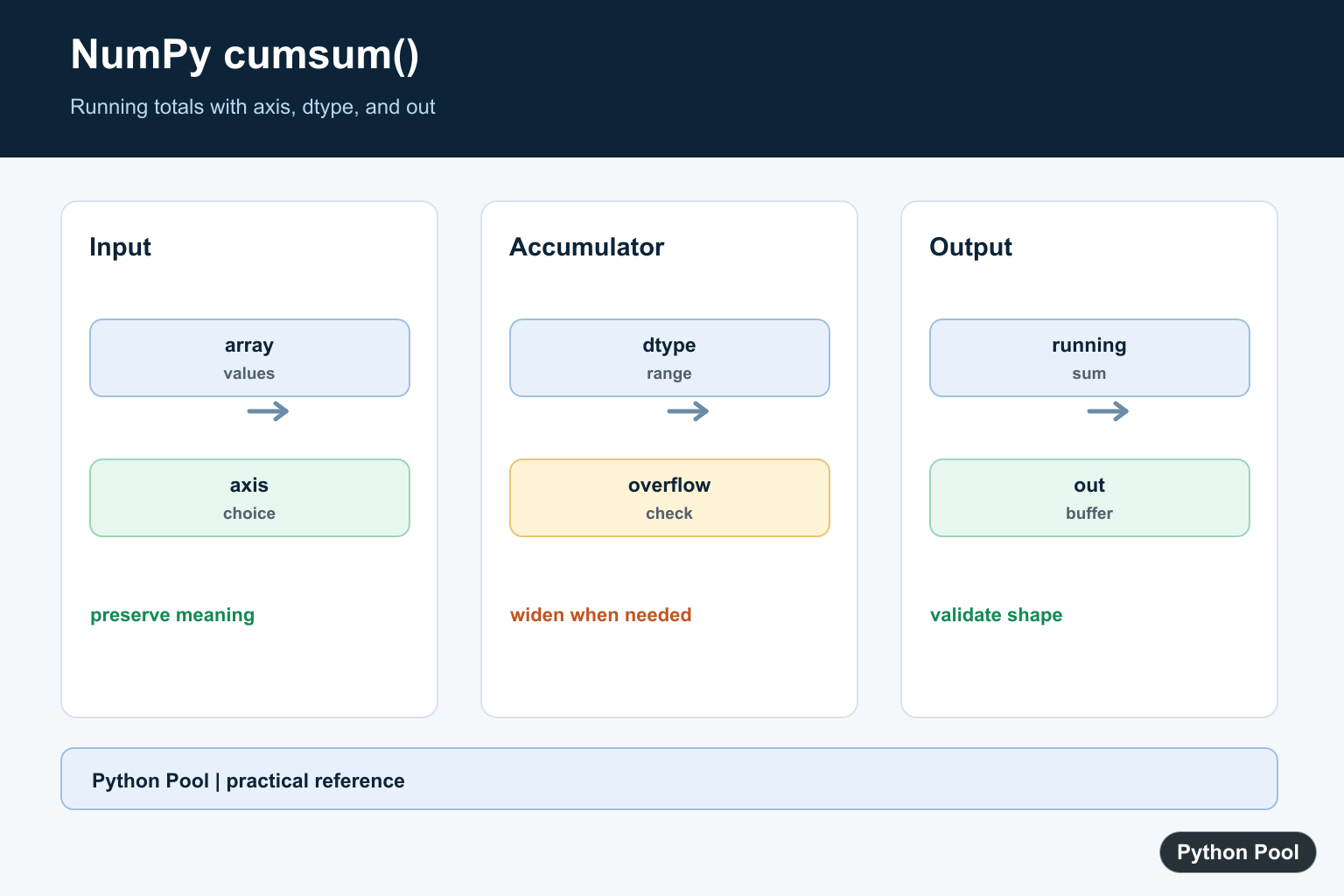
numpy.cumsum() returns the cumulative sum of array elements. Each output item is the running total up to that position.
The official NumPy documentation covers numpy.cumsum() and numpy.cumulative_sum().
Use cumsum() for running totals, cumulative counts, progressive sums, prefix sums, and chart-ready series. It is usually clearer and faster than writing a Python loop for numeric arrays.
The most important options are axis, dtype, and out. The examples below show how those choices affect the result.
Choose the axis before writing the expression. A flattened running total answers a different question from a row-wise or column-wise running total. In reports and analytics code, that difference can change the meaning of the result.
Also pay attention to numeric type. Cumulative sums can grow much larger than individual input values, so a wider dtype can be useful when integer overflow is a concern.
Basic cumsum
For a one-dimensional array, cumsum() returns the running total from left to right.
import numpy as np

array = np.array([1, 2, 3, 4])

result = np.cumsum(array)

print(result)
This prints [1 3 6 10].
The output has the same length as the input because each position receives one cumulative total.
This pattern is useful for simple running totals such as daily counts, step totals, or progressive scores.
Use cumsum On A 2D Array
Without an axis, NumPy flattens the input before calculating the cumulative sum.
import numpy as np

array = np.array([[1, 2], [3, 4]])

result = np.cumsum(array)

print(result)
This treats the array as [1, 2, 3, 4].
Use an explicit axis when row or column structure matters.
A flattened result is one-dimensional. That can be useful for simple streams, but it discards the original row and column layout in the output.
Calculate Along Rows
Use axis=1 to calculate cumulative sums across each row.
import numpy as np

array = np.array([[1, 2, 3], [10, 20, 30]])

row_totals = np.cumsum(array, axis=1)

print(row_totals)
Each row is processed independently.
This is useful for time-series rows, grouped measurements, and matrix-style data where each row should keep its own running total.
Because the result keeps the original shape, it can often be combined with the source array in later calculations or displays.
Calculate Down Columns
Use axis=0 to calculate cumulative sums down each column.
import numpy as np

array = np.array([[1, 2, 3], [10, 20, 30]])

column_totals = np.cumsum(array, axis=0)

print(column_totals)
Each column is processed from top to bottom.
This is useful when rows represent steps over time and columns represent separate metrics.
Column-wise cumulative sums are common when each column tracks a separate feature, sensor, account, or category over several rows.
Set dtype For The Result
The dtype argument controls the type used for the accumulation and output.
import numpy as np

array = np.array([1, 2, 3], dtype=np.int16)

result = np.cumsum(array, dtype=np.int64)

print(result)
print(result.dtype)
Choosing a wider type can help when cumulative totals may exceed the original array type.
This matters for integer data with many values or large counts.
For floating-point data, dtype can also control whether the output uses single or double precision. Pick a type that matches the accuracy and memory needs of the task.
Use out For A Preallocated Output
The out argument stores the result in an existing array.
import numpy as np

array = np.array([2, 4, 6])
output = np.empty_like(array)

np.cumsum(array, out=output)

print(output)
This can reduce allocations when the same output array is reused.
Make sure the output array has the right shape and compatible dtype before using out.
out is most useful in performance-sensitive code where repeated allocations show up in profiling. For ordinary scripts, returning a new array is simpler.
Common cumsum Mistakes
The most common mistake is forgetting the axis. Without axis, a multi-dimensional array is flattened before the cumulative sum is calculated. cumsum() accumulates discrete values, while NumPy trapz Replacement: Use trapezoid accumulates area with trapezoidal integration and explains the modern trapezoid() replacement.
Another issue is missing values. np.cumsum() propagates nan values through later totals. Use np.nancumsum() when NaN values should be treated as zero.
When debugging unexpected output, first print the input shape, the selected axis, and the dtype. Those three details explain most surprising cumulative-sum results.
cumsum Versus sum
Use np.sum() when you only need one total. Use np.cumsum() when every intermediate running total matters.
For example, a monthly sales report may use sum() for total sales and cumsum() for a year-to-date line chart. The functions answer related but different questions.
If the output should have the same shape as the input along the selected axis, cumsum() is usually the right tool. If the output should collapse data into a smaller result, use a reduction such as sum().
In short, use np.cumsum(array) for a flat running total, axis=1 for row-wise totals, axis=0 for column-wise totals, and dtype when the accumulated values need a wider numeric type.
Choose Flattened Or Axis-wise Output
A two-dimensional array can represent separate series, so an omitted axis may change the meaning of the calculation. Use axis=0 for cumulative values down rows and axis=1 for cumulative values across columns when that matches the data model.
import numpy as np

values = np.array([[1, 2, 3], [4, 5, 6]])
print(np.cumsum(values))
print(np.cumsum(values, axis=0))
print(np.cumsum(values, axis=1))
Set dtype For The Accumulator
The dtype argument controls the result and the accumulator. Widen an integer calculation when a long running total may exceed the input type, and use a floating dtype when the calculation needs a floating accumulator rather than an integer result.
import numpy as np

counts = np.array([2_000_000_000, 2_000_000_000], dtype=np.int32)
print(np.cumsum(counts, dtype=np.int64))
Reuse An out Array
Pass out when a caller already owns a correctly shaped output buffer or when avoiding an additional allocation matters. The buffer must match the expected shape and accept the result dtype, so treat it as part of the function contract.
import numpy as np

values = np.array([2, 4, 6])
out = np.empty_like(values)
result = np.cumsum(values, out=out)
print(result is out)
print(out)
Account For NaN And Floating-point Error
A NaN can propagate through a cumulative series. Use a deliberate missing-data policy, such as preprocessing or nancumsum when appropriate, and compare floating results with a tolerance instead of exact equality. A cumulative result can also accumulate small rounding differences over many values.
import numpy as np

values = np.array([0.1, 0.2, 0.3])
running = np.cumsum(values)
print(running)
print(np.isclose(running[-1], values.sum()))
NumPy’s official cumsum reference documents axis, dtype, out, flattening, and overflow behavior. Compare it with NumPy sum when the final total is needed without the intermediate running series.
For related array totals and statistics, compare Python sum(), NumPy mean(), and NumPy arange() when choosing between a final total, a running series, and generated input values.
Frequently Asked Questions
What does NumPy cumsum() return?
It returns cumulative sums, where each output value is the running total through that position along the selected axis.
What happens when axis is None?
NumPy flattens the input and returns a one-dimensional cumulative result; specify an axis when row or column structure matters.
How can I avoid integer overflow with cumsum?
Choose a wider accumulator with dtype when the running total can exceed the input integer range, and test with realistic maximum values.
Is cumsum()[-1] always equal to sum()?
Not necessarily for floating-point arrays because summation algorithms and rounding can differ; compare with an appropriate tolerance when precision matters.
