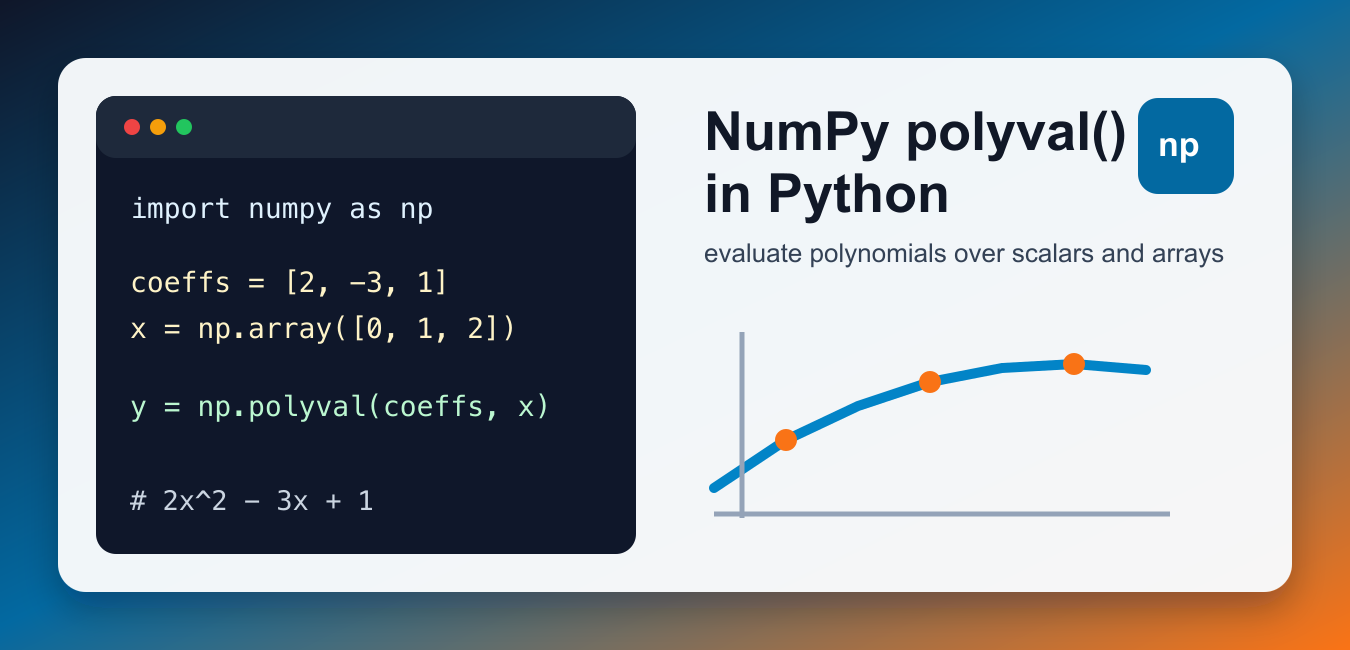
Quick answer: np.polyval evaluates a polynomial at one or more x values. Its coefficient array is ordered from the highest power to the constant term, so [2, 3, 1] represents 2x squared plus 3x plus 1. Use polyfit to estimate coefficients from data, evaluate arrays for a curve, and scale inputs or use a polynomial class when high-degree numerical stability becomes a concern.
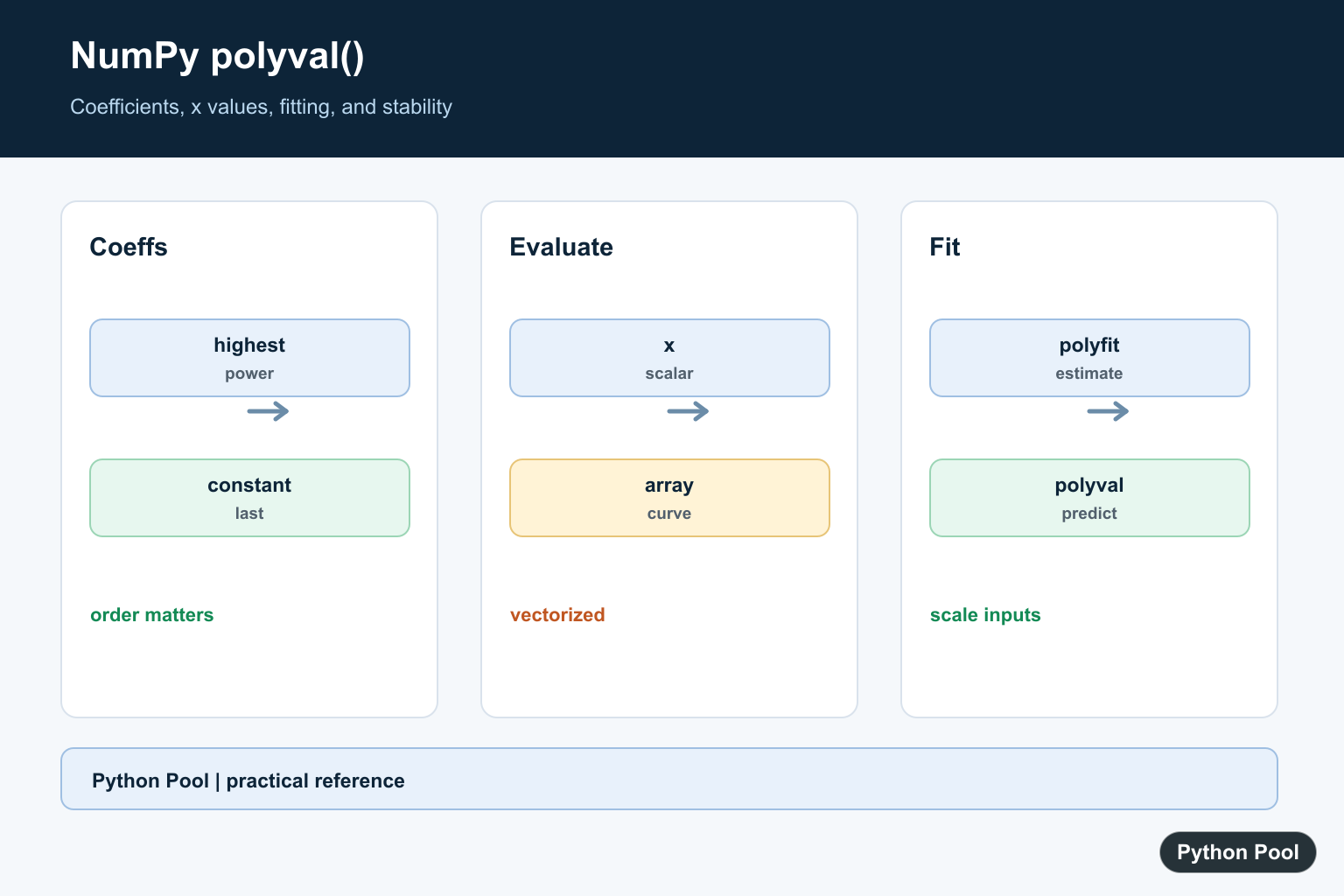
NumPy polyval() evaluates a polynomial at one or more input values. Pass the coefficients first and the x value second. With the classic numpy.polyval function, coefficients are written from the highest power down to the constant term.
For example, the coefficient list [2, -3, 1] represents 2x^2 - 3x + 1. This order is the most important detail to remember because NumPy’s newer polynomial namespace also has functions with a different coefficient order.
Use polyval() when the coefficients are already known and you need evaluated y values. It is a good fit for numeric tables, plotting data, model predictions, and quick checks after fitting a polynomial. It is not a root finder and it does not estimate coefficients by itself.
Evaluate a Polynomial at One Value
The official numpy.polyval() function accepts a coefficient sequence and a scalar or array of x values. A scalar input returns one scalar result.
import numpy as np

coefficients = [2, -3, 1]
x = 4

y = np.polyval(coefficients, x)
print(y)
This evaluates 2 * 4**2 - 3 * 4 + 1. Use this style when you already know the coefficients and need a quick numeric answer. Keeping the formula near the coefficient list makes the example easier to audit later.
Evaluate Many x Values at Once
polyval() is vectorized, so an array of x values returns an array of y values. That is the usual NumPy advantage over writing a Python loop by hand.
import numpy as np

coefficients = [1, 0, -4]
x_values = np.array([-2, -1, 0, 1, 2])

y_values = np.polyval(coefficients, x_values)
print(y_values)
The expression above represents x^2 - 4. Vectorized evaluation is useful for tables, plots, simulations, and model output. If you are new to array operations, the Python vector with NumPy guide covers related array basics. This approach also keeps your code shorter than appending one result at a time in a loop.
Remember the Coefficient Order
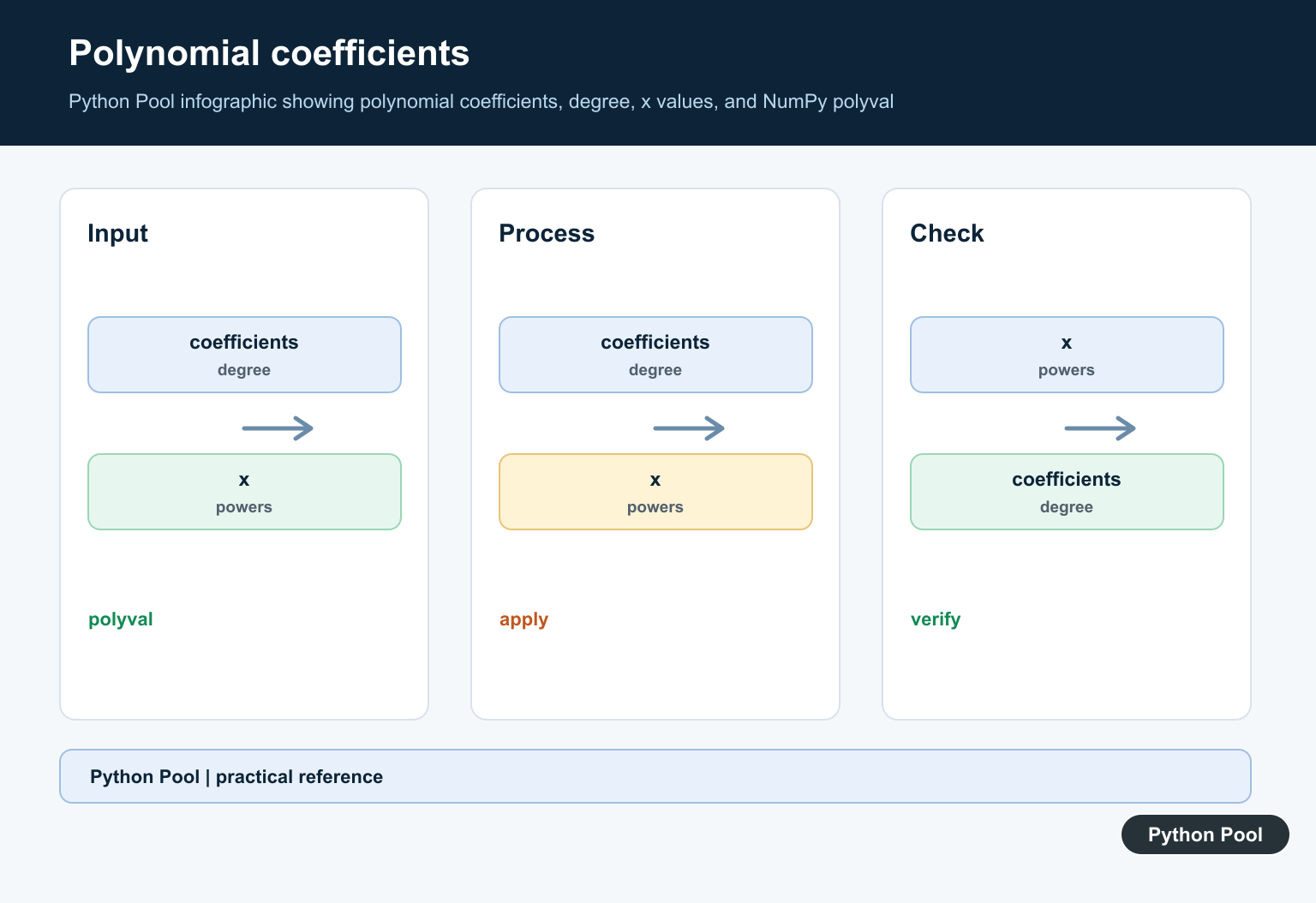
Classic np.polyval reads coefficients from highest degree to lowest degree. The first value is the coefficient of the largest power, and the final value is the constant.
import numpy as np

# 3x^3 + 0x^2 - 2x + 5
coefficients = [3, 0, -2, 5]

print(np.polyval(coefficients, 2))
A common error is to write coefficients in the opposite order. If the answer looks wrong, check the polynomial degree and the coefficient list before debugging anything else. Coefficient order bugs are especially easy to miss when the test value is 0 or 1, so test more than one x value.
Compare With numpy.polynomial.polynomial.polyval
NumPy also has a newer polynomial API under numpy.polynomial.polynomial. Its polyval uses coefficients in ascending order, from the constant term upward.
import numpy as np
from numpy.polynomial import polynomial as P

x = 3
classic = np.polyval([2, -3, 1], x)
new_api = P.polyval(x, [1, -3, 2])

print(classic, new_api)
Both calls evaluate the same polynomial, but the coefficient order is reversed. When reading other people’s code, identify which API is imported before changing coefficients. Mixing the APIs without a comment is a reliable way to create a silent math bug.
Use poly1d for Readable Polynomial Objects
numpy.poly1d wraps coefficients in a small polynomial object. It can make printed output and repeated evaluation easier to read.
import numpy as np

polynomial = np.poly1d([2, -3, 1])

print(polynomial)
print(polynomial(5))
poly1d is convenient for demonstrations and small scripts. For newer code that needs a fuller polynomial toolkit, compare it with the namespace under numpy.polynomial. The best choice depends on whether you need quick evaluation, readable display, or a broader polynomial workflow.
Format or Round Results
Polynomial evaluation often returns floating-point values. Round only for display, not before later calculations, unless your algorithm requires it.
import numpy as np

coefficients = [0.5, -1.25, 3.0]
x_values = np.array([0, 1, 2])

y_values = np.polyval(coefficients, x_values)
print(np.round(y_values, 2))
For more display options, see NumPy round(). If your polynomial includes logarithmic transformations before evaluation, the NumPy log() guide covers those array operations. Keep full precision in stored data and round only at the presentation layer.
Common Mistakes
The two most common mistakes are reversing the coefficient order and mixing the classic API with the newer polynomial API. Another mistake is using Python lists in a loop when a NumPy array would evaluate every x value at once. Keep the coefficient convention close to the code so future edits do not silently change the formula.
If you need roots instead of evaluated y values, use a root-finding function rather than manually testing many x values. The NumPy roots guide covers that related task. If you need to fit coefficients from sample data, use a fitting function first, then pass the fitted coefficients into polyval(). That workflow keeps each step testable.
References
Read Coefficients In The Right Order
The first coefficient belongs to the highest power. Write the polynomial beside the array when teaching or reviewing code so a reversed coefficient order is caught before plotting or reporting results.
import numpy as np

coefficients = [2, 3, 1]
print(np.polyval(coefficients, 2))
# 2 * 2**2 + 3 * 2 + 1
Evaluate Many Values
polyval accepts array-like x values and returns an array with the same broadcasted shape. This is useful for drawing a curve or applying one fitted model to a batch of inputs.
import numpy as np

coefficients = [1, 0, -1]
x_values = np.linspace(-2, 2, 5)
y_values = np.polyval(coefficients, x_values)
print(x_values)
print(y_values)
Fit Then Evaluate
polyfit estimates coefficients from x and y data, while polyval evaluates them. Split or validate data appropriately before fitting and inspect residuals instead of assuming a high-degree fit is meaningful.
import numpy as np

x = np.array([0., 1., 2., 3.])
y = np.array([1., 3., 7., 13.])
coefficients = np.polyfit(x, y, deg=2)
predicted = np.polyval(coefficients, x)
print(coefficients)
print(predicted)
Watch Scale And Degree
Large x magnitudes and high polynomial degrees can make coefficients poorly conditioned. Center or scale inputs, use a lower degree when justified, and consider the newer numpy.polynomial APIs for a more explicit basis.
import numpy as np

x = np.array([1000., 1001., 1002.])
centered = x - x.mean()
print(centered)
print(np.polyval([1., 2.], centered))
NumPy’s polyval() reference defines coefficient order and array evaluation; polyfit() covers coefficient estimation. Related references include polynomial roots, polynomial fitting, and array selection.
For related polynomial work, compare polynomial roots, polynomial fitting, and array conversion when evaluating a model.
Frequently Asked Questions
What order does np.polyval expect?
Coefficients are ordered from the highest power down to the constant term.
Can polyval evaluate an array of x values?
Yes. NumPy broadcasts and evaluates array-like inputs element by element.
How is polyval related to polyfit?
polyfit estimates coefficients from data, and polyval evaluates those coefficients at chosen x values.
Why can polynomial evaluation be unstable?
High degree, large input magnitudes, and poorly scaled data can amplify numerical error.
