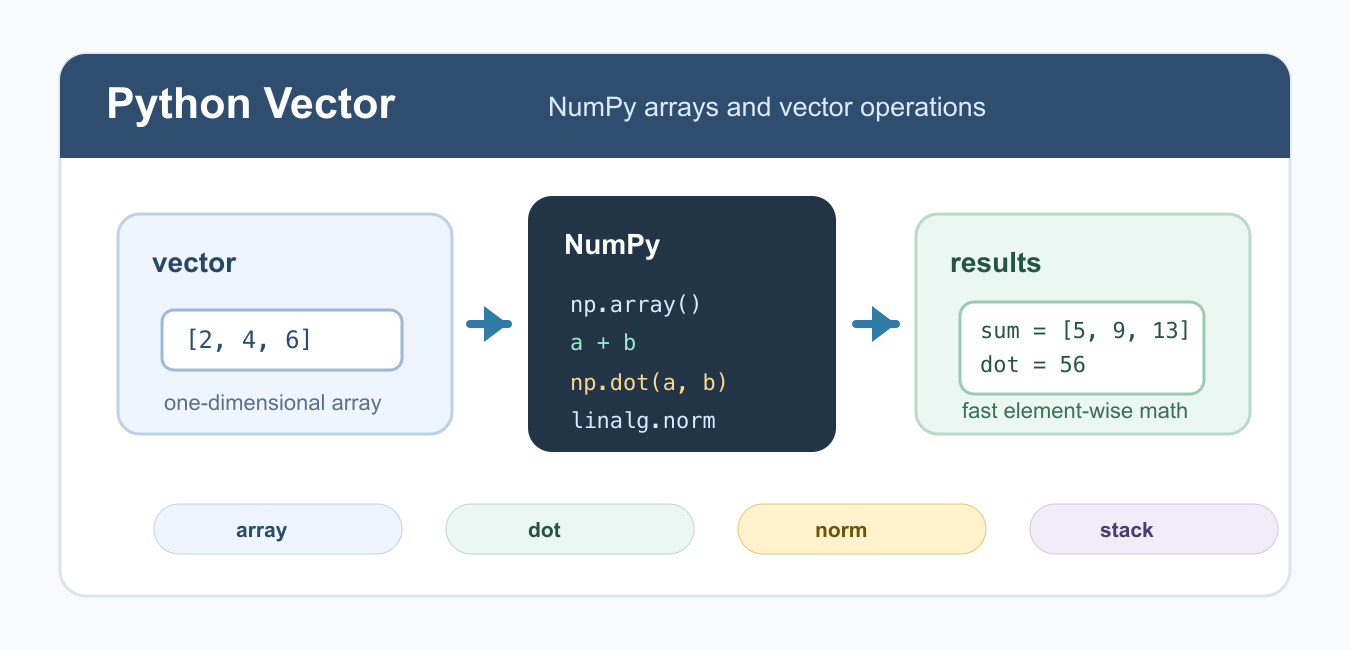
Quick answer: Represent a numerical vector as a one-dimensional NumPy array with shape (n). Use element-wise operators for coordinate-wise math, @ or np.dot() for a dot product, and np.linalg.norm() for length. Validate dimensions before relying on broadcasting or matrix multiplication.
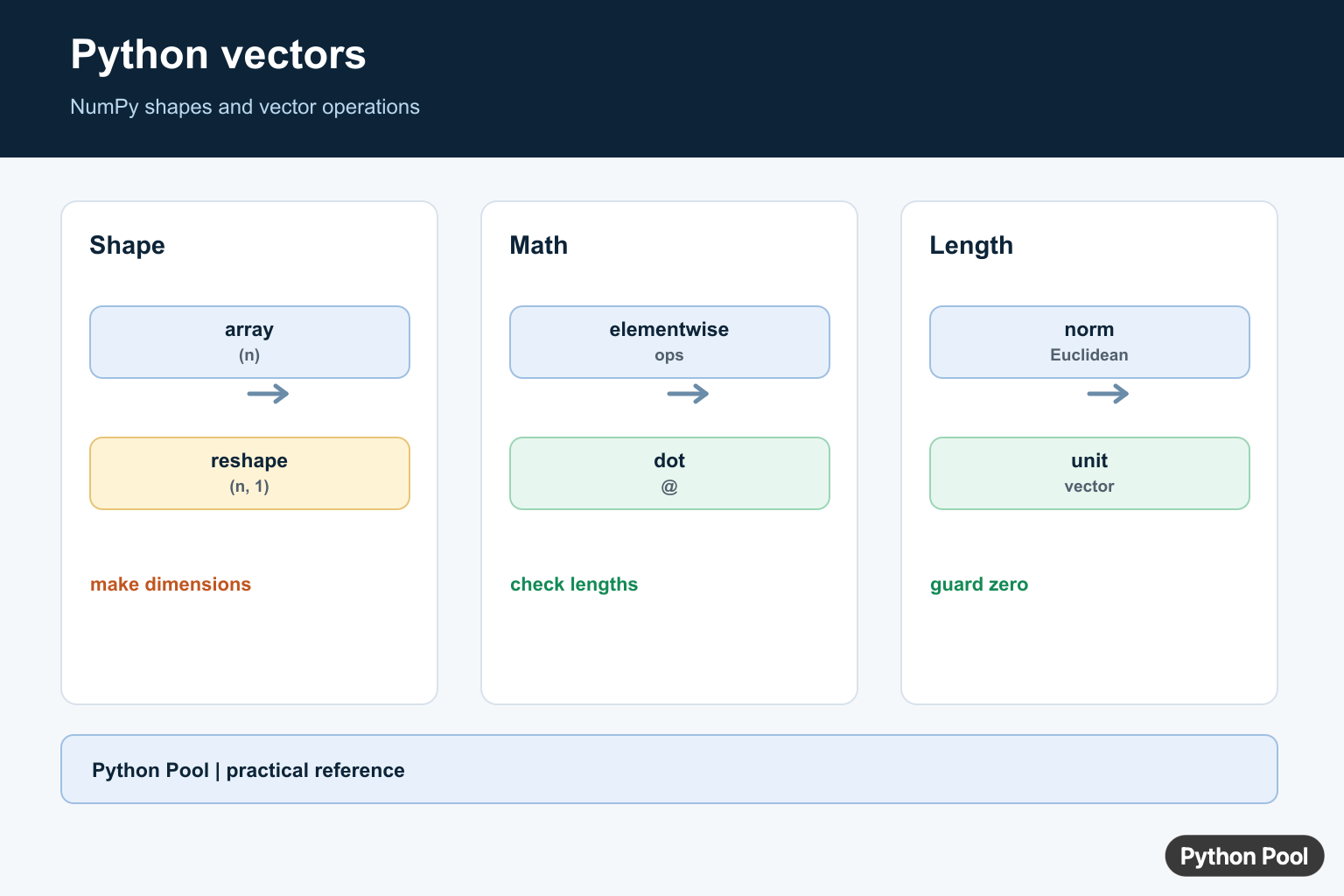
A Python vector is usually represented as a one-dimensional sequence of numbers. In practical Python code, the best tool for vector math is a NumPy array because it supports fast element-wise operations, dot products, norms, and shape-aware calculations.
Plain Python lists can store vector-like data, but adding two lists concatenates them instead of adding values element by element. NumPy arrays give mathematical behavior, which is why they are the standard choice for data science, linear algebra, simulations, and numerical code.
Use a list when you only need to collect values, append items, or pass simple data around. Convert to a NumPy vector when you need arithmetic, distances, normalization, or operations across many values. Keeping that boundary clear avoids confusing list behavior with numeric array behavior.
Create a Vector With np.array()
Use np.array() to create a one-dimensional vector. Set a numeric dtype when the values should be treated consistently.
import numpy as np

vector = np.array([2, 4, 6], dtype=float)

print(vector)
print(vector.shape)
The shape (3,) means this is a one-dimensional array with three values. If you need a refresher on dimensions and nested structures, see list shape in Python. Checking shape early is one of the easiest ways to prevent incorrect vector math.
Add and Scale Vectors
NumPy applies arithmetic element by element when arrays have compatible shapes. That makes vector addition and scalar multiplication concise. Scalar multiplication changes magnitude; Rotate and Scale Vectors in Python adds rotation matrices for changing vector direction as well.
import numpy as np

a = np.array([2, 4, 6])
b = np.array([3, 5, 7])

print(a + b)
print(a * 10)
This behavior is different from Python lists. With lists, [2, 4] + [3, 5] creates a longer list. With NumPy arrays, the same idea adds matching elements. If the shapes do not match, NumPy may raise an error or apply broadcasting, so inspect the result before trusting it.
Check Shapes Before Broadcasting
Broadcasting lets NumPy combine arrays with different but compatible shapes. It is powerful, but it can also hide mistakes if you expected two vectors to have exactly the same length.
For simple vector math, start by checking a.shape == b.shape. If shapes differ intentionally, leave a short comment or variable name that explains the broadcast. That makes later maintenance safer, especially in data pipelines where column counts can change.
Calculate a Dot Product
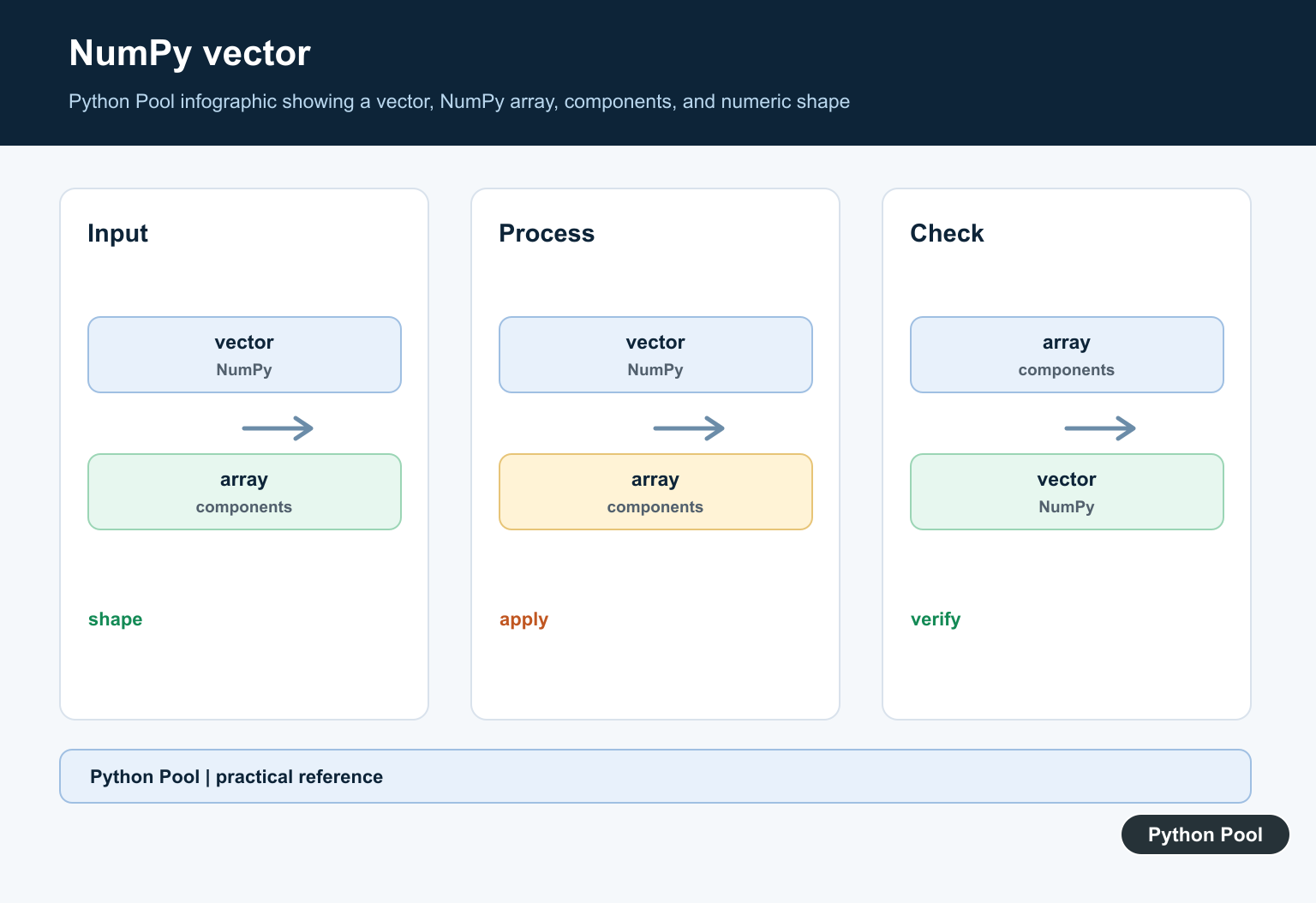
The dot product multiplies matching elements and sums the results. It is common in projections, similarity scores, and linear algebra formulas. The dot product returns a scalar for two 1D vectors; NumPy cross() Function for Vector Products explains the three-dimensional cross product that returns a perpendicular vector.
import numpy as np

a = np.array([2, 4, 6])
b = np.array([3, 5, 7])

dot_product = np.dot(a, b)
print(dot_product)
For one-dimensional arrays, np.dot(a, b) returns a scalar. For higher-dimensional arrays, dot-product behavior depends on axes, so check shapes before using it in matrix code. If you only need element-wise multiplication, use a * b instead.
Find the Length of a Vector
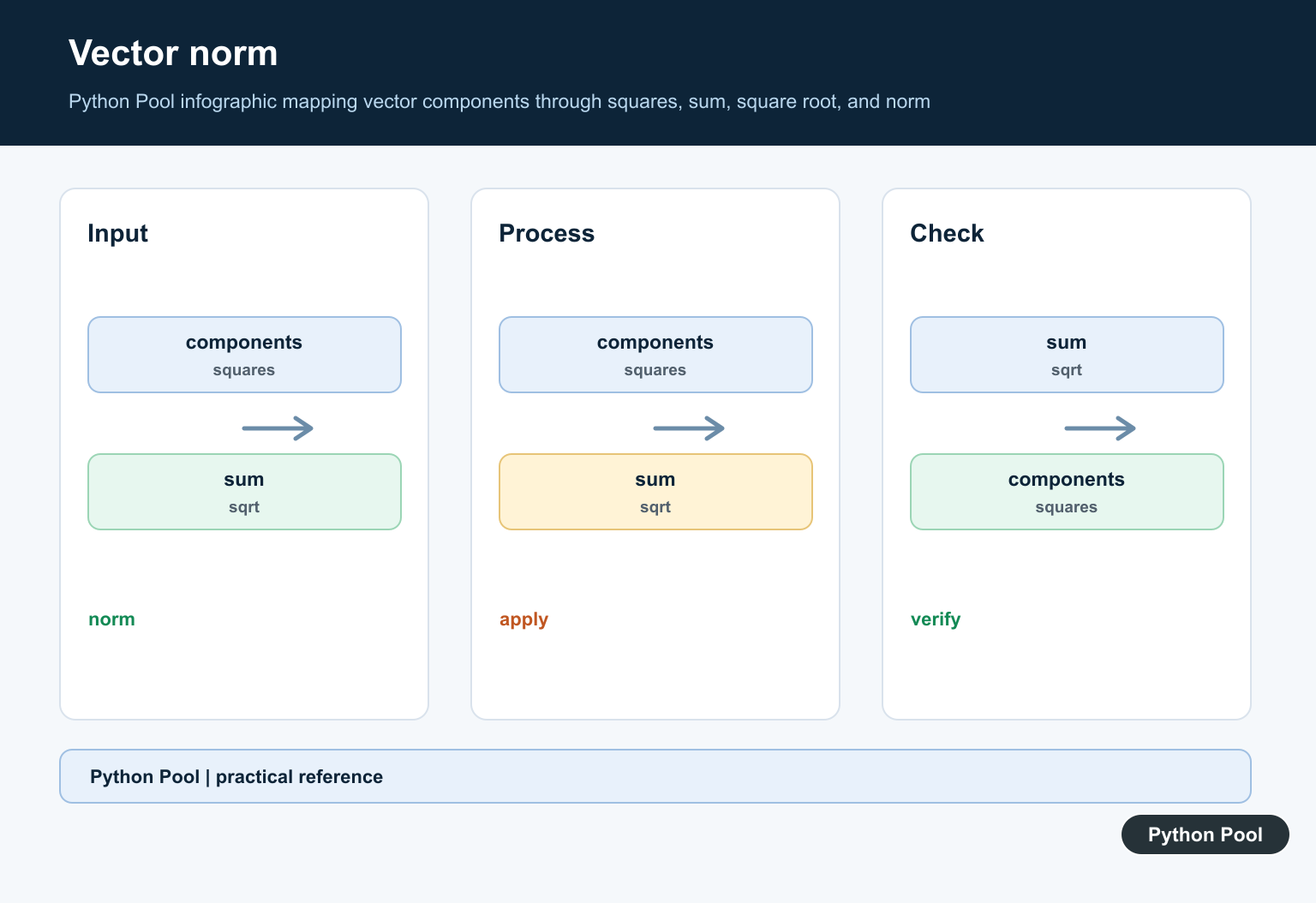
The Euclidean length of a vector is called its L2 norm. NumPy provides this through np.linalg.norm().
import numpy as np

vector = np.array([3, 4])
length = np.linalg.norm(vector)

print(length)
This prints 5.0 because the vector length is the square root of 3**2 + 4**2. Norms are useful for distances, normalization, and measuring vector magnitude. A zero vector has length zero, so handle that case before dividing by the norm.
Stack Vectors Into a Matrix
When several vectors have the same length, stack them into a two-dimensional array. This is useful when each vector is a row of observations or features.
import numpy as np

x = np.array([1, 2, 3])
y = np.array([4, 5, 6])
z = np.array([7, 8, 9])

matrix = np.stack([x, y, z])
print(matrix)
print(matrix.shape)
Stacking creates a new array. If you are trying to understand whether operations share memory or copy data, the guide to NumPy views is a useful next read.
Convert Between Lists and Vectors
Many APIs return plain lists. Convert to a NumPy array before vector math, then convert back with tolist() only when a list is required by another API.
import numpy as np

values = [10, 20, 30]
vector = np.array(values)
centered = vector - vector.mean()

print(centered)
print(centered.tolist())
For quick summaries of vector values, see Python average of list. For finding the position of an extreme value, see Python list max index.
Common Mistakes
The most common mistake is expecting Python lists to behave like mathematical vectors. Another is mixing arrays with different shapes and relying on broadcasting without checking the result. A third is using dot products when element-wise multiplication was intended.
Use NumPy arrays for vector math, inspect .shape when results look surprising, and keep list conversion at the boundaries of your program. For most numeric workflows, a Python vector should be a NumPy array, not a manually managed list of numbers. Lists are still fine for small collections and nonnumeric data, but convert before doing real numeric operations.
References
- NumPy array documentation
- NumPy dot documentation
- NumPy linalg.norm documentation
- NumPy stack documentation
Create A One-Dimensional Vector
np.array([1, 2, 3]) creates a one-dimensional array. Inspect ndim, shape, and dtype before combining arrays from external data, because a column matrix with shape (n, 1) is not interchangeable with a vector with shape (n,).
import numpy as np

vector = np.array([1.0, 2.0, 3.0])
print(vector)
print("ndim:", vector.ndim)
print("shape:", vector.shape)
print("dtype:", vector.dtype)
Use Element-Wise Operations
Adding, subtracting, and multiplying equal-shaped one-dimensional arrays operate coordinate by coordinate. Broadcasting can make different shapes appear to work while producing a result you did not intend, so use shape checks for public functions.
import numpy as np

first = np.array([1, 2, 3])
second = np.array([10, 20, 30])
print(first + second)
print(first * second)
Calculate A Dot Product
The dot product multiplies corresponding coordinates and sums the products. Use np.dot(a, b) or a @ b for one-dimensional vectors, and verify equal lengths before the operation when the inputs are not controlled.
import numpy as np

a = np.array([1, 2, 3])
b = np.array([4, 5, 6])

print(np.dot(a, b))
print(a @ b)
Calculate Norms And Normalize
np.linalg.norm() returns the Euclidean norm by default. A normalized vector divides by its nonzero norm; handle the zero vector separately because it has no direction and cannot be normalized by ordinary division.
import numpy as np

vector = np.array([3.0, 4.0])
length = np.linalg.norm(vector)
unit = vector / length if length else vector
print(length)
print(unit)
Distinguish Vector And Matrix Shapes
A vector with shape (n,) and a column matrix with shape (n, 1) have different broadcasting and multiplication behavior. Reshape deliberately when an API expects a column or row, rather than relying on an implicit dimension.
import numpy as np

vector = np.array([1, 2, 3])
column = vector.reshape(-1, 1)
row = vector.reshape(1, -1)

print(vector.shape)
print(column.shape)
print(row.shape)
NumPy’s official linalg.norm() reference covers vector and matrix norms, while the broadcasting guide explains how shapes interact.
For related vector operations, compare NumPy dot products, adding array dimensions, and rotating and scaling vectors when shape and geometry are part of the calculation.
Frequently Asked Questions
How do I create a vector in Python?
Use np.array([1, 2, 3]) for a one-dimensional numerical vector and inspect its shape and dtype.
How do I calculate a dot product in NumPy?
Use np.dot(a, b) or a @ b after confirming the vectors have compatible dimensions.
What is the difference between a vector and a matrix in NumPy?
A one-dimensional array has shape (n), while a two-dimensional column matrix has shape (n, 1); broadcasting and multiplication rules differ.
How do I calculate a vector norm?
Call np.linalg.norm(vector) for the default Euclidean norm, or pass ord to select another norm when the mathematical contract requires it.
