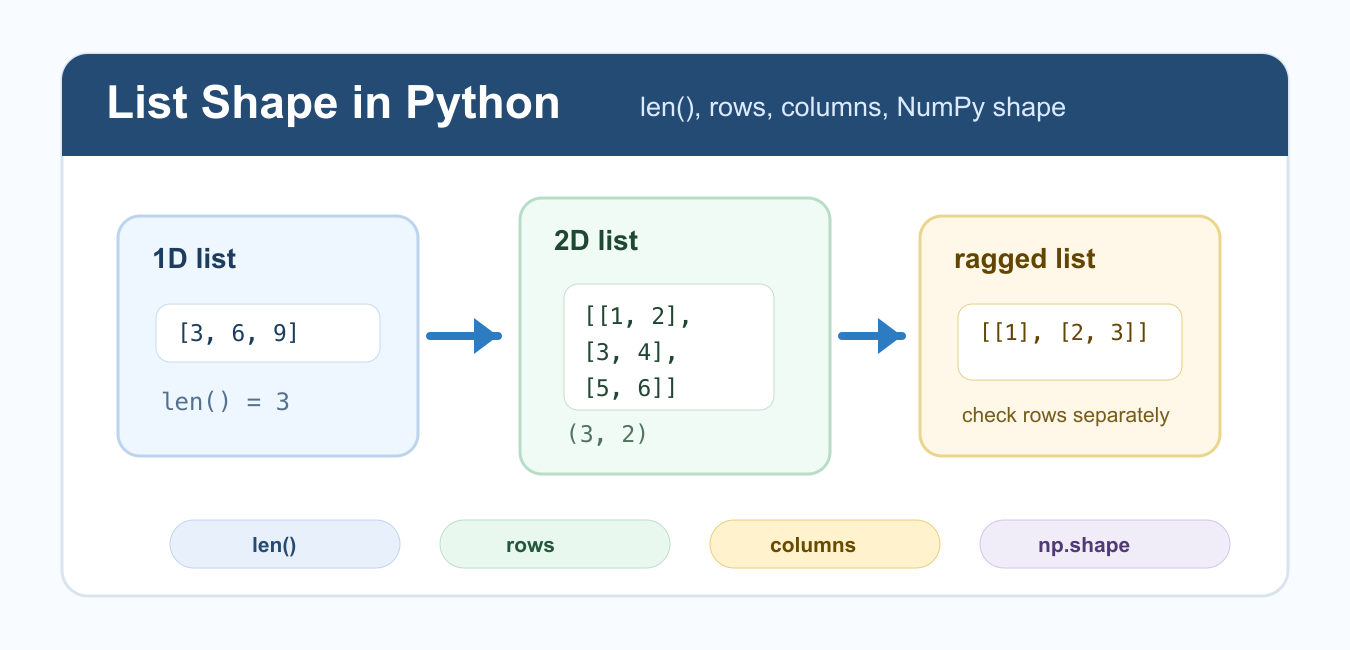
Quick answer: A plain Python list has no shape attribute. Use len(values) for a one-dimensional count, inspect every row for a nested list, and distinguish rectangular data from ragged data before calling NumPy. A rectangular list can become an array with a clean two-dimensional shape; a ragged list needs a different representation or an explicit object-like policy.
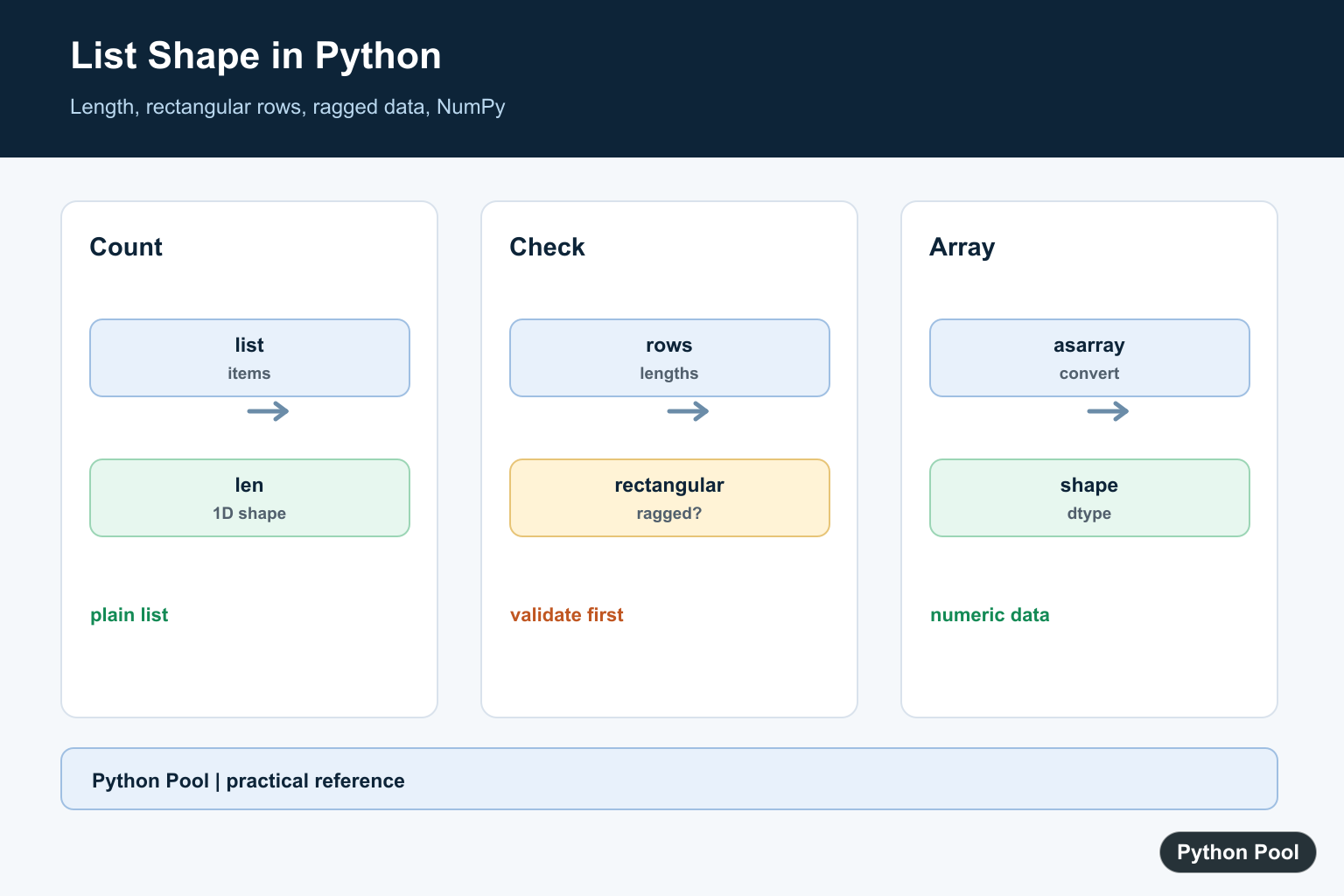
Getting the shape of a list in Python means finding how many items it contains, or for nested lists, how many rows and columns it has. A plain Python list does not have a .shape attribute. Use len() for normal lists, and use NumPy's shape tools after converting rectangular data to an array.
The important distinction is whether your data is one-dimensional, rectangular, or ragged. A rectangular list has the same number of columns in each row. A ragged list has rows of different lengths, so it does not have one clean two-dimensional shape. Make that decision first, because the correct code depends on the structure you actually have.
Get the Shape of a One-Dimensional List
For a simple list, the shape is just the number of elements. Python's built-in len() function returns that count.
values = [3, 6, 9, 12]

shape = (len(values),)

print(shape)
The trailing comma in (4,) is a common way to represent a one-dimensional shape as a tuple. This mirrors the style used by NumPy arrays. If you only need the count, len(values) is enough; the tuple form is useful when you want consistent shape output.
Get Rows and Columns in a 2D List
For a rectangular list of lists, rows are the length of the outer list, and columns are the length of the first row. Check for an empty list before reading matrix[0].
matrix = [[1, 2], [3, 4], [5, 6]]

rows = len(matrix)
columns = len(matrix[0]) if matrix else 0
shape = (rows, columns)

print(shape)
This gives (3, 2). The pattern is simple, but it assumes that every row has the same length. If that assumption is false, report the row lengths separately. This distinction matters for tables, CSV rows, matrix math, and any code that indexes by row and column.
Check Whether a Nested List Is Rectangular
Before treating a nested list as a matrix, confirm that every row has the same number of items. This avoids hidden bugs and helps prevent index errors later.
matrix = [[1, 2], [3, 4], [5, 6]]

is_rectangular = bool(matrix) and all(
    len(row) == len(matrix[0])
    for row in matrix
)

print(is_rectangular)
If is_rectangular is False, the data does not have a single column count. For defensive checks around empty lists, see check if a list is empty in Python.
Get Shape of a Ragged List
A ragged list has rows of different lengths, such as [[1], [2, 3]]. Instead of pretending it has a rectangular shape, return each row's length.
ragged = [[1], [2, 3], [4, 5, 6]]

row_lengths = [len(row) for row in ragged]
shape_summary = (len(ragged), row_lengths)

print(shape_summary)
This returns the number of rows and the length of each row. That is more honest than reporting (3, 1) or (3, 3), because neither describes the full structure. Ragged lists often appear when input files have missing values or when rows represent different categories.
Use a Recursive Shape Helper
For nested lists with several levels, a recursive helper can describe the shape only while the structure remains regular. If the inner shapes differ, mark the structure as ragged.
def list_shape(value):
    if not isinstance(value, list):
        return ()
    if not value:
        return (0,)

    first_shape = list_shape(value[0])
    if all(list_shape(item) == first_shape for item in value):
        return (len(value),) + first_shape
    return (len(value), "ragged")


print(list_shape([[[1], [2]], [[3], [4]]]))
This helper is useful for debugging nested inputs, but for numeric work, a NumPy array is usually a better structure. Python lists are flexible containers, not fixed-shape arrays. For background on how lists resize, see Python dynamic arrays.
Use NumPy shape for Array-Like Data
If the data is rectangular and numeric, NumPy can report the shape directly. Convert the list with numpy.asarray() and then read .shape, or use numpy.shape().
import numpy as np

matrix = [[1, 2], [3, 4], [5, 6]]
array = np.asarray(matrix)

print(array.shape)
print(np.shape(matrix))
This gives (3, 2). NumPy shape is the right tool when you plan to do array math, reshaping, broadcasting, or vectorized operations. See NumPy arrays in Python and NumPy reshape from 3D to 2D for related array topics.
Common Mistakes
Do not use list.shape on a normal Python list; that attribute belongs to NumPy arrays. Do not assume len(matrix[0]) is safe unless the list is non-empty. Do not report a single column count for ragged lists. These mistakes often lead to list index out of range errors later.
Also avoid converting ragged data to NumPy just to force a shape. The resulting object array may not behave like a normal numeric matrix. If the data should be rectangular, validate and clean it first. If it is naturally ragged, keep row lengths as part of the result.
Conclusion
Use len(my_list) for a one-dimensional list. For a rectangular nested list, use (len(matrix), len(matrix[0])) after checking that the matrix is not empty and rows are consistent. For ragged lists, report row lengths. For rectangular numeric data, convert to a NumPy array and use .shape or np.shape().
Represent A One-Dimensional Shape
For a normal list, the shape is a one-item tuple containing its length. The tuple form is useful when code later accepts NumPy-like shape information, while len alone is enough for a simple count.
values = [3, 6, 9, 12]
shape = (len(values),)
print(shape)
print(len(values))
Validate A Rectangular Nested List
Do not assume the first row represents every row. Compare row lengths, handle an empty outer list, and report the actual lengths when the input is ragged.
matrix = [[1, 2], [3, 4], [5, 6]]
row_lengths = [len(row) for row in matrix]
rectangular = len(set(row_lengths)) <= 1
shape = (len(matrix), row_lengths[0] if matrix else 0)
print(rectangular, shape)
Handle Ragged Lists Explicitly
A ragged list can be valid data, such as records with optional fields, but it is not a rectangular matrix. Keep it as a list and process rows individually, or normalize each row according to a documented missing-value rule.
ragged = [[1, 2], [3], [4, 5, 6]]
print([len(row) for row in ragged])
for row in ragged:
    print(sum(row))
Convert Rectangular Data To NumPy
After validation, np.asarray gives numeric data a shape tuple and array operations. Check dtype and shape immediately so a failed conversion does not silently become an unexpected object array.
import numpy as np

values = [[1, 2, 3], [4, 5, 6]]
array = np.asarray(values)
if array.ndim != 2 or array.dtype == object:
    raise ValueError("expected a rectangular numeric matrix")
print(array.shape)
print(array.dtype)
Use Python’s len() for sequence counts and NumPy’s array-shape conventions after conversion. Related references include reshape, vstack, and squeeze.
For related array-shape operations, compare reshaping arrays, vertical stacking, and squeezing axes after checking whether the source rows are rectangular.
Frequently Asked Questions
How do I get the shape of a Python list?
Use len(values) for a one-dimensional list and inspect nested row lengths for a list of lists.
Why does a Python list have no shape attribute?
shape is an array concept and ordinary lists only provide sequence operations; NumPy arrays expose shape metadata.
What is a ragged list?
It is a nested list whose rows have different lengths, so it does not have one rectangular two-dimensional shape.
How do I convert a list to a NumPy shape?
Validate that rows are rectangular, then call np.asarray(values) and inspect the resulting array.shape.
