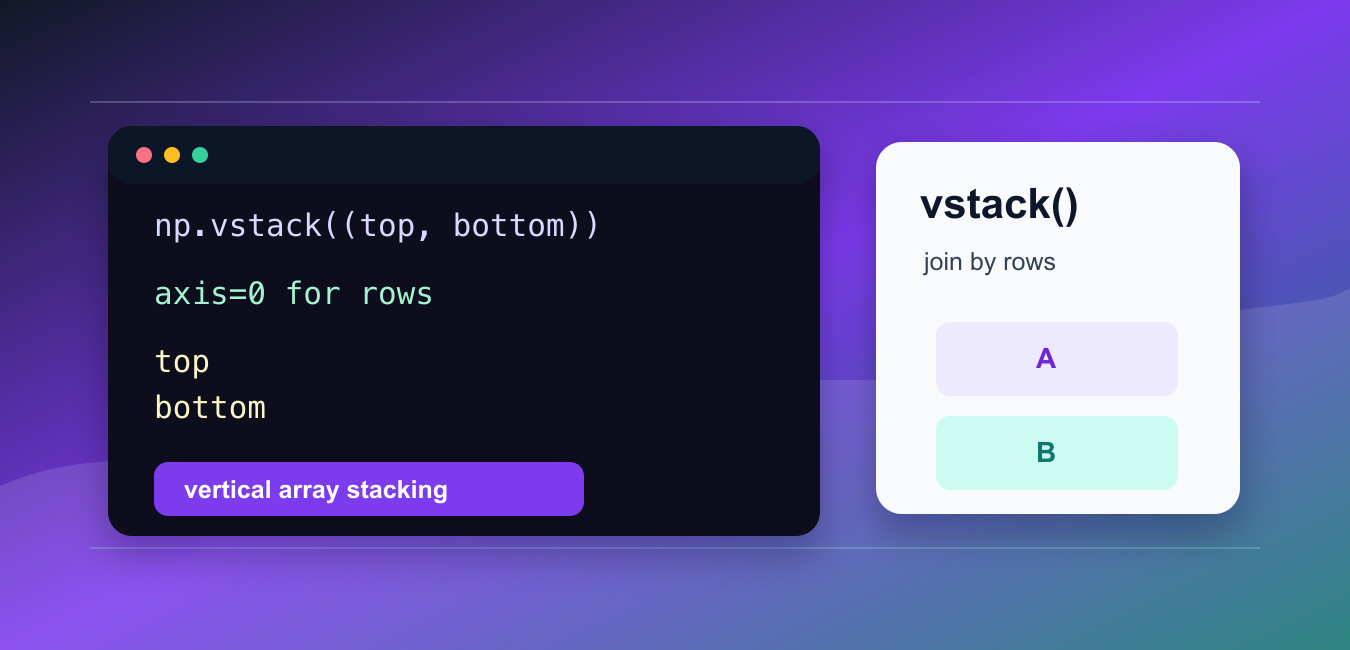
Quick answer: np.vstack() combines compatible inputs as rows and returns a new array. One-dimensional inputs are promoted to row-shaped arrays, while higher-dimensional inputs must match on every dimension except the first. Check shapes before stacking and use concatenate when its axis semantics are clearer.
numpy.vstack() joins arrays vertically. It places each input below the previous one, so the result grows by rows.
The official NumPy documentation covers numpy.vstack(), numpy.concatenate(), and numpy.atleast_2d().
Use vstack() when the mental model is “put these arrays on top of each other.” It is especially readable for table-like data where each input contributes one or more rows.
The main shape rule is column compatibility. For two-dimensional arrays, the column counts must match. If one input has three columns and another has four columns, NumPy cannot stack them vertically without changing the layout.
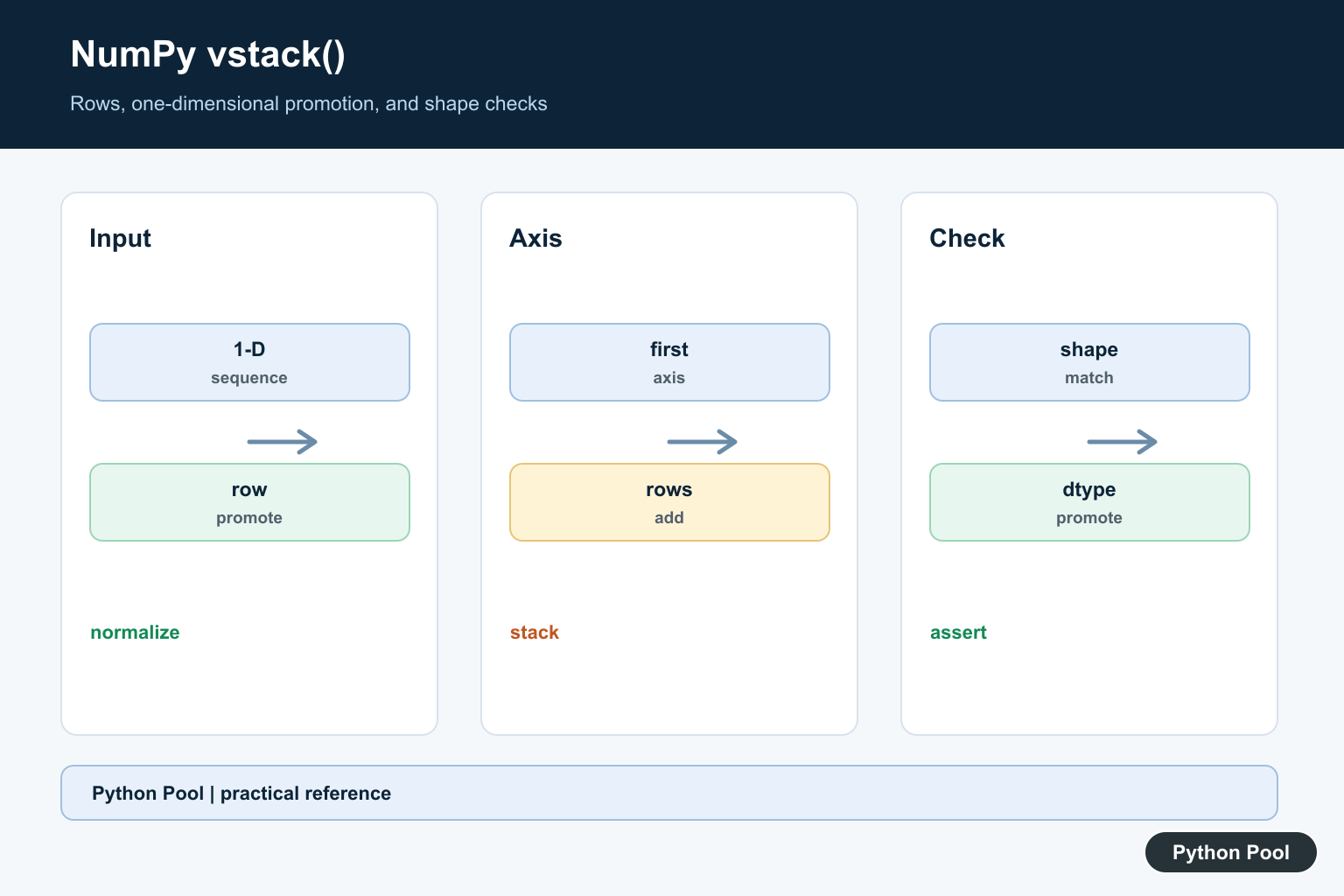
For one-dimensional inputs, vstack() first treats each input as a row. That differs from hstack(), which makes one longer flat array from one-dimensional inputs.
Before stacking, decide whether each input is a row, a set of rows, or a flat vector. That decision makes the output shape predictable and prevents hard-to-spot data layout mistakes.
A good quick check is to compare the shape before and after stacking. A vertical stack should increase the row count while keeping the column count stable. If the column count changes, the inputs were probably prepared with different layouts.
This matters in data preparation because row order often carries meaning. When batches represent time windows, files, or groups, the tuple order passed to vstack() becomes the final row order.
Stack One-Dimensional Arrays
With one-dimensional arrays, vstack() creates a two-dimensional result.
import numpy as np

top = np.array([1, 2, 3])
bottom = np.array([4, 5, 6])

result = np.vstack((top, bottom))

print(result)
print(result.shape)
The result has two rows and three columns.
This is useful when each input vector should become one row in a table.
If you expected one longer flat array, use hstack() or concatenate() instead.
Stack Two-Dimensional Arrays
For two-dimensional arrays, vstack() adds rows while keeping the same number of columns.
import numpy as np

top = np.array([[1, 2], [3, 4]])
bottom = np.array([[10, 20], [30, 40]])

result = np.vstack((top, bottom))

print(result)
print(result.shape)
The result has four rows and two columns.
This is the standard vertical stack: all rows from the first array appear before all rows from the second array.
Use it when appending batches, combining table chunks, or joining rows from separate calculations.
Keep the column meaning consistent across inputs. The first column in the top array should represent the same thing as the first column in the bottom array. vstack() only joins by position; it does not align columns by labels.
Compare vstack And concatenate
For two-dimensional arrays, vstack((a, b)) is equivalent to concatenate((a, b), axis=0).
import numpy as np

top = np.array([[1, 2], [3, 4]])
bottom = np.array([[5, 6], [7, 8]])

same_result = np.concatenate((top, bottom), axis=0)

print(same_result)
The axis=0 argument means rows are extended.
vstack() is shorter when the operation is always vertical. concatenate() is better when the axis is selected by surrounding logic or passed into a helper.
Choose the form that makes the intended output shape obvious.
Check Shape Before Stacking
Two-dimensional arrays must have matching column counts before they can be stacked vertically.
import numpy as np

top = np.array([[1, 2, 3]])
bottom = np.array([[4, 5, 6], [7, 8, 9]])

print(top.shape)
print(bottom.shape)
print(np.vstack((top, bottom)))
The column count is 3 for both arrays, so the stack succeeds.
When a vertical stack fails, print each shape and compare the second dimension. The column count is usually the mismatch.
Fix the shape before stacking. Reshape, slice, pad, or select matching columns explicitly so the result has a clear structure.
Convert Inputs To Rows
np.atleast_2d() can make row handling explicit before stacking.
import numpy as np

first = np.atleast_2d([1, 2, 3])
second = np.atleast_2d([4, 5, 6])

result = np.vstack((first, second))

print(result)
This makes each input two-dimensional before the stack.
The conversion is helpful when inputs may arrive as lists, tuples, or one-dimensional arrays, but the output should always be a row-based table.
Being explicit about two-dimensional shape also makes tests easier to understand.
If the output will later be converted into a labeled table, make the row conversion step visible near the stack. That keeps the array layout easy to audit when column names are attached later.
Stack More Than Two Arrays
vstack() can join several arrays in one call.
import numpy as np

a = np.array([[1, 2]])
b = np.array([[3, 4]])
c = np.array([[5, 6]])

result = np.vstack((a, b, c))

print(result)
Each input contributes rows to the final result.
This pattern is useful for combining batches in the order they were produced. Keep the tuple order intentional so the final row order is easy to inspect.
For larger pipelines, add a small assertion for the expected column count before stacking. A clear failure near the stack is easier to diagnose than a later chart, model, or export error.
Common vstack Mistakes
The most common mistake is expecting vstack() to make a longer one-dimensional array. With one-dimensional inputs, it creates rows in a two-dimensional result.
Another mistake is stacking arrays with different column counts. Vertical stacking needs matching columns for two-dimensional inputs.
Also avoid using vstack() just because it works. If the operation depends on a selected axis, concatenate() with an explicit axis may be clearer.
In short, use np.vstack() for row-wise array joins, check shapes before stacking, and use np.atleast_2d() when one-dimensional inputs should be treated as rows.
Understand One-Dimensional Promotion
When inputs are one-dimensional, vstack treats each sequence as a row. Two arrays of length n therefore produce a result with shape (2, n), not a longer one-dimensional vector. Use concatenate or hstack when the desired result is a single extended axis.
Stack Two-Dimensional Inputs
For matrices, vstack adds rows and requires the column dimensions to match. A row vector and a column vector are not interchangeable, even if they contain the same number of values. Normalize the shape at the input boundary rather than reshaping opportunistically later.
Compare vstack With concatenate And stack
vstack is a convenience operation for the first axis, concatenate joins along an existing axis, and stack creates a new axis. Choosing the operation that matches the mathematical intent makes the output shape easier to reason about and test.
Remember That The Result Is New
Stacking allocates a new array, so repeated vstack calls in a loop can be expensive. Collect compatible chunks and stack once, preallocate when the final shape is known, or choose a data structure designed for incremental appends.
Test Shapes And Dtypes
Test one-dimensional, two-dimensional, empty, mismatched, and more-than-two input cases. Assert the output shape, dtype promotion, row order, and behavior of a single input so a later refactor does not change the dimensional contract.
The official numpy.vstack reference documents input promotion and stacking. Related guidance includes hstack, array insertion, and shape tests.
For related array construction, compare horizontal stacking, array insertion, and axis selection when checking the output shape.
Frequently Asked Questions
What does np.vstack() do?
It stacks compatible arrays vertically, adding rows along the first axis and returning a new array.
Why does vstack change a one-dimensional array’s shape?
One-dimensional inputs are treated as row vectors, so a sequence of length n becomes a two-dimensional result with shape (number_of_inputs, n).
What is the difference between vstack() and concatenate()?
vstack is a row-oriented convenience operation, while concatenate lets you choose an existing axis more directly and makes the intended dimensional operation explicit.
Why does vstack raise a dimension error?
The input arrays do not match along the dimensions that are not being stacked; inspect each shape before combining them.
