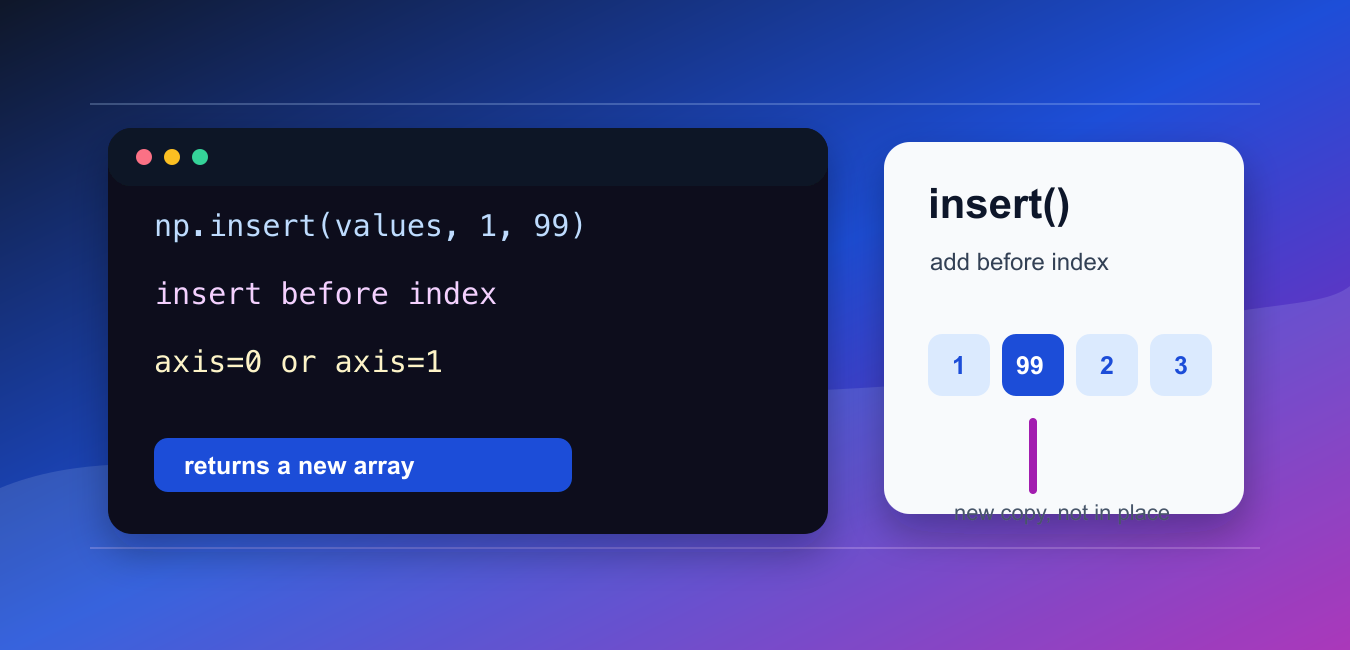
Quick answer: np.insert() returns a new NumPy array with values placed before a chosen index. The original array is unchanged, and the result depends on axis, index shape, and broadcasting. For repeated growth, consider collecting chunks and concatenating once instead of inserting in a loop.
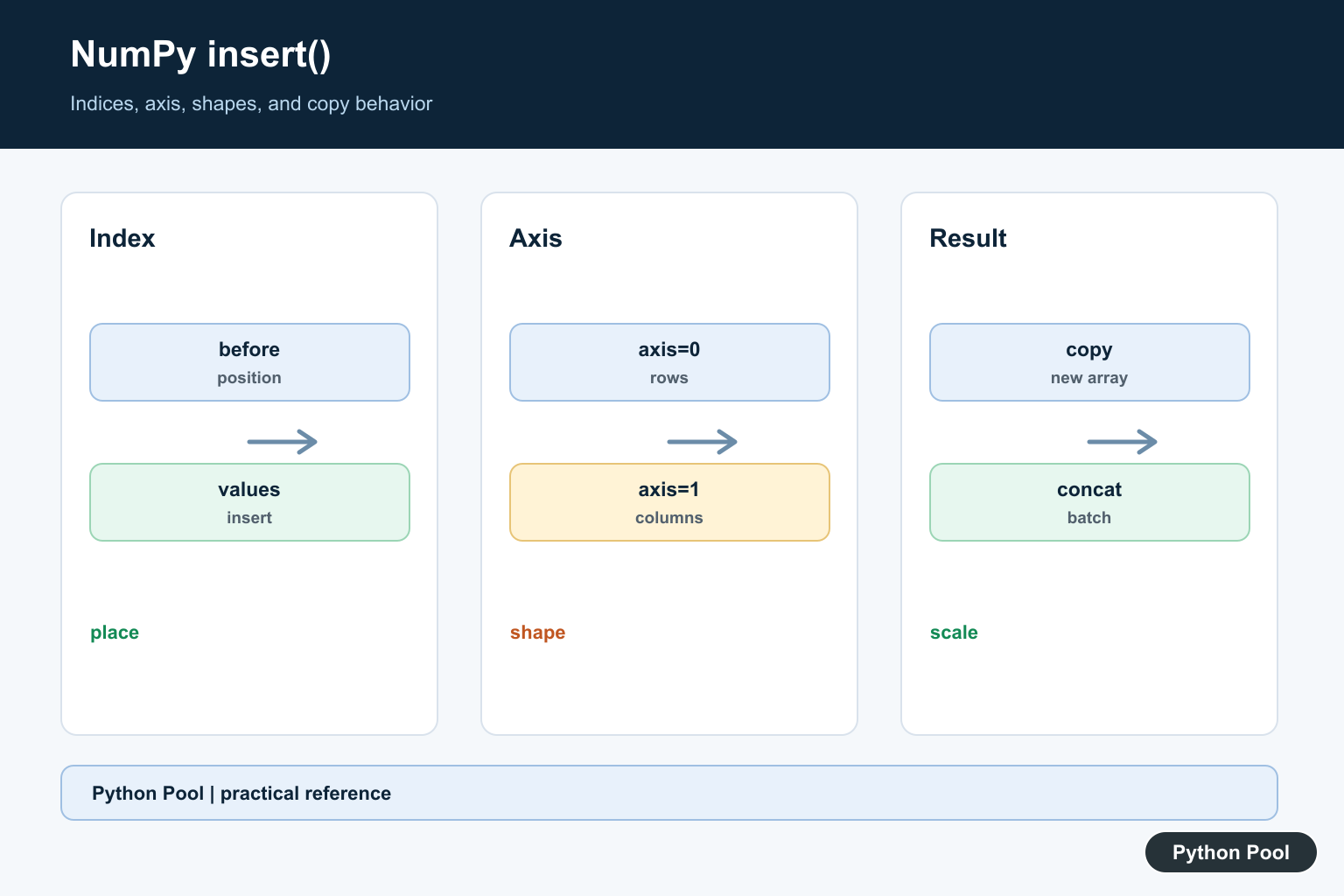
numpy.insert() adds values before a chosen index or set of indices and returns a new array. It can work on a flattened array or along a specific axis.
The official NumPy documentation covers numpy.insert(), numpy.append(), and numpy.delete().
Use insert() when the location matters. The inserted values go before the given index, not after it.
The main arguments are arr, obj, values, and axis. obj defines where the new values should be placed.
If axis is omitted, NumPy flattens the input first. That can be useful for one-dimensional examples, but it can surprise you when working with rows and columns.
If an axis is supplied, the inserted values must have a shape that can fit along that axis. This is the most common source of errors with two-dimensional arrays.
insert() does not modify the original array in place. It returns a copy with the inserted values.
For NumPy 2.1.2 and newer, boolean obj values are treated as a mask of elements before which values are inserted. Older NumPy releases cast booleans to integers, so version matters for mask-style code.
Use append() when values always go at the end. Use insert() when values need a specific position.
A good review habit is to write down whether you are inserting into the flattened array, into rows, or into columns. That decision should be visible in the axis argument.
For large arrays, repeated calls to insert() can be expensive because each call creates a new array. When many additions are needed, it is often better to collect pieces and combine them once.
Insert Into A Flat Array
With no axis, insert() works on the flattened input.
import numpy as np

values = np.array([10, 20, 30])

result = np.insert(values, 1, 15)

print(result)
The value 15 is inserted before index 1.
The original array is unchanged because insert() returns a new array.
This form is straightforward for one-dimensional arrays.
For multi-dimensional arrays, pass axis when row or column structure should be preserved.
If you omit axis on a two-dimensional input, the result becomes one-dimensional. That is correct behavior, but it is often not what table-like data needs.
Insert At Multiple Positions
obj can contain more than one insertion position.
import numpy as np

values = np.array([10, 20, 30])

result = np.insert(values, [1, 3], [15, 35])

print(result)
This inserts 15 before index 1 and 35 before index 3.
Multiple insertions are useful when several positions are known ahead of time.
Keep the position list and inserted values aligned so the result is easy to review.
If the positions are calculated from sorted data, consider whether searchsorted() should find them first.
When positions are generated programmatically, inspect them before insertion. A position that is off by one will still produce an array, but the new value will appear in the wrong place.
Insert A Row
Use axis=0 to insert a row into a two-dimensional array.
import numpy as np

data = np.array([
    [1, 2],
    [5, 6],
])

result = np.insert(data, 1, [3, 4], axis=0)

print(result)
The new row is inserted before row index 1.
The inserted row must match the number of columns.
This is useful for small arrays, examples, and setup code.
For repeated row building, collecting rows and stacking once is usually more efficient.
Row insertion is best for occasional edits or examples. For a loop that adds many rows, build a list of rows first and convert or stack at the end.
Insert A Column
Use axis=1 to insert a column.
import numpy as np

data = np.array([
    [1, 3],
    [4, 6],
])

result = np.insert(data, [1], [[2], [5]], axis=1)

print(result)
The new column is inserted before column index 1.
The inserted values are shaped so each row receives the intended value.
For axis inserts, a scalar index and a one-item sequence can broadcast differently.
When behavior is unclear, test a small array before applying the operation to larger data.
Column insertion is especially sensitive to shape. A value shaped for rows may not fit columns, so keep the inserted data aligned with the axis being edited.
Use A Boolean Mask
Modern NumPy treats a boolean obj as a mask of positions before which values are inserted.
import numpy as np

values = np.array([10, 20, 30])
mask = np.array([False, True, False])

result = np.insert(values, mask, 99)

print(result)
The new value is inserted before the element selected by the mask.
This behavior applies to NumPy 2.1.2 and newer.
If code must run on older NumPy releases, avoid relying on boolean obj until the supported version is clear.
Explicit integer positions are easier to read when compatibility matters.
This version note is important for code shared across environments. If a project supports older NumPy versions, convert the mask to integer positions yourself before calling insert().
Remember That insert Returns A Copy
The original array is not changed unless you assign the result.
import numpy as np

values = np.array([1, 2, 3])

result = np.insert(values, values.size, 4)

print(values)
print(result)
The first print shows the original array.
The second print shows the new array with the inserted value.
Assign the result back to a name when the updated array should be used later.
This copy behavior also means the original array remains available for comparison. That can be helpful while debugging insertion positions and shapes.
In short, use np.insert(arr, obj, values) for positional insertion, pass axis to preserve rows or columns, and remember that the function returns a new array rather than editing the input in place.
Insert Into A One-Dimensional Array
Without axis, NumPy treats the input as a flattened sequence for insertion. A scalar value can be inserted at one position, while a sequence of values and indices needs an intentional relationship between their shapes. Inspect the result rather than assuming a list-like append operation.
Use axis For Rows And Columns
For a two-dimensional array, axis=0 inserts rows and axis=1 inserts columns. The inserted values must be compatible with the remaining dimensions. Name the axis in code or a wrapper function so a later transpose does not silently change the meaning of the operation.
Understand Indices And Order
Integer indices insert before the specified position, and multiple indices interact with the placement of multiple values. Test repeated and unsorted indices directly because assumptions borrowed from list.insert() can be wrong for an array operation.
Remember That insert Copies
np.insert() allocates a new array and does not mutate the input. Repeated insertion can therefore be expensive for large arrays. If the final layout is known, preallocate it, use slicing, or concatenate prepared blocks once.
Test Shape, Dtype, And Empty Cases
Test scalar and vector values, axis 0 and 1, beginning and end positions, multiple indices, empty inputs, and incompatible shapes. Assert output shape and dtype in addition to element values so a broadcasted result cannot hide a layout error.
The official numpy.insert reference documents axis, indices, values, and copy behavior. Related guidance includes axis selection, array stacking, and shape tests.
For related array construction, compare horizontal stacking, vertical stacking, and axis selection when choosing a scalable alternative to repeated insertion.
Frequently Asked Questions
What does np.insert() do?
It returns a copy of an array with values inserted before the specified index along an optional axis.
Does np.insert() modify the original array?
No. It creates and returns a new array, so assign the result or use a clearer construction when repeated insertion would be expensive.
How do I insert a row or column?
Pass a two-dimensional value with the matching shape and specify axis=0 for rows or axis=1 for columns.
Why does np.insert() produce an unexpected shape?
The axis, index sequence, value shape, and broadcasting rules interact; inspect the input and output shapes and test one insertion at a time.
