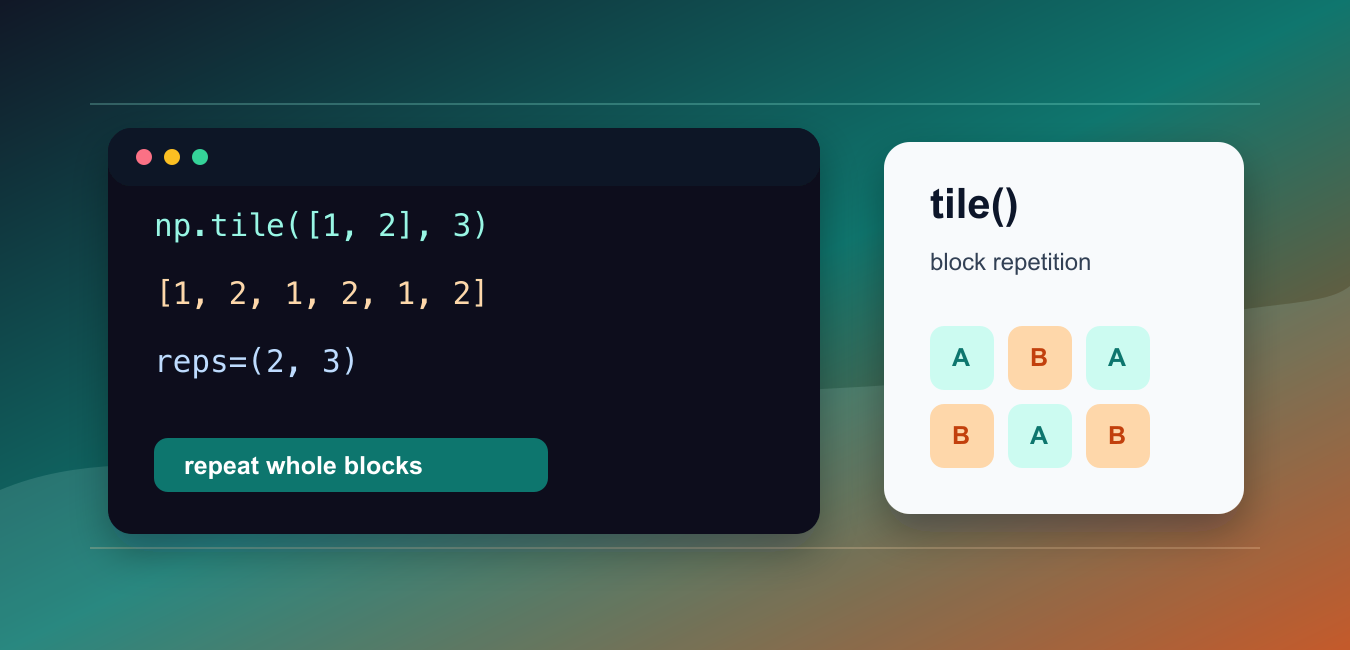
Quick answer: np.tile(A, reps) repeats an array along each axis and returns a new array. Its shape depends on both A.ndim and the length of reps; for compatible arithmetic, broadcasting is usually clearer and avoids allocating repeated data.
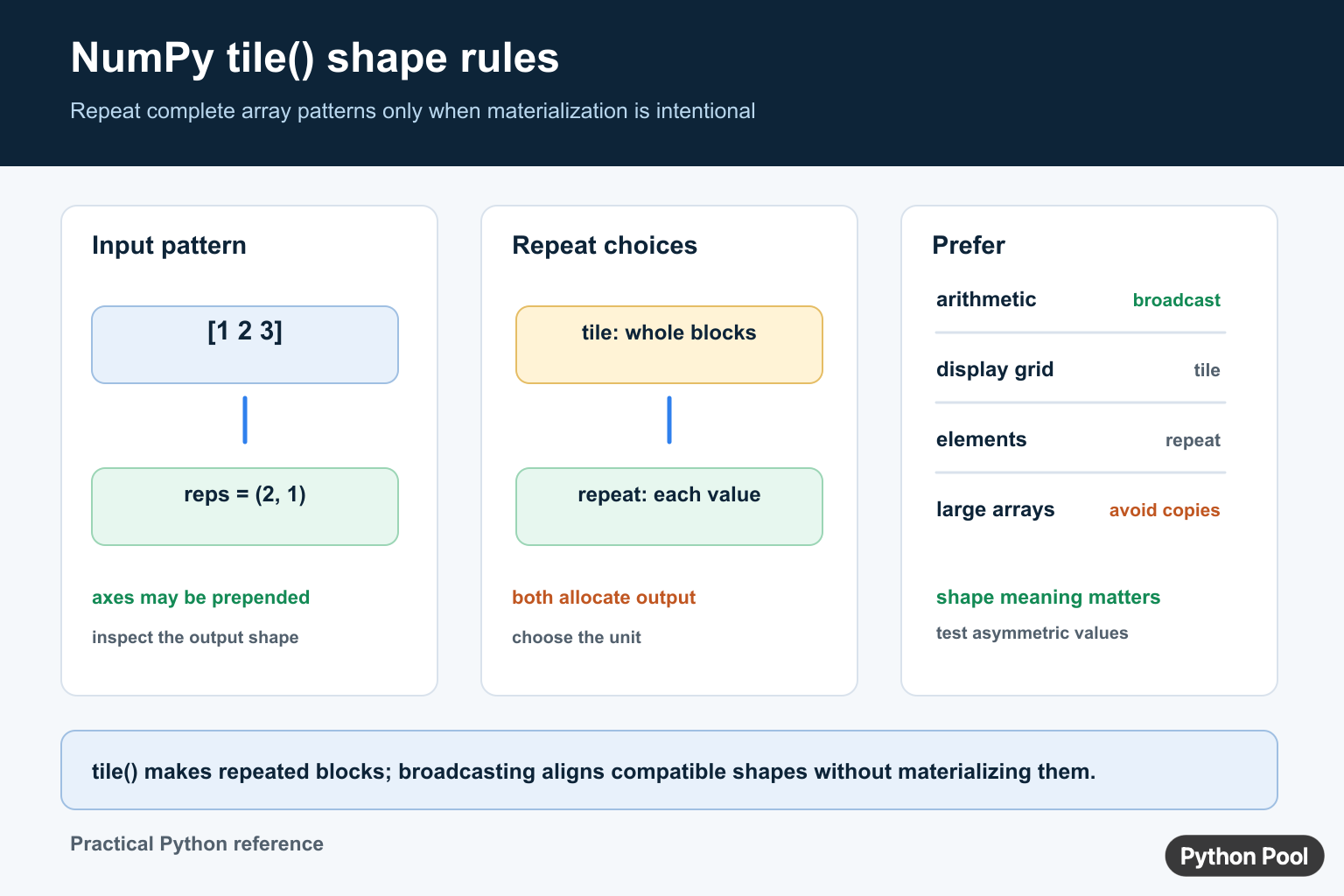
numpy.tile() repeats an array as a whole block. It can repeat one-dimensional arrays, two-dimensional arrays, or patterns across several dimensions.
The official NumPy documentation covers numpy.tile(), numpy.repeat(), and NumPy broadcasting.
Use tile() when the full input pattern should be copied. If each element should be duplicated before moving to the next element, use repeat() instead.
The key argument is reps. A single integer repeats the whole input along one dimension. A tuple repeats across multiple dimensions.
Because tile() creates a larger array, it can increase memory use quickly. For many calculations, broadcasting gives the same mathematical effect without physically copying the data.
That does not make tile() wrong. It is useful for building explicit patterns, display grids, test inputs, and arrays that must actually contain repeated blocks.
Before using it, decide whether you need a real expanded array or only need NumPy to align shapes during a calculation. If alignment is enough, broadcasting is usually better.
Also check the expected output shape. The reps tuple can add dimensions or expand existing ones in ways that are easy to misread.
Small examples are the fastest way to confirm whether the pattern repeats in the intended direction.
A practical review step is to calculate the expected shape before calling tile(). If the resulting array would be much larger than the input, make sure that extra memory is acceptable.
It also helps to name the repeated pattern clearly. Code that tiles a small base pattern is easier to review when the base array and repetition counts are separated.
Tile A One-Dimensional Array
Pass an integer reps value to repeat the whole array pattern.
import numpy as np

values = np.array([1, 2, 3])

result = np.tile(values, 2)

print(result)
This repeats the full sequence twice.
The output is [1, 2, 3, 1, 2, 3], not [1, 1, 2, 2, 3, 3].
Use this form when the entire pattern should appear again.
For element-by-element repetition, choose np.repeat().
This difference is small in a tiny example, but it becomes important when repeated labels or features must line up with another array.
Tile A Two-Dimensional Array
A tuple reps value controls repetition by dimension.
import numpy as np

data = np.array([
    [1, 2],
    [3, 4],
])

result = np.tile(data, (2, 3))

print(result)
print(result.shape)
This repeats the array two times down and three times across.
The result is larger in both directions.
Use this form for repeated blocks, pattern grids, or examples that need visible structure.
Check the shape because output size grows as the repetition counts grow.
For a large input, even moderate repetition counts can create a very large result. If the repeated array is only needed for arithmetic, try broadcasting first.
Tile A Column Pattern
Reshaping first can make the intended pattern clearer.
import numpy as np

values = np.array([1, 2, 3]).reshape(3, 1)

result = np.tile(values, (1, 2))

print(result)
This repeats a column pattern across two columns.
The reshape step makes the input two-dimensional before tiling.
Use this approach when a one-dimensional input should become a table-like pattern.
Without reshaping, the same reps value can produce a different layout.
Reshaping is also useful for code review because it makes the intended row and column orientation visible before repetition starts.
Compare tile And repeat
tile() repeats the whole pattern. repeat() repeats each element.
import numpy as np

values = np.array([1, 2, 3])

tiled = np.tile(values, 2)
repeated = np.repeat(values, 2)

print(tiled)
print(repeated)
The two results contain the same values but in a different order.
Choose based on whether the repeated unit is the whole pattern or each element.
This distinction matters for labels, feature arrays, and generated test data.
If the order is wrong, later joins or comparisons can silently line up with the wrong values.
When debugging, print both arrays from a small input and compare their order. That usually makes the correct function obvious.
Prefer Broadcasting When Possible
Broadcasting often avoids the need to create a tiled copy.
import numpy as np

data = np.array([
    [10, 20, 30],
    [40, 50, 60],
])

offsets = np.array([1, 2, 3])

result = data + offsets

print(result)
NumPy aligns offsets across the rows without manually tiling it.
This is usually better for calculations because it avoids building a larger intermediate array.
Use tile() only when the repeated array itself is needed.
For arithmetic, broadcasting is often clearer and more memory efficient.
The key difference is that broadcasting describes how shapes align during the operation, while tile() builds the expanded array. Use the lighter approach when it produces the same result.
Create A Repeated Pattern Grid
tile() is a good fit when a visible repeated grid is the goal.
import numpy as np

pattern = np.array([
    [0, 1],
    [1, 0],
])

grid = np.tile(pattern, (2, 3))

print(grid)
This builds a larger grid from a small pattern.
The output is an actual array, not just a broadcasted view for a calculation.
This pattern is useful for masks, examples, and simple generated layouts.
For actual repeated grids, tile() is direct and readable. It shows that the desired output is a materialized pattern, not just a temporary alignment for calculation.
In short, use np.tile(values, reps) when a full pattern should repeat, use repeat() when individual elements should repeat, and prefer broadcasting when you only need shape alignment for arithmetic.
Read reps as axis counts
For a one-dimensional array, np.tile(values, 3) repeats the complete sequence three times. With a tuple such as (2, 1), the input is promoted to the required rank and repeated along each axis. Inspect the output shape when the input rank can vary.
import numpy as np

values = np.array([1, 2, 3])
repeated = np.tile(values, (2, 1))
print(repeated.shape)
Prefer broadcasting for arithmetic
NumPy recommends broadcasting operations rather than using tile() merely to make shapes match. Broadcasting lets compatible shapes participate without materializing every repeated value. This can reduce memory use and make the intended axis relationship easier to see.
import numpy as np

matrix = np.arange(6).reshape(2, 3)
offset = np.array([10, 20, 30])
result = matrix + offset
print(result)

Compare tile and repeat
tile() repeats the full array pattern along axes. repeat() repeats individual elements and can take different repetition counts. Choose based on whether the repeated unit is the whole array or each value. For related dimension changes, see NumPy reshape and NumPy asarray.
Account for memory
The tiled result is a new array, so repeating a large image, batch, or feature matrix can multiply memory use. Check result.nbytes when repetition is data-dependent, and test an asymmetric input so a wrong axis cannot hide behind a symmetric pattern.
Frequently Asked Questions
What does NumPy tile() do?
np.tile() repeats an array along each requested axis and returns a new array containing the repeated blocks.
How does the reps argument affect tile()?
reps controls how many times the input is repeated along each axis; NumPy promotes dimensions when reps has more entries than the input shape.
What is the difference between tile() and repeat()?
tile() repeats complete array patterns, while repeat() repeats individual elements or values along an axis.
Should I use tile() for NumPy arithmetic?
Prefer broadcasting for compatible arithmetic because it can express alignment without materializing repeated data; use tile() when an explicit repeated array is genuinely required.

Thank you! Is there a way use np.tile on a 3D array but change only the first axis? I have an array of size 12, 385, 140, but I want to tile only the first axis by a reps of 27, to get an array of size: 324, 385, 140. Is that possible to do with np.tile?
Yes, this can be achieved by passing reps as a tuple. Following code can help you understand it –
import numpy as np
arr = np.array([[[24, 1, 4], [25, 2, 5], [26, 3, 6]], [[27, 4, 7], [28, 5, 8], [29, 6, 9]]])
reps = 10
print(arr.shape)
c = np.tile(arr, (reps, 1, 1))
print(c.shape)
In this example, the array of size (2, 3, 3) is converted to (20, 3, 3).
Please let us know if you need any more help!
Hi, when i am trying with your examples, i am getting the following error” TypeError: ‘tuple’ object is not callable”
All the examples are working correctly, can you check this again?