
Quick answer: Strand sort repeatedly extracts an increasing strand from the remaining input and merges that strand into sorted output. It is useful for understanding subsequence extraction and merging, but Python’s built-in sorted or list.sort is usually the practical choice for general-purpose sorting.
Strand sort in Python is a sorting algorithm that repeatedly extracts an increasing subsequence, called a strand, and merges that strand into the sorted result. It is usually taught as an algorithm exercise rather than used in everyday Python programs.
The idea is easiest to understand with lists: scan the unsorted input from left to right, keep values that continue an increasing strand, leave the other values for the next pass, then merge the strand into the output. Python’s built-in sorting tools remain the best option for normal application code.
Strand sort is interesting because it rewards existing order. A nearly sorted list may produce long strands and finish quickly, while a reverse-sorted list produces many short strands. That makes it a good teaching example for adaptive sorting behavior.
How Strand Sort Works
Each pass pulls out one sorted strand. If the input is already sorted, the first pass can extract the whole list. If the input is in reverse order, each pass may extract only one item, which makes the algorithm much slower.
values = [4, 2, 7, 3]
strand = [values[0]]
remaining = []
last = values[0]

for value in values[1:]:
    if value >= last:
        strand.append(value)
        last = value
    else:
        remaining.append(value)

print(strand)
print(remaining)
In this example, the first strand is [4, 7], and the remaining values are [2, 3]. The remaining values will be processed in another pass. Each strand is already sorted, so the next task is merging it into the sorted output.
Merge Two Sorted Lists
After extracting a strand, merge it into the sorted output. The helper below merges two sorted lists into a new sorted list. It follows the same high-level idea as the merge step used in merge sort.
def merge_sorted(left, right):
    merged = []
    i = 0
    j = 0

    while i < len(left) and j < len(right):
        if left[i] <= right[j]:
            merged.append(left[i])
            i += 1
        else:
            merged.append(right[j])
            j += 1

    merged.extend(left[i:])
    merged.extend(right[j:])
    return merged
This helper keeps duplicate values in sorted order because it uses <= when values are equal. It also avoids manual index mistakes; if you run into those, see the guide to Python list index out of range.
Full Strand Sort Code
The full implementation separates extraction and merging so each step is easy to test. It returns a new sorted list and does not mutate the original input.
def extract_strand(values):
    strand = [values[0]]
    remaining = []
    last = values[0]

    for value in values[1:]:
        if value >= last:
            strand.append(value)
            last = value
        else:
            remaining.append(value)

    return strand, remaining


def strand_sort(values):
    remaining = list(values)
    result = []

    while remaining:
        strand, remaining = extract_strand(remaining)
        result = merge_sorted(result, strand)

    return result

print(strand_sort([4, 2, 7, 3, 1, 9]))
The code uses normal Python lists and list methods, described in the official Python list tutorial. For more list-specific behavior, see Python list pop. This list-based version is readable, but it is not a high-performance replacement for built-in sorting.
Duplicates and Negative Numbers
Strand sort works with negative numbers and duplicate values because it compares values directly. Unlike pigeonhole-style methods, it does not need a compact integer range.
numbers = [3, -1, 3, 2, -5, 2, 8]

print(strand_sort(numbers))
print(numbers)
The original list is unchanged because strand_sort() copies the input first. If you need in-place sorting, Python’s list.sort() is simpler and faster for real projects. If your values are tuples or records, use a key function with built-in sorting instead of rewriting strand sort.
Complexity
Strand sort is adaptive: it can be efficient when the input already contains long increasing runs. Its best case is close to O(n) when the data is already sorted, because one strand covers the whole input. Its worst case is O(n^2), often seen when the data is reverse sorted and each strand is tiny.
def count_strands(values):
    remaining = list(values)
    count = 0

    while remaining:
        _, remaining = extract_strand(remaining)
        count += 1

    return count

print(count_strands([1, 2, 3, 4]))
print(count_strands([4, 3, 2, 1]))
The implementation above also creates new lists during extraction and merging, so it is not memory-minimal. It is best used to understand algorithm behavior, not as a replacement for Python’s production sorting implementation. Linked-list versions can reduce some movement costs, but Python lists are more common in beginner code.
When Should You Use Strand Sort?
Use strand sort when you are learning sorting algorithms, comparing adaptive behavior, or working through interview-style exercises. Avoid it for general-purpose sorting, large Python lists, and objects that need key functions or custom ordering. It is also useful when you want to demonstrate how existing increasing runs can change sorting work.
data = [6, 1, 5, 2, 4]

educational_result = strand_sort(data)
production_result = sorted(data)

print(educational_result)
print(production_result)
For other algorithm examples, see Python Pool’s guides to pigeonhole sort, bubble sort, shell sort, and sorting a list of tuples.
Conclusion
Strand sort repeatedly extracts increasing strands and merges them into a sorted result. It is easy to demonstrate in Python and shows how existing order in the input can affect sorting work. For everyday code, prefer sorted() or list.sort(). Use strand sort when the goal is to study the algorithm itself.
Extract A Strand
Scan the remaining values and move values that preserve a nondecreasing order into a strand. The remaining input becomes the source for the next pass.
Merge In Order
Merge the ordered strand into the output while preserving the chosen order for equal values. A stable merge needs an explicit tie rule and should be tested with duplicate keys.
Choose A Data Structure
A list implementation is easy to read but may shift or remove many elements. Linked-list versions illustrate the algorithm but add allocation and pointer complexity in Python.
Understand Complexity
Repeated extraction and merging can be expensive, especially with unfavorable input or costly list operations. Measure the implementation rather than promising one complexity independent of representation.
Compare Built-ins
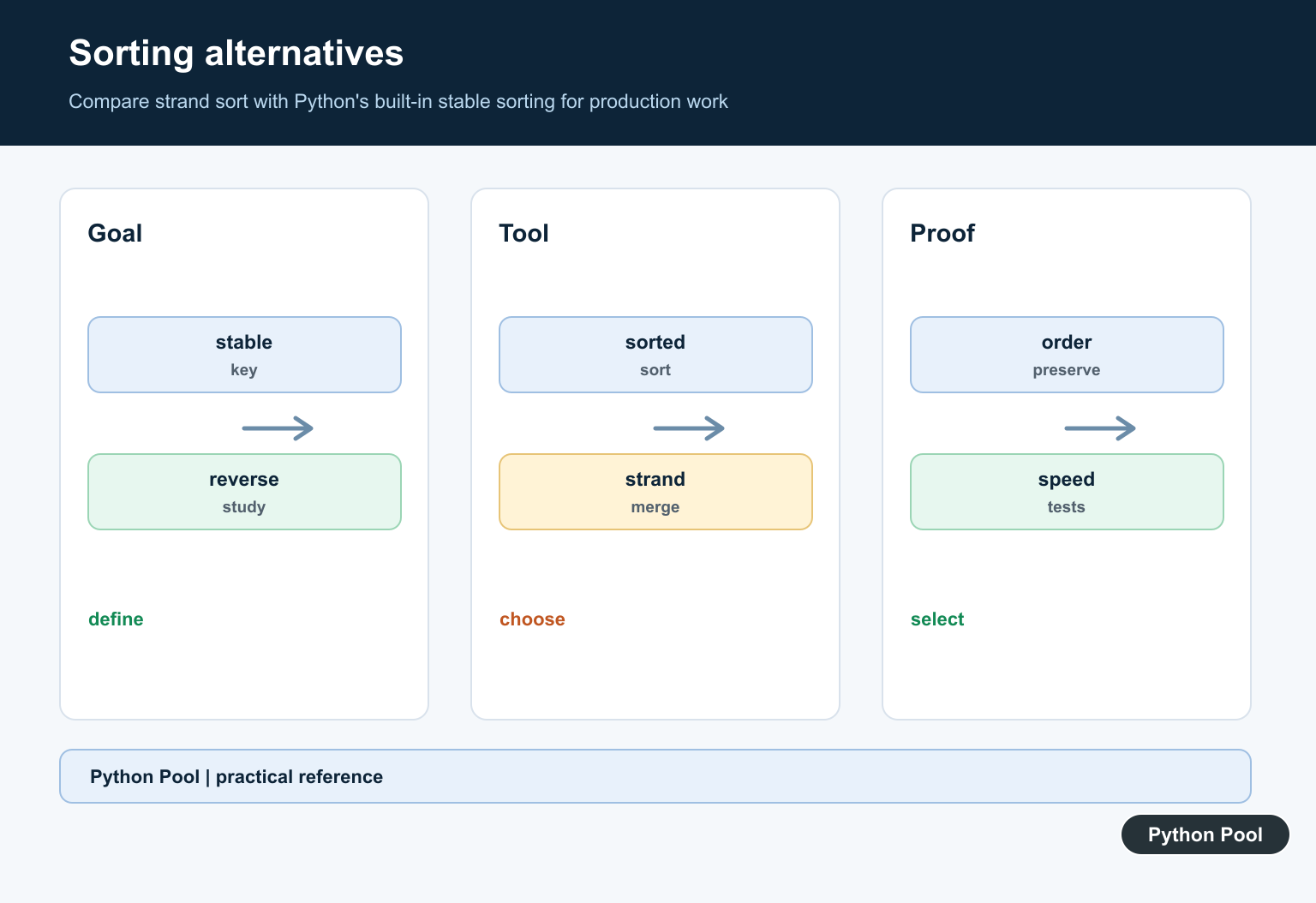
sorted and list.sort are highly optimized, well-tested, and support key functions and reverse order. Use strand sort when its algorithmic behavior is the subject, not as an automatic production replacement.
Test Correctness
Test empty, sorted, reverse-sorted, duplicate, negative, custom-key, and already-partially-ordered inputs. Check sortedness, element preservation, stability, and behavior on repeated calls.
Use the official Python Sorting HOW TO when comparing practical alternatives. Related Python Pool references include Python lists and testing.
For related sorting work, compare list behavior, ordering tests, and key mappings before choosing an algorithm.
Frequently Asked Questions
What is strand sort?
Strand sort builds an ordered subsequence, removes it from the input, and merges it into an output list until no elements remain.
What is the complexity of strand sort?
Its practical cost depends on the data structure and merge strategy, but repeated extraction and merging can make it slower and more allocation-heavy than built-in sorting.
Is strand sort stable?
A careful merge can preserve the relative order of equal values, but stability is an implementation property that should be tested rather than assumed.
When should I use Python sorted instead?
Use sorted or list.sort for production general-purpose sorting unless strand sort’s behavior is specifically required for an algorithm study or specialized data structure.
