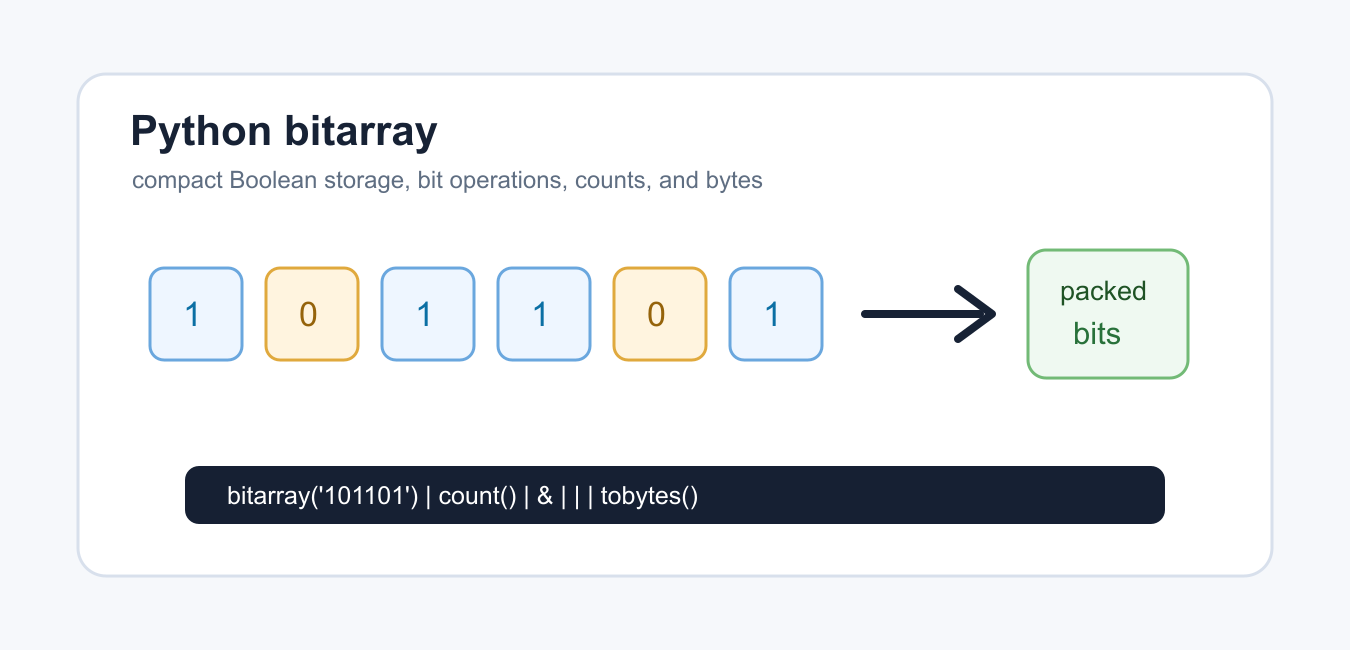
Quick answer: bitarray is a third-party package for storing Boolean-style flags densely and operating on them as bits. Use it when memory or bitwise operations matter, but keep ordinary lists for small or readability-first data and declare the dependency explicitly.
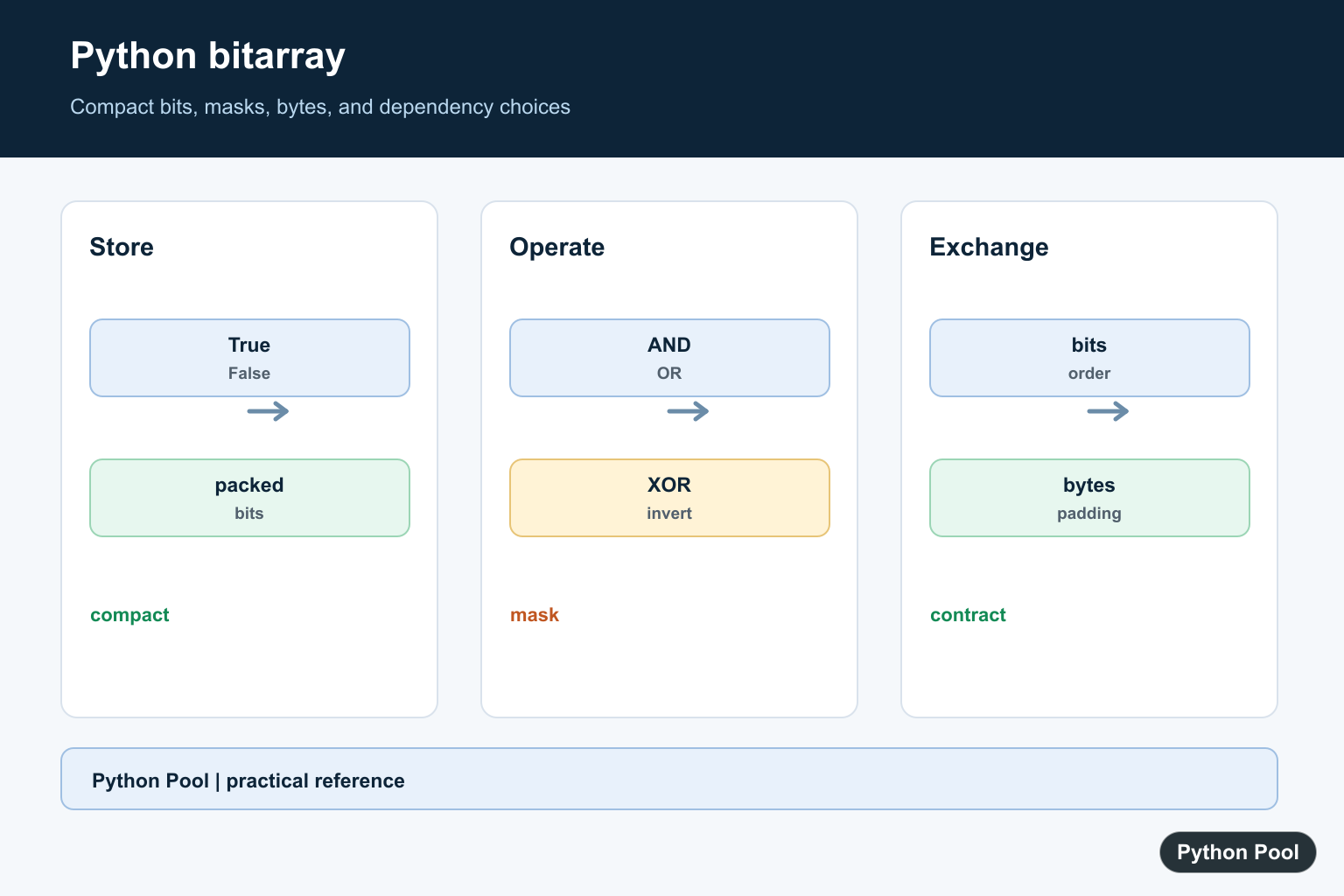
bitarray is a third-party Python package for storing many Boolean-style flags as compact bits. A normal Python list of True and False values is easy to read, but it stores each value as a full Python object reference. A bitarray stores the same yes/no information much more densely.
The package page at PyPI bitarray explains installation and release details. The official Python documentation for truth value testing is useful background for Boolean-like data.
Use bitarray when you have many flags, masks, membership markers, compressed binary states, or bitwise set operations. Use a normal list when the data is small or when readability is more important than compact storage.
The examples below catch ModuleNotFoundError so they remain runnable on systems where the package is not installed. In a real project, install the package first with your normal dependency workflow.
Do not choose bitarray only because it sounds lower level. Choose it when the shape of the data is naturally bit-oriented and the code benefits from compact storage or bitwise operations.
For example, a million feature flags, visited markers, bitmap-like states, or dense permission masks are reasonable candidates. A list of ten user choices is usually clearer as a normal list.
Create A bitarray
Import bitarray from the package and create a bit sequence from a string of 0 and 1 characters.
try:
    from bitarray import bitarray
except ModuleNotFoundError:
    print("Install bitarray to run this example.")
else:
    flags = bitarray("10110")
    print(flags)
    print(len(flags))
    print(flags.count(1))
The count shows how many bits are set to one. This is useful for enabled flags, membership states, feature masks, and compact yes/no records.
A bitarray behaves like a mutable sequence of bits, so many list-like operations are available while storage stays compact.
Keep a separate meaning for each position. Position 0 might mean one feature, while position 1 means another. Without that mapping, compact bits are hard to maintain.
Append And Extend Bits
You can add one bit with append() or add several with extend().
try:
    from bitarray import bitarray
except ModuleNotFoundError:
    print("Install bitarray to run this example.")
else:
    flags = bitarray()
    flags.append(True)
    flags.extend([False, True, True])
    print(flags.to01())
    print(flags.count(True))
to01() returns a readable string of zeros and ones. That is convenient for debugging and tests.
Use appending when bits arrive one at a time, and use construction from a known string or iterable when the starting state is already available.
When building from booleans, keep the source order stable. A bitarray is compact, but it still depends on positional meaning.
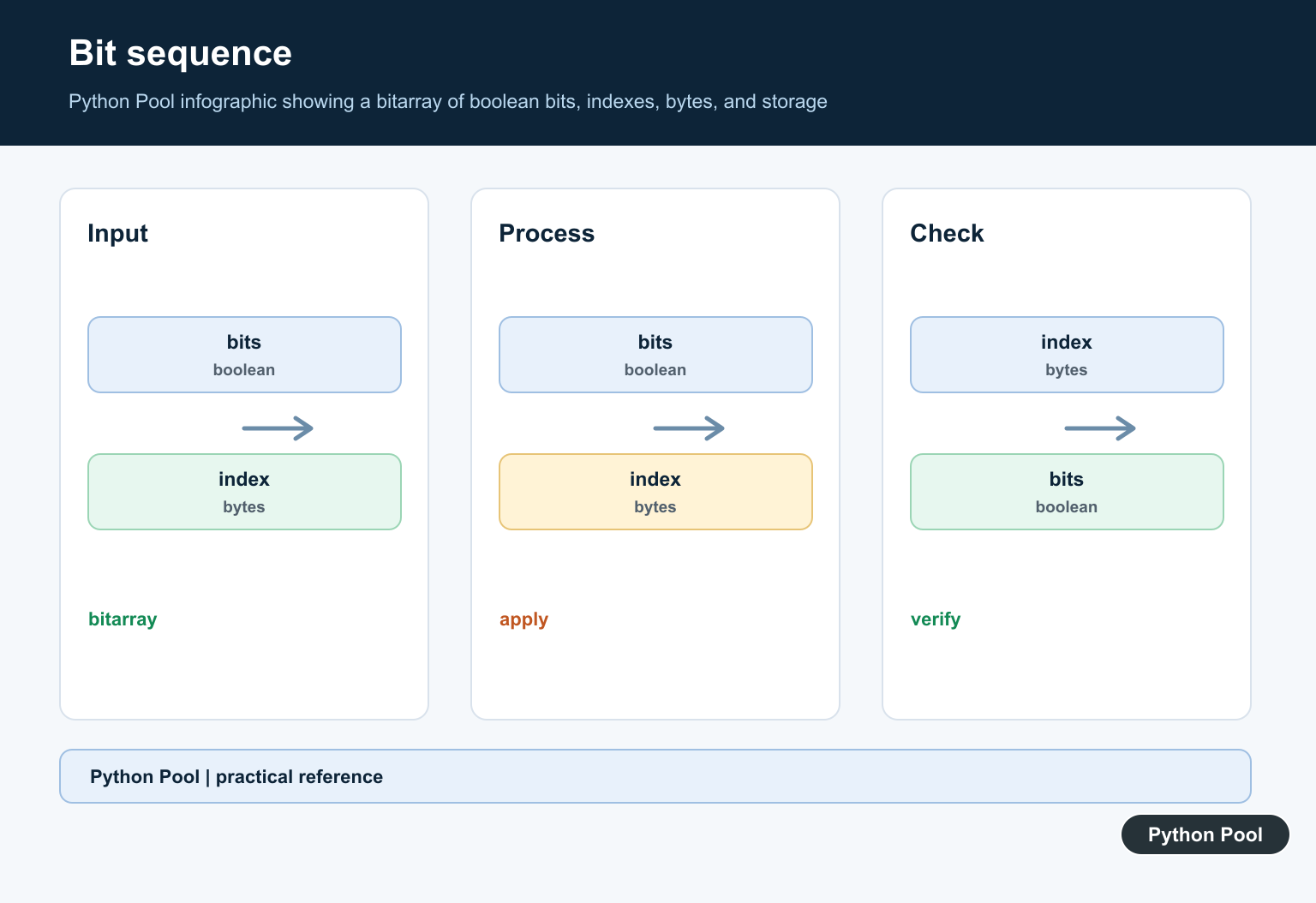
Use Bitwise Operations
Bitarrays support bitwise operations such as AND, OR, and XOR when the arrays have matching lengths.
try:
    from bitarray import bitarray
except ModuleNotFoundError:
    print("Install bitarray to run this example.")
else:
    left = bitarray("1100")
    right = bitarray("1010")

    print((left & right).to01())
    print((left | right).to01())
    print((left ^ right).to01())
These operations are useful for masks, permissions, feature flags, and compact set-like calculations.
Check lengths before combining arrays from different sources. A clear length error is easier to debug than an incorrect mask result later.
Bitwise operations are one of the main reasons to use this package. They let you combine many yes/no decisions with a small amount of code.
Flip Bits
The invert operator creates the opposite bit pattern.
try:
    from bitarray import bitarray
except ModuleNotFoundError:
    print("Install bitarray to run this example.")
else:
    flags = bitarray("10010")
    inverted = ~flags

    print(flags.to01())
    print(inverted.to01())
This is the bit-level equivalent of changing enabled flags to disabled flags and disabled flags to enabled flags.
Use inversion only when the whole bit sequence has the same meaning. If only part of the array is active, slice or mask the relevant region first.
For permission-style masks, be careful with unused positions. Inverting unused bits can make later checks appear enabled unless the valid range is enforced.
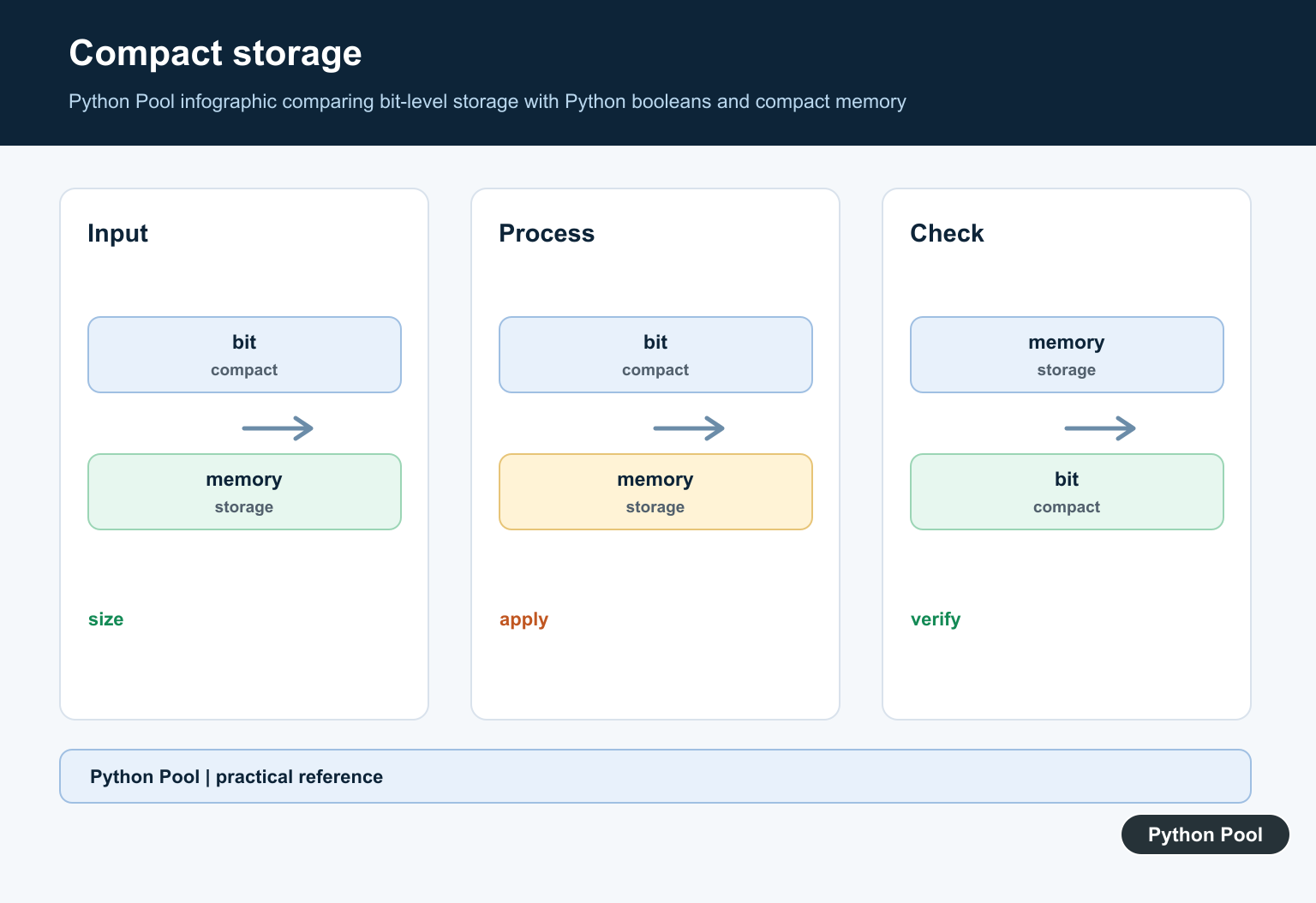
Convert To Bytes
A bitarray can be converted to bytes for storage or transport.
try:
    from bitarray import bitarray
except ModuleNotFoundError:
    print("Install bitarray to run this example.")
else:
    flags = bitarray("10110000")
    data = flags.tobytes()
    restored = bitarray()
    restored.frombytes(data)

    print(data)
    print(restored[:len(flags)].to01())
The restored array may include padding bits, so slice back to the original length when exact length matters.
This pattern is useful when compact flags need to be saved to a file, sent over a network, or stored in a binary field.
When exchanging bytes with another system, document the bit order and expected length. Those details are part of the data format, not just implementation details.
Compare With A Boolean List
For large flag sets, bitarray can use less memory than a list of Boolean values.
import sys

try:
    from bitarray import bitarray
except ModuleNotFoundError:
    print("Install bitarray to compare sizes.")
else:
    values = [True, False] * 5000
    flags = bitarray(values)

    print(len(values))
    print(sys.getsizeof(values) > sys.getsizeof(flags))
The exact memory numbers depend on the Python build and platform, but the compact storage is the point of using a bit array.
Measure in your actual workload if memory is the reason for adopting it. The package can reduce storage for many flags, but application-level objects around those flags may dominate total memory use.
The practical rule is simple: use a normal list for small, readable Boolean data; use bitarray when you need compact storage, fast bitwise operations, or byte conversion for many flags.
Good tests should include empty arrays, all-zero arrays, all-one arrays, mixed masks, mismatched lengths, and byte round trips where the original bit length must be preserved.
Choose Compact Storage
A Python list is convenient but carries object-reference overhead for each element. bitarray packs Boolean values densely, which can matter for large masks, visited flags, permissions, or bitmap-like state.
Install And Pin The Dependency
bitarray is not part of the standard library. Add it to the project’s dependency definition, pin or constrain versions appropriately, and test installation on every supported platform.
Use Bitwise Operations
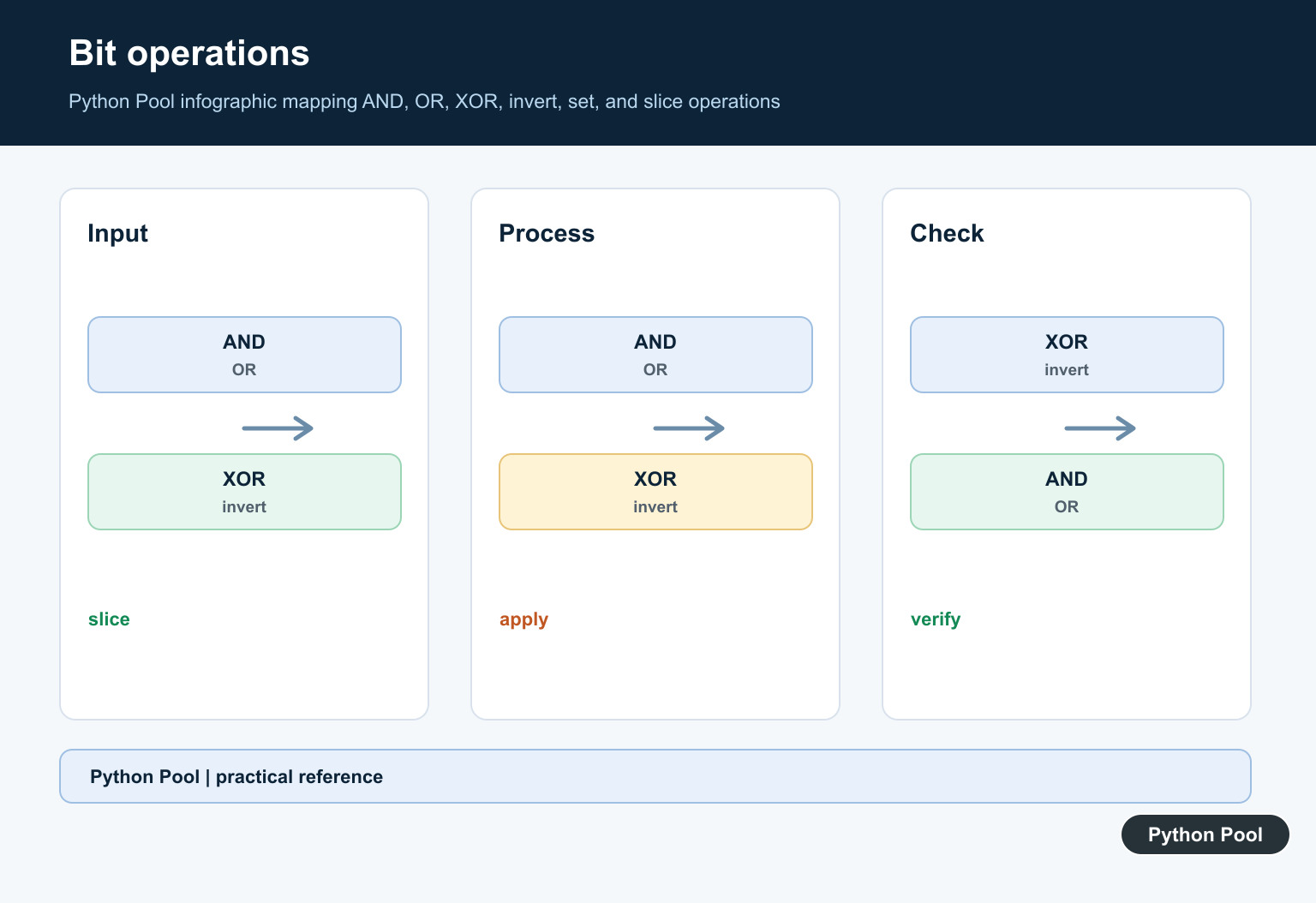
Bitwise AND, OR, XOR, and inversion can combine masks efficiently. Define bit order and whether inversion should be limited to a known length before exchanging or persisting the result.
Convert To Bytes Carefully
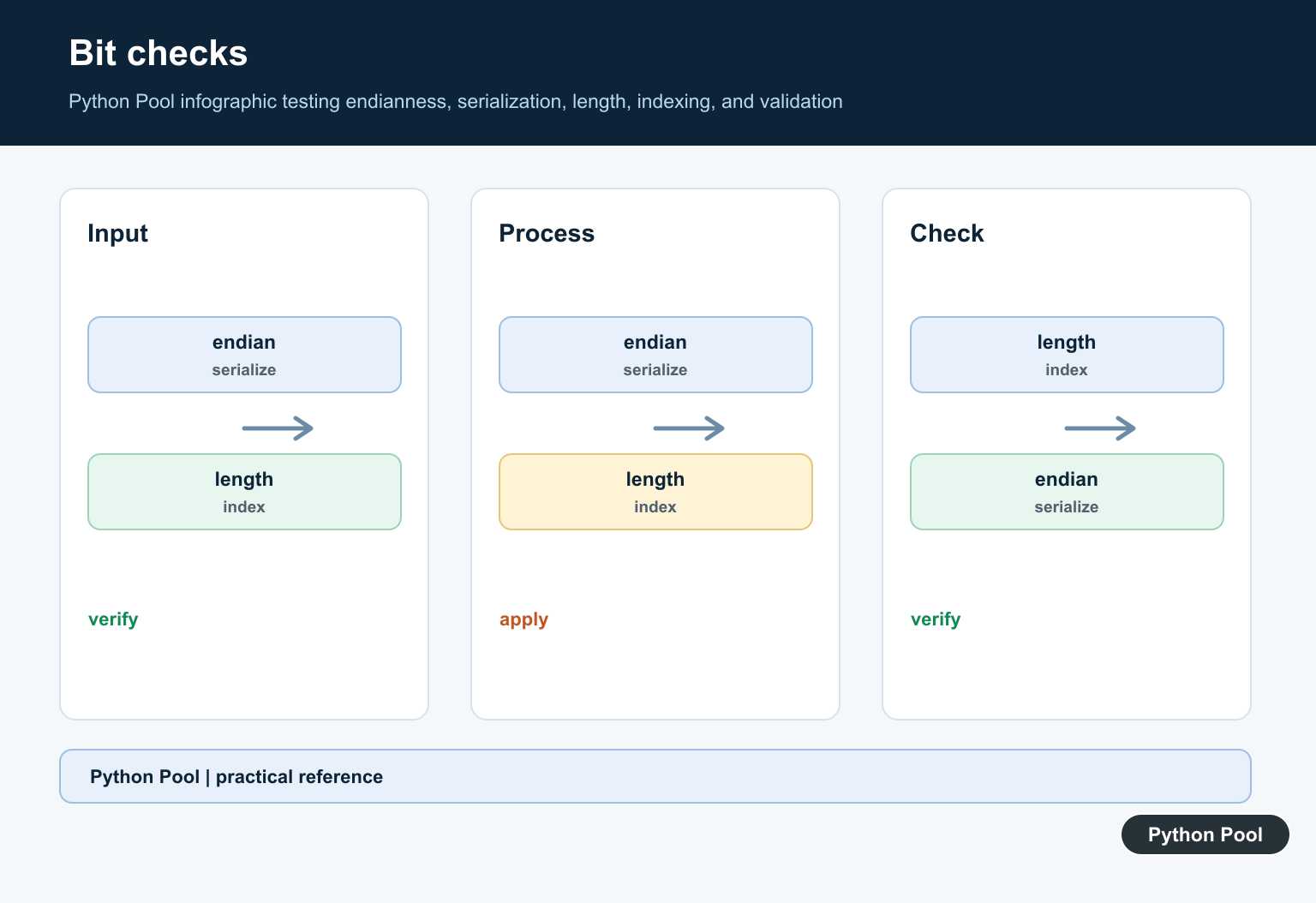
Byte conversion is useful for storage and protocols, but padding and bit endianness must be part of the interface contract. Test round trips with leading and trailing zero bits.
Compare The Alternatives
Use a normal list for small human-readable flags, NumPy arrays for numeric vector operations, and bitarray when dense Boolean storage or bitwise semantics are the actual requirement.
The bitarray package page documents installation and its API. Related references include bytes, Boolean counts, and dependency tests.
For related compact data, compare bytes, Boolean counts, and dependency tests when choosing a storage format.
Frequently Asked Questions
What is Python bitarray used for?
It stores many Boolean-style flags compactly and supports bitwise operations, counting, and conversion to bytes.
Is bitarray part of the standard library?
No. It is a third-party package that must be installed and declared as a project dependency.
When is a list better?
Use a normal list when the collection is small or readability and ordinary Python operations matter more than compact bit storage.
Can bitarray convert to bytes?
Yes. Use its documented byte-conversion methods while defining bit order and padding expectations for the receiving system.
