
Quick answer: np.diff() computes neighboring differences along an axis: output[i] is a[i+1] – a[i]. The selected axis shrinks by n, higher-order differences apply the operation repeatedly, and prepend or append can restore boundary context. Cast unsigned integers before differencing when negative changes are meaningful.
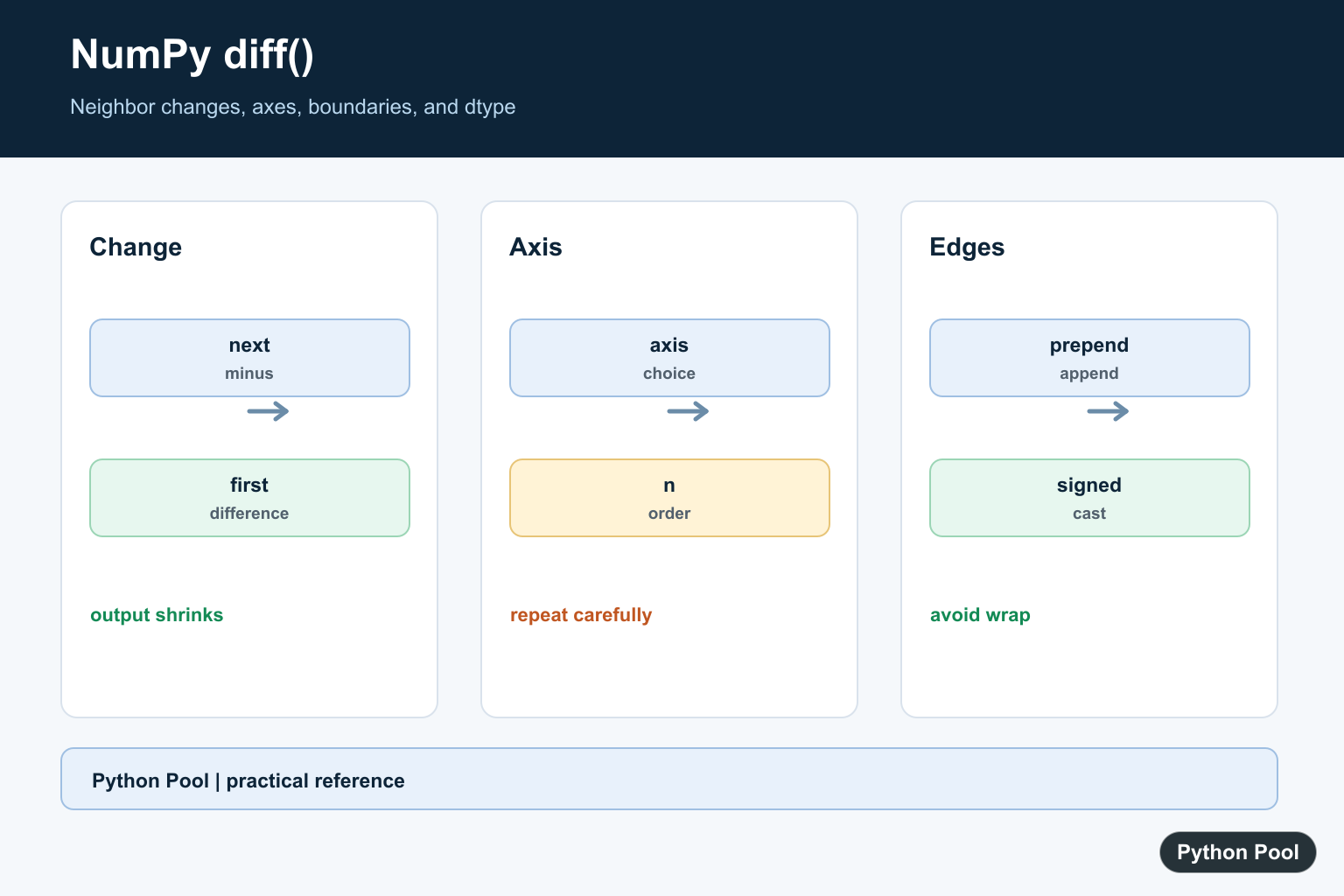
numpy.diff() calculates the difference between neighboring values in an array. It is commonly used to measure changes, steps, increments, and simple discrete rates.
The official NumPy documentation covers numpy.diff(), numpy.ediff1d(), and numpy.gradient().
Use diff() when the question is how much each value changed from the previous value. For a one-dimensional array, the result has one fewer element than the input.
The main arguments are a, n, axis, prepend, and append. The default computes first differences along the last axis.
n controls how many times the difference operation is repeated. First differences show direct neighbor changes, while second differences show how those changes themselves change.
The axis argument matters for two-dimensional arrays. Along rows, the function compares row to row. Along columns, it compares values inside each row.
Use prepend or append when the output length should match the input length or when a boundary value is part of the calculation.
Be careful with unsigned integer arrays. Differences that would be negative can wrap around because the result keeps the unsigned type. Cast to a signed type first when negative differences are meaningful.
If you need cumulative totals, use cumsum(). If you need changes between neighbors, use diff(). Those two operations answer opposite questions.
A good debugging habit is to print the input shape and output shape together. Most confusion with diff() comes from forgetting that the selected axis becomes shorter after each difference order.
Also make sure the array is ordered in the way you intend. diff() does not sort data before subtracting; it simply compares neighbors in the current order.
Calculate First Differences
For a one-dimensional array, diff() subtracts each value from the next value.
import numpy as np

values = np.array([2, 5, 9, 14])

changes = np.diff(values)

print(changes)
This prints the changes between neighboring values.
The result is shorter than the input because four values create three gaps.
Use this form for simple sequences such as measurements, indexes, counters, and sorted values.
When the input is sorted, the result can show spacing between consecutive items.
For unsorted values, the output still has meaning, but it means change in the given sequence rather than distance between sorted values. Sort first only when sorted spacing is the real question.
Calculate Higher-Order Differences
Set n to apply the difference operation more than once.
import numpy as np

values = np.array([1, 4, 9, 16, 25])

first = np.diff(values)
second = np.diff(values, n=2)

print(first)
print(second)
The first result shows neighbor changes.
The second result shows the changes between those changes.
Higher-order differences are useful when studying curvature, acceleration-like behavior, or simple polynomial patterns.
Each order reduces the length again, so check the output shape before combining it with other arrays.
Higher orders can become empty if the requested order is too large for the input length. Keep the order small enough for the data available.
Use diff Along Rows
Use axis=0 to compare one row with the next row.
import numpy as np

data = np.array([
    [10, 20],
    [13, 26],
    [18, 31],
])

row_changes = np.diff(data, axis=0)

print(row_changes)
This compares rows vertically.
The number of rows decreases by one, while the number of columns stays the same.
Use this form for time steps, ordered records, or measurements stored row by row.
It is often the clearest option when each row represents the next observation.
If rows represent dates or time steps, confirm they are already sorted chronologically. Otherwise, the row differences will reflect the stored order, not calendar order.
Use diff Along Columns
Use axis=1 to compare neighboring columns inside each row.
import numpy as np

data = np.array([
    [10, 13, 18],
    [20, 26, 31],
])

column_changes = np.diff(data, axis=1)

print(column_changes)
This compares values horizontally across each row.
The number of columns decreases by one, while the row count stays the same.
Use this form when each row is a separate sequence and the columns hold ordered values.
If the output shape is surprising, print data.shape and the result shape together.
Column differences are useful for features that appear in a meaningful order. If columns are independent labels with no sequence, subtracting neighboring columns may not answer a useful question.
Keep Length With prepend
prepend adds a boundary value before differences are calculated.
import numpy as np

values = np.array([4, 7, 10])

changes = np.diff(values, prepend=values[0])

print(changes)
The first difference becomes zero because the first value is compared with itself.
This keeps the output length equal to the input length.
Use this pattern when the change array must align position by position with the original array.
append works in the other direction by adding a value after the input.
Boundary values should be chosen deliberately. Repeating the first value makes the first change zero, while using a known baseline can make the first change measure distance from that baseline.
Avoid Unsigned Integer Surprises
Unsigned integer arrays can wrap when a difference would be negative.
import numpy as np

unsigned = np.array([5, 2], dtype=np.uint8)
safe = unsigned.astype(np.int16)

print(np.diff(unsigned))
print(np.diff(safe))
The unsigned result wraps instead of showing -3.
Casting to a signed type first gives the expected negative difference.
This matters when readings can decrease, sorted order is not guaranteed, or values represent counters that may move down.
The same caution applies when arrays come from compact storage types. If the dtype was chosen to save memory, cast before differencing when the mathematical result needs a wider or signed range.
In short, use np.diff(values) for neighbor changes, set axis for two-dimensional data, use prepend or append for boundaries, and cast unsigned arrays before subtracting if negative results are possible.
Choose The Difference Order
The default n=1 gives first differences. Higher n applies the difference recursively and shortens the selected axis further, so choose the order based on the signal or sequence you are analyzing.
import numpy as np

values = np.array([1, 3, 6, 10])
print(np.diff(values))
print(np.diff(values, n=2))
Select Rows Or Columns
For a two-dimensional array, axis=-1 means differences across the last axis by default. Set axis=0 to compare rows or axis=1 to compare adjacent columns so the result matches the data model.
import numpy as np

values = np.array([[1, 3, 6], [2, 5, 9]])
print(np.diff(values, axis=0))
print(np.diff(values, axis=1))
Use prepend For A Boundary
prepend and append add values along the selected axis before differencing. A scalar is expanded appropriately, while an array must match the input shape on every non-differenced axis.
import numpy as np

values = np.array([10, 13, 18])
print(np.diff(values, prepend=values[0]))
print(np.diff(values, append=values[-1]))
Cast Unsigned Integers First
Unsigned subtraction wraps around, so a decrease from 1 to 0 can become 255 in uint8. Cast to a signed or wider integer type before calling diff when negative changes should remain negative.
import numpy as np

values = np.array([1, 0], dtype=np.uint8)
print(np.diff(values))
print(np.diff(values.astype(np.int16)))
NumPy’s official diff reference documents n, axis, prepend, append, output shape, datetime values, and unsigned behavior. Compare NumPy gradient when you need an estimate across a coordinate spacing rather than only adjacent subtraction.
For related numerical changes and boundaries, compare NumPy gradient(), NumPy cumsum(), and NumPy arange() when choosing a difference, running total, or generated coordinate series.
Frequently Asked Questions
What does NumPy diff() calculate?
It calculates the n-th discrete difference along an axis, with the first difference defined as the next value minus the current value.
Why is the output of np.diff shorter?
Each difference consumes neighboring values, so the selected axis becomes n elements shorter unless prepend or append supplies boundary values.
How do I calculate differences by rows or columns?
Set axis explicitly: axis=0 differences compare rows, while axis=1 differences compare adjacent columns in a two-dimensional array.
Why did an unsigned integer difference become 255?
NumPy preserves unsigned dtype, so subtraction can wrap around; cast the array to a signed or wider integer type when negative results are meaningful.
