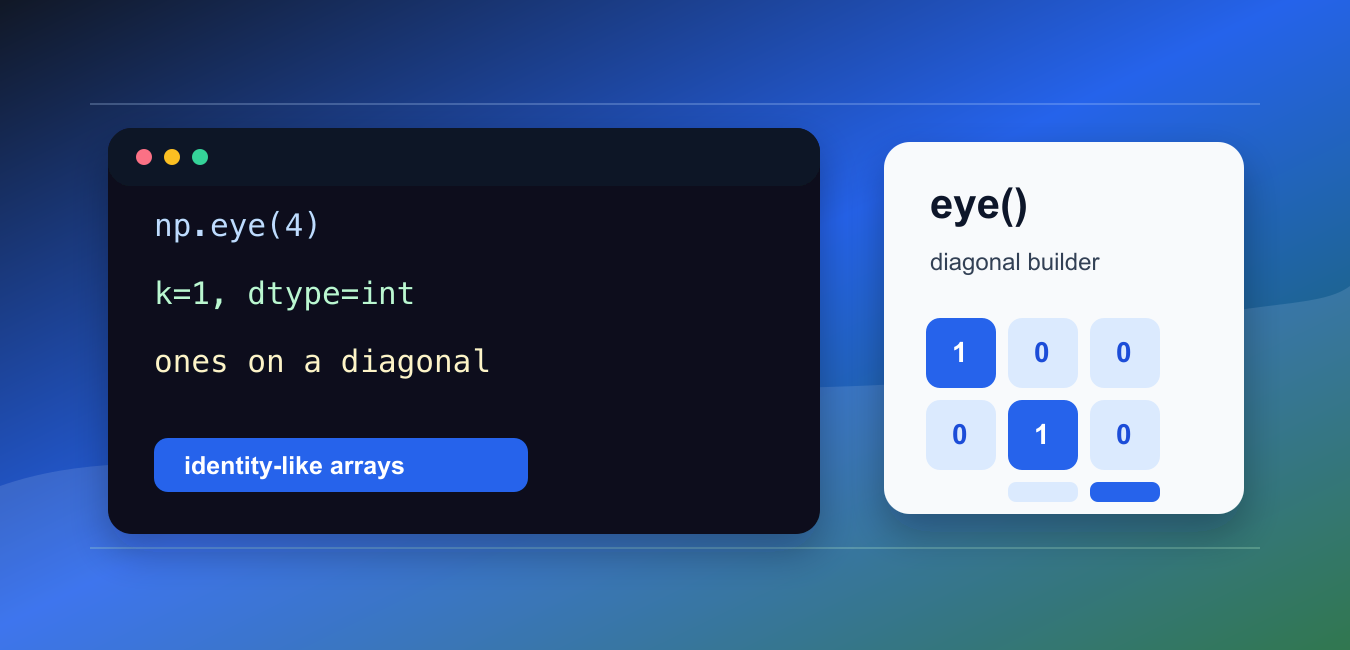
Quick answer: np.eye creates a two-dimensional array with ones on a selected diagonal and zeros elsewhere. Choose row and column dimensions, diagonal offset, dtype, and memory size deliberately so the result matches the downstream calculation.
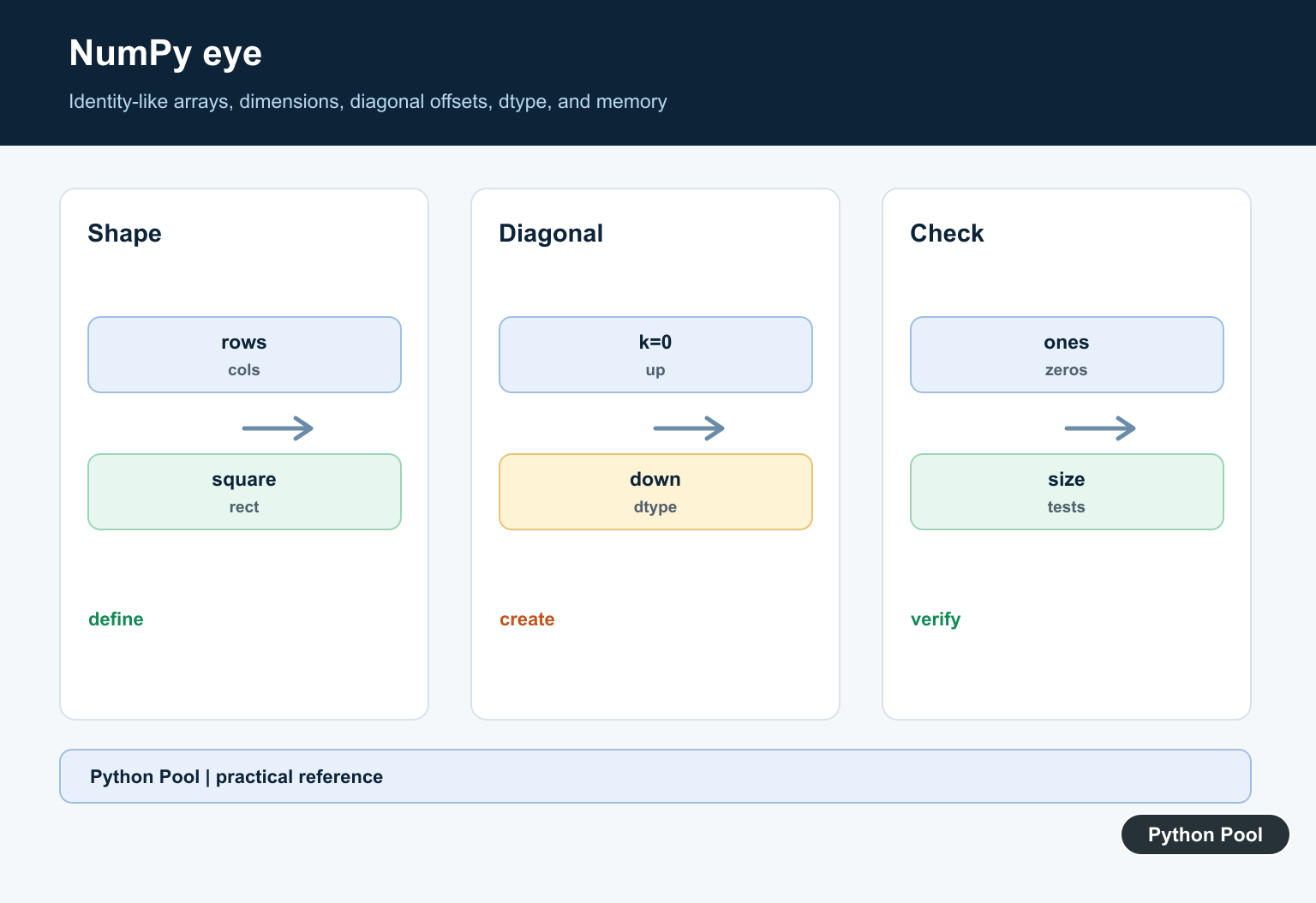
numpy.eye() creates a two-dimensional array with ones on a selected diagonal and zeros everywhere else.
The official NumPy documentation covers numpy.eye(), numpy.identity(), and numpy.diag().
Use eye() when you need an identity-like matrix, a diagonal mask, or a quick two-dimensional starter array for numerical examples.
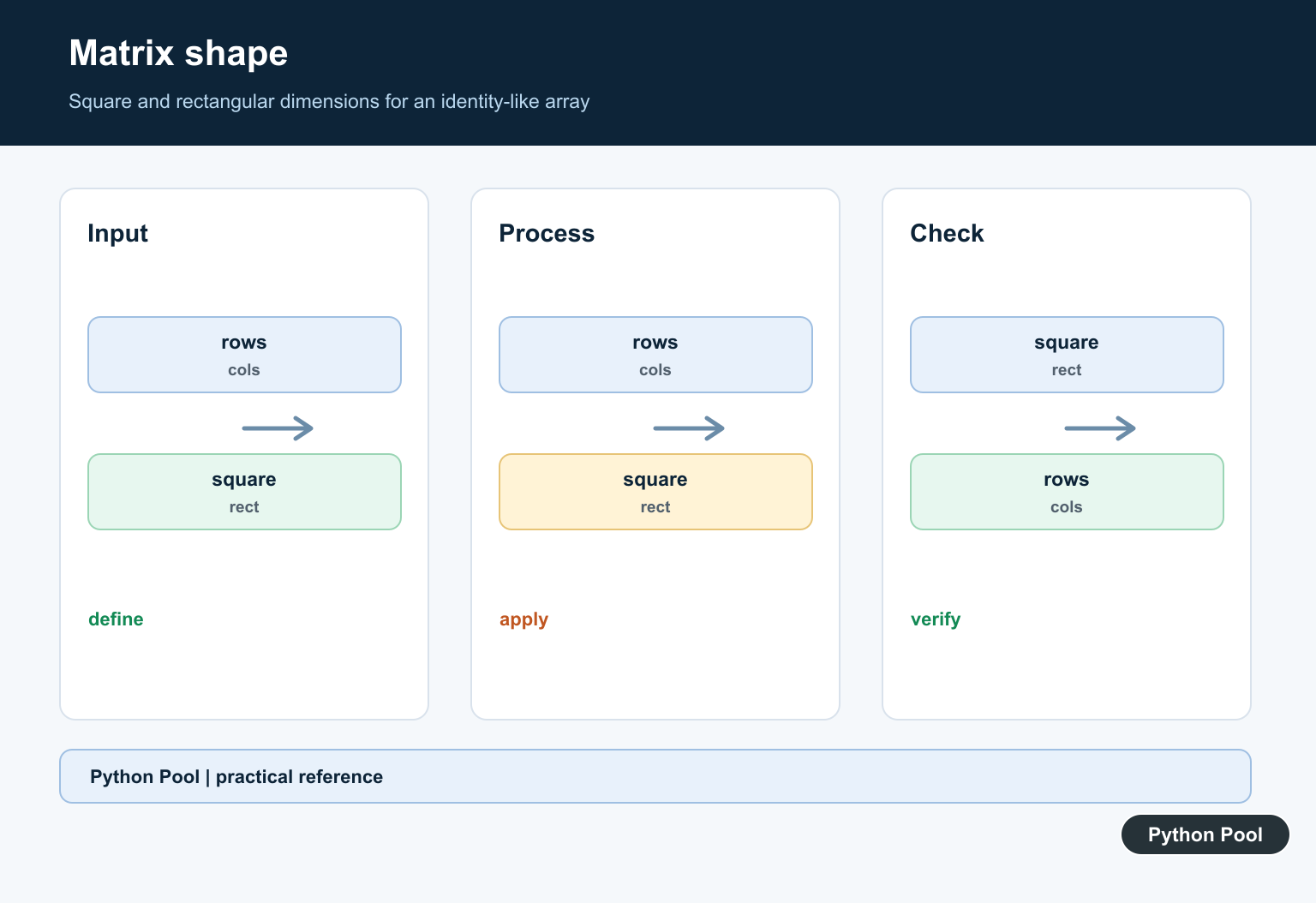
The first argument sets the number of rows. The optional M argument sets the number of columns. If M is omitted, NumPy creates a square array.
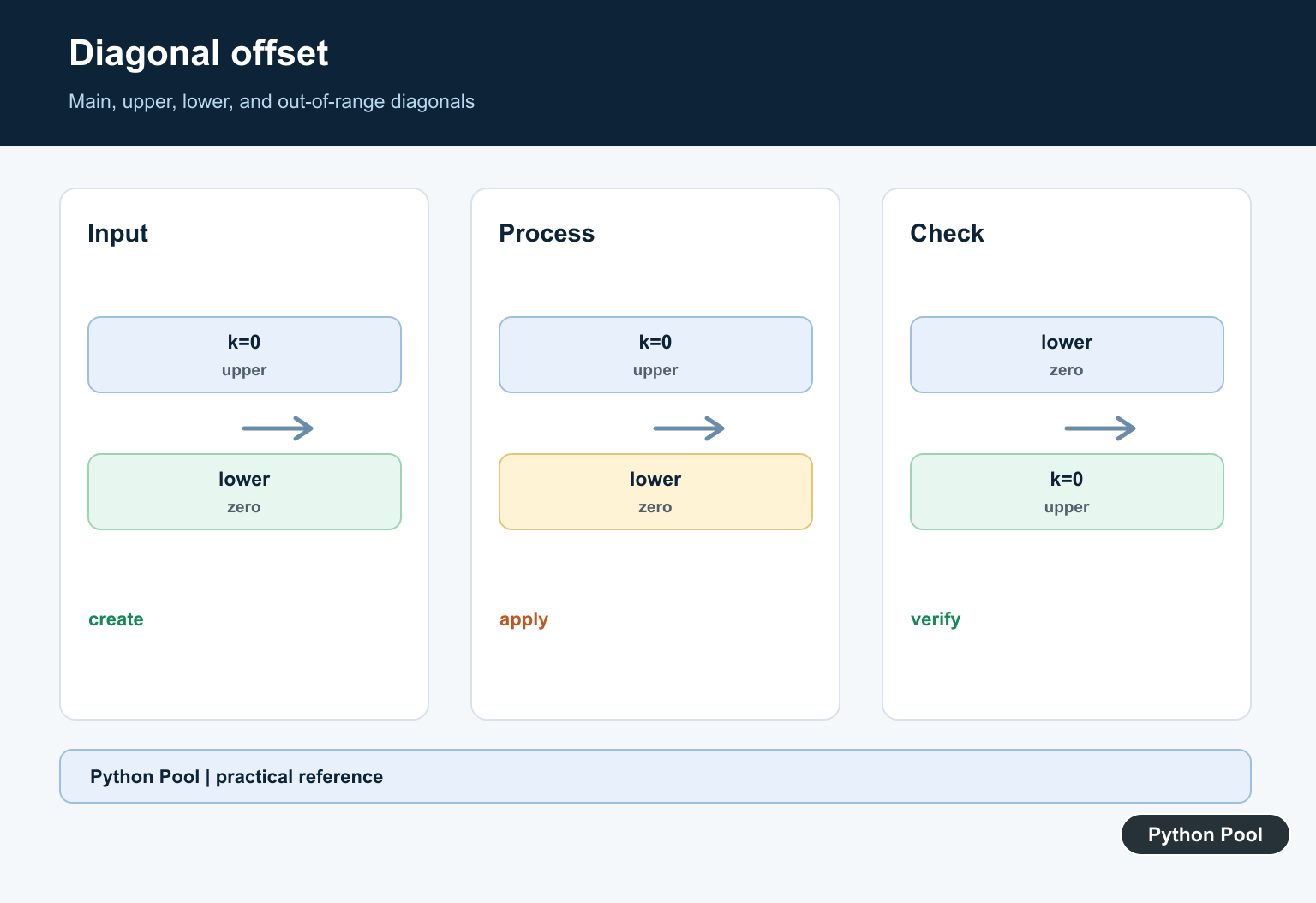
The k argument moves the diagonal. k=0 means the main diagonal, positive values move above it, and negative values move below it.
Choose dtype when the output should contain integers, booleans, or floating-point values. The default is floating point.
eye() is similar to identity(), but it is more flexible because it supports rectangular shapes and shifted diagonals.
It is also different from diag(). Use eye() to create a diagonal pattern from shape arguments. Use diag() to extract or build a diagonal from existing values.
Before using the result in calculations, check the shape. A rectangular output can be useful, but it may not behave like a square identity matrix in linear algebra operations.
A practical way to review an eye() call is to ask three questions: how many rows are needed, how many columns are needed, and which diagonal should receive the ones. Those three choices cover most mistakes.
When the array is only a teaching example, defaults are fine. When the array feeds another function, write the shape and dtype explicitly so the intent stays visible during later edits. eye fills only one diagonal with ones; numpy.ones() Function in Python creates all-one arrays with explicit shape, dtype, and order.
Create A Square Identity-Like Array
Pass one integer to create a square array with ones on the main diagonal.
import numpy as np

array = np.eye(4)

print(array)
print(array.shape)
This creates a 4 x 4 array.
The diagonal contains ones and every other position contains zero.
This form is common in examples, tests, and quick numerical setup code.
Use it when a square identity-like pattern is the intended starting point.
If the array will be multiplied with another matrix, confirm that the dimensions match the later operation. eye() creates the pattern, but it does not check whether that pattern is mathematically suitable for the next step.
Create A Rectangular Array
Pass N and M to control rows and columns separately.
import numpy as np

array = np.eye(3, 5)

print(array)
print(array.shape)
This creates three rows and five columns.
The diagonal still starts at the upper-left corner, but it stops when either rows or columns run out.
Rectangular arrays are useful for masks, examples, and shape demonstrations.
They are not the same as a square identity matrix, so keep the later operation in mind.
Rectangular output is often useful as a mask or alignment helper. It should not be treated as a drop-in replacement for a true identity matrix in every calculation.
Move The Diagonal With k
Use k to place the ones above or below the main diagonal.
import numpy as np

above = np.eye(4, k=1)
below = np.eye(4, k=-1)

print(above)
print(below)
k=1 moves the ones one diagonal above the main diagonal.
k=-1 moves them one diagonal below the main diagonal.
This is useful when building offset masks or demonstrating diagonal structure.
If the offset is too large for the shape, the result can contain only zeros.
That all-zero result is valid, but it can be surprising. When k is dynamic, inspect a small case or assert that the offset is inside the useful range for the chosen shape.
Set dtype
Set dtype when the output type matters.
import numpy as np

array = np.eye(3, dtype=np.int64)

print(array)
print(array.dtype)
This creates integer zeros and ones instead of floating-point zeros and ones.
Integer output is often clearer for display examples.
Boolean output can be useful when the array will act as a mask.
For numerical linear algebra, floating-point output is usually appropriate.
Use eye As A Boolean Mask
A boolean eye array can select diagonal positions from another array.
import numpy as np

data = np.array([
    [10, 20, 30],
    [40, 50, 60],
    [70, 80, 90],
])

mask = np.eye(3, dtype=bool)

print(data[mask])
The mask selects the main diagonal values from data.
This is concise when you need a diagonal mask but do not want to build it by hand.
For extracting a diagonal directly, np.diag(data) is often simpler.
Use the mask form when it will also be combined with other boolean conditions.
For example, a diagonal mask can be joined with a threshold mask to keep only diagonal entries that also pass a value check. In that situation, creating the mask with eye() keeps the diagonal logic separate and readable.
Compare eye And identity
np.identity() creates a square identity array. np.eye() can do that and more.
import numpy as np

from_eye = np.eye(3)
from_identity = np.identity(3)

print(from_eye)
print(np.array_equal(from_eye, from_identity))
For a simple square identity array, both functions can produce the same values.
Choose eye() when you need rectangular shapes, shifted diagonals, or explicit dtype control in one familiar call.
Choose identity() when the intent is strictly a square identity matrix and no offset is needed.
In short, use np.eye(N) for a square diagonal pattern, np.eye(N, M) for rectangular output, and k when the diagonal should move away from the main diagonal.
Set Dimensions
Pass one dimension for a square identity-like array or separate rows and columns for a rectangular matrix. Confirm the shape before using it in broadcasting or matrix operations.
Use The Diagonal Offset
k=0 selects the main diagonal, positive values move above it, and negative values move below it. An offset outside the matrix can produce an all-zero result.
Choose A Dtype
The default numeric type may not be the best choice for a mask, integer computation, or memory-limited workload. Set dtype explicitly when downstream code depends on it.
Consider Memory
Large dense arrays allocate storage for zeros as well as ones. Use a sparse representation when the mathematical object is large and mostly empty.
Compare Alternatives
Use np.identity for a square identity matrix, np.diag for diagonal data, or a sparse constructor when those APIs communicate the intended structure better.
Test Shape And Values
Test square and rectangular dimensions, positive and negative k, out-of-range offsets, dtype, empty dimensions, and a hand-computed expected diagonal.
Use the official NumPy eye documentation. Related Python Pool references include NumPy arrays and testing.
For related matrix work, compare NumPy shapes, value tests, and configuration mappings before creating an identity-like array.
Frequently Asked Questions
What does NumPy eye do?
np.eye returns a two-dimensional array with ones on a selected diagonal and zeros elsewhere.
What does the k parameter mean in np.eye?
k shifts the diagonal above or below the main diagonal; positive values move upward and negative values move downward.
Can np.eye create a rectangular matrix?
Yes. Pass separate row and column dimensions when the identity-like array should not be square.
How do I control the output type?
Use the dtype argument when the downstream computation needs a specific numeric or boolean representation.
