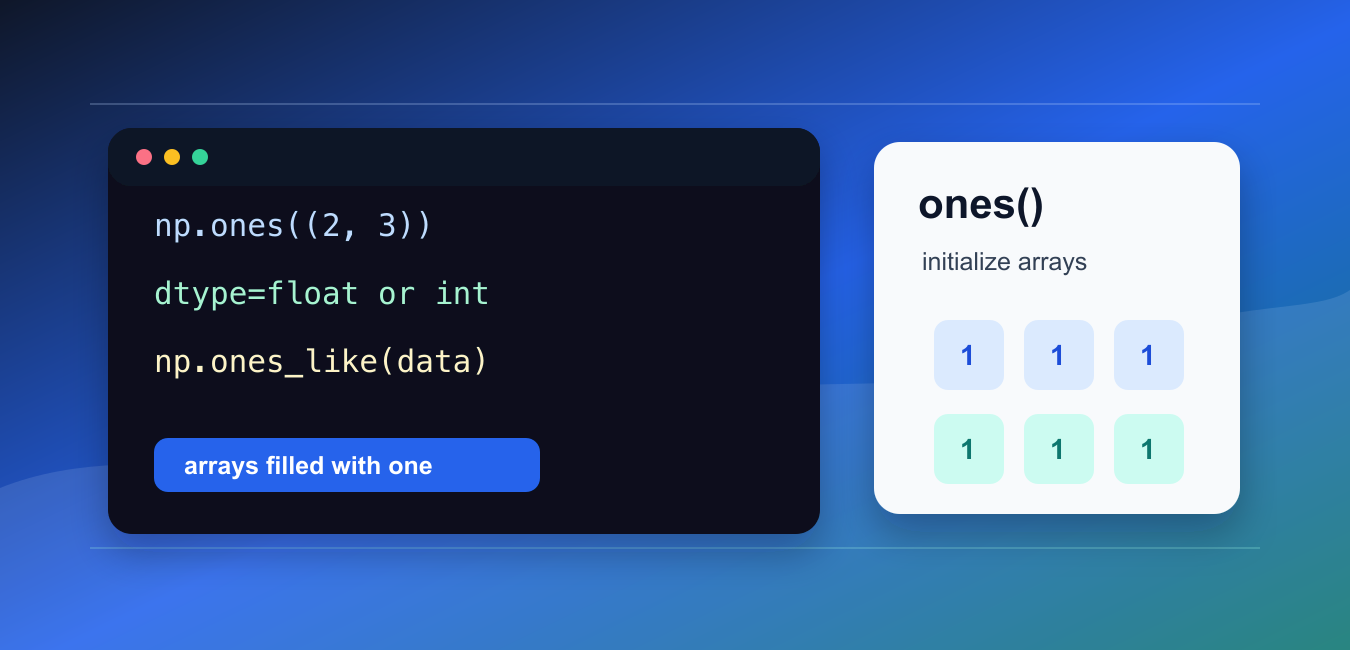
Quick answer: np.ones(shape) creates a new NumPy array filled with one. Make shape and dtype explicit when the array is used for a mask, initialization, broadcasting, or numerical computation, and use ones_like() when an existing array defines the desired structure.
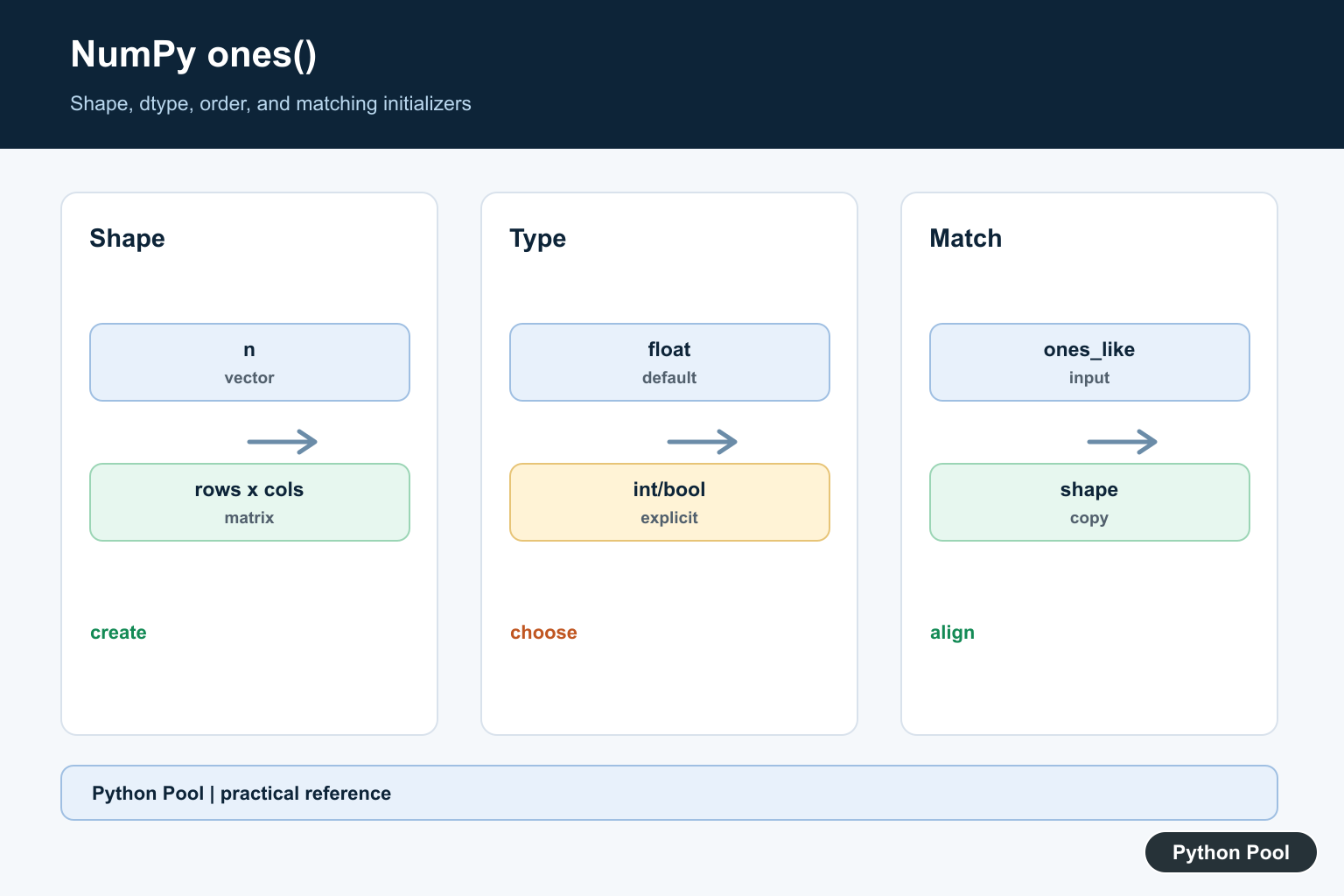
numpy.ones() creates a new NumPy array filled with the value one. You choose the shape, dtype, and memory order of the result.
The official NumPy documentation covers numpy.ones(), numpy.ones_like(), and numpy.zeros().
Use ones() when an array needs to start with neutral multiplicative values, default weights, masks, scaling factors, or a known filled shape for later updates.
The most important argument is shape. A single integer creates a one-dimensional array. A tuple such as (2, 3) creates rows and columns.
Choose dtype deliberately. The default is floating point, but integer, boolean, and other numeric types can be requested when that better matches later calculations.
Arrays of ones are often used as placeholders. They are simple enough to inspect, but still have the exact shape needed for later broadcasting, multiplication, or replacement.
Before creating the array, decide whether shape should be written directly or copied from another array. Direct shapes are clear for examples, while matching shapes are safer in reusable code.
Choose ones() instead of zeros() when the default value should preserve multiplication, represent enabled positions, or act as a starting weight.
That intent should be visible in the surrounding code.
Create A One-Dimensional Array
Pass an integer shape to create a one-dimensional array of ones.
import numpy as np

values = np.ones(5)

print(values)
print(values.dtype)
This creates five values, all set to one.
The default dtype is floating point, so the printed values usually appear as 1..
Use this form for simple weights, starter arrays, or quick numeric examples.
One-dimensional arrays are also useful for parameter vectors, masks that will be refined later, and small test cases.
Create A Two-Dimensional Array
Pass a tuple shape to create a matrix-like array.
import numpy as np

array = np.ones((2, 3))

print(array)
print(array.shape)
This creates two rows and three columns.
Tuple shapes are the standard way to create multi-dimensional arrays in NumPy.
Check the shape after creation when the array will be combined with other arrays.
If the shape is wrong, later operations may fail or broadcast in a way that does not match the intended calculation.
Set dtype
Use dtype to control the type of the filled array.
import numpy as np

array = np.ones((2, 3), dtype=np.int64)

print(array)
print(array.dtype)
This creates integer ones instead of floating-point ones.
Set dtype when exact integer behavior, memory use, or compatibility with later operations matters.
If dtype is omitted, NumPy chooses a floating-point dtype by default.
For boolean-style masks, consider whether np.ones(shape, dtype=bool) communicates intent better than numeric ones.
Use ones_like For Matching Shape
np.ones_like() creates a filled array with the same shape and dtype as an existing array.
import numpy as np

data = np.array([[2, 4], [6, 8]], dtype=np.int32)

weights = np.ones_like(data)

print(weights)
print(weights.dtype)
This is useful when a mask, weight array, or starter array should match existing data.
Using ones_like() avoids repeating shape and dtype information by hand.
It also reduces mistakes when the source array shape changes later.
This is a good default for functions that receive an input array and need a companion array of the same size.
Scale An Array With Ones
An array of ones can act as a simple multiplier or baseline.
import numpy as np

prices = np.array([10, 20, 30])
multipliers = np.ones(prices.shape)

result = prices * multipliers

print(result)
This leaves the values unchanged because multiplying by one is neutral.
In real workflows, the array of ones may be updated later with custom weights or scale factors.
This pattern is common when building arrays step by step.
Starting with ones is especially useful when the default effect should preserve values until specific positions are updated.
Choose Memory Order
The order argument controls row-major or column-major memory layout.
import numpy as np

array = np.ones((2, 3), order="C")

print(array.flags.c_contiguous)
print(array.flags.f_contiguous)
The default "C" order is appropriate for most Python code.
Use "F" only when column-major layout is needed for interoperability or performance in a specific numeric workflow.
For ordinary array creation, focus on shape and dtype first.
Common ones Mistakes
The first common mistake is forgetting that the default dtype is floating point. Set dtype when integer ones are required.
The second mistake is passing separate shape arguments instead of a tuple. Use np.ones((2, 3)), not np.ones(2, 3).
The third mistake is using ones() when an existing array should be matched. Use ones_like() for matching shape and dtype.
In short, use np.ones(shape) to create arrays filled with one, set dtype when type matters, and use np.ones_like(data) when another array should define the shape.
Create A Shape You Can State
Pass an integer for a one-dimensional array or a tuple for multiple dimensions. The returned shape is part of the calculation’s contract, so inspect it before broadcasting, matrix multiplication, or assigning into another array.
Set dtype Deliberately
The default floating-point dtype is useful for many numerical calculations, but integer and boolean arrays behave differently in arithmetic and indexing. Pass dtype=int, bool, or a specific NumPy type at construction instead of relying on an implicit cast later.
Use ones_like For Matching Arrays
ones_like(existing) copies the existing array’s shape and, by default, its dtype and relevant array properties. It is clearer than manually repeating shape dimensions when the new initializer must track an input that may change over time.
Understand Order And Memory
The order argument influences how multidimensional data is laid out in memory. Most code should use the default unless an algorithm or interoperability boundary has a documented row-major or column-major requirement; benchmark rather than guessing.
Test Shape, Type, And Broadcast
Test scalar and tuple shapes, integer and boolean dtypes, ones_like with views, empty dimensions, and intended broadcasts. Assert shape and dtype in addition to values so an all-ones array cannot hide a layout error.
The official numpy.ones reference documents shape, dtype, order, and device options. The ones_like reference covers matching an existing array. Related guidance includes array construction and shape tests.
For related array initialization, compare identity matrices, array magnitudes, and shape tests when choosing dtype and broadcasting behavior.
Frequently Asked Questions
What does np.ones() do?
It returns a new NumPy array of the requested shape with every element initialized to one.
What is the default dtype of np.ones()?
The default is usually floating point, so pass dtype=int, bool, or another type when the downstream operation requires it.
When should I use ones_like()?
Use ones_like() when the new array should match an existing array’s shape and, by default, dtype and other array properties.
Can I create a matrix of ones?
Yes. Pass a tuple such as (rows, columns) to create a two-dimensional array and verify its shape before broadcasting or multiplication.
