
Quick answer: To tabulate JSON, parse it into Python objects, normalize a list of records into a rectangular row-and-column schema, choose a missing-value policy, and then pass rows and headers to tabulate. Keep machine-readable JSON separate from presentation output.
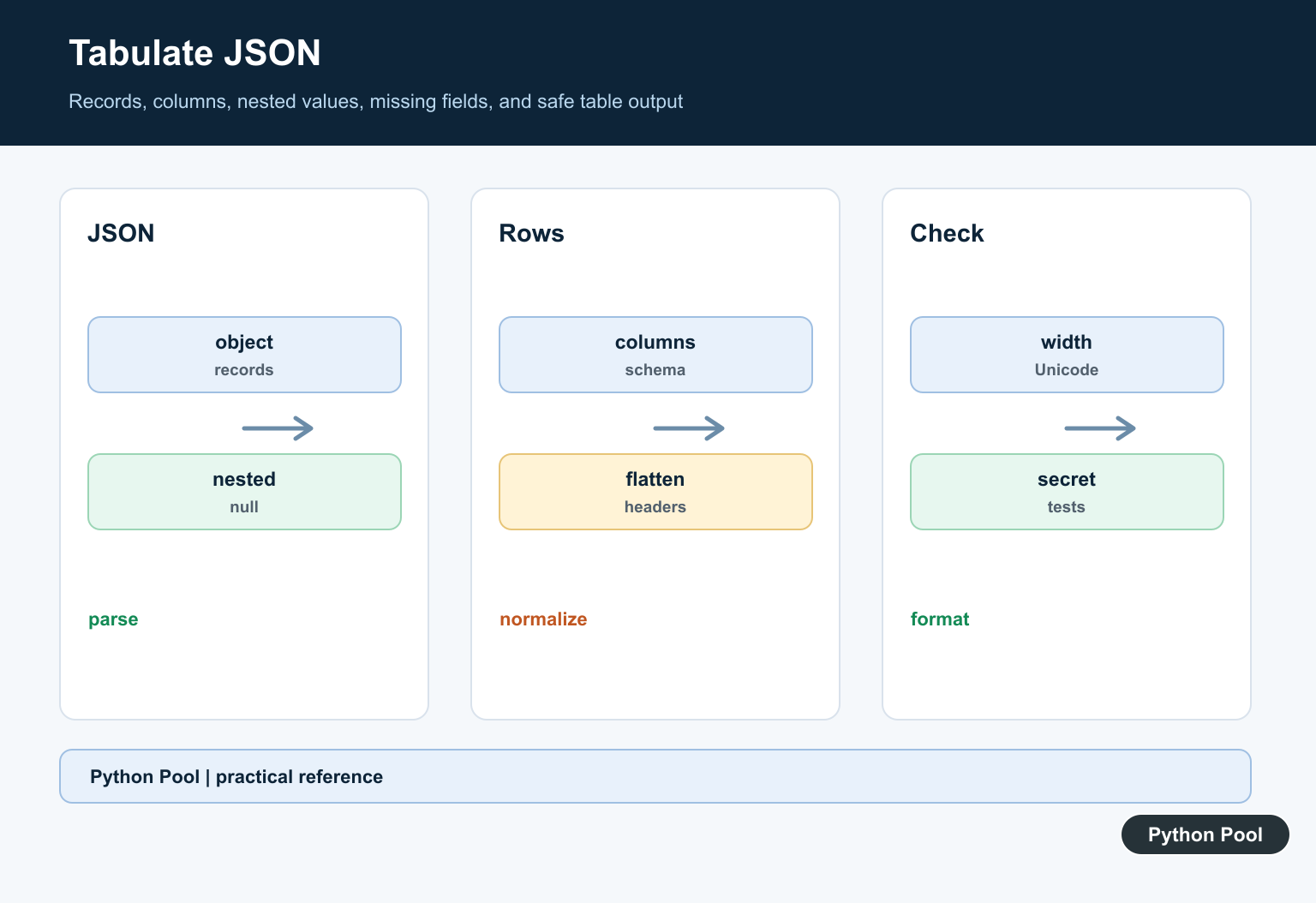
To tabulate JSON data in Python, first parse the JSON into dictionaries or lists, then convert that structure into rows and columns. The best tool depends on the shape of the data. A list of flat objects can become a pandas DataFrame directly, while nested API responses often need pandas.json_normalize() before they are easy to read.
JSON is common in API responses, configuration files, exported logs, and web applications. It maps naturally to Python dictionaries, lists, strings, numbers, booleans, and None. The official Python json documentation covers parsing JSON strings and files with json.loads() and json.load().
A table is useful when you need to compare records, inspect fields, export a CSV, or print a clean command-line report. If your data is coming from CSV instead of JSON, see the NumPy read CSV guide for a related file-loading workflow.
Before writing conversion code, identify the top-level JSON shape. A list of objects usually means each object can become one row. A dictionary of lists usually means each key can become one column. A nested response needs flattening or a small cleanup step before it can become a useful table.
Load JSON Data In Python
Start by loading JSON into normal Python objects. A JSON array of objects becomes a list of dictionaries, which is the easiest shape to tabulate.
import json

raw_json = '''
[
  {"user_id": 1, "name": "Maya", "score": 92},
  {"user_id": 2, "name": "Noah", "score": 85},
  {"user_id": 3, "name": "Iris", "score": 97}
]
'''

records = json.loads(raw_json)
print(records[0]["name"])
When reading from a file, use json.load(file_object) instead of json.loads(text). After parsing, inspect the top-level type with type(data). A list of dictionaries usually converts cleanly; a dictionary with nested lists may need one extra extraction step.
Do this inspection early because it prevents many confusing table layouts. If the first row looks like a single column full of dictionaries, the JSON was not flattened enough. If important values appear inside nested objects, normalize or clean those fields before creating the final table.
Create A pandas DataFrame
For flat records, pass the list of dictionaries into pandas.DataFrame(). Pandas uses dictionary keys as column names and each dictionary as one row. The pandas DataFrame documentation explains the constructor options.
import pandas as pd

records = [
    {"user_id": 1, "name": "Maya", "score": 92},
    {"user_id": 2, "name": "Noah", "score": 85},
    {"user_id": 3, "name": "Iris", "score": 97},
]

df = pd.DataFrame(records)
print(df)
This approach is direct and readable. If some records are missing a key, pandas fills that cell with NaN. That behavior is often useful because it shows which fields are absent without crashing the conversion.
Once the DataFrame exists, you can select columns, rename headings, sort rows, or export the result. For example, keep only the columns needed for a report instead of displaying every field returned by an API.
Use DataFrame.from_dict()
DataFrame.from_dict() is helpful when your JSON has a dictionary-of-lists shape. Each key becomes a column, and each list supplies that column’s values.
import pandas as pd

data = {
    "name": ["Maya", "Noah", "Iris"],
    "score": [92, 85, 97],
    "passed": [True, True, True],
}

df = pd.DataFrame.from_dict(data)
print(df)
Use this form when columns are already separated. For a list of records, the normal DataFrame(records) constructor is usually simpler. For mixed or deeply nested shapes, normalize the data before choosing a constructor.
The important detail is orientation. If the dictionary keys describe columns, from_dict() works well. If the dictionary keys describe record IDs, you may need to pass orient="index" or convert the values into a list first.
Flatten Nested JSON With json_normalize()
API responses often contain nested objects. pandas.json_normalize() flattens nested dictionaries into columns with dotted names. The pandas json_normalize documentation covers deeper options such as record_path and meta.
import pandas as pd

records = [
    {"id": 1, "user": {"name": "Maya", "team": "A"}, "score": 92},
    {"id": 2, "user": {"name": "Noah", "team": "B"}, "score": 85},
]

df = pd.json_normalize(records)
print(df[["id", "user.name", "user.team", "score"]])
This is usually better than manually looping through every nested key. You can rename the dotted columns after normalization if the table is going into a report or spreadsheet.
Nested data should not be flattened blindly. Keep only fields that answer the question you are trying to ask. A smaller table with clear columns is usually more useful than a wide table containing every nested property from the source JSON.
Tabulate JSON For Console Output
The third-party tabulate package is useful when you want a clean table in terminal output. It does not replace pandas for analysis, but it is excellent for readable command-line reports. The python-tabulate project documents supported table formats.
from tabulate import tabulate

records = [
    {"name": "Maya", "score": 92},
    {"name": "Noah", "score": 85},
]

print(tabulate(records, headers="keys", tablefmt="github"))
Install it with pip install tabulate before running the example. Use this approach when humans need to read output in a terminal, log, or Markdown file. Use pandas when you need filtering, grouping, joins, or exports.
You can also combine both tools: prepare the data with pandas, select the final columns, then pass df.to_dict("records") into tabulate() for display. That keeps analysis and presentation separate.
Clean Fields Before Building The Table
Real JSON often contains extra nested fields, inconsistent key names, or values that need conversion. Clean the records before tabulating so the table has predictable columns.
records = [
    {"id": "001", "profile": {"name": "Maya"}, "score": "92"},
    {"id": "002", "profile": {"name": "Noah"}, "score": "85"},
]

rows = [
    {
        "id": int(item["id"]),
        "name": item["profile"]["name"],
        "score": int(item["score"]),
    }
    for item in records
]

print(rows)
This step is especially useful for API responses. Keep the cleaning logic close to the input format, then pass the cleaned rows into pandas or tabulate. For related serialization basics, see the Python serial read guide.
For flat JSON, convert directly with pd.DataFrame(records). For dictionary-of-lists data, use DataFrame.from_dict(). For nested records, use json_normalize() or clean the fields yourself. For terminal display, pass cleaned rows to tabulate() with headers="keys".
Parse And Validate The Shape
JSON can be an object, list, scalar, or nested structure. Check the top-level shape and required fields before assuming it is a list of homogeneous records.
Define Columns Explicitly
A fixed column list controls order, avoids accidental leakage of fields, and makes missing values predictable. Use a field extraction function for nested paths rather than relying on dictionary iteration order as a schema.
Normalize Nested Values
Nested objects and lists can be flattened, selected at a path, or serialized as compact JSON. Pick the representation that helps the reader and does not destroy important structure.
Handle Missing And Null Data
Distinguish a missing key from an explicit JSON null when the meaning matters. Convert values consistently for display, and do not replace a meaningful zero or false value with a fallback by mistake.
Keep Output Safe
Table output is for humans or logs. Escape or sanitize values for the destination format, limit large fields, and avoid printing secrets or untrusted terminal control sequences.
Test The Formatter
Test empty lists, mixed keys, nested values, nulls, long text, Unicode, numeric alignment, malformed JSON, and output schema. Keep an assertion that structured input remains available for API clients.
Use the tabulate project documentation and the official Python JSON documentation. Related Python Pool references include dictionaries and tests.
For related data formatting, compare JSON mappings, schema tests, and safe text output before rendering a table.
Frequently Asked Questions
How do I tabulate JSON in Python?
Parse JSON into Python objects, normalize a list of records into rows and column names, then pass the rows and headers to tabulate.
What if JSON records have different keys?
Choose a column schema and use a deliberate missing-value policy such as an empty string, null marker, or nested-field fallback.
Can tabulate print nested JSON directly?
It can display values, but nested dictionaries and lists are usually clearer after flattening, selecting a path, or serializing the nested value deliberately.
Is a formatted table suitable for an API response?
No. Tables are presentation output; keep structured JSON for machine-to-machine responses and use tabulate for logs, reports, terminals, or documents.
