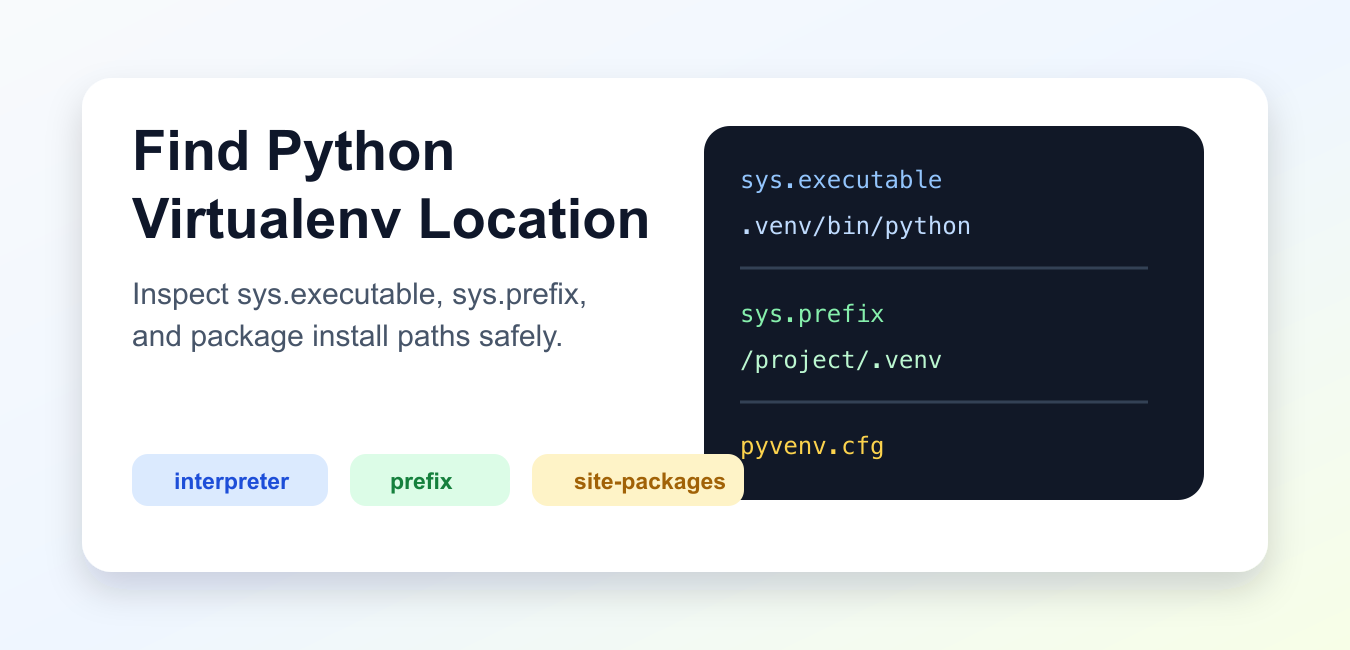
Quick answer: Find the active virtual environment from the interpreter, not just the shell prompt: inspect sys.executable, sys.prefix, sys.base_prefix, and the package location. Use python -m pip so installation targets the same interpreter that runs the code.
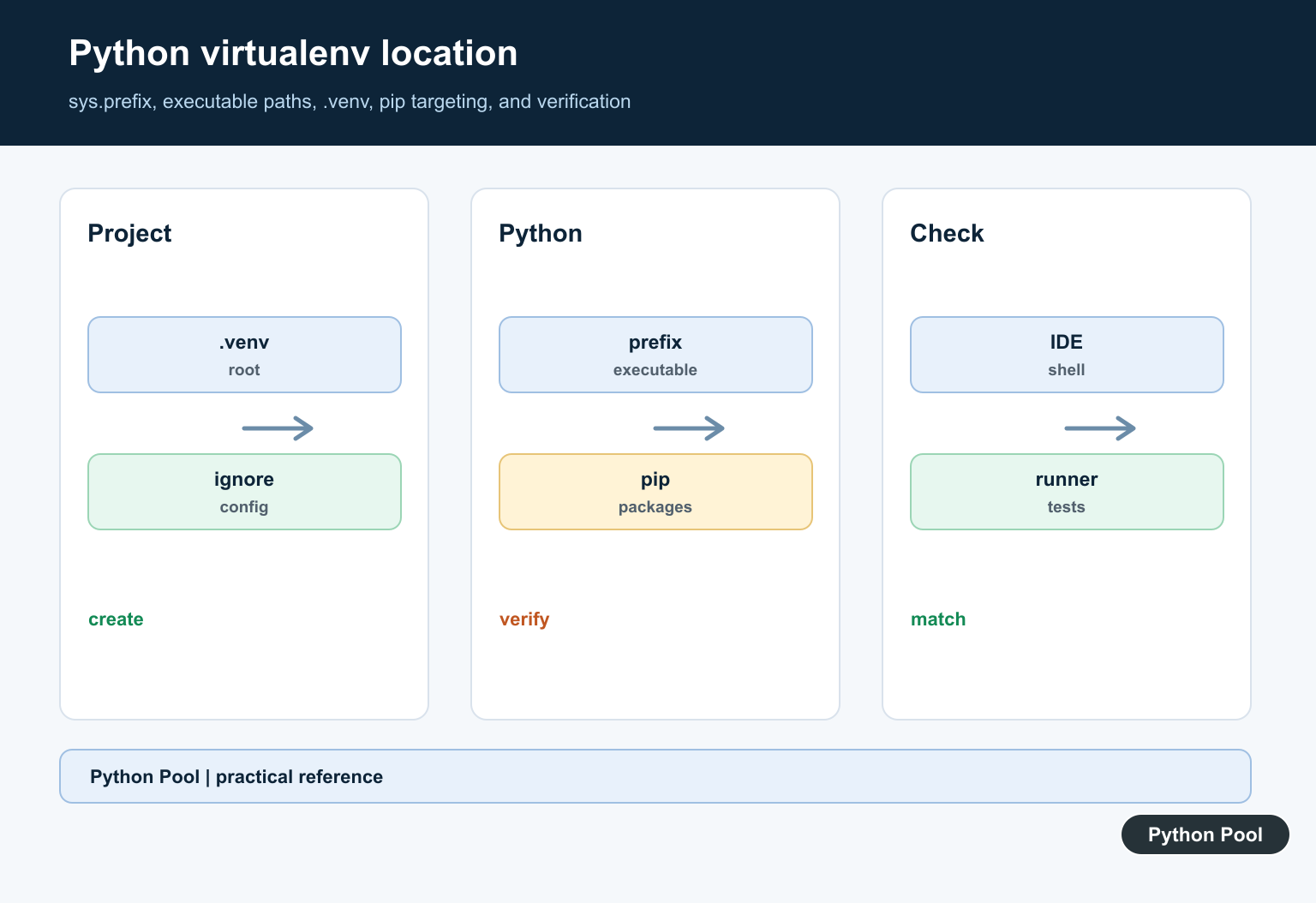
A Python virtual environment is easiest to locate from inside the Python process that is actually running your code. The most useful values are sys.executable, sys.prefix, and sys.base_prefix. They tell you which interpreter is active and where that environment stores its files.
Do not rely only on the shell prompt. Prompts can be customized, editors can choose a different interpreter, and notebooks can run a kernel that does not match your terminal. Print the runtime paths first, then decide where to install packages or change settings.
This is especially important when a package works in one place but fails in another. The terminal, test runner, web server, and notebook may all launch different Python executables. The active process path is the evidence that matters.
The official Python venv documentation explains that sys.prefix != sys.base_prefix is the reliable way to detect an active virtual environment. The sys.prefix documentation, site module documentation, and sysconfig documentation cover the path APIs used below.
Print The Active Interpreter
The interpreter path is the first thing to check. It shows the exact Python executable that will import packages and run your script.
import sys

print("executable:", sys.executable)
print("prefix:", sys.prefix)
print("base prefix:", sys.base_prefix)

is_virtualenv = sys.prefix != sys.base_prefix
print("inside virtualenv:", is_virtualenv)
When sys.prefix and sys.base_prefix differ, the process is running inside a virtual environment. The prefix path is usually the environment root.
If those values are identical, Python is using the base interpreter. That may be fine for a quick system script, but it is usually not what you want for a project with pinned dependencies.
Find The Environment Root
Wrap the prefix check in a helper so scripts and diagnostics can print one clear location.
import sys
from pathlib import Path

def environment_root():
    if sys.prefix != sys.base_prefix:
        return Path(sys.prefix)
    return None

root = environment_root()
if root is None:
    print("not running inside a virtualenv")
else:
    print(root)
This works whether the environment was created in .venv, venv, or another directory name. It also avoids guessing from the current working directory.
A project can live in one directory while its environment lives somewhere else. Some teams keep environments inside the project, while others store them in a central cache. The prefix check handles both styles.
Inspect pyvenv.cfg
Standard venv environments include a pyvenv.cfg file at the environment root. It records details such as the base Python home.
import sys
from pathlib import Path

config_path = Path(sys.prefix) / "pyvenv.cfg"

if config_path.exists():
    print(config_path)
    print(config_path.read_text(encoding="utf-8").splitlines()[:5])
else:
    print("pyvenv.cfg was not found")
If the file is absent, you may be using a different environment manager or the process may not be inside a standard venv environment.
Show Package Install Paths
To understand where packages are installed, ask Python for its site paths from the active interpreter.
import site
import sys

print("executable:", sys.executable)

for path in site.getsitepackages():
    print(path)

user_site = site.getusersitepackages()
print("user site:", user_site)
In an active virtual environment, package paths normally live under the environment root. If packages are going to a user site path instead, check activation, interpreter selection, and install commands. The active environment determines which installer matters; pip vs pip3: Python Package Commands explains why python -m pip is usually clearer than choosing pip or pip3 by name.
Package paths are also useful when cleaning up old installs. If the import path points outside the environment you expected, remove the duplicate install or adjust the interpreter before debugging the package itself.
Use sysconfig For Script Paths
sysconfig exposes paths for scripts, pure Python packages, and platform-specific packages.
import sysconfig

paths = sysconfig.get_paths()

for key in ["scripts", "purelib", "platlib"]:
    print(key, "=>", paths.get(key))
The scripts path is where command-line entry points are installed. That is useful when a command exists in one terminal but cannot be found in another.
Find Where A Package Loads From
If a package imports but you are unsure which copy is being used, inspect the module spec.
from importlib.util import find_spec

package_name = "pip"
spec = find_spec(package_name)

if spec is None:
    print(package_name, "is not importable")
else:
    print(spec.origin)
Use this check when duplicate installs or editor settings create confusion. The reported path belongs to the interpreter currently running the code.
Practical Troubleshooting
When a package is installed but Python cannot import it, compare the interpreter used for installation with sys.executable. Run installs with python -m pip from the same interpreter that runs the project.
In VS Code, PyCharm, and notebooks, confirm the selected interpreter or kernel. The terminal may be activated correctly while the editor uses a different path. Restart the kernel or run target after changing the interpreter.
For Jupyter, run the path checks in a cell inside the notebook, not only in the terminal that started Jupyter. Kernels can be registered once and then continue pointing at an old interpreter after a project is moved.
If you use Conda, Poetry, or another manager, the same principle still applies: inspect the running interpreter first. Tool-specific commands are useful, but the active Python process is the final source of truth.
For repeatable projects, keep the environment directory near the project, document the creation command, and add dependency files to source control. That makes the location predictable and reduces import surprises across machines. After confirming which environment is active, Make requirements.txt in Python Projects shows how to record only that project’s dependencies for repeatable installation.
The reliable workflow is to print the active executable, install with that executable, and verify the package path from that same process. Once all three point at the same environment, location-related import errors become much easier to diagnose.
Inspect The Interpreter
Run a short command with the target Python executable and print sys.executable, sys.prefix, and sys.base_prefix. This distinguishes the active environment from another interpreter on PATH.
Choose A Project-local Location
A .venv directory beside the project is easy for editors and automation to discover and keeps dependencies scoped. The generated environment should be ignored by version control and recreated from requirements or project metadata.
Pair Python With pip
python -m pip install package invokes pip through the selected interpreter. A bare pip command may point to a different environment, especially when shells, IDEs, or multiple Python versions are involved.
Verify Site-packages
Use importlib.util.find_spec and package metadata to see which file and distribution are actually loaded. A successful import does not prove the expected version is active.
Avoid Committing Absolute Paths
Virtual environments contain machine-specific paths and binaries. Commit the dependency declaration and setup instructions, not the generated environment directory.
Test The Launch Context
Run the application, test runner, notebook kernel, and deployment command through the intended interpreter. Record environment diagnostics in failures without exposing secrets or local paths unnecessarily.
Use the official Python venv documentation. Related Python Pool references include tests and configuration.
For related environment work, compare runner verification, configuration paths, and command output before changing a virtualenv.
Frequently Asked Questions
How do I find the active virtualenv location?
Inspect sys.prefix, sys.executable, and the environment’s site-packages path from the same Python interpreter that runs the application.
Where should I create a virtual environment?
A project-local .venv is common because tools can discover it and the environment stays tied to the project; do not commit its generated files.
Why does pip install into the wrong environment?
The pip command may belong to another interpreter, the shell may have a stale activation, or an IDE may use a different Python executable; use python -m pip.
How do I verify a virtualenv?
Print the interpreter path, sys.prefix, sys.base_prefix, package location, and installed version from the target command or test process.
