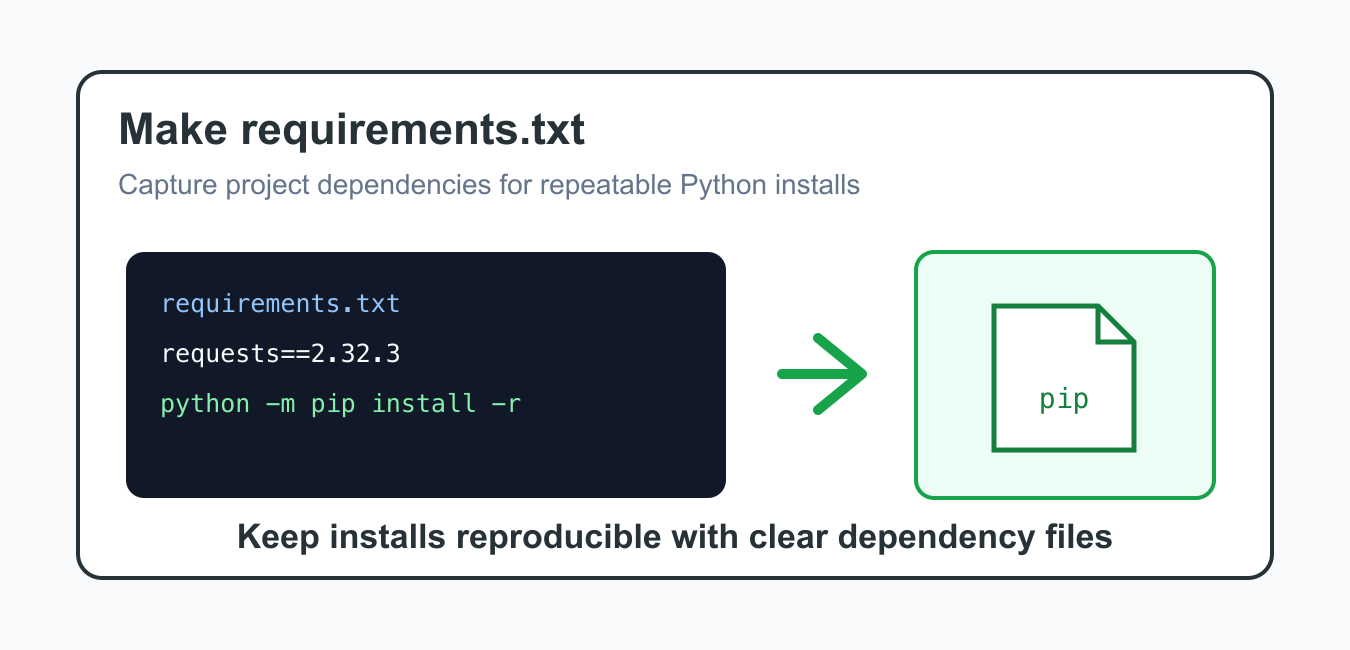
Quick answer: A requirements.txt file is a concrete install input for an environment, not a complete description of every dependency relationship in a distributable package. Create it from a deliberate virtual environment, decide whether you need compatible ranges or exact pins, and install it through the interpreter that will run the project.
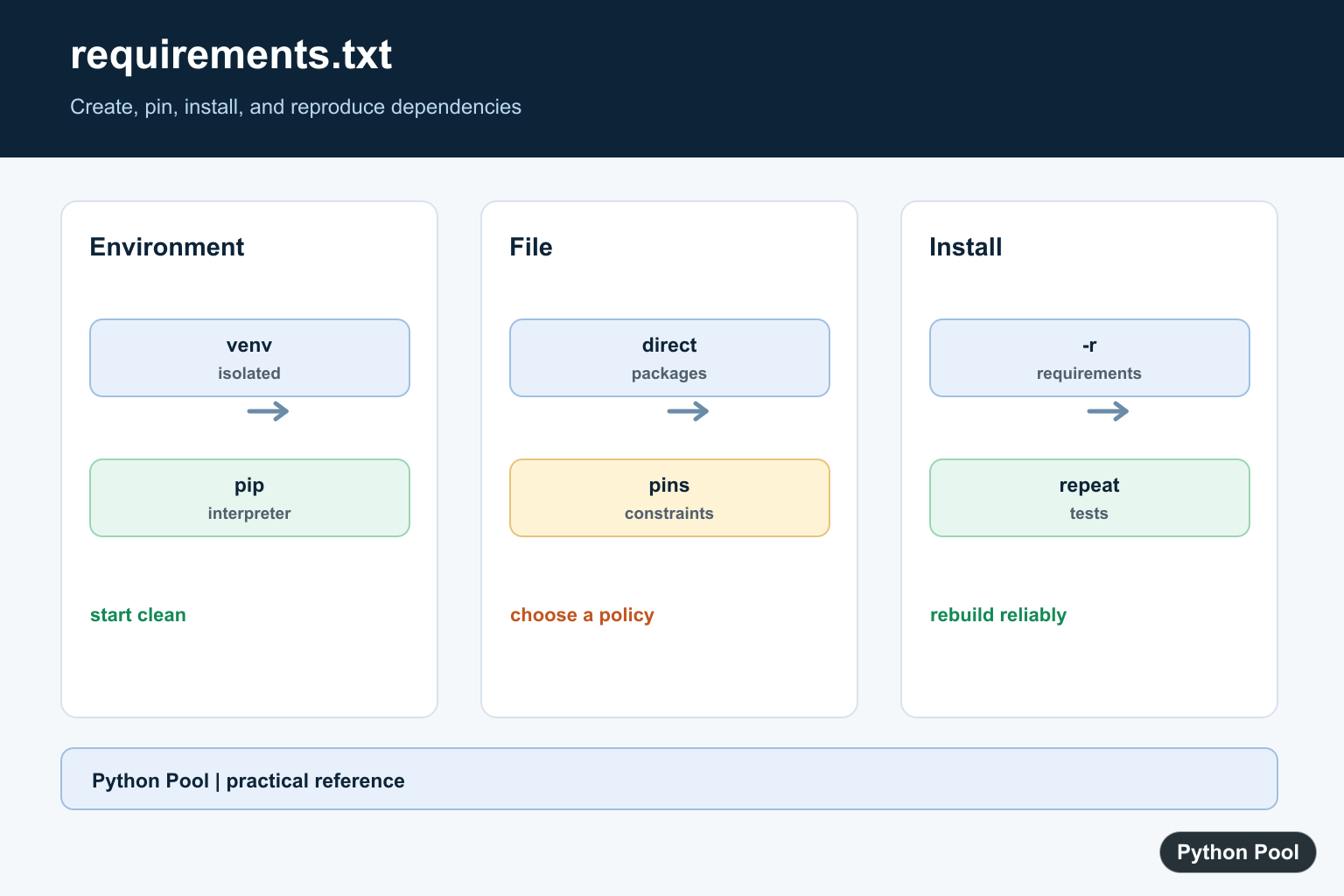
A requirements.txt file lists the Python packages a project needs so another environment can install the same dependencies. It is commonly used with pip, deployment platforms, CI jobs, notebooks, and small applications that do not need a full package build setup.
The simplest workflow is to create a clean virtual environment, install only the packages your project needs, and write those package names into requirements.txt. Pin exact versions when you need repeatable installs. Use wider version ranges only when you intentionally support several compatible releases. requirements.txt captures dependencies, while Black Formatter for Python Projects adds formatter configuration and enforcement to the same project workflow.
A requirements file is different from package metadata such as pyproject.toml. Application deployments often use requirements files to reproduce an environment. Reusable libraries usually declare install dependencies in project metadata and may still keep requirements files for development or testing.
The most common mistake is freezing a messy environment that contains old experiments, notebook-only packages, and tools unrelated to the app. That creates a large file that is hard to review and harder to maintain. Start clean when accuracy matters.
The official pip requirements file format, pip freeze documentation, Python Packaging virtual environment guide, install requires vs requirements discussion, and pip install documentation are the primary references.
Create A Small requirements.txt
For a small app, write the direct dependencies your code imports.
from pathlib import Path

requirements = [
    "requests==2.32.3",
    "pandas==2.2.3",
]

Path("requirements.txt").write_text(
    "\n".join(requirements) + "\n",
    encoding="utf-8",
)
This file is easy to review because it includes only the packages the project intentionally depends on.
Direct dependencies are the packages your code imports or calls directly. Their sub-dependencies will be resolved by pip during installation unless you intentionally pin the full environment.
Build The pip Install Command
Install from the file with pip’s -r option. Generate the command with sys.executable so it targets the active interpreter.
import shlex
import sys

command = [
    sys.executable,
    "-m",
    "pip",
    "install",
    "-r",
    "requirements.txt",
]

print(" ".join(shlex.quote(part) for part in command))
Using python -m pip avoids many cases where the pip command points to a different Python installation.
This is especially important on machines with multiple Python versions, virtual environments, notebooks, or deployment workers.

Freeze The Active Environment
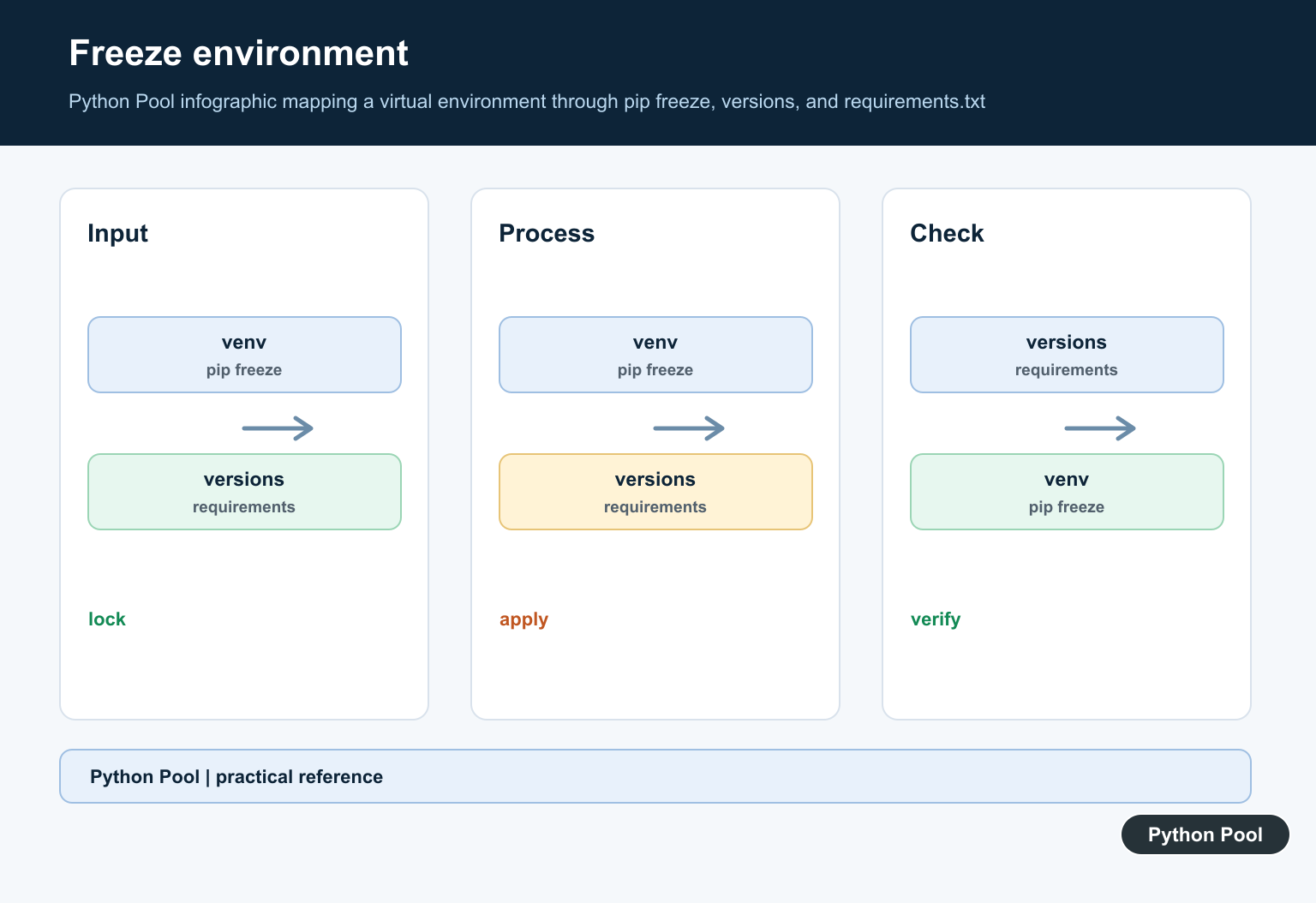
pip freeze captures installed packages and exact versions from the active environment.
import subprocess
import sys

result = subprocess.run(
    [sys.executable, "-m", "pip", "freeze"],
    check=True,
    capture_output=True,
    text=True,
)

print(result.stdout.splitlines()[:5])
This is useful for deployment snapshots, but it can include transitive packages that your code does not import directly.
Use freeze output when you want to reproduce the whole environment exactly. Use a hand-written file when you want a shorter list of top-level project dependencies.
Write freeze Output To A File
If a clean environment contains only project dependencies, writing freeze output can produce a repeatable requirements file.
import subprocess
import sys
from pathlib import Path

result = subprocess.run(
    [sys.executable, "-m", "pip", "freeze"],
    check=True,
    capture_output=True,
    text=True,
)

Path("requirements.txt").write_text(result.stdout, encoding="utf-8")
Review the file before committing it. Remove packages that came from unrelated experiments in the same environment.
Also check for local editable installs if the environment was used for package development. Keep those entries only when the deployment target can resolve them.
Validate Requirement Lines
A lightweight check can catch empty lines, comments, and basic pinned-package lines before a deployment step runs.
from pathlib import Path

lines = Path("requirements.txt").read_text(encoding="utf-8").splitlines()

usable = [
    line.strip()
    for line in lines
    if line.strip() and not line.lstrip().startswith("#")
]

print(usable)
This does not replace pip’s parser, but it helps scripts report what they are about to install.
Separate Runtime And Dev Files
Keep runtime packages separate from testing and formatting tools when a project grows.
from pathlib import Path

runtime = ["requests==2.32.3"]
development = ["pytest==8.3.3", "ruff==0.7.4"]

Path("requirements.txt").write_text("\n".join(runtime) + "\n", encoding="utf-8")
Path("requirements-dev.txt").write_text(
    "-r requirements.txt\n" + "\n".join(development) + "\n",
    encoding="utf-8",
)
This lets production install only runtime dependencies while developers can install the extra tools they need.
For CI, install the development file when tests need pytest, linters, or formatters. For production images, install only the runtime file unless the extra tools are genuinely required.
Fix Checklist
Start from a clean virtual environment. Install the packages your project imports, then decide whether to write direct dependencies manually or snapshot the environment with pip freeze.
Use pinned versions for deployments that need repeatability. Keep comments short and useful. Do not mix unrelated experiments into the same requirements file.
Finally, test the file by creating a new environment and installing from it. A requirements file is only useful if it can rebuild the project environment from scratch.
Repeat that rebuild test after dependency upgrades. It catches missing pins, removed packages, and platform-specific install issues before deployment.
Commit the final file with the project source.

Create A Clean Project Environment
Start with an isolated environment so unrelated global packages do not enter the file. Install only direct dependencies needed by the application, run the project tests, and then choose whether the file represents a deployable lock-like environment or a small set of direct requirements.
import subprocess
import sys

subprocess.run([sys.executable, "-m", "venv", ".venv"], check=True)
subprocess.run([sys.executable, "-m", "pip", "install", "requests", "pandas"], check=True)
subprocess.run([sys.executable, "-m", "pip", "freeze"], check=True)
Choose Pins And Constraints Deliberately
Exact pins such as requests==2.32.0 can make a complete environment repeatable, while ranges such as requests>=2.31,<3 communicate compatibility without freezing every transitive package. Do not pin blindly if the file is intended to describe a reusable library's minimum requirements.
# A small application requirements file might contain:
requirements = """requests>=2.31,<3
pandas>=2.0,<3
"""
print(requirements)
Install With The Same Interpreter
Use python -m pip rather than relying on whichever pip executable happens to be first on PATH. This makes the install target explicit in shells, CI, notebooks, and deployment scripts. Record the Python version and platform when a pinned dependency has platform-specific wheels.
import subprocess
import sys

subprocess.run(
    [sys.executable, "-m", "pip", "install", "-r", "requirements.txt"],
    check=True,
)
Separate Project Metadata From Environment Pins
For a package that others install, declare abstract runtime dependencies in pyproject.toml. A requirements file is useful for a concrete application, deployment, CI, or reproducible development environment. Keep separate files or groups for testing and documentation when those dependencies are not needed at runtime.
from pathlib import Path

requirements = Path("requirements.txt")
if not requirements.is_file():
    raise FileNotFoundError(requirements)
print(requirements.read_text(encoding="utf-8"))
PyPA’s requirements-file guidance distinguishes abstract package dependencies from concrete environment requirements. Its venv and pip guide documents installation with python -m pip install -r.
For related environment and packaging work, compare virtual-environment cleanup, virtualenv location checks, and the setuptools packaging guide when deciding what belongs in an environment file.
For the authoritative API and current behavior, consult the Python Packaging guide.
Frequently Asked Questions
How do I create requirements.txt in Python?
Create or activate a project environment, install the dependencies it needs, and write requirement specifiers to requirements.txt or export the environment with pip freeze when exact pins are appropriate.
How do I install from requirements.txt?
Run python -m pip install -r requirements.txt in the target environment so pip uses the same interpreter that will run the project.
Should requirements.txt pin every package?
Pin a complete deployment environment when reproducibility is the goal, but use project dependency metadata for the package’s abstract runtime requirements.
What is better than requirements.txt for a Python package?
Use pyproject.toml project dependencies for distributable package metadata, and use a requirements file or lock workflow for a concrete application environment.
