
Quick answer: A reliable Black and Git workflow has three layers: format locally, run a pre-commit hook before creating a commit, and run a check-only job in CI. Put shared options in pyproject.toml, pin the action or package policy as appropriate, and use python -m black so the command resolves to the intended environment.
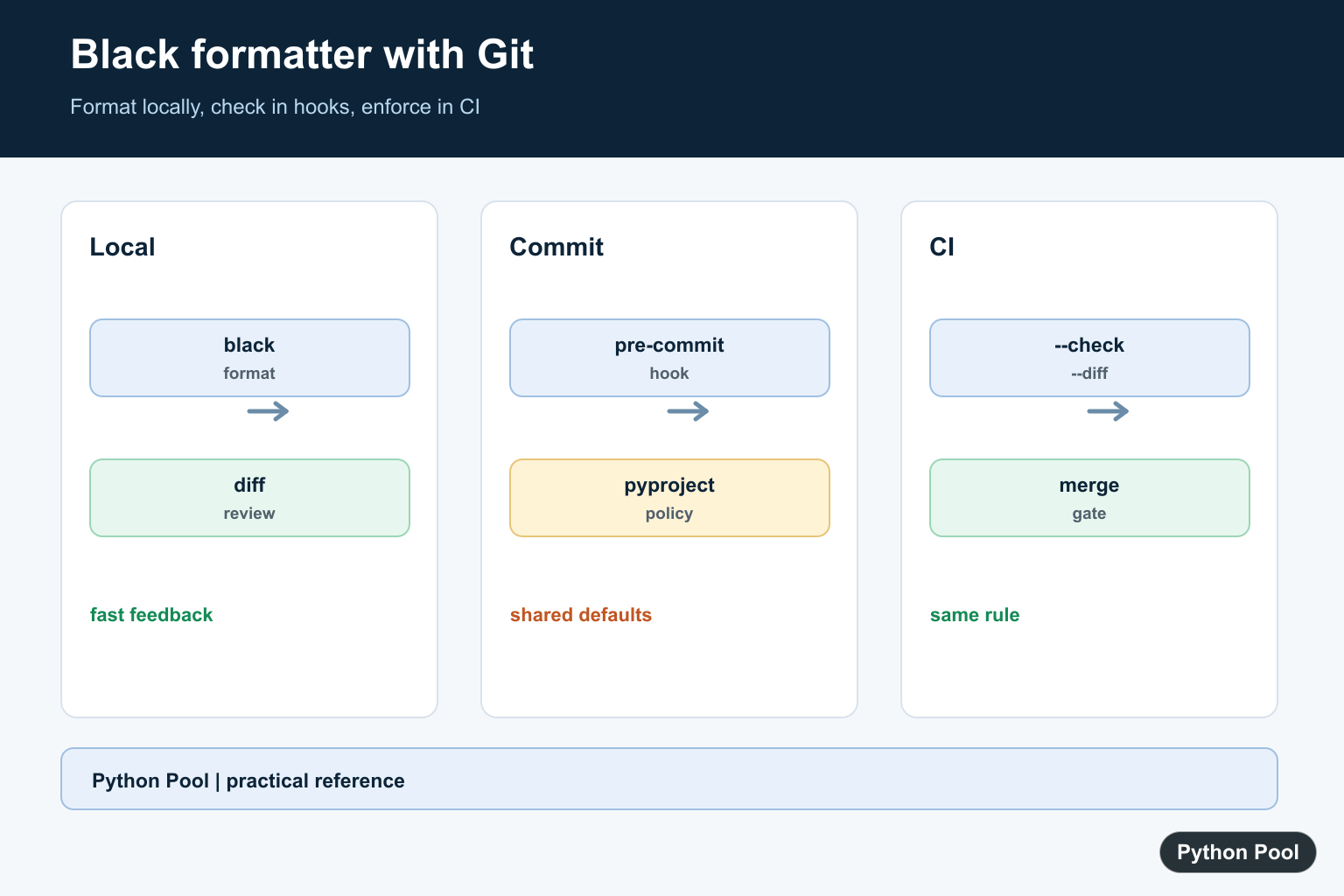
Black is an opinionated Python code formatter. Instead of debating every spacing and wrapping decision in code review, a team can run Black and let it apply one consistent style across the project.
This guide focuses on the practical workflow: install Black, run it from the command line, configure it with pyproject.toml, add a Git pre-commit hook, and enforce formatting in GitHub Actions.
What Black does
Black reformats Python files in place. Its defaults are intentionally limited: the point is to remove formatting arguments, not create another large style configuration. Black follows the spirit of PEP 8, but it makes specific formatting choices so every contributor gets the same result.
The official Black documentation describes it as stable and notes that future style changes are expected to be limited. Current Black documentation also states that Black requires Python 3.10 or newer to run. You can still format code that targets older Python versions by setting the correct target version.
Install Black
For a project virtual environment, install Black with pip:
python -m pip install black
If the black command is not found after installation, run it as a module:
python -m black --version
Using python -m keeps the command tied to the active Python environment. That helps avoid PATH confusion on Windows and macOS. If Python itself is not recognized, see our fix for Python not recognized as an internal or external command.
If you want Black as a standalone command outside a project environment, the Black docs also support installing it with pipx:
pipx install black
Before installing, confirm the Python version when needed with how to check Python version.
Run Black locally
Format one file:
python -m black app.py
Format a package or project directory:
python -m black src tests
Check formatting without changing files:
python -m black --check .
Show the changes Black would make:
python -m black --check --diff .
The official Black usage and configuration docs cover these command-line options in more detail. If pip starts showing environment warnings while installing tools, use our guide to fixing pip ignoring invalid distribution.
Configure Black with pyproject.toml
Black reads project configuration from pyproject.toml. Many projects need no configuration at all, but a small file makes team defaults explicit:
[tool.black]
line-length = 88
target-version = ["py311", "py312", "py313"]
exclude = '''
/(
    \.git
  | \.venv
  | build
  | dist
)/
'''
Use target versions that match the Python versions your project supports. Black can also infer target versions from project metadata when that information is available.
Add Black to Git with pre-commit
The recommended Git workflow is to use pre-commit. It installs hooks that run before a commit is created, so formatting problems are caught locally instead of later in review.
python -m pip install pre-commit
Create .pre-commit-config.yaml:
repos:
  - repo: https://github.com/psf/black-pre-commit-mirror
    rev: 26.5.1
    hooks:
      - id: black
        language_version: python3.11
The current Black version control documentation recommends the psf/black-pre-commit-mirror repository because it can use the compiled Black package. Update the rev value when Black releases a newer version, and avoid mutable branch names for reproducible hooks.
Install the hook:
pre-commit install
Run it across the whole project once:
pre-commit run --all-files
The official Black version control integration page has the current hook template.
Enforce Black in GitHub Actions
A local hook is useful, but CI should still enforce formatting. Black provides an official GitHub Action:
name: Lint

on: [push, pull_request]

jobs:
  black:
    runs-on: ubuntu-latest
    steps:
      - uses: actions/checkout@v6
      - uses: psf/black@stable
        with:
          options: "--check --diff"
          src: "."
The official Black GitHub Actions integration says --check is required so the workflow fails when files need formatting. You can set a specific Black version in the action, or let it use the latest release available on PyPI.
Use Black in VS Code
In VS Code, install Microsoft’s Black Formatter extension or configure the Python extension to use Black. A typical workspace setting is:
{
  "editor.formatOnSave": true,
  "": {
    "editor.defaultFormatter": "ms-python.black-formatter"
  }
}
Editor setup is helpful, but do not rely on editor formatting alone. Keep the pre-commit hook and CI check so every contributor and automation path uses the same rules.
Format Jupyter notebooks
Black can format notebooks when installed with the Jupyter extra:
python -m pip install "black[jupyter]"
python -m black notebook.ipynb
GitHub Actions can also enable notebook formatting with jupyter: true. If you work heavily in notebooks, this guide to running multiple cells in Jupyter may be useful.
Use Black with isort and Flake8
Black works well with linters and import sorters, but the tools need compatible settings. For isort, use the Black profile:
[tool.isort]
profile = "black"
For Flake8, the common compatibility choice is to align line length and ignore rules that conflict with Black’s formatting:
[flake8]
max-line-length = 88
extend-ignore = E203
The official Black with other tools guide lists current compatibility settings for isort, pycodestyle, Flake8, Pylint, and related tools.
Common Black commands
| Task | Command |
|---|---|
| Format current project | python -m black . |
| Check without editing | python -m black --check . |
| Show diff | python -m black --check --diff . |
| Format one file | python -m black path/to/file.py |
| Check version | python -m black --version |
Conclusion
Black formatter is easiest to adopt when it is treated as project infrastructure: install it in the development environment, keep a small pyproject.toml, run it through pre-commit, and enforce it in CI with --check --diff. That gives every contributor the same formatting result before code reaches review.
Run A Safe Local Check
Use –check and –diff when reviewing a branch so Black reports what would change without rewriting files. Run the formatter without those flags when you are ready to apply the changes, then review the diff like any other code change.
python -m black --check --diff src tests
python -m black src tests
git diff --check
Keep Project Policy In pyproject.toml
Black reads the [tool.black] section from pyproject.toml. Set line length and target versions to match the Python versions the project supports; an incorrect target can produce syntax that older supported interpreters cannot parse.
[tool.black]
line-length = 88
target-version = ["py311", "py312"]
Add A Pre-commit Hook
A pre-commit hook gives contributors fast feedback before a commit is created. The hook should use an immutable or intentionally updated revision, and the repository should document how to refresh it when Black changes.
python -m pip install pre-commit
pre-commit install
pre-commit run --all-files
Make CI Check The Same Rule
CI should fail when committed files are not formatted. A check-only command avoids silently modifying a pull request runner workspace and makes the required correction visible to the author.
python -m black --check --diff .
The official Black usage documentation covers module execution, –check, –diff, target versions, and pyproject.toml. Pair this guide with requirements.txt practices when deciding how development tools are recorded.
For related project tooling, compare Python command-path fixes, checking the active Python version, and invalid-distribution cleanup when a formatter runs in the wrong environment.
Frequently Asked Questions
How do I run Black on a Git project?
Install Black in the project environment, run python -m black on the source directories, then use pre-commit or CI to check formatting before changes are merged.
Where should Black configuration go?
Put the [tool.black] section in the project pyproject.toml file so local commands, editors, and automation can share line length and target-version settings.
Should CI format files or only check them?
CI should normally run Black with –check –diff and fail when formatting is needed; developers can run Black locally to apply the changes.
Does Black work with Jupyter notebooks?
Yes. Install the Jupyter extra and run Black with notebook support, but keep the project-wide check consistent with the files your repository actually tracks.
