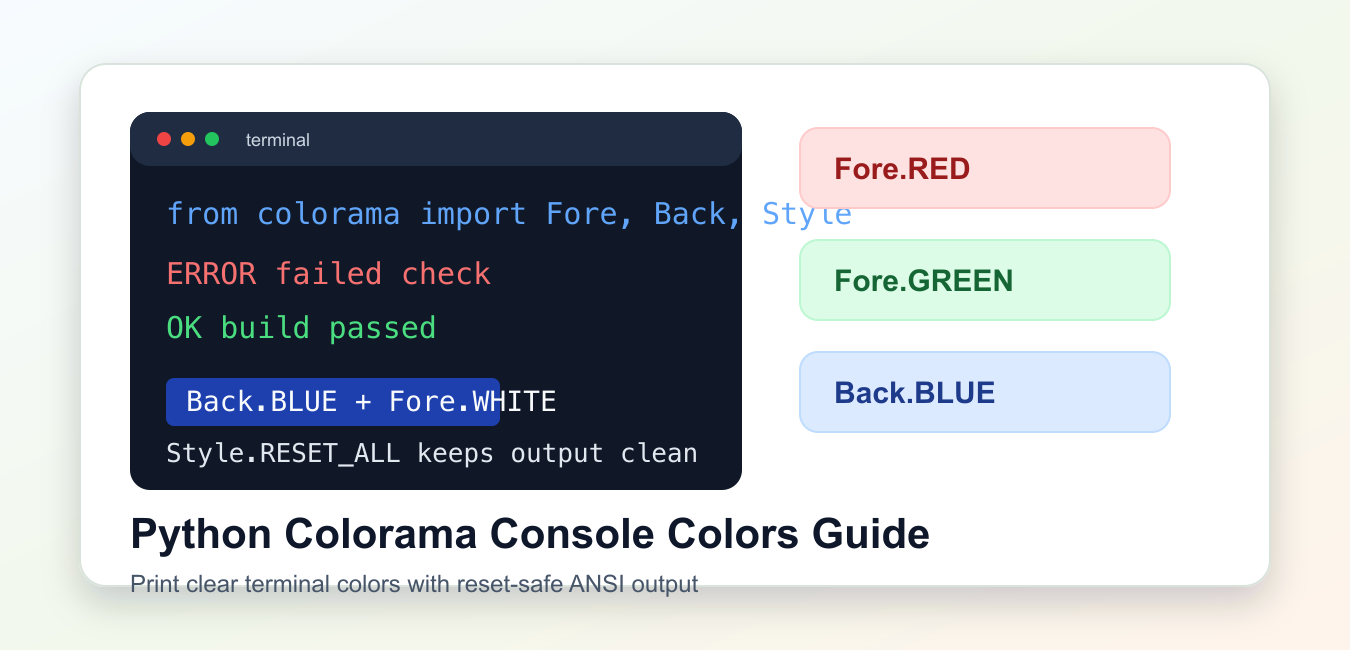
Quick answer: Colorama makes ANSI terminal colors work across platforms, especially Windows. For current releases, call just_fix_windows_console() for the narrow compatibility fix, then use Fore, Back, and Style constants for output.
Colorama is a small Python package for printing ANSI-colored terminal text in a way that works well on Windows, macOS, and Linux. It is useful for command-line tools, status messages, simple reports, and local debugging output.
The core references are the Colorama package page and the Colorama GitHub repository.
Colorama exposes foreground colors through Fore, background colors through Back, and text styles through Style. The most important habit is resetting styles after colored output so later terminal text does not inherit the same color.
Install it into the same environment that runs your script, usually with python -m pip install colorama. If a command works in one terminal but fails in another, check the interpreter and environment before changing the code.
Color should improve scanning, not decorate every line. Reserve it for state changes, warnings, errors, and short summaries. Plain text should still be complete enough for copy-paste, search, and saved logs.
Initialize Colorama
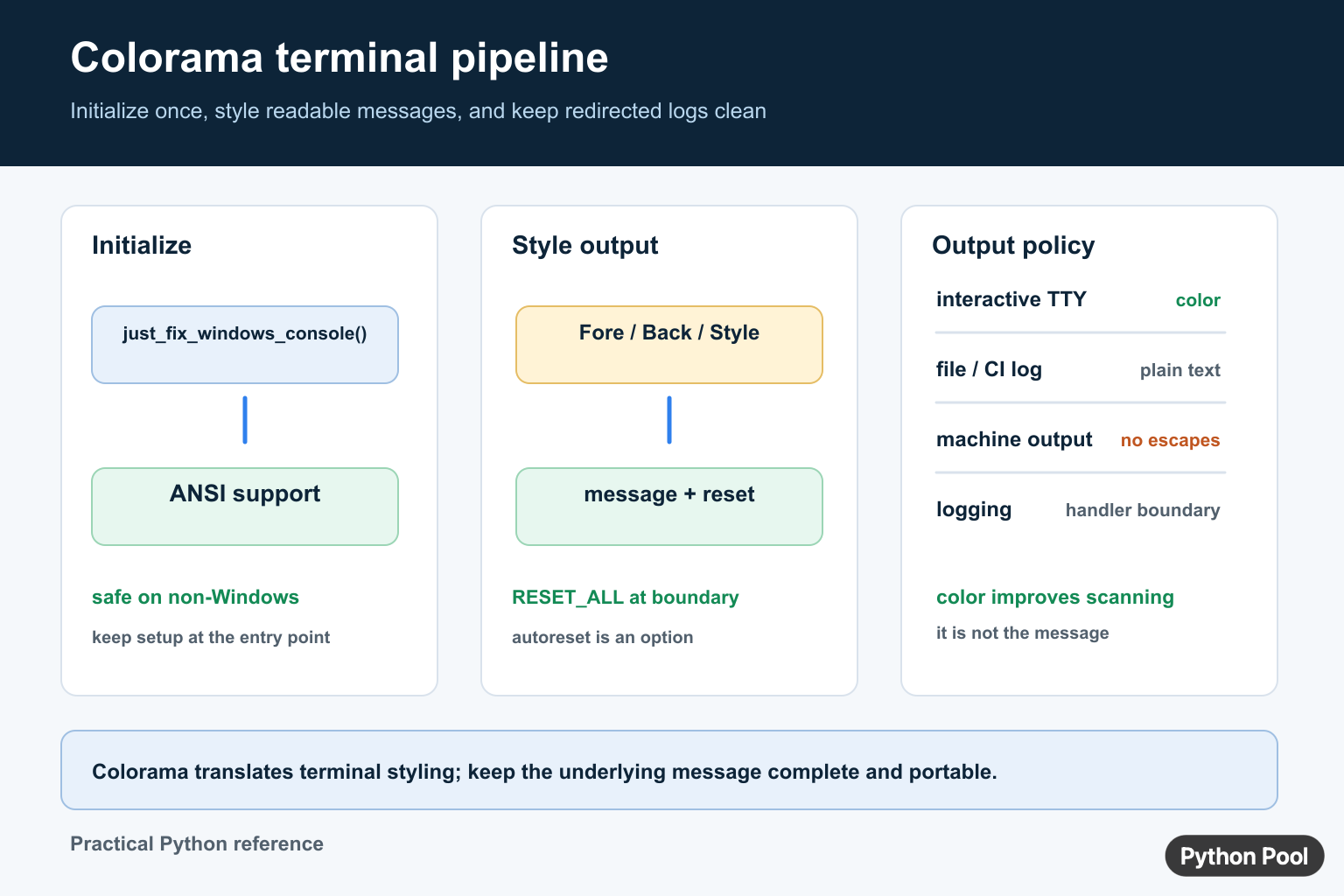
On current Windows terminals, ANSI color support is often available already. just_fix_windows_console() is a safe helper that enables support when needed and does nothing harmful on other platforms.
from colorama import Fore, Style, just_fix_windows_console

just_fix_windows_console()

print(Fore.GREEN + "Build passed" + Style.RESET_ALL)
print(Fore.RED + "Build failed" + Style.RESET_ALL)
This is usually enough for scripts that print status lines. The reset call returns the terminal to its normal appearance after each message.
If your output is captured by a file or CI log, test how that environment displays ANSI sequences. Some systems preserve colors, while others show the escape codes as text.
For reusable packages, avoid enabling colors at import time. Initialize console behavior inside the command-line entry point so importing the package does not unexpectedly change another program’s output.
Use Foreground Colors
Foreground colors change the text color. Keep the palette meaningful: green for success, yellow for warnings, red for errors, and cyan or blue for informational messages.
from colorama import Fore, Style, just_fix_windows_console

just_fix_windows_console()

messages = [
    (Fore.CYAN, "INFO", "Reading configuration"),
    (Fore.YELLOW, "WARN", "Using default timeout"),
    (Fore.RED, "ERROR", "Connection failed"),
]

for color, label, text in messages:
    print(color + f"{label}: {text}" + Style.RESET_ALL)
Do not use color as the only signal. Labels such as INFO, WARN, and ERROR keep the output understandable in plain text logs.
This matters for accessibility, log search, and terminals that do not render colors consistently.
A small, consistent vocabulary also helps teammates understand the output quickly. Do not assign the same color to both success and warning states.
Add Background Colors And Styles
Back controls the background color, and Style can brighten or dim text. Use these sparingly because strong background colors can make terminal output harder to scan.
from colorama import Back, Fore, Style, just_fix_windows_console

just_fix_windows_console()

banner = Back.BLUE + Fore.WHITE + Style.BRIGHT
print(banner + " DEPLOYMENT STARTED " + Style.RESET_ALL)

normal = Fore.WHITE + "Processing files..."
print(normal + Style.RESET_ALL)
Background colors are best for short banners, selected rows, or urgent status labels. Long colored blocks usually make command output noisy.
Always add Style.RESET_ALL at the end of a styled segment. It protects the next line, prompt, or command output from accidental carryover.
Create A Status Formatter
A small formatter keeps color choices in one place and prevents repeated string concatenation throughout a script.
from colorama import Fore, Style, just_fix_windows_console

just_fix_windows_console()

STATUS_COLORS = {
    "ok": Fore.GREEN,
    "warning": Fore.YELLOW,
    "error": Fore.RED,
}

def format_status(level, message):
    color = STATUS_COLORS.get(level, Fore.WHITE)
    return f"{color}{level.upper()}: {message}{Style.RESET_ALL}"

print(format_status("ok", "cache refreshed"))
print(format_status("warning", "retry scheduled"))
This approach scales better than placing raw color constants beside every print call. It also makes it easy to disable or change colors later.
For command-line tools, consider adding a --no-color option when output may be piped into another command.
You can also decide automatically based on whether the stream is attached to a terminal. That keeps human output colorful while keeping redirected output plain.
Strip ANSI Codes When Needed
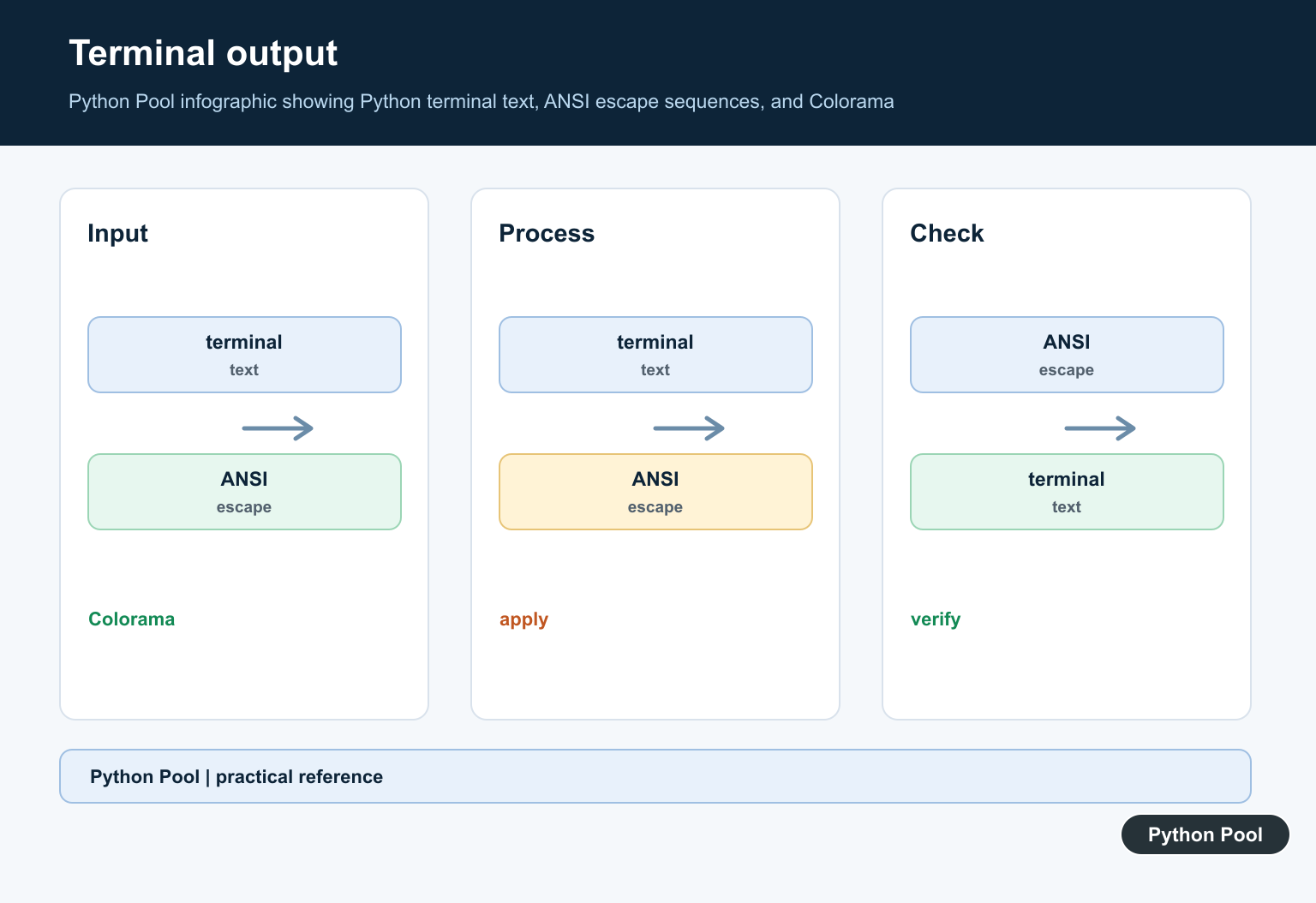
When colored output is stored in a plain text file, you may want to remove ANSI escape sequences before saving or comparing logs.
import re
from colorama import Fore, Style

ansi_pattern = re.compile(r"\x1b\[[0-9;]*m")

colored = Fore.GREEN + "OK: finished" + Style.RESET_ALL
plain = ansi_pattern.sub("", colored)

print(colored)
print(plain)
This is useful in tests that compare output. The user sees color in the terminal, while assertions can compare stable plain text.
Keep the stripping logic close to file writing or testing code. Application code should usually create clear messages first and color them at the edge.
Use Colorama With Logging
Colorama can also help format console logs. Keep file logs uncolored and color only the stream shown to a human.
import logging
from colorama import Fore, Style, just_fix_windows_console

just_fix_windows_console()

LEVEL_COLORS = {
    logging.INFO: Fore.CYAN,
    logging.WARNING: Fore.YELLOW,
    logging.ERROR: Fore.RED,
}

class ColorFormatter(logging.Formatter):
    def format(self, record):
        color = LEVEL_COLORS.get(record.levelno, "")
        message = super().format(record)
        return color + message + Style.RESET_ALL

handler = logging.StreamHandler()
handler.setFormatter(ColorFormatter("%(levelname)s: %(message)s"))

logger = logging.getLogger("demo")
logger.addHandler(handler)
logger.setLevel(logging.INFO)
logger.warning("Disk space is low")
For richer terminal formatting, compare Colorama with termcolor or a full terminal UI library. Colorama is best when you need lightweight color support without changing the rest of your command-line program.
The practical pattern is to initialize console support, choose a small color vocabulary, include readable text labels, reset after each styled segment, and keep saved logs free of escape sequences.
When in doubt, test the command in the terminals your users actually use. Windows Terminal, PowerShell, macOS Terminal, Linux shells, and CI viewers can all differ slightly in how they present ANSI styling.
Prefer just_fix_windows_console()
just_fix_windows_console() is safe to call more than once and does nothing on platforms that already handle ANSI sequences. It is the focused choice when an application only needs colored terminal output to work on Windows.
from colorama import Fore, Style, just_fix_windows_console

just_fix_windows_console()
print(Fore.GREEN + "ready" + Style.RESET_ALL)
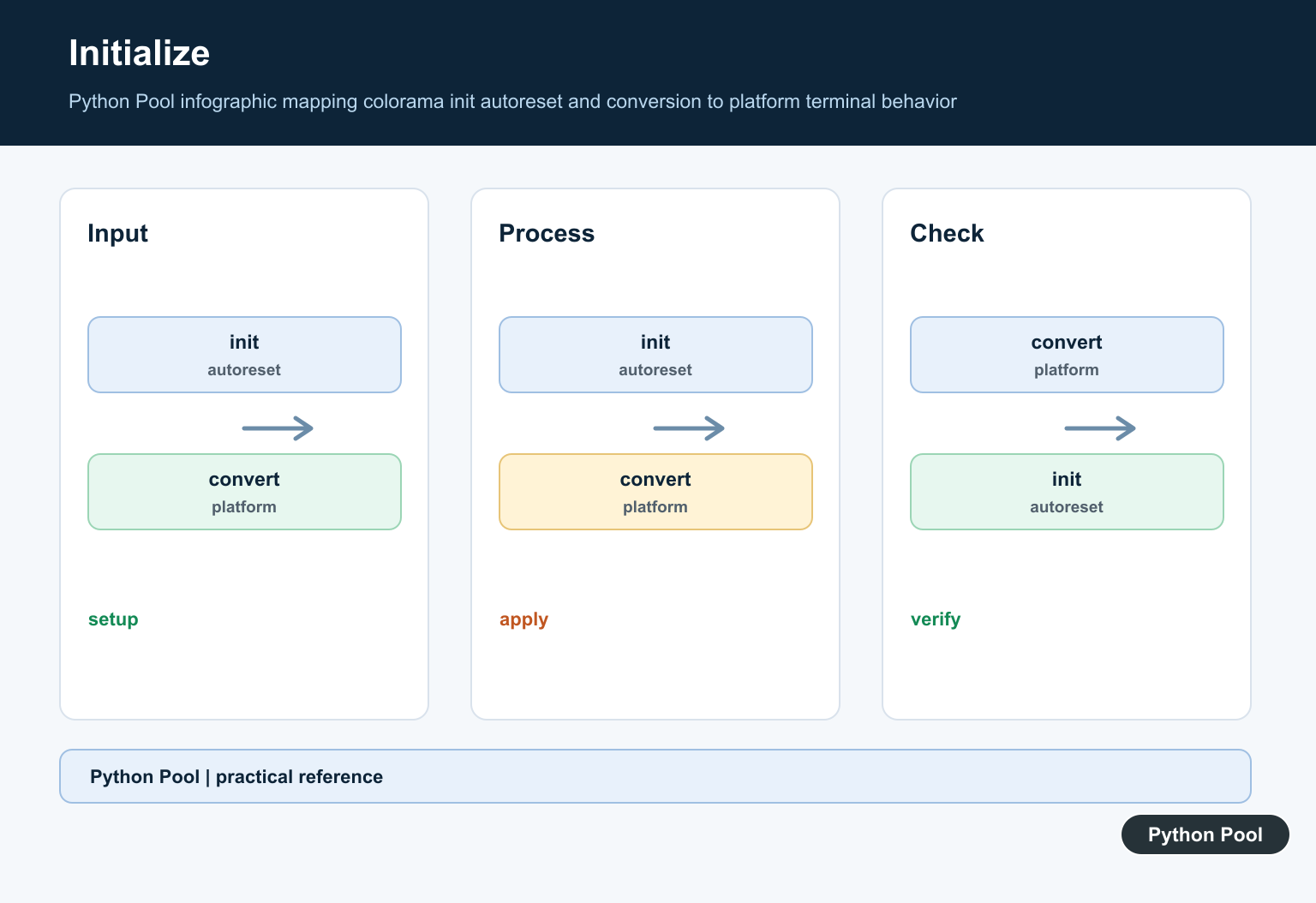
The older init() interface remains useful for options such as autoreset, but repeated calls can wrap standard streams more than once. Keep initialization in one application entry point.
Handle redirected output
Terminals, files, CI logs, and test capture tools do not all support ANSI color. A robust application should also consider a color option or a TTY check. Keep machine-readable output free of escape codes and route diagnostics through Python logging or stderr.
Test terminal formatting separately
Tests should assert the message meaning separately from terminal decoration. Capture plain output when possible, test initialization on the target platform, and verify that secrets are never colored or written into logs. Call deinit() only when a long-running process must restore the original streams.
Frequently Asked Questions
What is Colorama used for in Python?
Colorama makes ANSI terminal styling practical across platforms, including Windows consoles that need compatibility handling.
What should I call to initialize Colorama?
Use just_fix_windows_console() at the command-line entry point when you need portable Windows ANSI support; it is safe on other platforms.
How do I reset Colorama colors?
Append Style.RESET_ALL after a styled message so later terminal output does not inherit the previous foreground, background, or text style.
Should colored escape codes be written to log files?
Usually no. Detect whether output is an interactive terminal and keep redirected files, machine output, and CI logs free of unwanted ANSI sequences.
