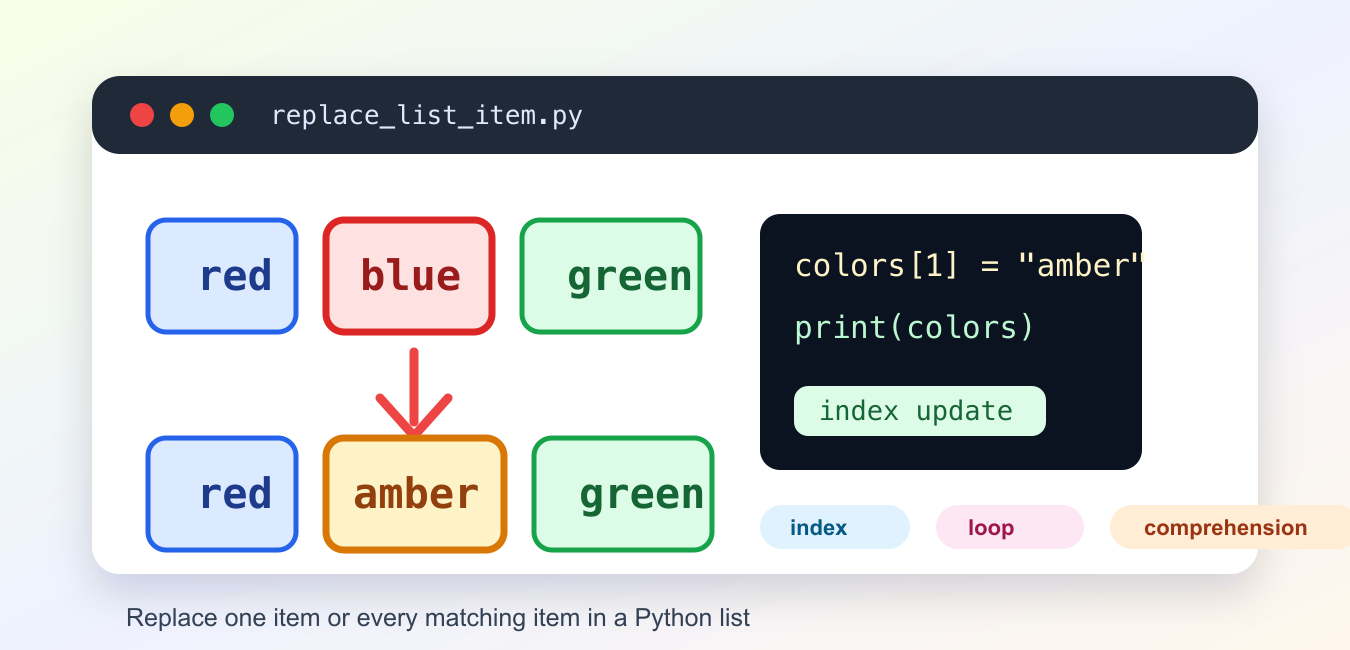
Quick answer: Replace one Python list item by assigning to its index, such as items[index] = new_value. Use a loop, comprehension, or map() when every matching item should change, and use slice assignment when replacing a range in place.
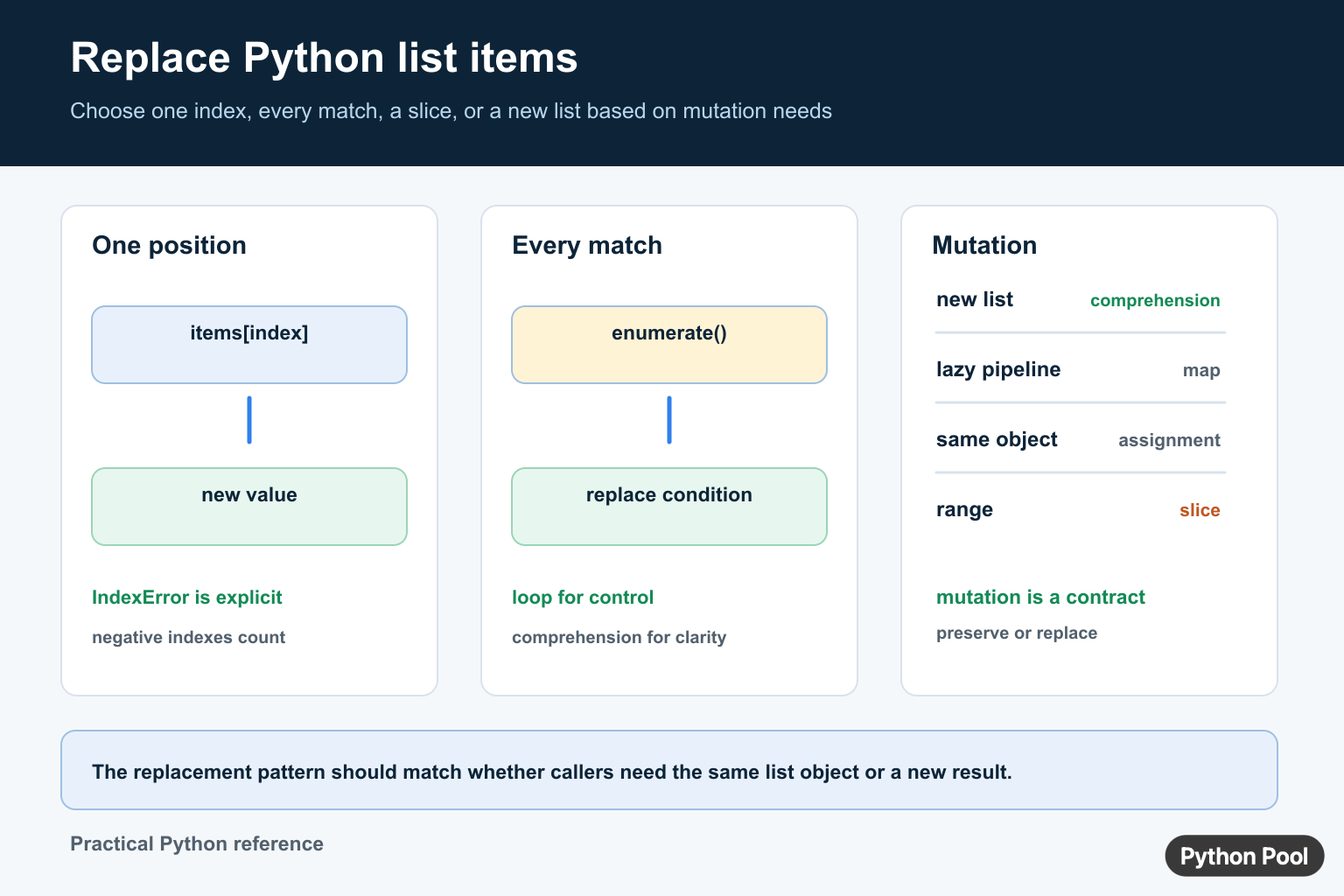
Python lists are mutable sequences, so index assignment changes an existing list. The correct pattern depends on the scope of the replacement: one known position, every matching value, a conditional transformation, or a whole slice. Decide whether callers should observe the same list object before choosing an in-place or new-list solution.
The official Python data structures tutorial covers list assignment and list comprehensions. This article also compares map() with the clearer cases for loops and comprehensions.
Replace One Item By Index
colors = ["red", "green", "blue"]
colors[1] = "yellow"
print(colors)
Indexing starts at zero, so index 1 selects the second item. A negative index counts from the end. An index outside the list raises IndexError rather than silently adding a new position.
Check The Index Before Replacing
def replace_at(items, index, value):
    if not -len(items) <= index < len(items):
        raise IndexError(f"index {index} is outside the list")
    items[index] = value

values = [10, 20, 30]
replace_at(values, -1, 99)
print(values)
Whether to raise, return a status, or ignore a missing position is an API decision. Raising is usually safest for a programmer error because it prevents a silent partial update.
Replace Every Matching Item With A Loop
values = [1, 2, 2, 3, 2]
for index, value in enumerate(values):
    if value == 2:
        values[index] = 0

print(values)
enumerate() gives both the position and the value. This is the best fit when replacement needs logging, validation, a counter, or multiple statements.
Build A New List With A Comprehension
values = [1, 2, 2, 3, 2]
updated = [0 if value == 2 else value for value in values]

print(updated)
print(values)
A comprehension preserves the original list and returns a new one. It states a simple value-for-value transformation clearly. Use it when the caller should receive a changed result without mutating the input.
Replace With map()
def replace_two(value):
    return 0 if value == 2 else value

values = [1, 2, 3, 2]
updated = list(map(replace_two, values))
print(updated)
map() returns a lazy iterator. Materialize it with list() when the next operation needs a reusable list. For a short conditional expression, the comprehension above is often easier to scan.
Replace A Range With Slice Assignment
items = ["a", "b", "c", "d", "e"]
items[1:4] = ["B", "C", "D"]
print(items)
Slice assignment changes the existing list and may change its length if the replacement has a different number of values.
items[1:3] = ["x"]
print(items)
Use this deliberately. A slice replacement is not the same as assigning one item, and an incorrectly calculated boundary can remove more data than intended.
Choose The Replacement Pattern
Use direct index assignment for one known position. Use enumerate() when the mutation needs control flow. Use a comprehension for a new list. Use map() when a named transformation and lazy pipeline are useful. Use slice assignment when preserving the original list object matters and a range must be replaced.
Do not remove items from the same list while iterating over it unless you have a carefully tested strategy. Build a filtered list instead. For related transformations, see iterating through a Python list and combining lists.
Replace By A Predicate
When the match rule is more complicated than equality, put it in a function or a clearly named condition.
values = [3, 10, 15, 22]
updated = [0 if value % 5 == 0 else value for value in values]
print(updated)
This replaces values divisible by five and preserves the order of every other item. A predicate makes the behavior testable and prevents a broad string replacement from changing values that only happen to contain the same text.
Replace In Place While Preserving References
If another object holds a reference to the list, assigning a new list to the local variable will not update that other reference.
def normalize_in_place(items):
    items[:] = [value.strip() for value in items]

names = [" Ada ", " Grace "]
alias = names
normalize_in_place(names)
print(alias)
Slice assignment keeps the same list object while replacing its contents. Use it only when preserving identity is part of the API contract; otherwise returning a new list is often simpler.
Handle Empty Lists And Invalid Input
Replacing every match in an empty list naturally produces an empty result. Replacing one index is different and should report an invalid position. Do not convert a missing index into an append unless the caller explicitly asked for insertion.
def replace_first(items, old, new):
    try:
        index = items.index(old)
    except ValueError:
        return False
    items[index] = new
    return True

values = ["draft", "ready"]
print(replace_first(values, "missing", "done"))
Returning a boolean is one reasonable policy for "replace if present." Raising a domain-specific error may be better when absence indicates corrupted input. Choose one behavior and document it.
Be careful when the list contains mutable objects. Replacing an item changes which object occupies a position, but it does not clone the objects that remain in the list. If the replacement itself is reused across many positions and is mutable, callers may need independent copies rather than one shared instance.
Equality and identity are different conditions. Most replacement tasks use == because they care about equal values. Use is only when the sentinel object itself matters, such as checking for a unique marker that cannot be confused with ordinary data.
Finally, test whether the function is supposed to mutate its argument. A small example should assert both the returned value and the original list when that distinction matters. That protects callers from a later refactor that changes a new-list implementation into an in-place update, or the reverse.
Include tests for a match at the beginning, middle, and end, no match, repeated matches, an empty list, and a replacement whose type differs only when that type change is allowed by the data contract.
These cases make the intended mutation and replacement scope explicit for future callers.
They also document what should happen when a requested item is absent.
Frequently Asked Questions
How do I replace one item in a Python list?
Assign to its zero-based index, such as items[index] = new_value; an invalid index raises IndexError.
How do I replace every matching item in a list?
Use enumerate() and assign matching indexes in place, or build a new list with a conditional comprehension.
Can I replace list items with map()?
Yes. Pass a named transformation to map() and convert the lazy iterator to list when a materialized result is needed.
How do I replace a range of items in place?
Use slice assignment, such as items[start:stop] = replacement, while checking whether changing the list length is intended.

5th way is wrong. The output is correct but not which was wanted.
Corrected the code.