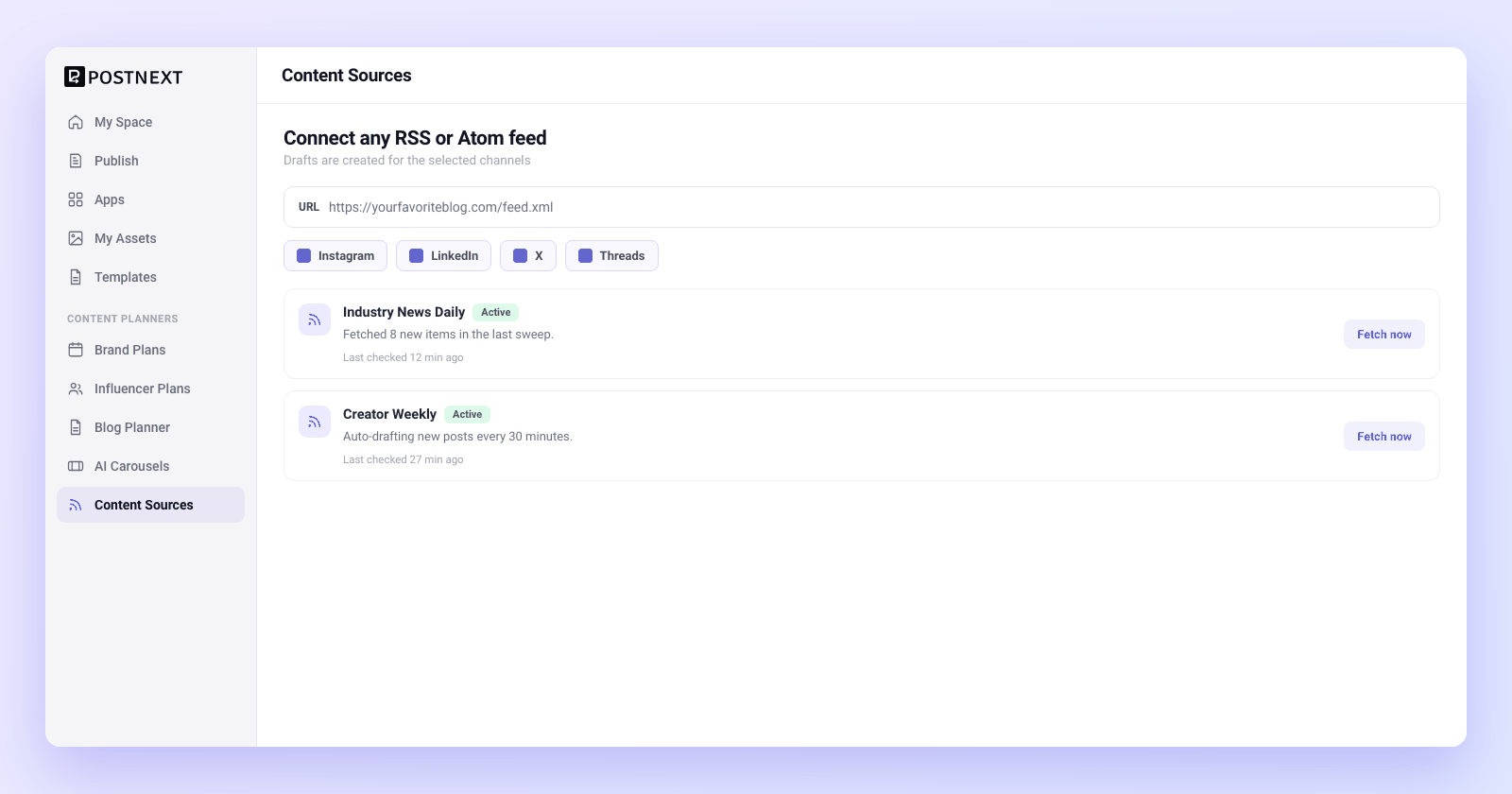
Connect any RSS or Atom feed
Paste the feed URL for any blog, newsletter, podcast, or news source that publishes RSS or Atom, and PostNext starts watching it for you. Add as many sources as your content mix needs, and pick which channels each feed should draft for. The feeds you already read become the engine for your posting calendar.
Works with standard RSS and Atom feeds from blogs, news, and podcasts
Add multiple feed sources and curate from all of them in one place
Choose which channels each feed creates drafts for
Auto-draft new items automatically
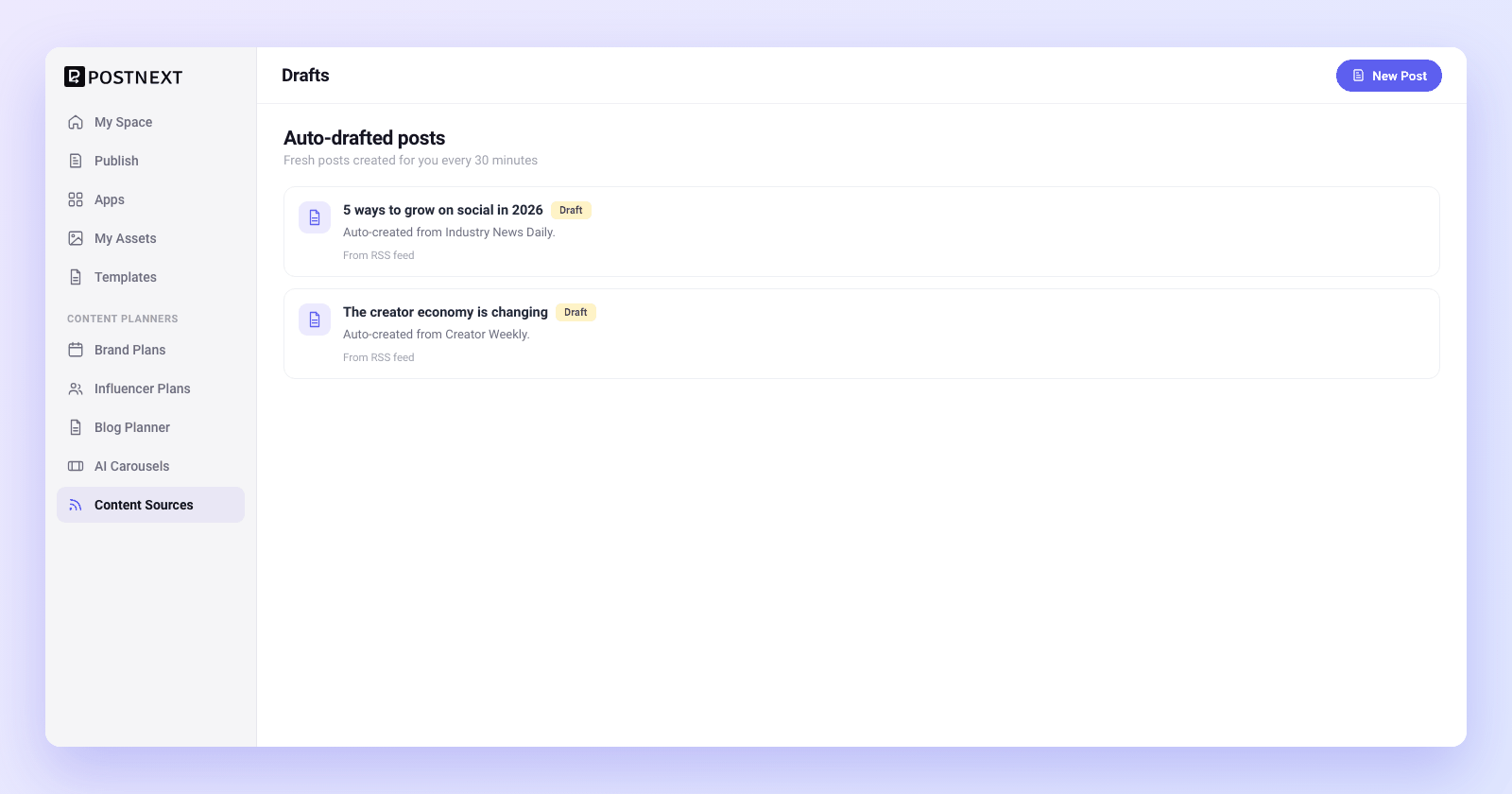
PostNext checks your connected feeds every 30 minutes and creates a draft for each new item it finds, up to ten per check, for the channels you picked. The first check also drafts the feed's latest items. Duplicate items are skipped, so the same article never drafts twice. Each draft starts as the item's title and link, ready for you to write around.
Feeds are checked for new items every 30 minutes
A draft with the item's title and link for each new item, on your chosen channels
Duplicate items are skipped, so nothing drafts twice
Curate, then schedule on your terms
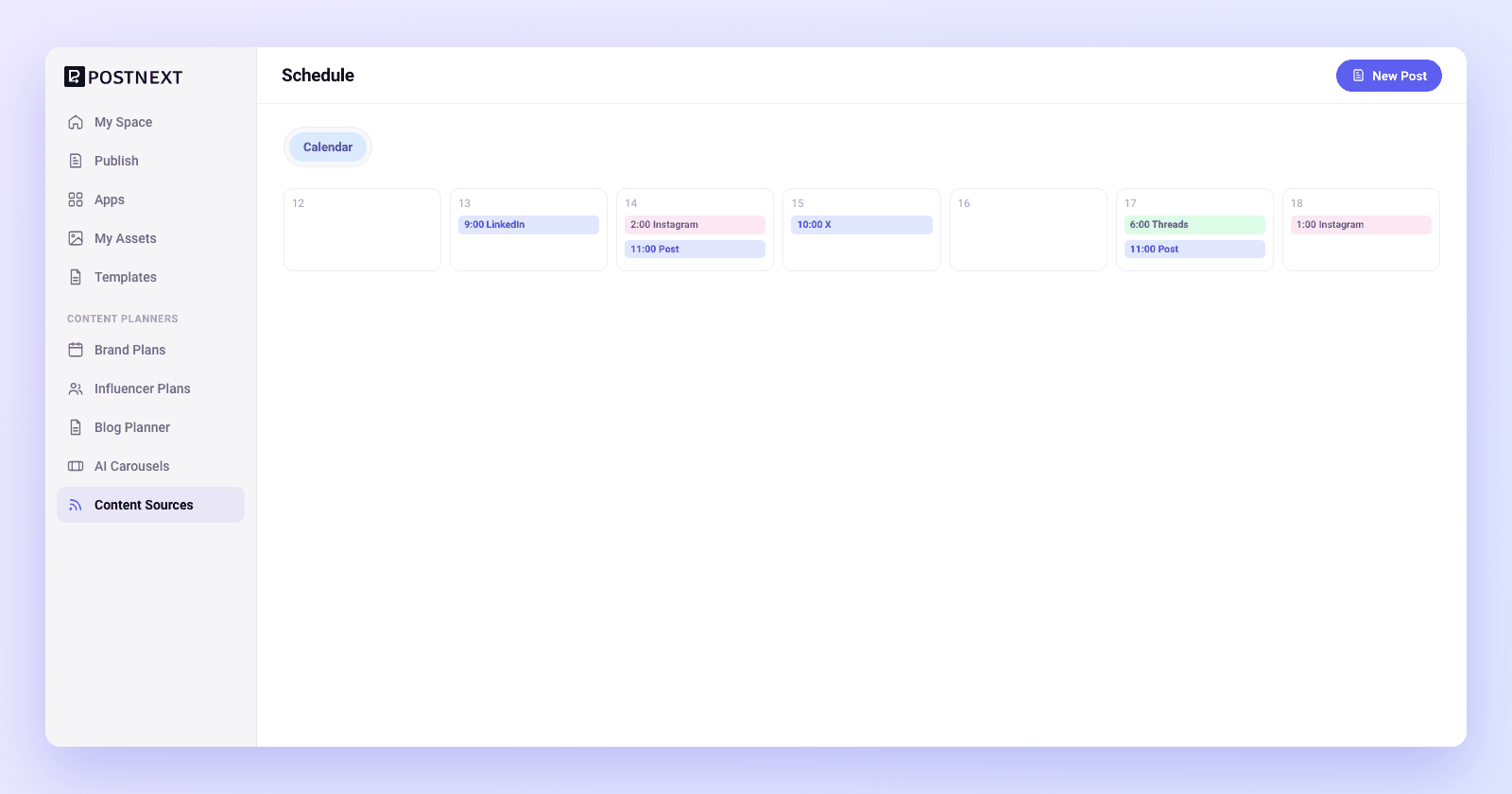
Auto-drafted does not mean auto-published. Every item arrives as a draft you can read, rewrite in your own voice or discard. Add your take, and for Instagram or TikTok add an image or video, then send the keepers to the calendar. You stay the editor, with a head start on the writing.
Every feed item lands as an editable draft, never an automatic post
Edit copy, add your angle, or discard items that do not fit
Add your take and any media, then schedule from your calendar
Add a feed source
Pick your channels
Let PostNext draft
Review and schedule
Content curation questions answered
Common questions about connecting feeds, auto-drafting, and scheduling curated content.
What kinds of feeds can I connect?
How often does PostNext check my feeds for new content?
Does PostNext publish curated items automatically?
Can I choose which channels a feed drafts for?
Will the same article be drafted more than once?
Do I need a paid plan to use content curation?
Let your feeds fill your drafts
Connect RSS and Atom feeds and PostNext creates drafts from new items every 30 minutes. Review, edit and schedule on your terms. Every plan starts with a 7-day trial that asks for a card; if you cancel, you keep the Free plan.
