Threads Scheduling Software
Grow Your Threads Community with Simple Planning
Keep your Threads active and engaging. Schedule posts and multi-post threads weeks ahead and send them to the next free slot in your posting schedule.
Set your own posting slots for each day and fill the next free one with one click
Generate conversation starters and hooks, split long posts into threads, and get hashtag suggestions
Plan and schedule weeks or months of Threads content in advance with our intuitive visual calendar and media library
Threads Management Platform
Professional Threads Scheduler Built for Community Growth
One affordable platform for scheduling, a multi-post thread builder, AI writing and team approvals, built for Threads creators and community managers.
Team workspace with a shared calendar, shared asset library, and post approval for agencies
Schedule Threads text, image, video and carousel posts, and multi-post threads published together
Plan Threads next to Instagram, X and LinkedIn on one calendar, with approvals for teams
Threads Planning
Plan Threads Alongside Your Other Channels
Write once and adapt: the composer publishes the same idea to Threads, Instagram, X and LinkedIn with an editable version for each, all on one calendar. Threads post metrics are not available in PostNext yet, so read them in the Threads app.
Publish to Threads, Instagram, X and LinkedIn from one composer, with an editable version per network
Drag posts to a new day on the calendar and fill your posting slots with one click
Repeat evergreen posts with Repeat this post, or import up to 100 posts from a CSV
1
Create Your Threads Post or Conversation with AI
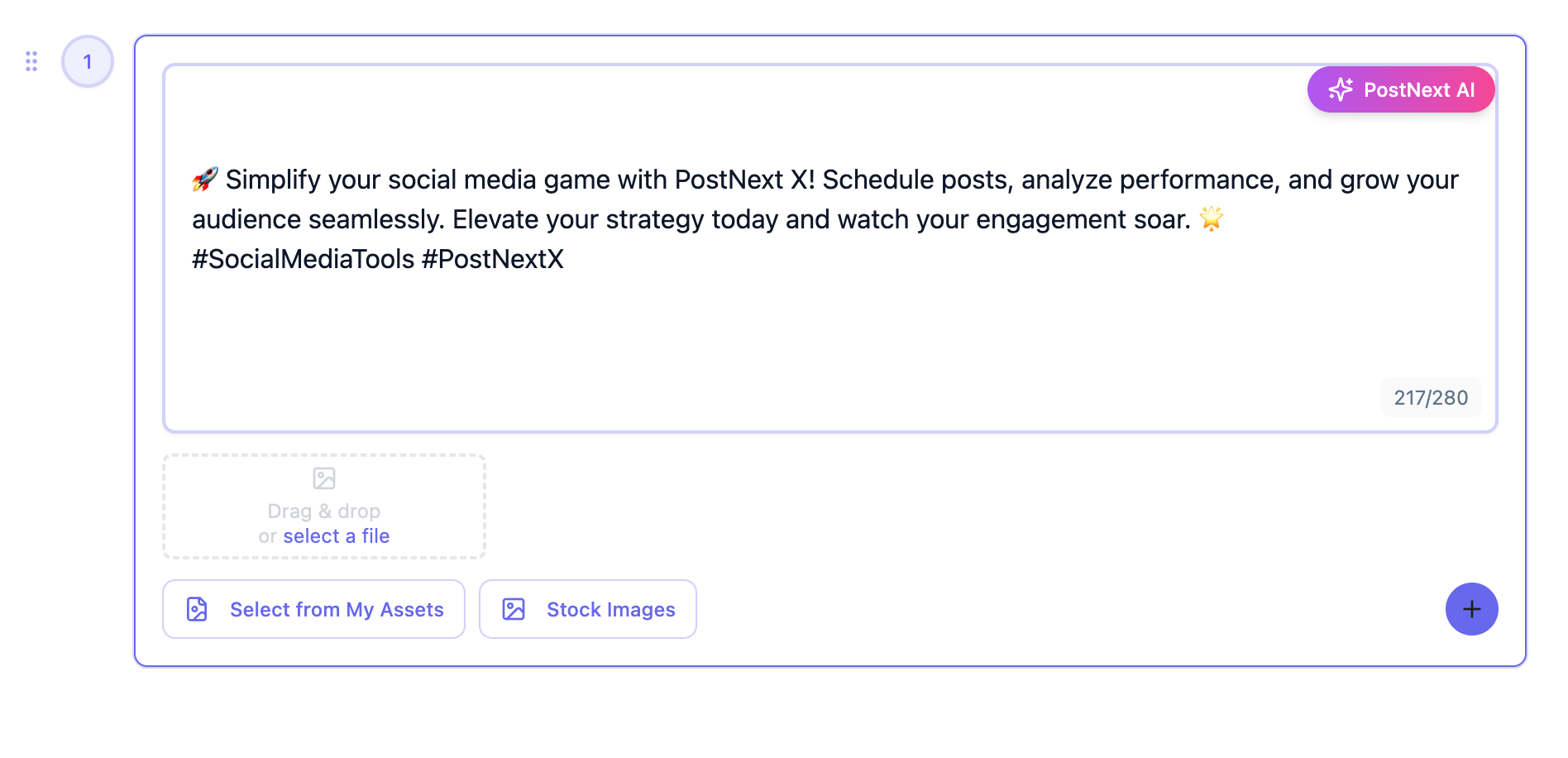
Write your post or let the AI draft conversation starters and hooks, split a longer idea into a multi-post thread, and add images or videos.
2
Pick a Time or Use Your Posting Slots
Choose a date and time, click one of your suggested best times, or send the post to the next free slot in your channel's posting schedule.
3
Preview Post & Queue to Calendar
Preview how your post and media will look, then find it on your content calendar, where you can drag it to another day before it publishes automatically.
4
Review and Plan the Next Batch
See what went out on the calendar, repeat posts that worked, and read the insights in the Threads app to plan what comes next.
Threads Scheduler Frequently Asked Questions
Have questions about Threads automation? Contact our support team
Can PostNext AI automatically generate and schedule Threads posts and conversations?
Yes. The AI writes conversation starters, hooks and hashtags, and can split a longer idea into a multi-post thread. You then schedule it for a date and time, or send it to the next free slot in your posting schedule.
How do I pick a good time to post on Threads?
Set posting slots for your Threads channel at the times that suit your audience, and PostNext fills the next free one when you pick the next free slot. Automatic best-time suggestions need post metrics, which Threads does not provide to PostNext yet.
Can I schedule threaded reply chains to post sequentially over time?
Not spread over time. A multi-post thread is published together at the scheduled time, each post replying to the one before, a couple of seconds apart. To space posts out, schedule them as separate posts.
Does PostNext suggest trending topics and hashtags for Threads?
The AI suggests hashtags and conversation angles from your topic, and every suggestion is editable. It does not read live Threads trends.
Can I upload my brand content and use AI to generate Threads posts?
Yes. Upload logos, product photos and other assets to your My Assets library and reuse them in any post. The AI can generate new images from a text prompt, and you can search Unsplash, Pexels and Pixabay without leaving the composer.
How customizable is the AI Threads content generator's tone?
You pick a tone for the AI from a set of styles, and Brand Profiles store your brand's voice. You can keep several Brand Profiles, and every post stays fully editable before it is scheduled.
Can social media teams and agencies collaborate on Threads content creation?
Yes. PostNext Teams gives you a shared workspace: invite teammates as admins or members, share the calendar and asset library, and route posts through approval, where a draft waits as pending until a reviewer approves it or requests changes.
Do Threads analytics separate AI-generated content from manual posts?
No. Posts are not tagged by whether AI helped write them, and Threads post metrics such as impressions, likes and replies are not available in PostNext yet.
Is there a free trial for Threads scheduling before choosing a paid plan?
Yes. Every new account starts with a 7-day free trial of a paid plan (Premium, Business or Teams). It asks for a card and runs on smaller trial limits for channels and AI credits until the first payment. Cancel before it ends and you are not charged, and you keep the free plan: one channel and 10 posts a month.
What are PostNext Threads scheduler pricing plans?
PostNext has four plans: Free (1 channel, 10 posts and 10 AI credits a month), Premium (15 channels, 150 AI credits), Business (20 channels, 500 AI credits) and Teams (5 channels and 50 AI credits per user, 5-user minimum). Paid plans include up to 1,000 posts a month, bill monthly or yearly, and can be upgraded, downgraded or cancelled at any time.
Is PostNext Threads automation safe and compliant with Meta policies?
Yes. PostNext connects through Threads's official API with OAuth 2.0, so you sign in on Threads and PostNext never sees or stores your password. Access tokens are encrypted before they are stored, and posts go out through Threads's official API.
How do I schedule a Threads post in advance using PostNext's calendar?
Connect your Threads account, open the composer, write your post or generate it with AI, attach any media, then pick a date and time or send it to the next free slot. PostNext publishes it through the official Threads API.
Does PostNext support scheduling Threads media, such as photos, videos, and carousels?
Yes. Attach images, video clips or a carousel of images and videos to any scheduled Threads post, and preview the post before it publishes.
Can I schedule Threads posts to multiple Threads accounts from one dashboard?
Yes. Connect as many Threads accounts as your plan's channel limit allows (15 on Premium, 20 on Business, 5 per user on Teams) and schedule for each from the same calendar. Create a separate post for each Threads account; one post cannot target two Threads accounts at once yet.
Can I cross-post a Threads post to Instagram, X, or other platforms at the same time?
Yes. Toggle other networks in the composer and PostNext schedules the same idea to Instagram, X, LinkedIn and Threads in one step, with an editable version for each. LinkedIn versions can carry images but not video.
Does PostNext provide Threads analytics?
Not yet. Threads post metrics are not available in PostNext, so read impressions, likes and replies in the Threads app. PostNext keeps every scheduled and published Threads post on your calendar.
Connect All Your Social Media Accounts
Schedule and publish content across Instagram, TikTok, X (Twitter), LinkedIn, YouTube, Threads, and Bluesky - all from one unified platform.
Explore all available platformsReady to Build Your Threads Community? Start Scheduling Today
Join the creators and brands using PostNext to save time, increase engagement, and grow their Threads presence with intelligent automation and AI-powered conversation tools.Start Scheduling Free→